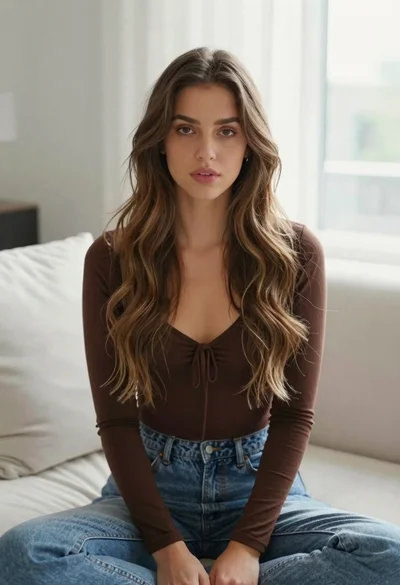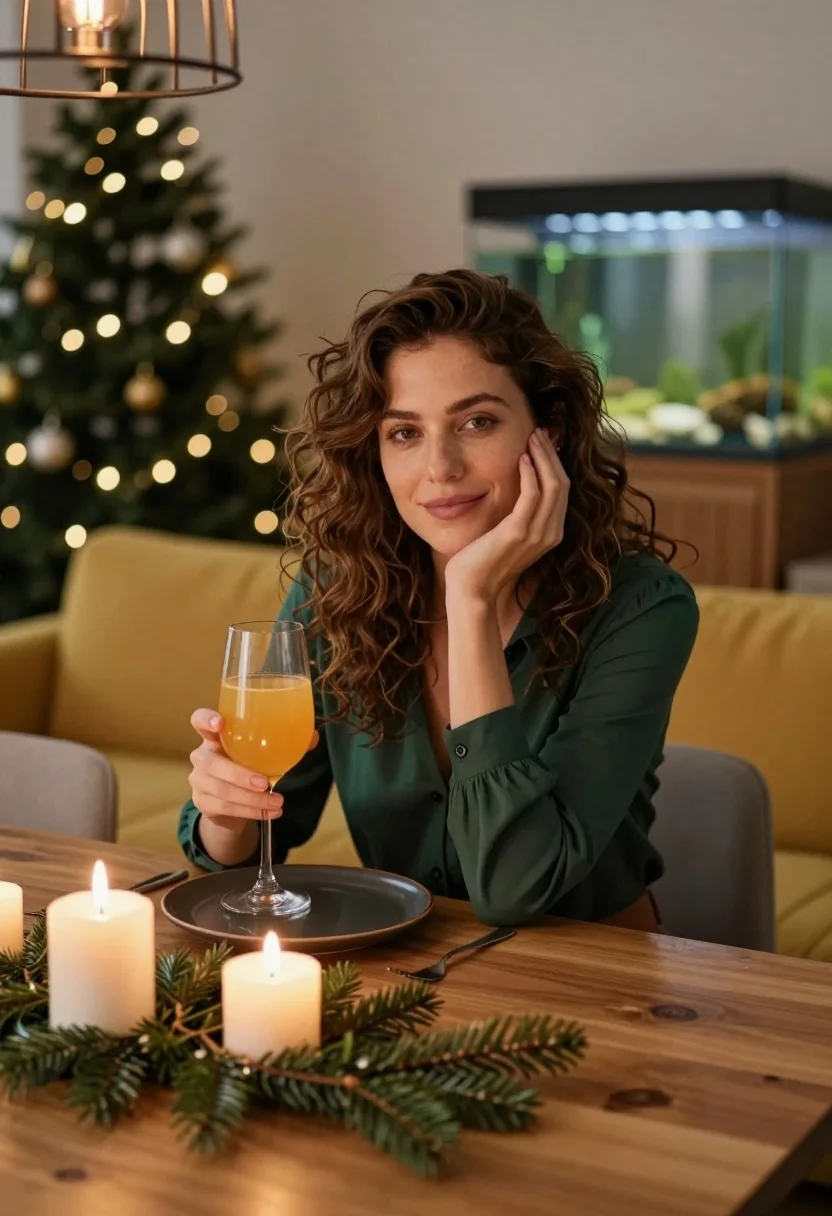
Woman with brown hair smiling at table with orange drink indoors
Prompt
A woman with wavy brown hair sits at a wooden dining table holding a glass of orange liquid and smiling gently at the camera.

Subject: A woman with long, wavy brown hair, fair skin, and a soft smile looking directly at the viewer.

Clothing: She wears a dark green, long-sleeved top with a V-neckline.

Action: She holds a wine glass filled with an orange beverage in her right hand while resting her left hand against her cheek.

Environment: The setting is a cozy indoor dining area featuring a yellow sofa behind the subject and a lit Christmas tree to the left. A large aquarium is visible on a shelf in the background.

Objects: Several white pillar candles are lit on the table alongside a runner of green pine branches, dark ceramic plates, and a hanging wire pendant light fixture above.

Lighting: The scene is illuminated by warm ambient light from the candles and the Christmas tree, creating soft shadows and a cozy atmosphere.

Camera: A medium shot captures the subject from the waist up with a shallow depth of field that blurs the background elements slightly.

Style Details: The image features naturalistic lighting, realistic textures, and a warm color palette evoking a holiday evening mood.
Description
This prompt is useful for creating intimate lifestyle portraits, seasonal editorial spreads, and cozy dinner party invitations. The combination of 'warm ambient light from the candles and the Christmas tree' with the 'shallow depth of field' ensures that the subject remains the clear focus while the background elements like the aquarium and sofa contribute to a rich, narrative setting without becoming distracting.
Suggestions
- Change 'dark green, long-sleeved top' to 'cream knit sweater' for a lighter feel.
- Swap 'yellow sofa' for 'deep burgundy velvet sofa' to deepen the holiday mood.
- Adjust 'orange liquid' to 'amber cocktail' for more visual sophistication.
Category
Tags
Brown HairCasual WearFair SkinFemaleIndoorsMedium ShotPortrait ShotRealistic
Date added
July 12, 2026
Added by
PromptDexter Team
Related Prompts
More prompts with similar categories and tags.
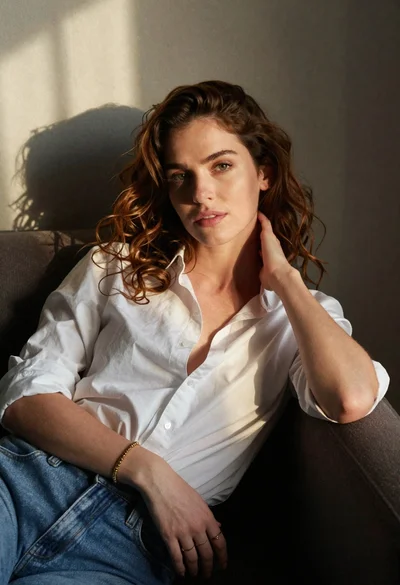
Woman with chestnut hair reclining on dark couch indoors

Blonde woman in black coat leaning against white wall by window
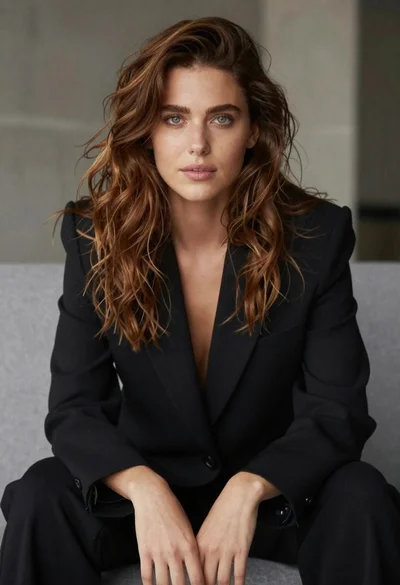
Studio portrait of woman in black blazer

Professional woman with long dark hair sitting in modern office chair
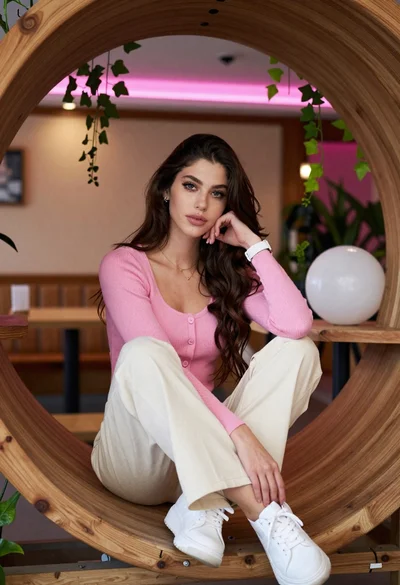
Young woman in pink cardigan sitting inside large wooden circular frame

Blonde woman in rust knit sweater leaning against textured wall
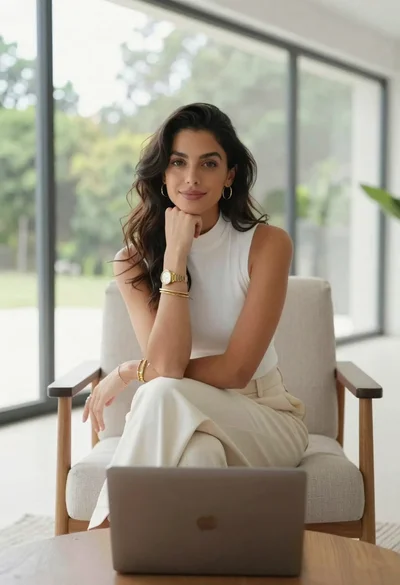
Woman seated in armchair near large windows with greenery

Woman in black dress by window overlooking ocean at golden hour
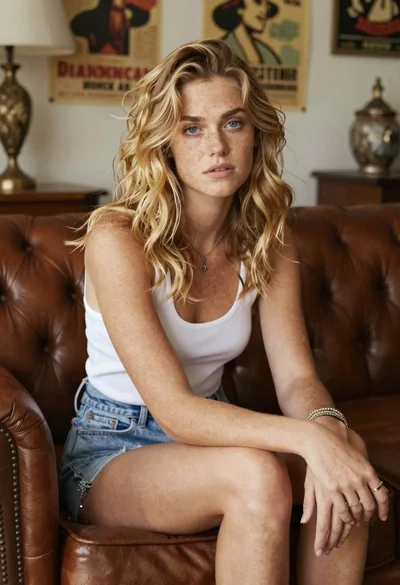
Woman with freckles sitting on brown leather sofa
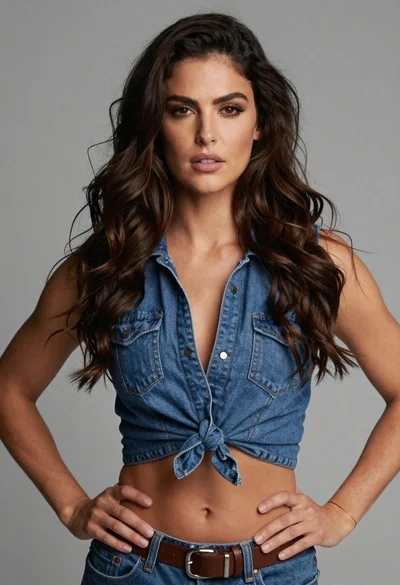
Medium close up of woman in denim crop top against gray studio