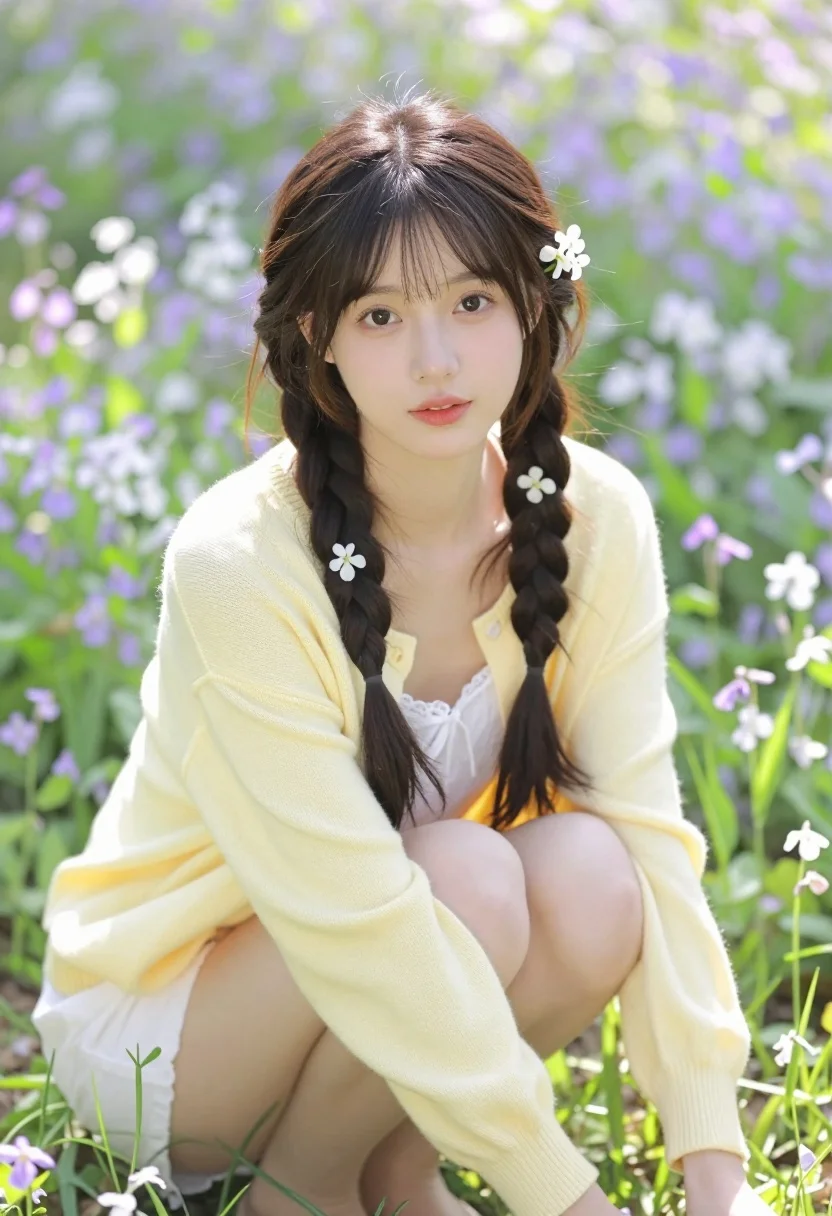
Young woman with dark braids in yellow cardigan among wildflowers meadow
Prompt
A young woman with dark hair styled in two thick braids adorned with small white flowers sits amidst a field of wildflowers.

Subject: A young woman with fair skin and large brown eyes looking directly at the camera. Her hair is dark brown, parted in the middle, and styled into two long, thick braids that hang over her shoulders. Several small white flowers are tucked into the braids as decorations. She has a soft, natural makeup look with rosy lips.

Clothing: She wears a pale yellow, open-front cardigan made of a soft knit fabric. Underneath, she wears a white lace top or camisole that is visible at the neckline. Her legs are bare.

Action: She is crouching or squatting low in the grass with her knees bent and arms resting near her legs. Her expression is calm and gentle.

Environment: The setting is an outdoor meadow filled with tall green grass and a dense background of small purple and white wildflowers, likely rapeseed flowers or similar spring blooms.

Lighting: The scene is lit by bright, natural sunlight coming from above and slightly behind the subject, creating a soft backlight that highlights her hair and creates a dreamy, airy atmosphere.

Camera: The shot is a medium close-up focusing on the upper body and face, with a shallow depth of field that blurs the background flowers to emphasize the subject.

Style Details: The image has a soft, high-quality aesthetic with a gentle color palette dominated by pastel yellows, greens, and purples, resembling a polished lifestyle photography or digital art style.
Description
This prompt is useful for creating editorial fashion moodboards, romantic portraiture for wedding stationery, and soft lifestyle advertising campaigns. The combination of 'pale yellow' knitwear against the 'purple and white wildflowers' establishes a gentle color palette that keeps the focus on the subject while using the 'soft backlight' to create an ethereal glow around her hair and shoulders.
Suggestions
- Change 'pale yellow' cardigan to 'mustard yellow' for a richer autumnal tone.
- Swap 'small white flowers' for 'baby's breath' for increased texture in the braids.
- Adjust the lighting by adding 'golden hour rim light' for more dramatic separation.
Category
Tags
Fair SkinFemaleOutdoorsRealistic
Date added
July 3, 2026
Added by
PromptDexter Team
Related Prompts
More prompts with similar categories and tags.

Blonde woman in rust knit sweater leaning against textured wall
Woman in white top by window overlooking green ivy and trees

Woman in gold sequin slip dress looking over shoulder in forest
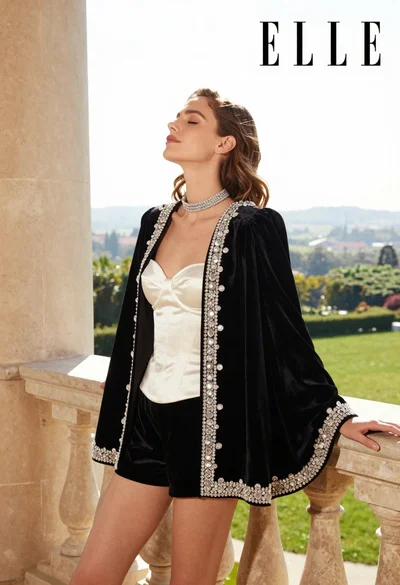
Woman in black velvet jacket on stone balcony against green hills
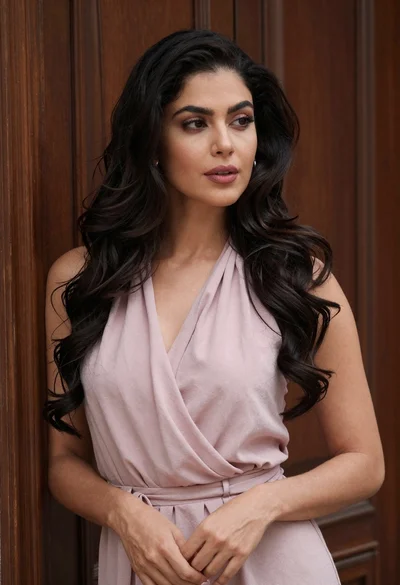
Fair woman with dark wavy hair wearing pink halter top against wooden

Woman in black dress by window overlooking ocean at golden hour
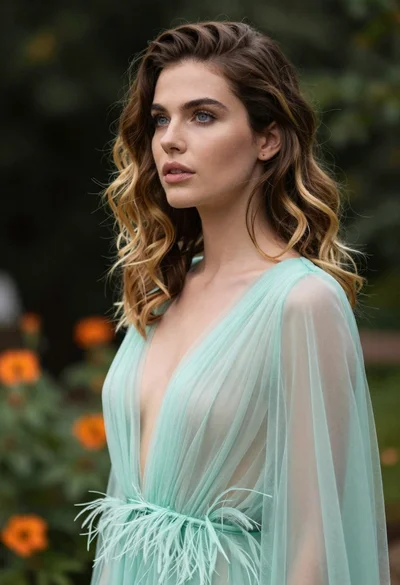
Portrait of woman with brown blonde hair in mint gown garden setting
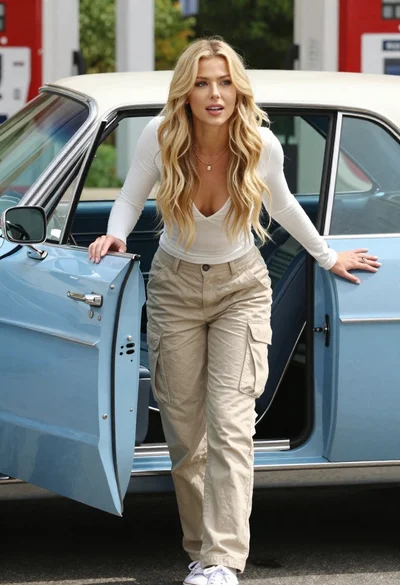
Blonde woman exiting vintage light blue convertible car outdoors during day
Fair skinned woman in red gown sitting on pink sofa amidst green

Young woman sitting among colorful clothes in minimalist studio setting