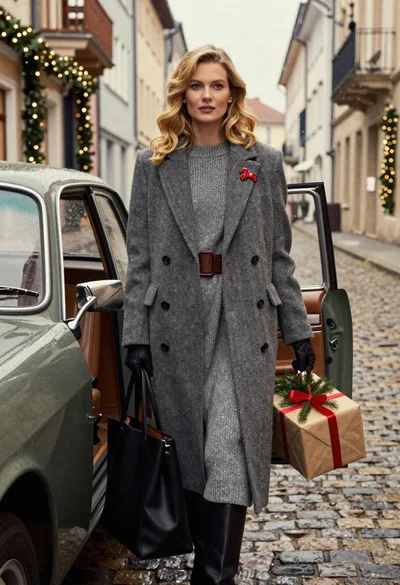

Blonde woman exiting vintage light blue convertible car outdoors during day
Prompt
A blonde woman stepping out of a vintage light blue convertible car with the door open.

Subject: A young woman with long wavy blonde hair and fair skin.

Clothing: She wears a white long-sleeved top with a deep plunging neckline, beige cargo pants with multiple pockets, and white sneakers. She is accessorized with layered gold necklaces and a ring on her finger.

Action: She is in the process of exiting the vehicle, leaning forward with one hand resting on the open car door and the other on the interior frame. Her gaze is directed slightly upward and to the side.

Environment: The setting appears to be outdoors during the day, likely near a gas station or roadside stop, indicated by blurred background structures and greenery.

Camera: Medium shot capturing the subject from the waist up as she exits the car, with a shallow depth of field blurring the background.

Lighting: Bright natural sunlight illuminates the scene from above, creating soft shadows and highlighting the textures of her clothing and hair.

Style Details: Photorealistic image with high detail and vibrant colors.
Description
This prompt is useful for creating lifestyle editorial spreads, vintage automotive advertising, and character-driven narrative stills. The combination of 'bright natural sunlight' casting soft shadows against the 'vintage light blue convertible car' ensures that the subject remains clearly visible while the shallow depth of field isolates her action, preventing the background structures from competing with the primary focus on her exit.
Suggestions
- Change 'beige cargo pants' to 'denim cut-offs' for a more casual feel.
- Add 'Kodak Portra 400 film grain' to enhance the vintage aesthetic.
- Adjust 'bright natural sunlight' to 'overcast daylight' for softer shadows.
Category
Tags
BlondeFair SkinFemaleMedium ShotOutdoorsRealistic
Date added
June 19, 2026
Added by
PromptDexter Team
Related Prompts
More prompts with similar categories and tags.
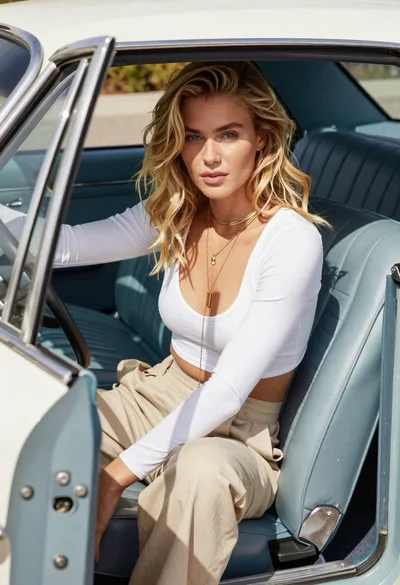
Blonde woman sitting inside vintage open top car outdoors during day
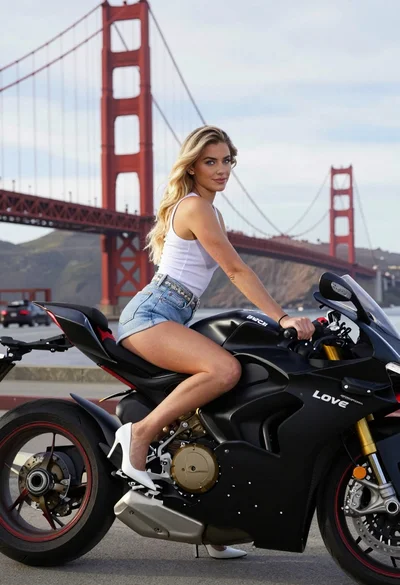
Blonde woman sitting on black ducati motorcycle near golden gate bridge
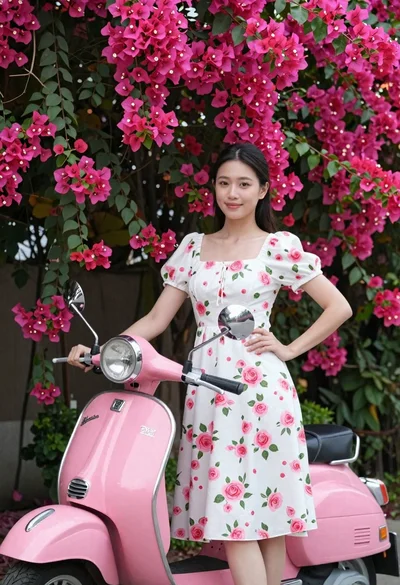
Young woman in floral white dress standing by pink vintage scooter
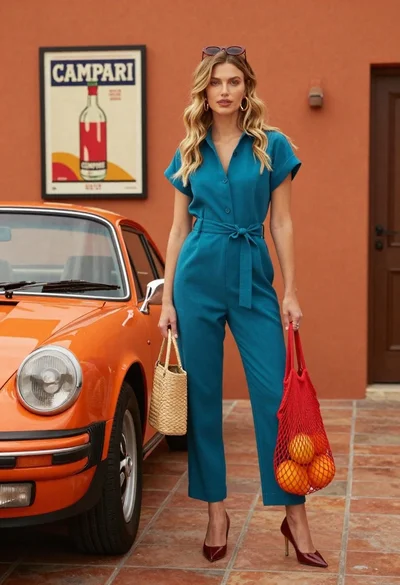
Stylish blonde woman in teal jumpsuit stands next to vintage orange porsche
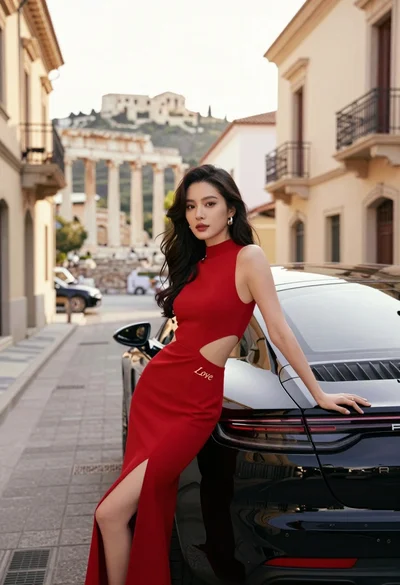
Woman in red gown leaning on black porsche near ancient city ruins
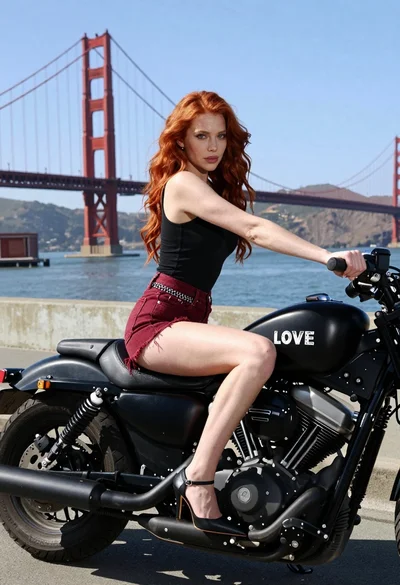
Woman with red hair sitting on motorcycle near golden gate bridge
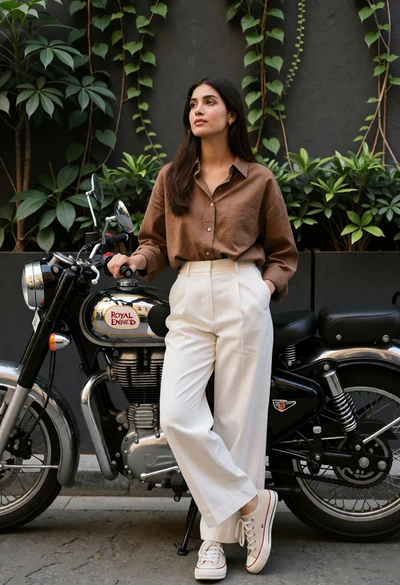
Young woman leaning on a royal enfield motorcycle against an urban wall
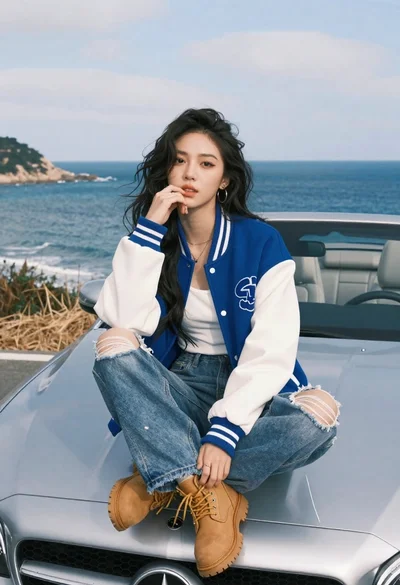
Asian woman on car hood overlooking turquoise coastline
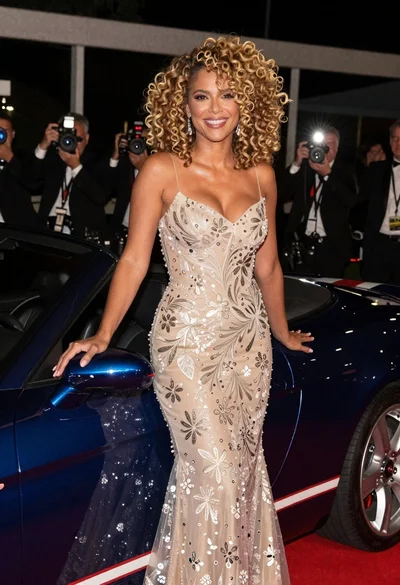
Glamorous blonde woman by blue convertible at nighttime event
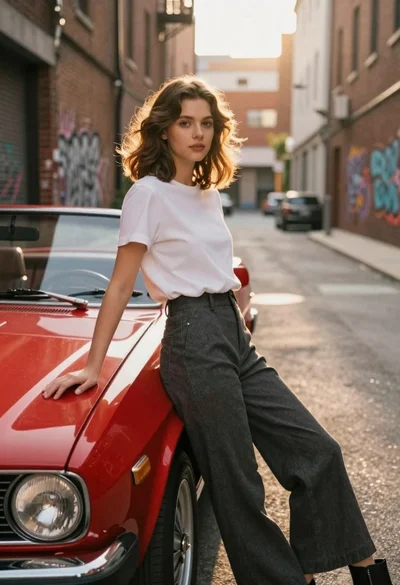
Young woman in white tshirt leaning against vintage red convertible car