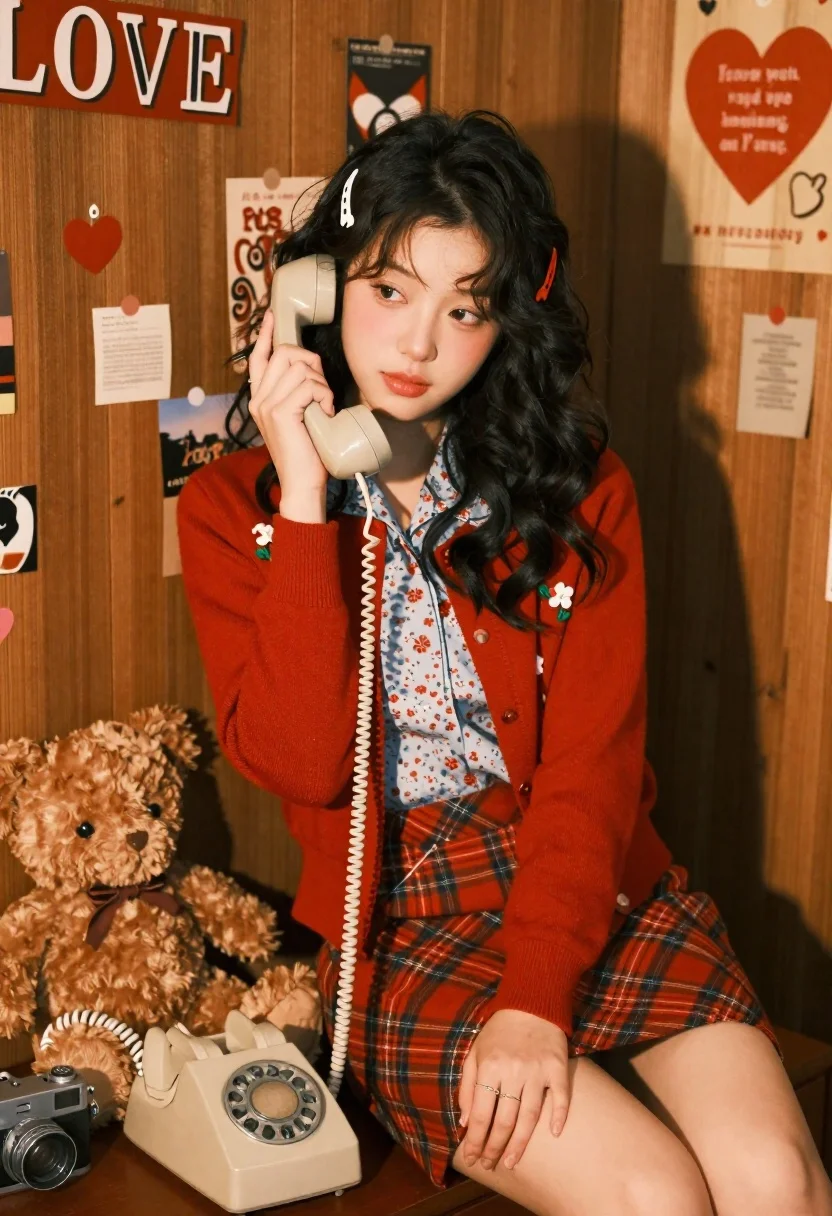
Young woman with dark hair holding a vintage rotary phone in cozy
Prompt
A young woman with dark wavy hair sits on a wooden surface holding a vintage beige rotary phone to her ear.

Subject: A young woman with long dark wavy hair and fair skin featuring soft makeup including pink lips and subtle eye definition.

Clothing: She wears a red cardigan with floral embroidery over a light blue floral blouse, paired with a red plaid skirt, accessorized with small colorful barrettes in her hair and rings on her fingers.

Action: She holds a beige rotary phone receiver to her ear with one hand while resting the other on her lap, looking slightly away from the camera with a calm expression.

Environment: The setting is a cozy room with wooden walls covered in heart-shaped decorations, notes, and posters including a large "LOVE" sign and a red heart with text.

Objects: A brown teddy bear sits beside her along with a vintage film camera placed on the wooden surface nearby.

Lighting: Soft warm lighting creates gentle shadows and highlights that enhance the nostalgic atmosphere of the scene.

Camera: The shot is framed at eye level with a shallow depth of field that keeps the subject sharp while softly blurring the background details.

Style Details: The image has a vintage aesthetic with rich red tones and a film-like quality that evokes a retro romantic mood.
Description
This prompt is useful for creating editorial fashion spreads, nostalgic character portraits, and themed lifestyle advertisements evoking romance. The combination of 'soft warm lighting' and the 'vintage aesthetic with rich red tones' establishes an intimate, storybook quality that complements the domestic clutter of heart-shaped decorations and the tactile nature of the rotary phone.
Suggestions
- Change 'red cardigan' to 'mustard yellow cardigan' for a different color pop.
- Replace 'wooden walls covered in heart-shaped decorations' with 'dark velvet wallpaper' for a more formal feel.
- Adjust 'shallow depth of field' to 'deep focus' if you want all the background details visible.
Category
Tags
Black HairFair SkinFemaleIndoorsMedium ShotRealistic
Date added
June 21, 2026
Added by
PromptDexter Team
Related Prompts
More prompts with similar categories and tags.
Woman in olive green silk dress reading a book on bed
Woman in olive green silk dress and long black hair reading book on bed

Young woman in silver sequin top and lace dress against beige wall

Woman in black dress by window overlooking ocean at golden hour

Blonde woman looking back over shoulder against white wall
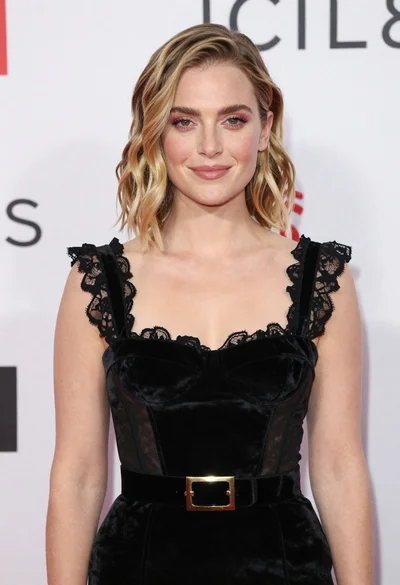
Fair skinned woman in black velvet dress at white step and repeat
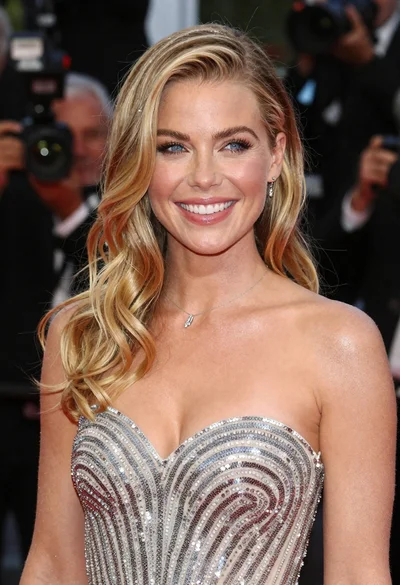
Close up portrait of smiling blonde woman in silver sequin gown

Black and white portrait of confident woman in blazer