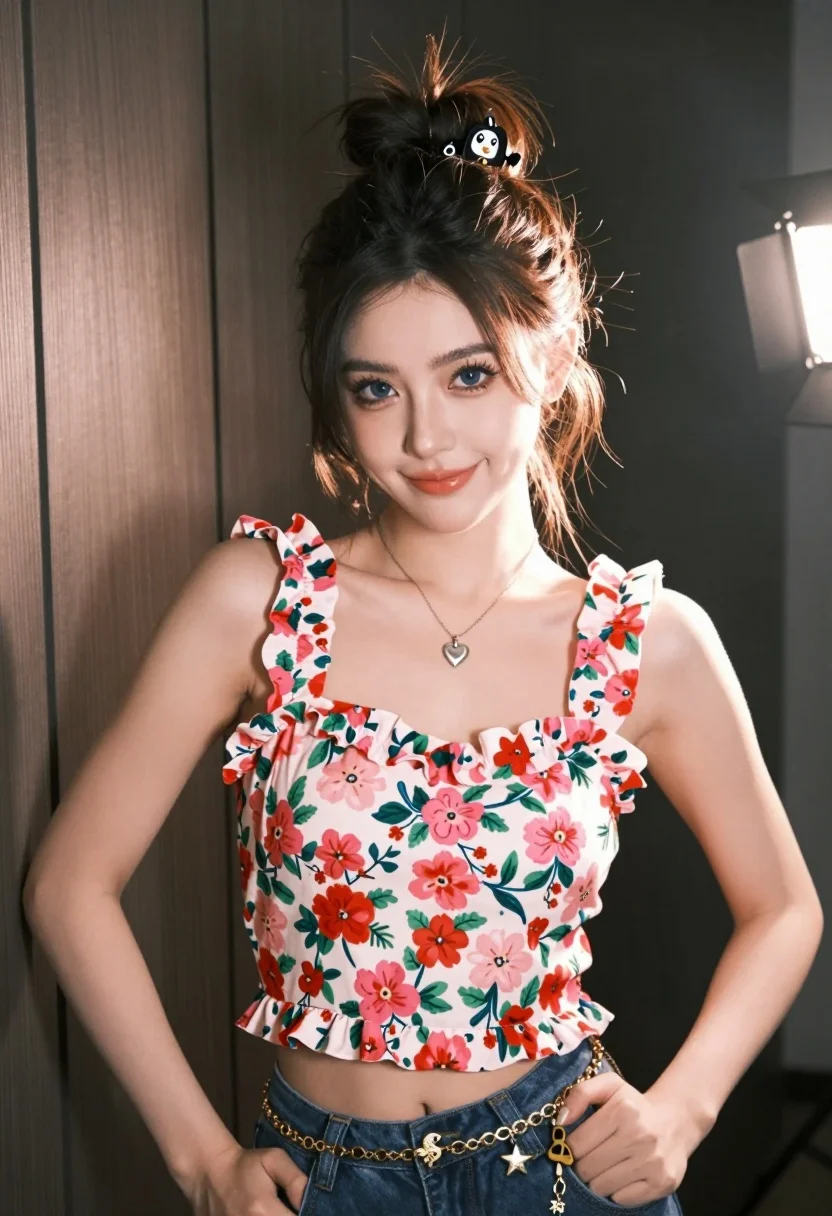
Young woman with dark hair in bun wearing floral top against wood
Prompt
A young woman with dark hair styled in a high bun stands facing forward with a slight smile.

Subject: A young woman with fair skin and blue eyes, her dark brown hair pulled up into a messy top knot secured with black clips featuring cartoon faces.

Clothing: She wears a sleeveless floral top with ruffled straps tied at the shoulders, displaying a vibrant pattern of pink and red flowers on a white background, paired with a gold chain belt adorned with seahorse and starfish charms and a silver heart-shaped pendant necklace.

Action: She stands with her hands resting lightly on her hips, looking directly at the camera with a soft expression.

Environment: The background consists of dark vertical wood paneling, with a bright light source visible to the right side creating lens flare.

Lighting: Strong directional lighting from the right casts highlights on her face and shoulder while leaving the left side in shadow, creating a high-contrast look.

Style Details: The image has a polished, slightly glossy aesthetic typical of professional event photography or social media portraits.
Description
This prompt is useful for creating stylized e-commerce product shots, personal branding headshots, and vibrant lifestyle catalog images. The combination of 'strong directional lighting from the right' casting highlights while leaving the left side in shadow establishes a high-contrast look that makes jewelry details pop against the dark wood paneling, which prevents the subject from looking flat under even illumination.
Suggestions
- Change 'messy top knot' to 'sleek low bun' for a more formal feel.
- Swap 'pink and red flowers' for 'tropical monstera leaves' for an updated pattern.
- Adjust 'gold chain belt' to 'woven rattan belt' to complement the wood.
Category
Tags
Black HairCasual WearFair SkinFemalePortrait ShotRealisticStudio
Date added
August 5, 2026
Added by
PromptDexter Team
Related Prompts
More prompts with similar categories and tags.
Poised woman in black fur stole against a plain light grey studio
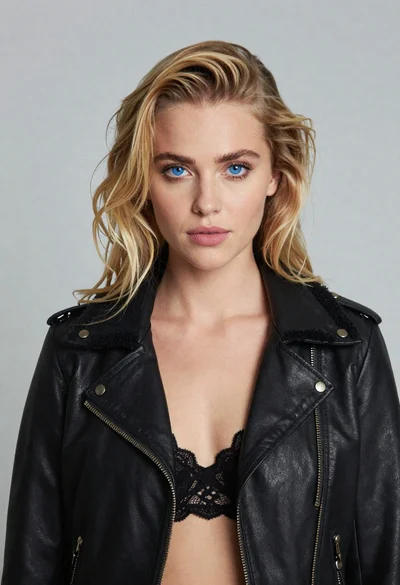
Portrait of blonde woman in black leather jacket against light grey studio
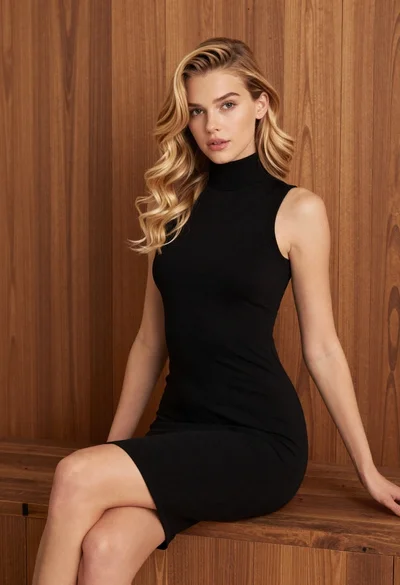
Blonde woman in black dress against wooden paneling
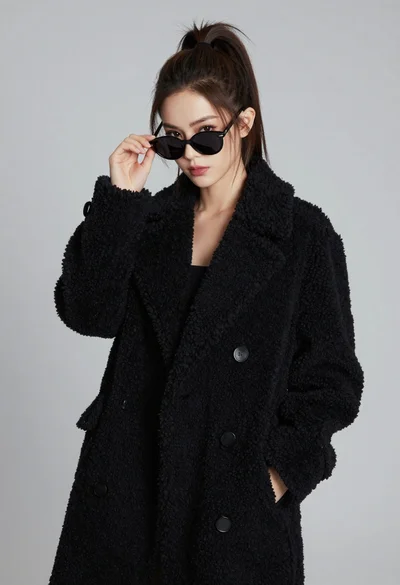
Stylish young woman in black teddy coat adjusting sunglasses against gray background
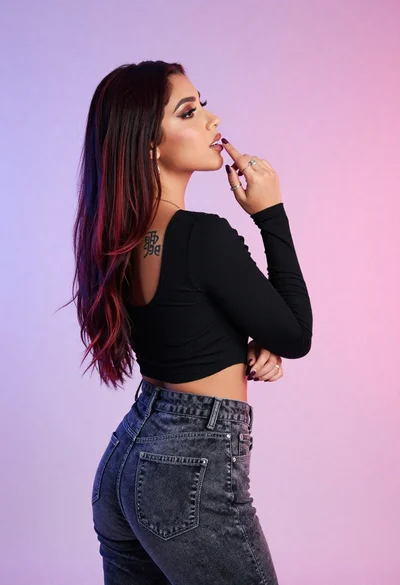
Woman in black crop top posing against purple pink gradient background
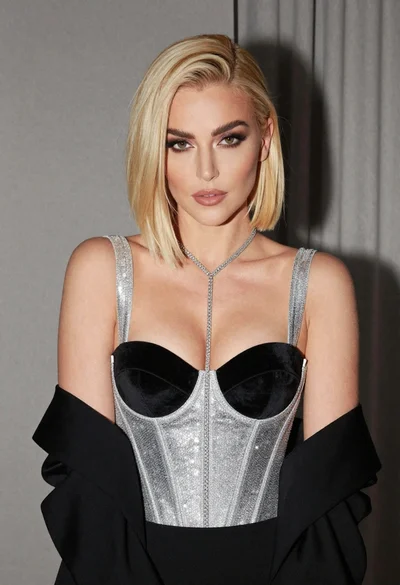
Glamorous portrait of woman with platinum blonde hair in silver corset top

Portrait of woman with red hair in navy blouse and green skirt

Young woman in blue denim jacket posing against pale pink seamless background

Close up portrait of blonde woman in black and white dress

Young woman seated on grey sofa against pink wall fashion portrait