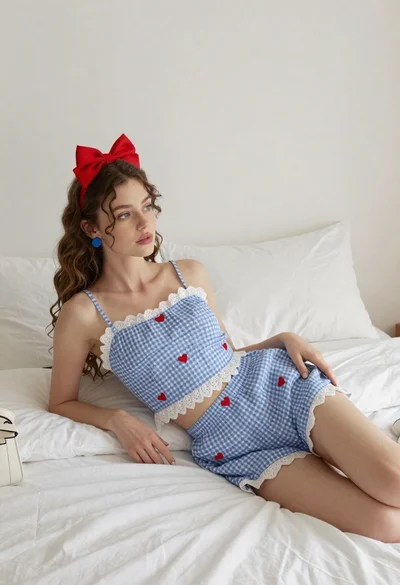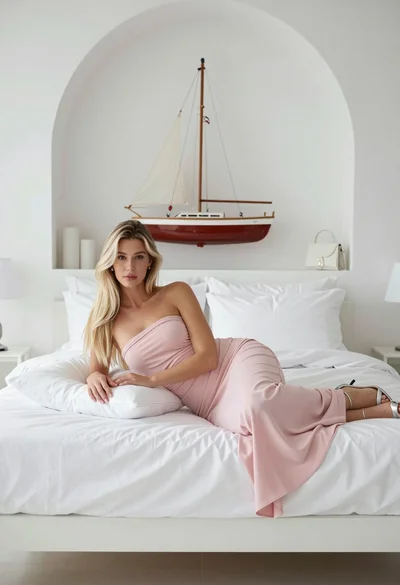

Young woman with dark hair sitting on bed in softly lit bedroom
Prompt
A young woman with long dark hair sits on a bed in a softly lit bedroom.

Subject: A young woman with long, dark brown hair that falls loosely around her shoulders and back. She has fair skin, soft features, and is looking slightly away from the camera with a calm expression.

Clothing: She wears a tight-fitting, light purple ribbed tank top with thin straps and matching beige or nude-colored briefs. Her skin appears smooth and slightly glistening under the warm light.

Action: She is seated on the edge of a bed, leaning back slightly with her left hand resting on the mattress behind her and her right hand resting on her thigh. Her body is angled slightly to the side.

Environment: The setting is a bedroom featuring a white or cream-colored duvet with soft folds. Behind her are light beige curtains covering a window, and a wall lamp is visible in the background casting a warm glow.

Camera: The shot is a medium close-up framed from a low angle looking up at the subject, emphasizing her posture and facial features.

Lighting: Warm, ambient lighting creates a soft, intimate atmosphere with gentle highlights on her skin and hair, suggesting a single light source from the side or behind.

Style Details: Photorealistic rendering with high detail in skin texture and fabric, featuring a cinematic color palette dominated by warm neutrals and soft pastels.
Description
This prompt is useful for creating intimate lifestyle photography, boudoir editorial spreads, and mood boards emphasizing quiet moments of repose. The combination of 'low angle' framing with 'warm, ambient lighting' directs the viewer's gaze upward toward the subject’s face while ensuring that the 'soft folds' of the duvet catch gentle highlights, preventing the scene from looking flat or overly staged.
Suggestions
- Change 'light purple ribbed tank top' to a sheer silk slip for more delicacy.
- Swap 'low angle' for 'eye-level shot' to feel less dramatic.
- Add 'bokeh background' to blur the visible wall lamp.
Category
Tags
BedroomCasual WearFair SkinFemaleIndoorsLow AngleMedium ShotRealistic
Date added
July 3, 2026
Added by
PromptDexter Team
Related Prompts
More prompts with similar categories and tags.

Woman in black dress seated on beige sofa in minimalist interior room
Young woman in black outfit with tiara standing in purple lit bedroom

Young woman in lace lingerie seated on grey velvet sofa indoors

Young woman reclining on patterned sofa in light green lace lingerie

Blonde woman in swimsuit by yacht window overlooking blue sea
Young woman in lavender crop top kneeling on bed with black glasses
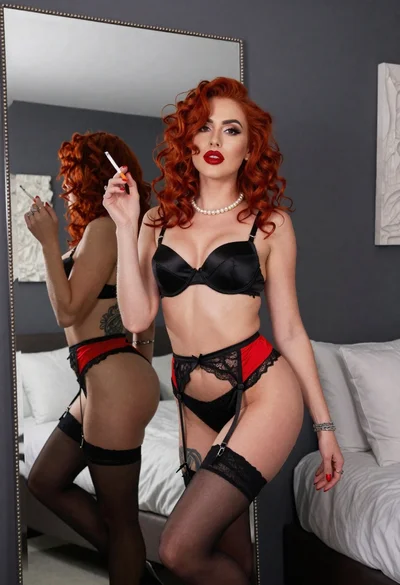
Woman with red curly hair posing in black lingerie near large mirror
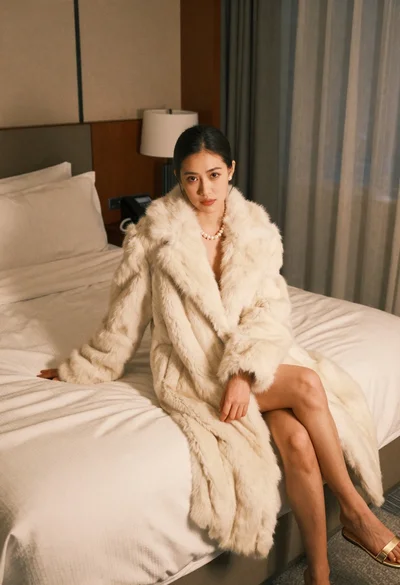
Woman in cream fur coat seated on bed looking at camera

Young woman in white crop top and sequined skirt in decorated bedroom

Young woman in teal lingerie sitting on bed looking back over shoulder