
Young woman in teal lingerie sitting on bed looking back over shoulder
Prompt
A woman with a short brown bob haircut sits on a bed looking back over her shoulder.

Subject: A young woman with fair skin and a short, layered brown bob haircut featuring soft bangs. She has large eyes and a neutral expression as she turns her head to look at the viewer. Her posture is relaxed yet posed, leaning forward slightly with one arm extended along the bedding.

Clothing: She wears a matching dark teal lingerie set consisting of a bralette and panties made from solid fabric with delicate black lace trim along the edges. The garments fit snugly against her skin.

Action: She is seated on a bed, leaning forward with her left arm resting on the white duvet cover. Her body is angled away from the camera while her head turns back to face it directly.

Environment: The setting is a bright bedroom featuring a fluffy white fur throw pillow behind her and a stack of books on a surface in the background. A large green leafy plant sits in a white planter to the right, and a framed piece of abstract art hangs on the wall in the upper left corner.

Lighting: Soft natural daylight illuminates the scene from the side, casting gentle shadows that highlight her skin tone and creating a warm, airy atmosphere.

Camera: The shot is taken from a low angle looking up at the subject, utilizing a shallow depth of field to keep her in sharp focus while blurring the background elements.

Style Details: High-resolution photography with a clean, modern aesthetic emphasizing soft textures and natural color grading.
Description
This prompt is useful for creating intimate boudoir photography, editorial lingerie spreads, or mood boards capturing quiet moments of self-reflection. The combination of 'soft natural daylight' from the side sculpts the subject's form by emphasizing skin tone and preventing harsh shadows, while the 'low angle looking up' enhances a sense of vulnerability that complements the delicate nature of the teal lingerie.
Suggestions
- Change 'dark teal lingerie set' to 'emerald green silk lingerie' for a richer color pop.
- Swap 'fluffy white fur throw pillow' for 'velvet cushion' to change the texture contrast.
- Adjust 'soft natural daylight' to 'rim lighting from the window' for more dramatic separation.
Category
Tags
BedroomBrown HairBrunetteFair SkinFemaleIndoorsLingerieLow AngleMedium ShotRealistic
Date added
June 19, 2026
Added by
PromptDexter Team
Related Prompts
More prompts with similar categories and tags.
Young woman in lace lingerie seated on grey velvet sofa indoors
Young woman reclining on patterned sofa in light green lace lingerie
Young woman posing seductively on gold damask sofa with fruit mural
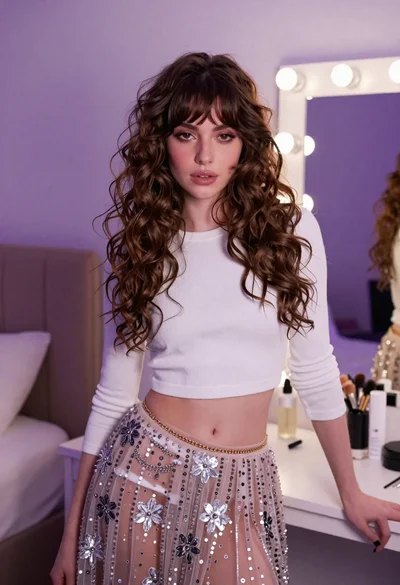
Young woman in white crop top and sequined skirt in decorated bedroom

Young woman in black lingerie with grey cardigan on stool
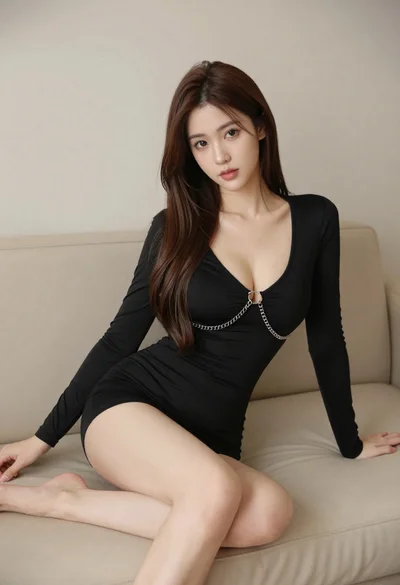
Woman in black dress seated on beige sofa in minimalist interior room
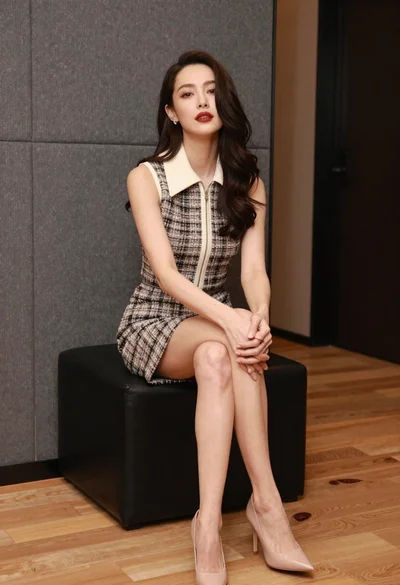
Woman in tweed dress seated elegantly on black ottoman indoors

Two women in red mini dresses posing indoors at an opulent setting
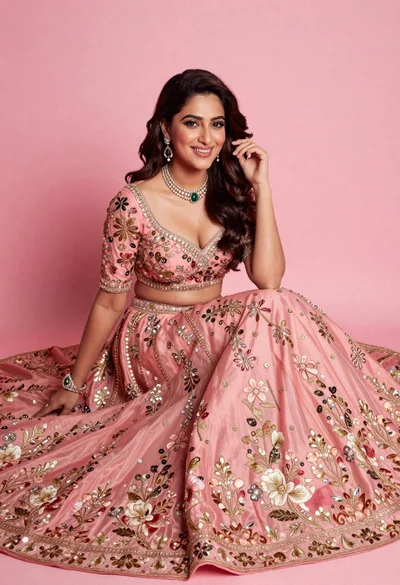
Smiling woman in elaborate pink lehenga choli against solid studio backdrop
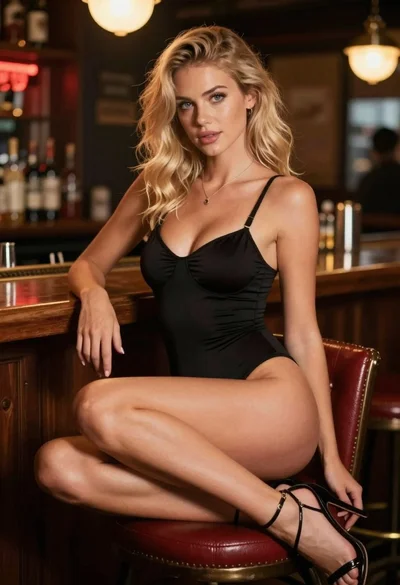
Blonde woman in black bodysuit seated at a pub bar
