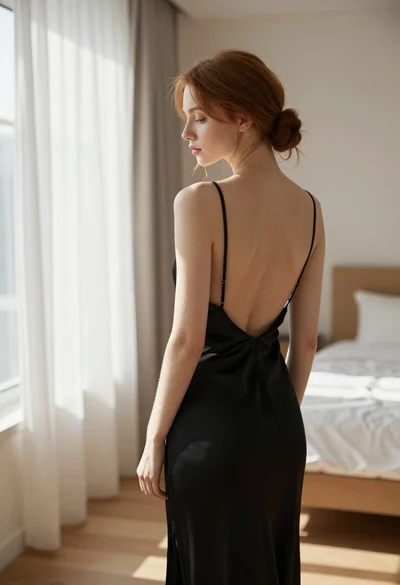
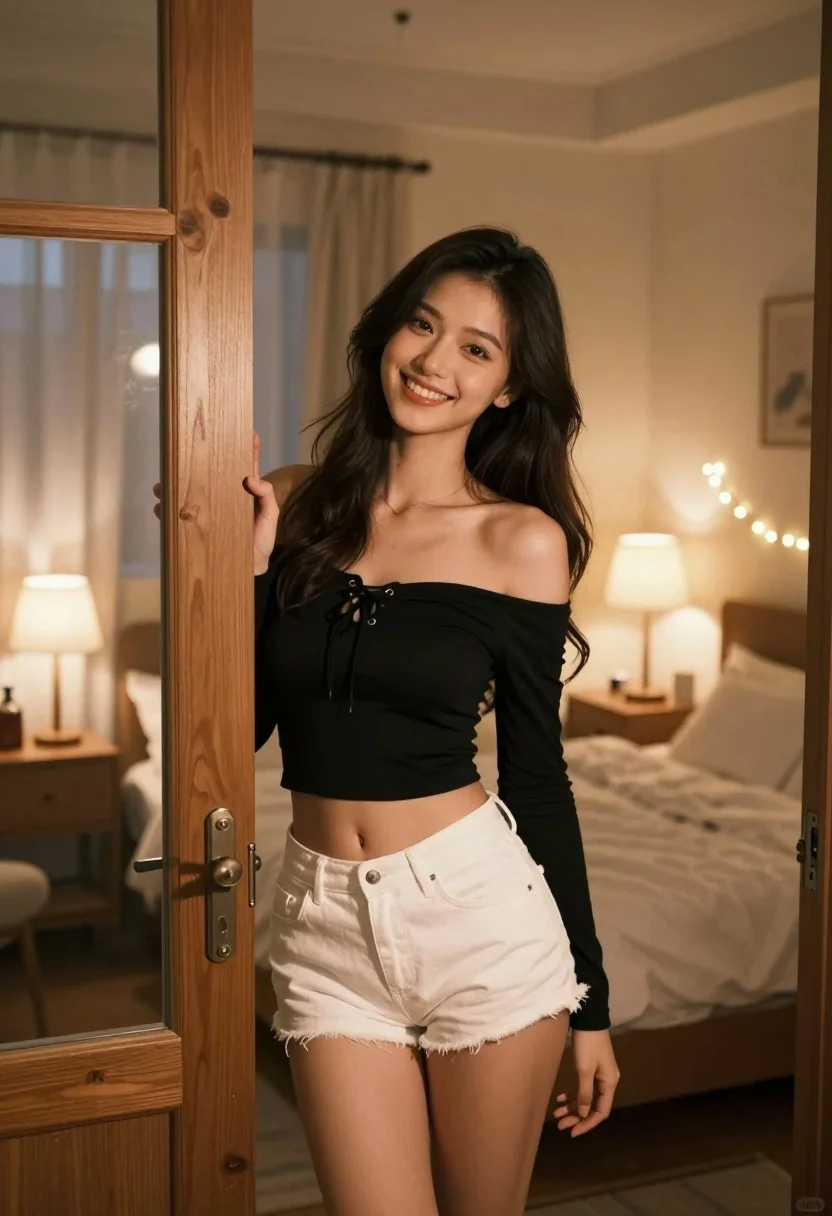
Young woman with dark hair smiling in doorway of cozy bedroom at
Prompt
A young woman with long dark hair stands smiling warmly in a doorway, leaning against the doorframe with one hand.

Subject: A young woman with long, wavy dark brown hair and a bright, engaging smile. She has a slender build and is looking directly at the camera.

Clothing: She wears a black off-the-shoulder long-sleeved crop top featuring lace-up detailing on the chest, paired with white denim shorts.

Action: She stands leaning casually against a wooden doorframe, holding it open with her right hand while smiling invitingly.

Environment: The setting is a cozy bedroom at night, featuring an unmade bed with white linens in the background, bedside tables with lamps, and string lights draped along the headboard.

Lighting: The scene is illuminated by warm, soft ambient light from multiple sources, including glowing table lamps and decorative fairy lights, creating a romantic and intimate atmosphere with gentle shadows.

Camera: Shot with a shallow depth of field that keeps the subject in sharp focus while blurring the bedroom background to emphasize her presence.

Style Details: The image has a cinematic, high-quality aesthetic with rich color grading, soft bokeh effects, and a polished, realistic rendering style.
Description
This prompt is useful for creating intimate lifestyle portraits, romantic editorial spreads, and cozy interior design mood boards featuring people. The combination of 'warm, soft ambient light' from multiple sources and the 'shallow depth of field' ensures that the subject remains sharply defined against a beautifully blurred background, perfectly capturing the inviting atmosphere suggested by the 'string lights draped along the headboard'.
Suggestions
- Change 'black off-the-shoulder long-sleeved crop top' to 'cream knit sweater' for a softer look.
- Swap 'white denim shorts' for 'silk pajama bottoms' to enhance the cozy feel.
- Adjust 'warm, soft ambient light' to include 'moonlight filtering through sheer curtains' for variation.
Category
Tags
BedroomBlack HairCasual WearFemaleFull BodyIndoorsMedium ShotRealistic
Date added
July 3, 2026
Added by
PromptDexter Team
Related Prompts
More prompts with similar categories and tags.
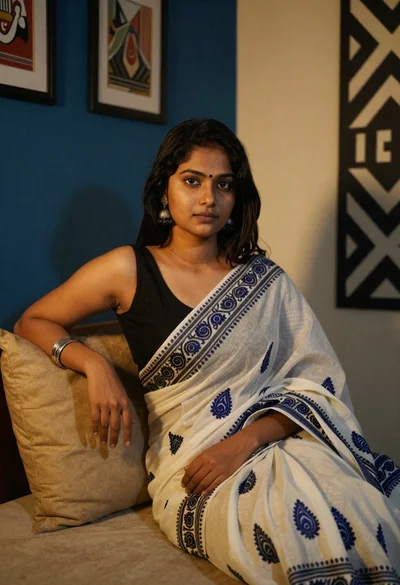
Young woman in white sari seated on bed in dimly lit bedroom
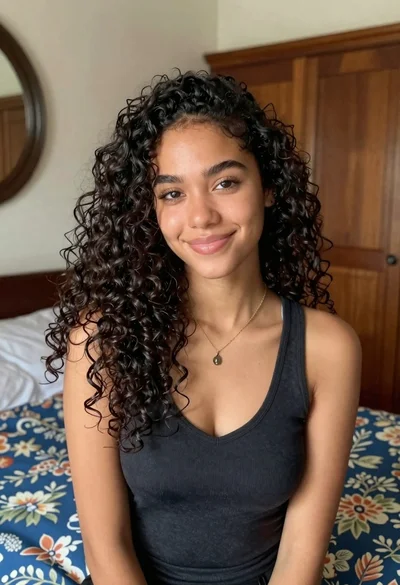
Medium close up portrait of young woman with dark curly hair indoors

Happy blonde woman making peace signs in sunlit bedroom

Woman in black dress holding cocktail glass at dimly lit restaurant table

Young woman with brown hair pointing to temple in a bright bedroom
Young woman with dark wavy hair in black oversized tshirt seated indoors
Young woman in grey sweatshirt and maroon skirt looking over shoulder
Serene portrait of young woman in beige dress resting chin on hand

Young woman in floral dress seated indoors by a window with greenery

Woman with black hair leaning indoors by glass railing in bright modern