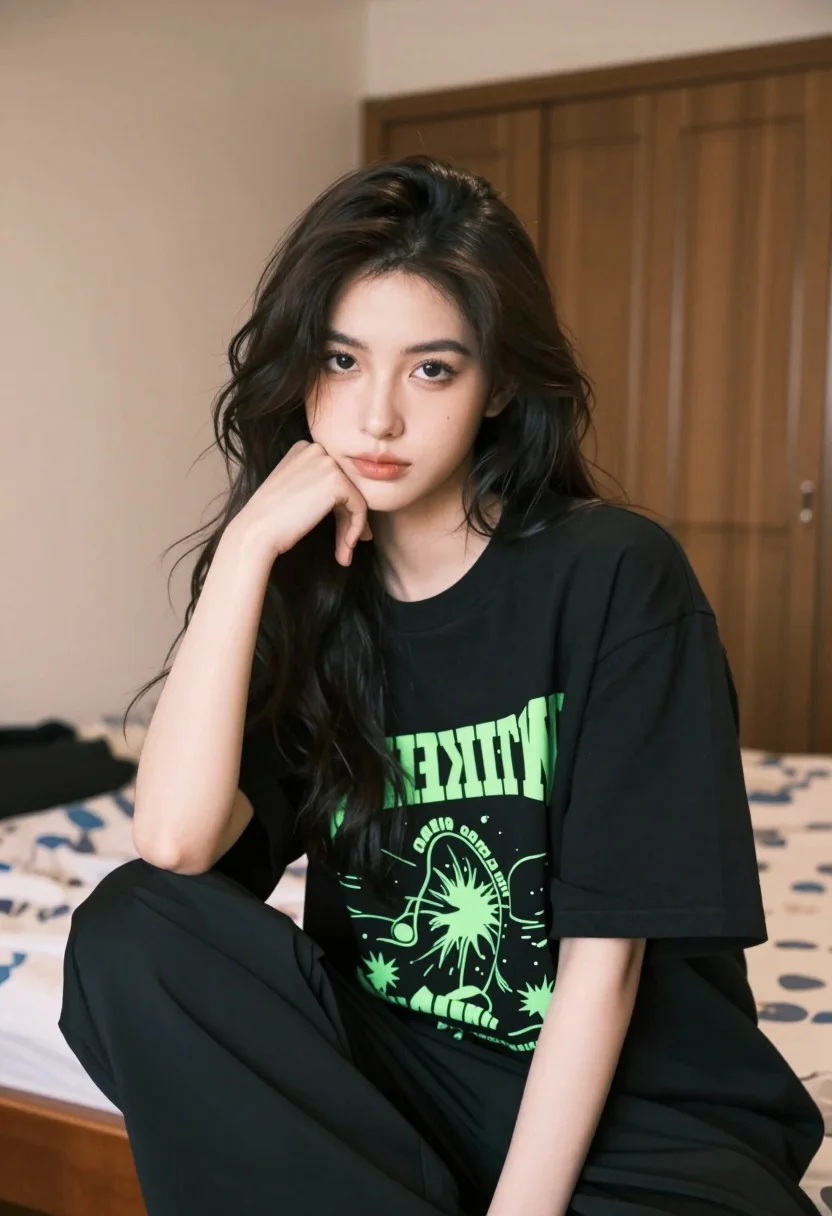
Young woman with dark wavy hair in black oversized tshirt seated indoors
Prompt
A young woman with long dark wavy hair rests her chin on her hand while looking directly at the camera with a calm expression.

Subject: A young woman with fair skin and long dark wavy hair that falls over her shoulders.

Clothing: She wears an oversized black t-shirt featuring bright neon green graphic text and illustrations, paired with loose-fitting black pants.

Action: She is seated with her right elbow resting on a wooden surface, her hand supporting her head as she gazes forward.

Environment: The setting is a bedroom with beige walls, a wooden wardrobe in the background, and a bed with patterned linens visible behind her.

Camera: The shot uses a medium close-up framing with a shallow depth of field that blurs the background to emphasize the subject.

Lighting: Soft natural light illuminates the scene from the side, creating gentle shadows and highlighting the texture of her hair and clothing.

Style Details: The image has a realistic photographic quality with warm tones and a slightly muted color palette.
Description
This prompt is useful for creating intimate portrait studies, editorial lifestyle shots featuring casual wear, and mood boards capturing quiet contemplation. The combination of 'soft natural light' from the side sculpts gentle shadows that define facial structure without harsh contrast, while the 'shallow depth of field' ensures the patterned linens remain a soft suggestion rather than distracting from the subject's direct gaze.
Suggestions
- Change 'oversized black t-shirt' to 'vintage band tee' for more character.
- Swap 'beige walls' for 'dark wood paneling' to deepen the mood.
- Adjust 'warm tones' to 'cool cyan tones' for a different emotional register.
Category
Tags
BedroomBlack HairCasual WearFemaleIndoorsMedium ShotRealisticSide Profile
Date added
August 5, 2026
Added by
PromptDexter Team
Related Prompts
More prompts with similar categories and tags.
Young woman in white sari seated on bed in dimly lit bedroom
Medium close up portrait of young woman with dark curly hair indoors

Brunette woman leaning against aged newspaper wall

Woman in red dress holding heart shaped balloon against white wall
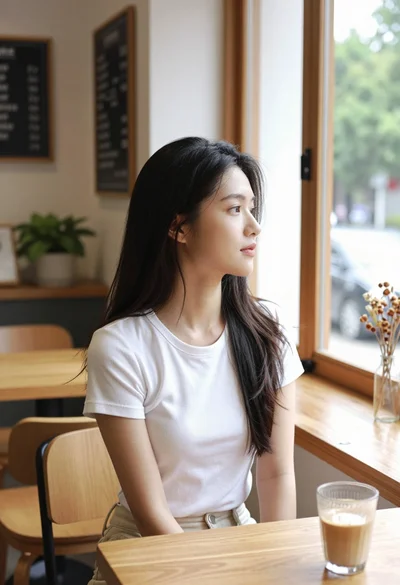
Young east asian woman in white t shirt looking out cafe window
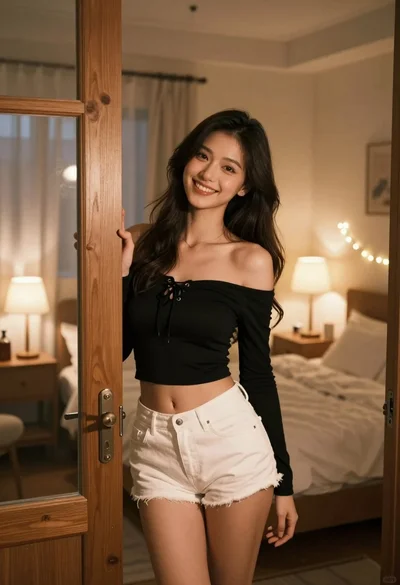
Young woman with dark hair smiling in doorway of cozy bedroom at
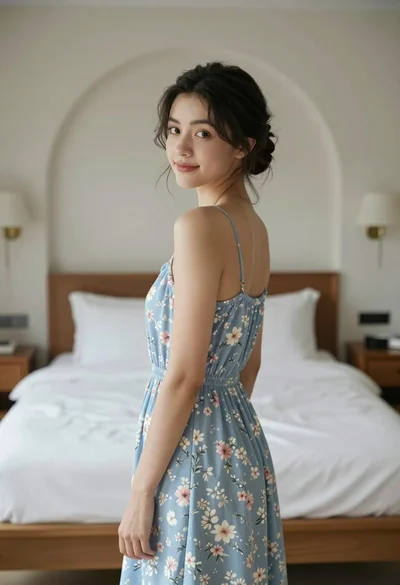
Young woman in floral dress looking back over shoulder in bright bedroom
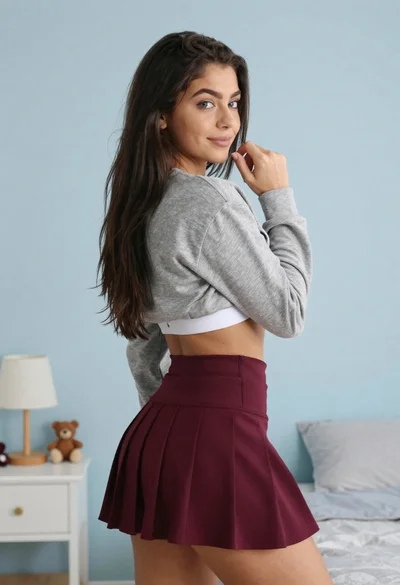
Young woman in grey sweatshirt and maroon skirt looking over shoulder
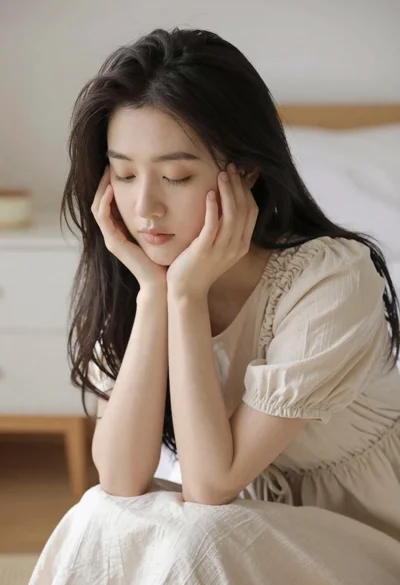
Serene portrait of young woman in beige dress resting chin on hand

Young woman in floral dress seated indoors by a window with greenery