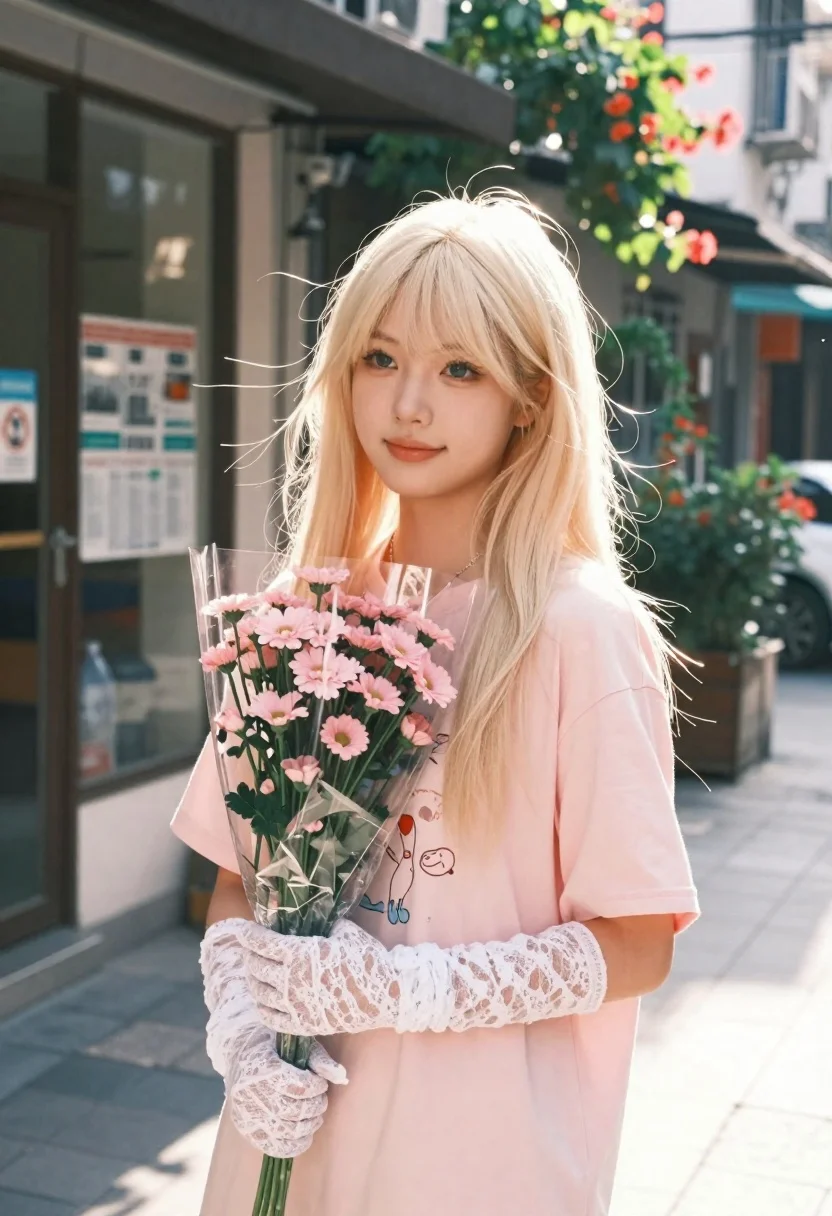
Young woman with platinum blonde hair holding pink flowers on a sundrenched
Prompt
A young woman with platinum blonde hair stands in a sun-drenched street scene holding a bouquet of pink flowers.

Subject: A fair-skinned young woman with long, straight platinum blonde hair and bangs that frame her face softly. She has a gentle, serene expression with a slight smile and is looking off to the side rather than at the camera. Her eyes are light-colored and appear soft in the backlighting.

Clothing: She wears a loose-fitting pastel pink t-shirt featuring faint cartoon graphics on the front, paired with matching pink bottoms. She wears long white lace gloves that cover her arms completely. A delicate necklace rests against her collarbone.

Action: The woman stands in a relaxed pose, holding a bouquet of small pink flowers wrapped in clear plastic close to her chest with both hands. Her hair is slightly tousled by a gentle breeze.

Environment: She stands on a city street in front of a storefront with a dark window display containing posters and newspapers. To the right, lush greenery with reddish-orange flowers is visible behind her. The background is softly blurred, suggesting an urban setting bathed in warm afternoon light.

Lighting: Strong backlighting creates a glowing halo effect around her hair and shoulders, casting soft shadows on her face and creating a dreamy, hazy atmosphere. The light source appears to be the sun low in the sky, filtering through trees or buildings.

Style Details: The image has a nostalgic, film-like aesthetic with warm color grading, soft focus, and a slightly grainy texture reminiscent of vintage photography or lo-fi digital art.
Description
This prompt is useful for creating editorial portraiture, lifestyle advertising featuring romance themes, and personal blog content evoking nostalgia. The combination of 'strong backlighting' to create a glowing halo effect and the 'softly blurred' background ensures that the subject remains the focal point while the 'pastel pink t-shirt' keeps the overall mood light and airy, preventing the urban setting from feeling too harsh.
Suggestions
- Change 'platinum blonde hair' to 'honey blonde hair' for a warmer tone.
- Swap 'clear plastic' wrapping for 'tissue paper' to enhance the delicate feel.
- Adjust 'warm color grading' to 'cool cyan toning' for an alternative mood.
Category
Tags
Casual WearFair SkinFemaleMedium ShotOutdoorsRealisticStreet
Date added
June 26, 2026
Added by
PromptDexter Team
Related Prompts
More prompts with similar categories and tags.

Blonde woman in purple polo shirt on an urban street setting
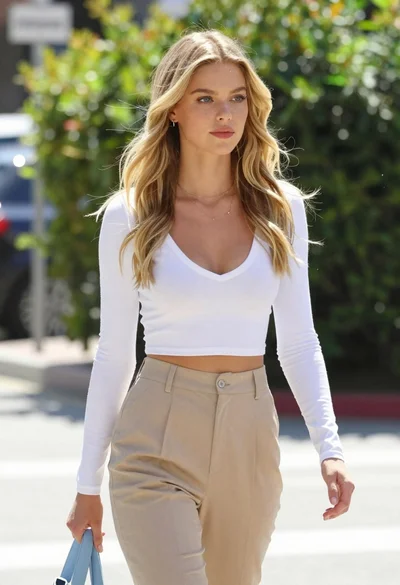
Fair blonde woman walking outdoors in white top and beige trousers
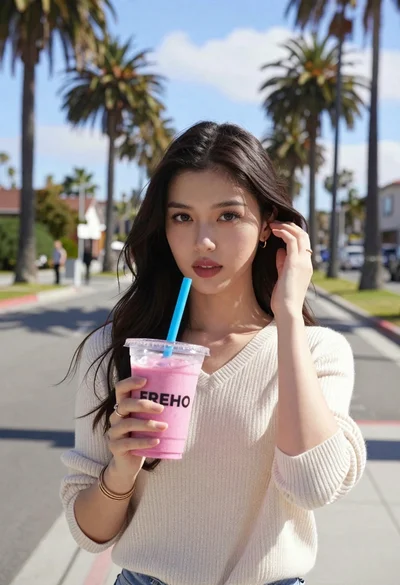
Young woman holding pink smoothie outdoors near palm trees sunny day
Young woman in striped sweater posing on a residential street
Young woman in casual wear stands on an urban sidewalk with trees
Young east asian woman smiling at night market with grilled meat and
Young woman in cream outfit looking back over shoulder on paved street
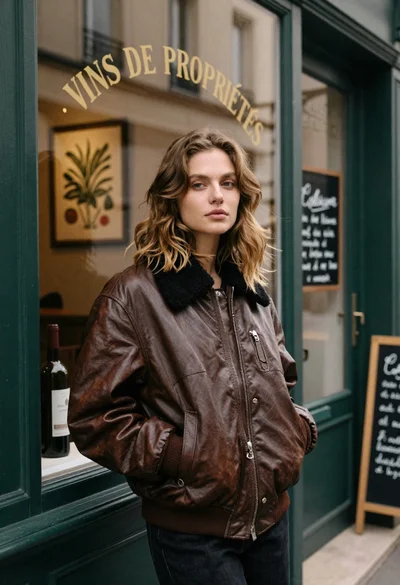
Fair skinned woman in brown leather jacket outside shop window