
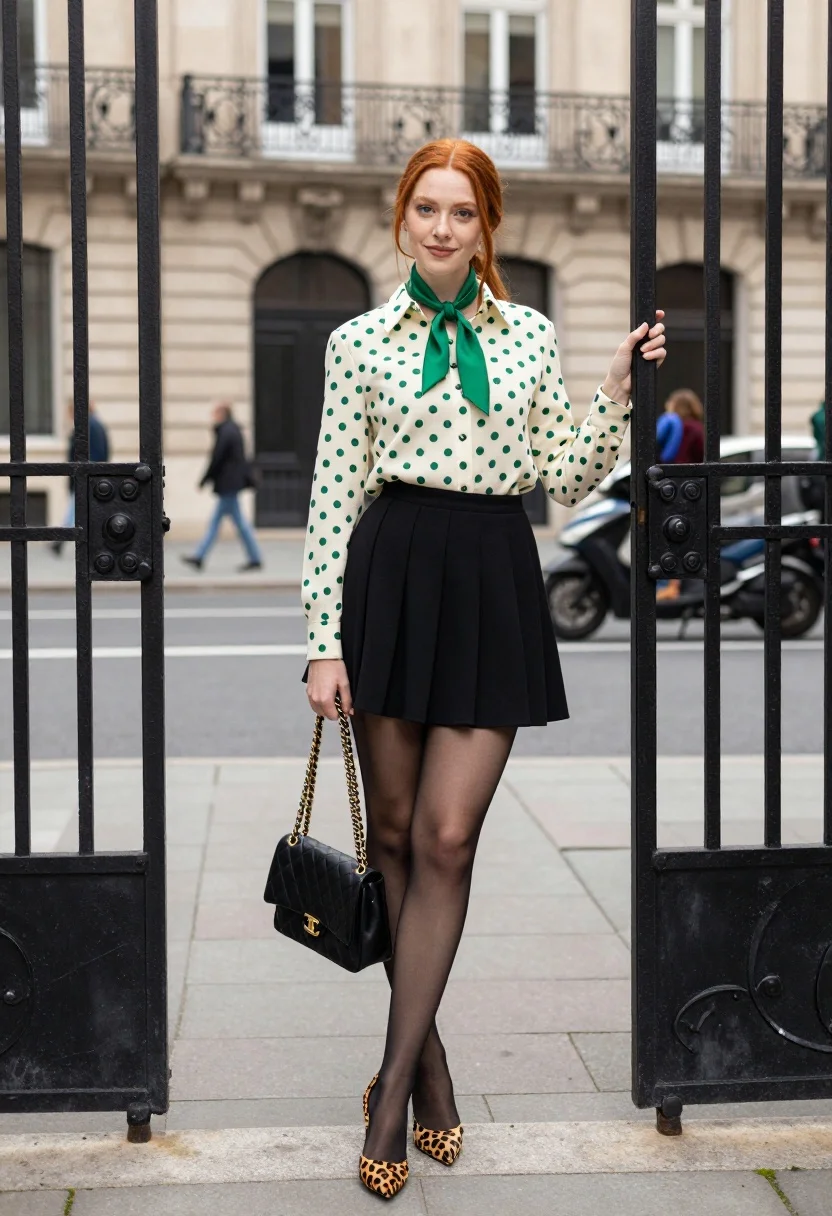
Young woman with red hair leaning against ornate gate in city setting
Prompt
A young woman with long red hair stands in a chic urban setting, leaning against an ornate black metal gate.

Subject: A fair-skinned woman with vibrant red hair styled in a low side ponytail with loose tendrils framing her face, featuring a soft smile and direct gaze.

Clothing: She wears a cream-colored button-down blouse with green polka dots, accessorized with a matching green silk scarf tied loosely around her neck, a black pleated mini skirt, sheer black tights, and leopard-print stiletto heels.

Action: She stands in a relaxed pose, holding the gate open with one hand while clutching a black quilted shoulder bag with a gold chain strap in the other.

Environment: The scene is set on a paved city sidewalk in front of a classic stone building with tall windows and wrought iron balconies, with blurred pedestrians and parked scooters visible in the background.

Camera: A medium-full shot captures the subject from head to toe, utilizing a shallow depth of field that keeps the woman sharp while blurring the architectural background.

Lighting: Soft, diffused natural daylight illuminates the scene evenly, creating gentle shadows and highlighting the textures of her clothing without harsh contrast.

Style Details: The image features a high-fashion editorial aesthetic with crisp focus on the subject's outfit and a polished, urban street style composition.
Description
This prompt is useful for creating magazine editorials, character concept art for film, and styled lifestyle blogs featuring fashion details. The combination of 'soft, diffused natural daylight' with a 'shallow depth of field' ensures the subject remains sharply defined against the blurred background elements like 'wrought iron balconies,' which prevents the entire scene from looking flat or overly busy.
Suggestions
- Change 'green polka dots' to 'navy polka dots' for a more moody feel.
- Swap 'leopard-print stiletto heels' for 'patent black ankle boots' for an edgier look.
- Adjust 'soft, diffused natural daylight' to 'late afternoon sunlight' for warmer tones.
Category
Tags
BlondeBrown HairCasual WearFair SkinFemaleMedium ShotOutdoorsRealisticRed HairStreetUrban
Date added
July 12, 2026
Added by
PromptDexter Team
Related Prompts
More prompts with similar categories and tags.
Young woman in grey knit sweater sitting against red corrugated metal wall

Stylish woman in white crop top in an urban alleyway setting

Fair blonde woman touching hair outdoors overlooking hazy cityscape

Blonde woman in black dress leaning on stone pillar in garden setting
Stylish woman in camel coat leaning on stone building corner street
Stylish woman in grey coat by vintage car on cobblestone street
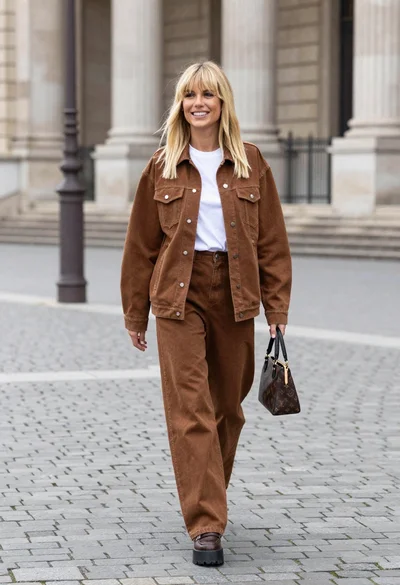
Blonde woman in denim set walking through classical stone courtyard plaza
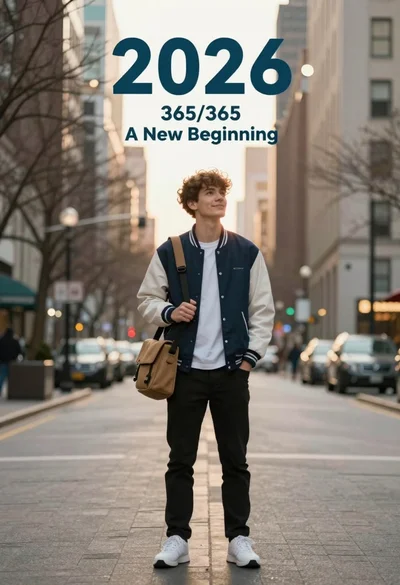
Young man in varsity jacket standing on city street with tall buildings
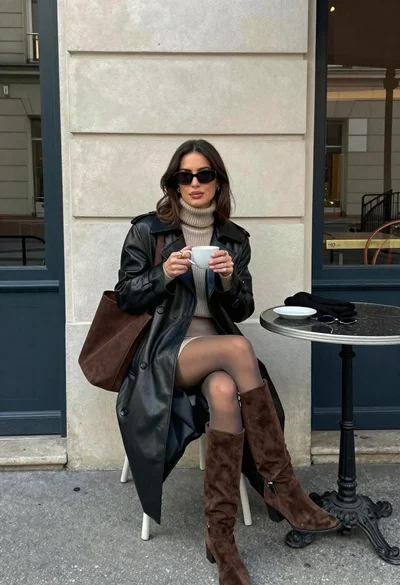
Stylish woman in leather coat sitting at an outdoor cafe table
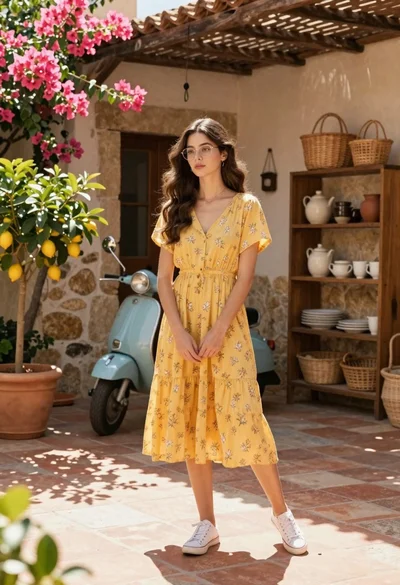
Young woman in yellow floral dress standing in sunny mediterranean courtyard
