

Young woman with red hair taking mirror selfie under wooden pergola structure
Prompt
A young woman with long wavy red hair takes a mirror selfie outdoors under a wooden pergola structure.

Subject: A young woman with long, voluminous wavy red hair and fair skin featuring natural freckles across her nose and cheeks. She has green eyes and a soft, closed-mouth smile while looking slightly to the side.

Clothing: She wears a black off-the-shoulder top layered under an olive green knit cardigan that is draped loosely over her shoulders. A silver cross necklace rests on her chest.

Action: She holds a smartphone in her right hand to take a mirror selfie, with her left arm resting across her body. Her expression is calm and relaxed.

Environment: The setting is outdoors beneath a wooden pergola or garden structure covered with a mesh shade cloth. Green foliage is visible in the background through the wooden beams.

Camera: A close-up shot framed from the chest up, capturing the reflection in a mirror to show the subject holding the phone.

Lighting: Natural sunlight filters through the overhead mesh canopy, creating soft highlights on her hair and skin with gentle shadows.

Objects: She holds a smartphone with a clear case featuring a brown camouflage pattern and a white magnetic ring mount attached to the back.

Text/Graphics: No readable text or logos are visible on clothing or accessories.

Style Details: The image has a natural, candid aesthetic with high detail in the hair texture and knit fabric, resembling a modern lifestyle portrait.
Description
This prompt is useful for creating casual lifestyle blogs, personal social media content, and intimate fashion documentation featuring everyday settings. The combination of 'natural sunlight filters through the overhead mesh canopy' ensures soft highlights that flatter the skin tone while preventing harsh shadows, which is ideal for a candid aesthetic, and specifying the 'olive green knit cardigan' grounds the composition with a specific, muted color palette.
Suggestions
- Change 'wooden pergola structure' to 'wrought iron pergola' for a different architectural feel.
- Swap 'black off-the-shoulder top' for 'cream lace camisole' to lighten the overall look.
- Add 'shot on film, Kodak Portra 400' to enhance the nostalgic quality.
Category
Tags
Black HairCasual WearClose UpFair SkinFemaleOutdoorsRealisticRed Hair
Date added
July 12, 2026
Added by
PromptDexter Team
Related Prompts
More prompts with similar categories and tags.

Young woman with brown hair under pink umbrella at outdoor cafe setting

Close up portrait of young woman with brown braid indoors

Woman taking mirror selfie in black bathrobe on peach sofa

Young woman taking a selfie seated in a car interior during daylight
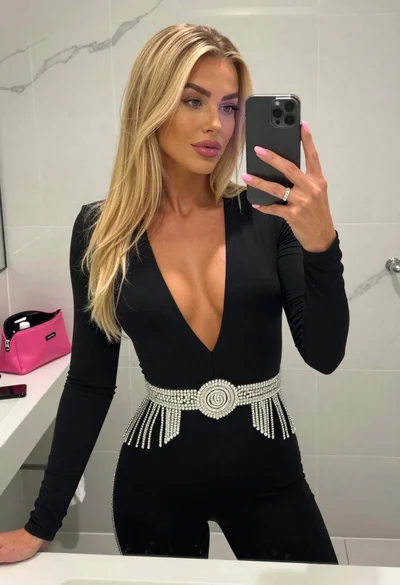
Blonde woman mirror selfie in modern bathroom wearing black jumpsuit

Close up selfie of young woman in yellow top on green turf

Selfie of young woman in airplane cabin with strawberry blonde hair

Young woman taking a selfie in a lush garden setting
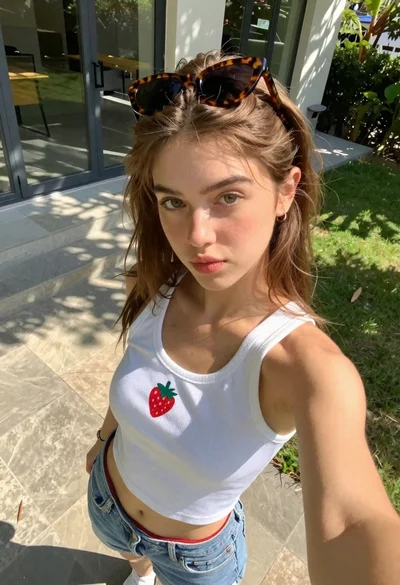
Young woman taking high angle selfie outdoors by modern building

Close up selfie of blonde woman in pink tank top indoors