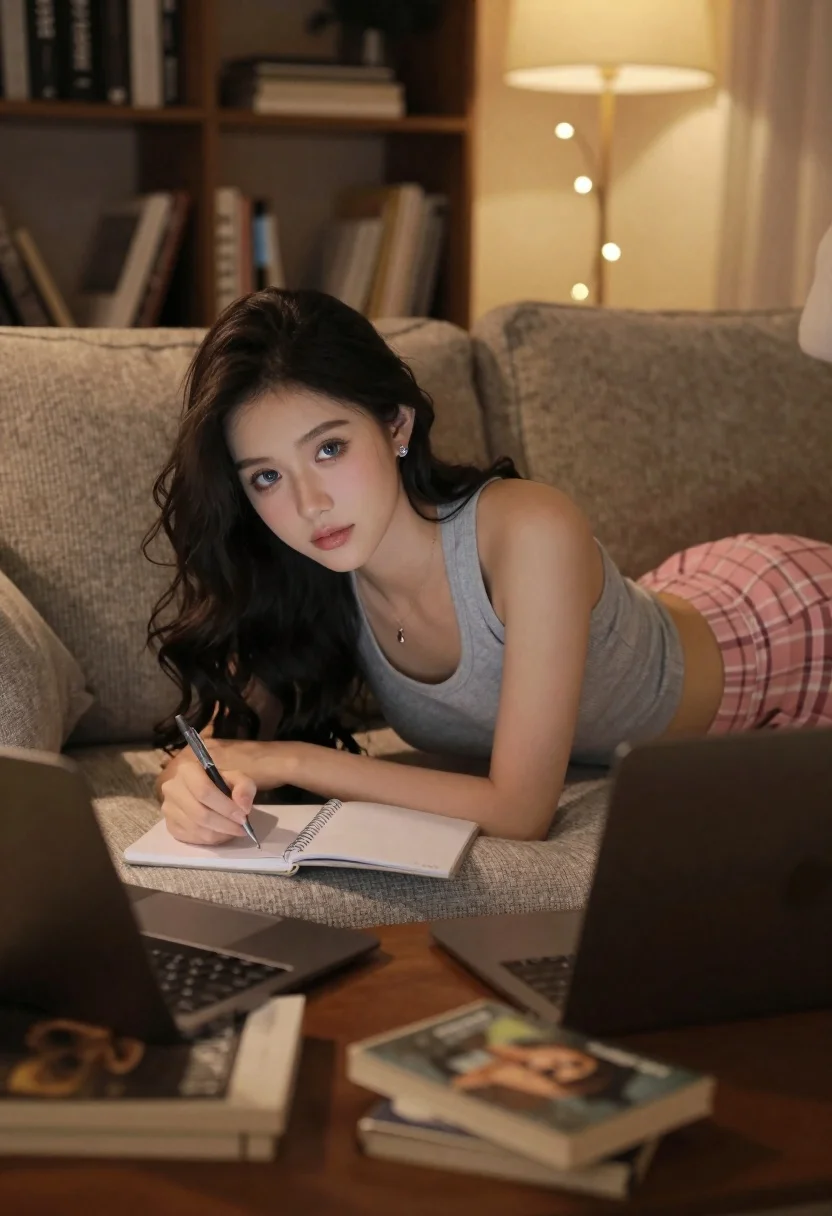
Young woman writing on sofa in cozy dimly lit living room setting
Prompt
A young woman with long dark wavy hair lies on a textured beige sofa in a cozy living room while writing in a notebook.

Subject: A young woman with long dark wavy hair and blue eyes looking directly at the camera.

Clothing: She wears a grey ribbed tank top and pink plaid shorts, accessorized with small earrings and a delicate necklace.

Action: She is lying on her side propped up by her elbow, holding a pen in her right hand as she writes in an open spiral notebook.

Environment: The setting is a dimly lit living room featuring a bookshelf filled with books in the background, a wooden coffee table in the foreground, and warm string lights hanging near a lamp.

Camera: Shot from a low angle looking up at the subject with a shallow depth of field that blurs the foreground books and background details to focus on her face.

Lighting: Warm ambient lighting creates soft shadows and highlights on her skin, suggesting a relaxed evening atmosphere.

Objects: An open laptop sits next to her notebook, along with several other books and papers scattered on the wooden table in the immediate foreground.
Description
This prompt is useful for creating intimate lifestyle portraits, cozy book-themed content, and narrative scene illustrations. The combination of 'dimly lit living room' ambiance with 'warm ambient lighting' ensures soft shadows that flatter skin tones while the 'low angle looking up at the subject' composition gives a sense of intimacy suitable for personal storytelling.
Suggestions
- Change 'grey ribbed tank top' to 'oversized cream knit sweater' for more texture.
- Swap 'pink plaid shorts' for 'dark wash denim cutoffs' for a different casual feel.
- Adjust 'warm string lights' to 'single Edison bulb pendant light' for a more focused glow.
Category
Tags
Brown HairCasual WearFemaleIndoorsLow AngleMedium ShotPortrait ShotRealistic
Date added
June 19, 2026
Added by
PromptDexter Team
Related Prompts
More prompts with similar categories and tags.
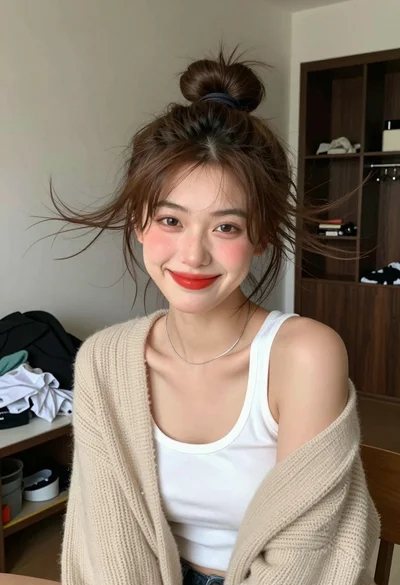
Young woman with brown hair in beige cardigan smiling indoors at camera

Young woman kneeling in kitchen drinking from glass bottle indoors
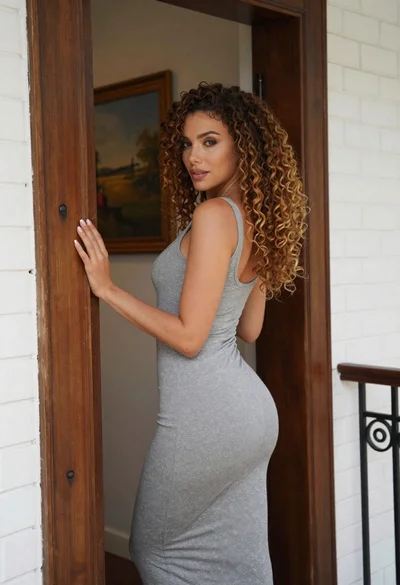
Woman in grey midi dress leaning through doorway looking back over shoulder
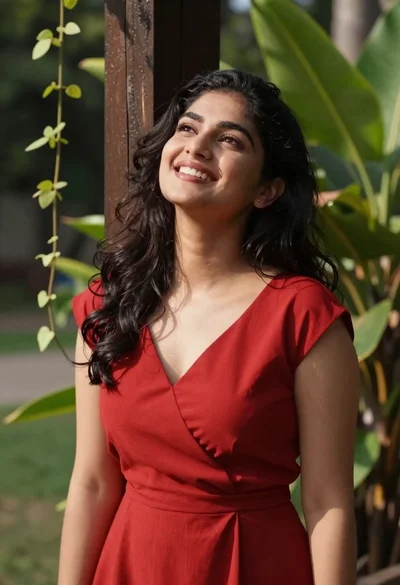
Smiling woman in red dress leaning against post in lush garden setting
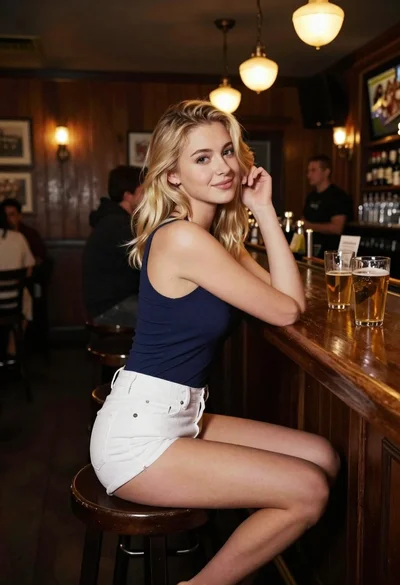
Blonde woman at a bar counter in dimly lit pub
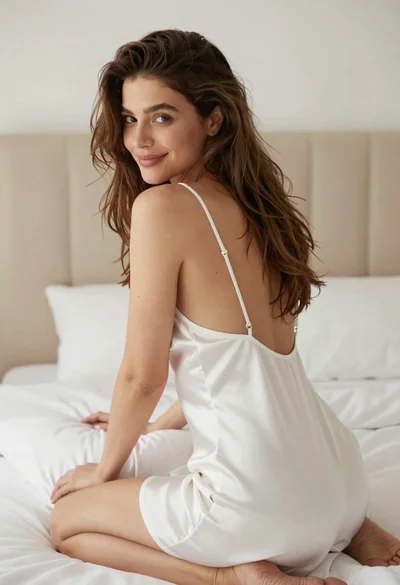
Woman in white satin slip dress seated on bed looking back over

Young woman with dark hair at wooden table in open air setting

Young blonde woman taking mirror selfie in pink athletic wear indoors
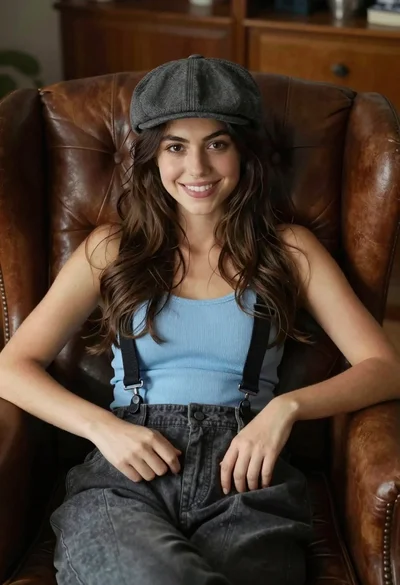
Young woman with brown hair sitting in a leather armchair indoors

Young woman in black crop top and cream trousers indoors looking over