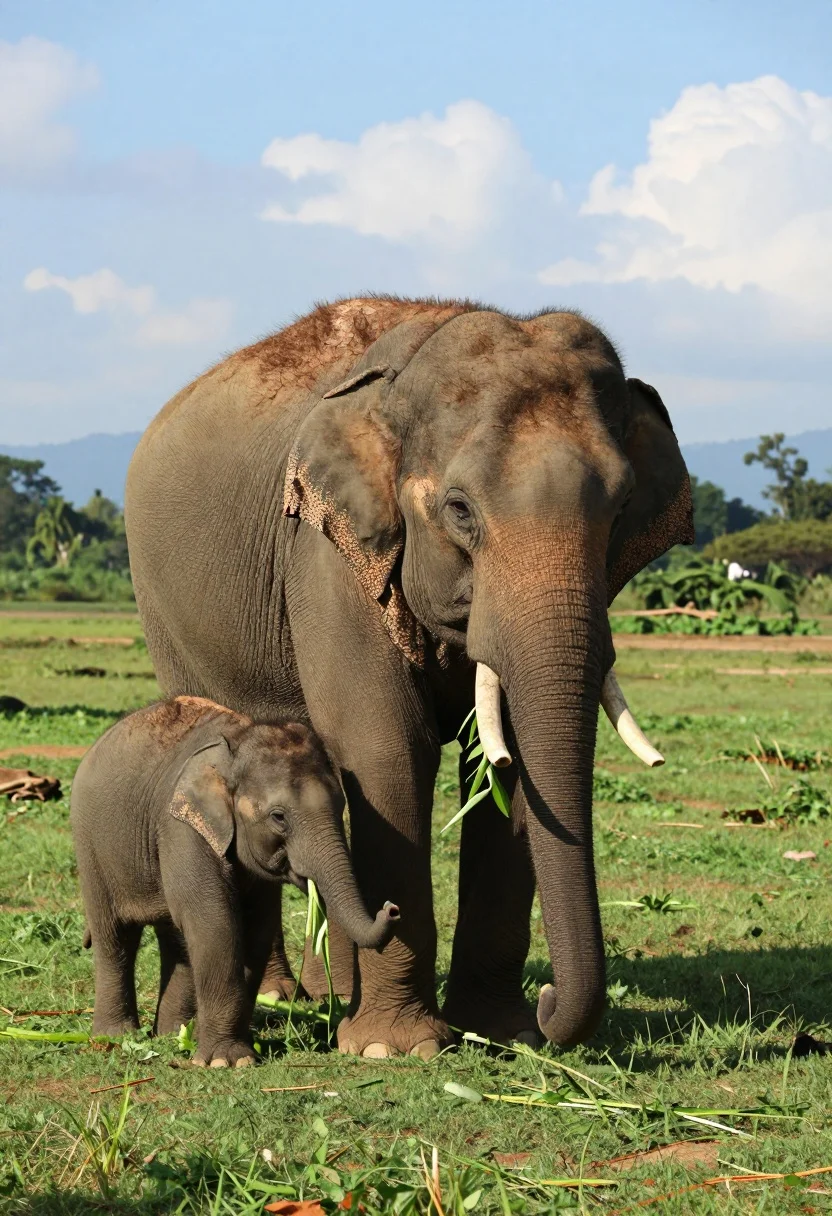
Adult and baby elephant standing on lush green field under blue sky
Prompt
A large adult elephant and a small baby elephant standing together on a lush green field under a bright blue sky with scattered white clouds.

Subject: A massive Asian elephant with thick, wrinkled brown skin and sparse hair on its head, accompanied by a tiny baby elephant walking closely beside it. The adult holds a long stalk of green leaves in its trunk while the calf chews on a smaller leaf near the ground.

Action: Both elephants are standing still in a calm grazing posture, with the adult holding vegetation in its trunk and the calf actively eating grass or low-lying plants.

Environment: A wide open grassy field with vibrant green turf stretching into the distance, bordered by trees and hills under a clear blue sky dotted with fluffy white clouds.

Camera: Eye-level medium shot capturing both elephants from the front, emphasizing their size difference and positioning them centrally in the frame with natural depth of field blurring the distant background slightly.

Lighting: Bright natural daylight casting soft shadows beneath the elephants, highlighting the texture of their skin and the vivid green of the grass and leaves.

Style Details: Photorealistic wildlife photography with high detail in fur and skin textures, saturated colors, and a clean composition typical of nature documentary imagery.
Description
This prompt is useful for creating educational wildlife documentaries, children's book illustrations depicting natural scenes, and conservation awareness materials. The combination of 'bright natural daylight casting soft shadows' ensures the 'thick, wrinkled brown skin' retains visible texture rather than appearing flat, while the 'eye-level medium shot' composition keeps the focus tightly on the interaction between the two elephants against the vibrant green backdrop.
Suggestions
- Change 'lush green field' to 'savanna grassland' for a different biome feel.
- Swap 'bright blue sky' for 'overcast sky' to test diffused lighting effects.
- Add 'telephoto lens, 200mm' to compress the background and emphasize proximity.
Category
Tags
AnimalFull BodyMedium ShotNatureOutdoorsRealistic
Date added
August 5, 2026
Added by
PromptDexter Team
Related Prompts
More prompts with similar categories and tags.
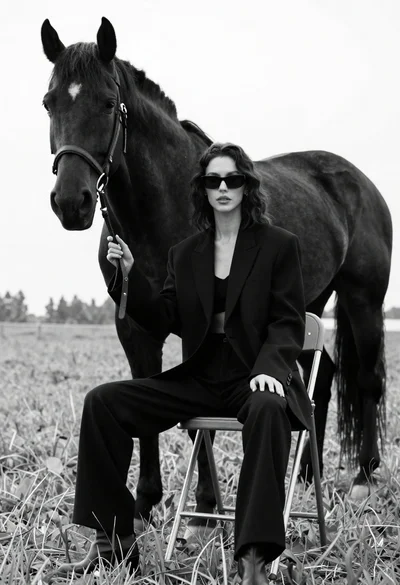
Woman in black outfit sitting on stool with large horse in field
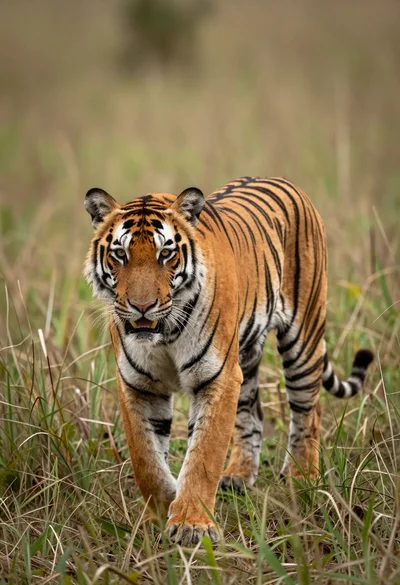
Majestic tiger walking through tall green and dry savanna grass
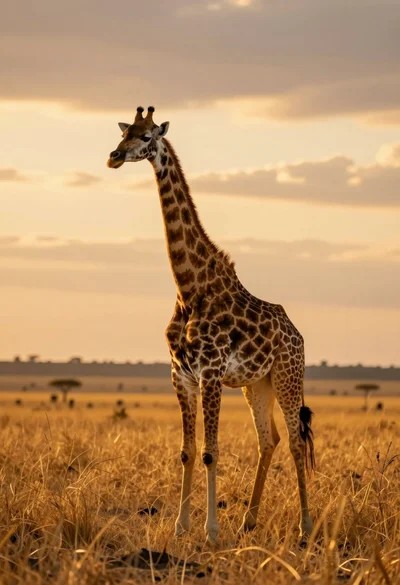
Majestic giraffe standing in golden savanna landscape at sunset
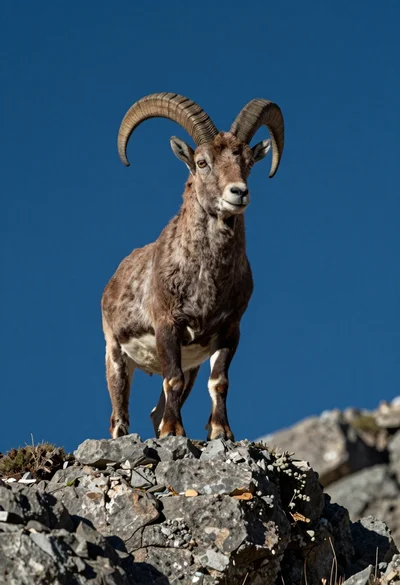
Majestic mountain goat standing on rugged rock formation against deep blue background
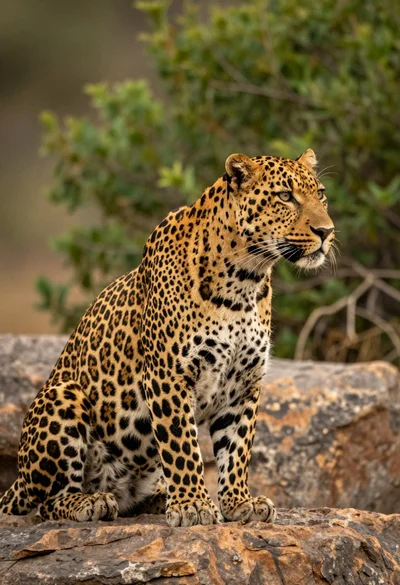
Majestic leopard sitting in profile on rocks overlooking green jungle foliage
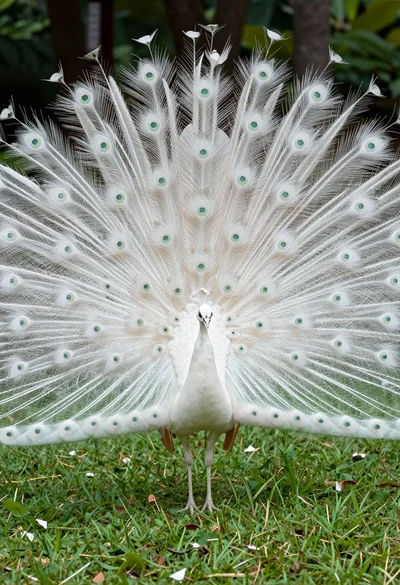
Majestic white peacock displaying its full tail feathers in a lush green
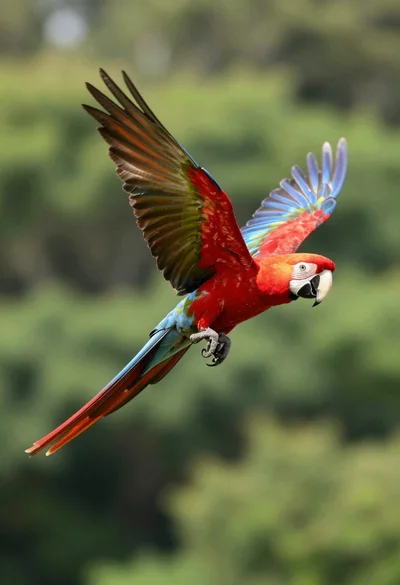
Vibrant scarlet macaw in midflight against a lush green forest backdrop
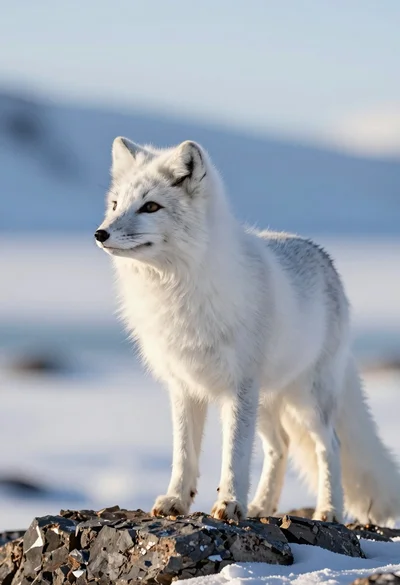
Majestic arctic fox standing alert on dark rocks in snowy landscape
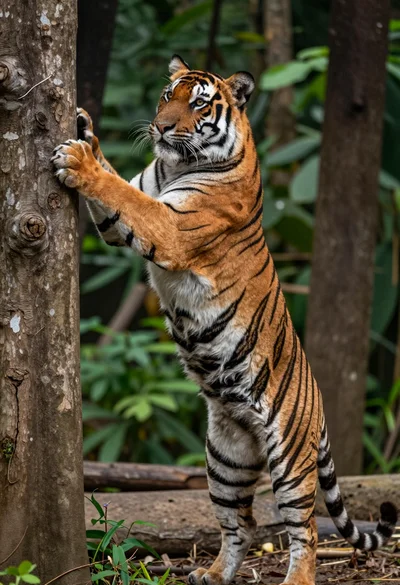
Majestic bengal tiger standing upright gripping tree trunk in dense forest
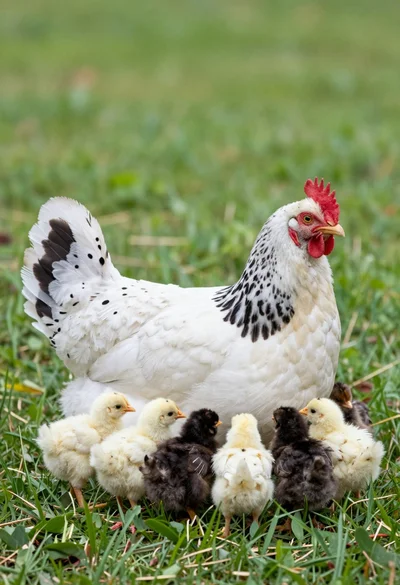
Mother hen with spotted white feathers sitting among small chicks on green