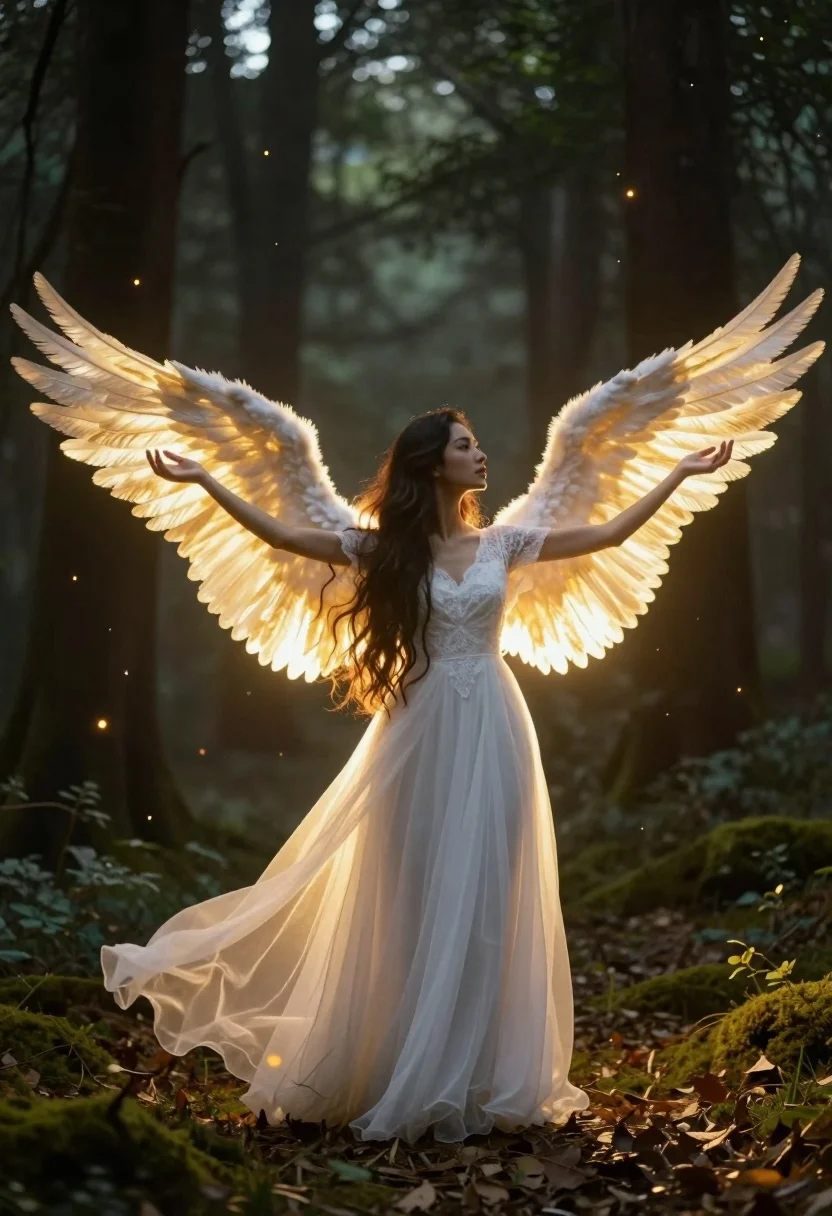
Angelic figure in white gown standing in mystical glowing forest clearing
Prompt
A majestic angelic figure stands in a mystical forest clearing with arms outstretched and large glowing wings spread wide.

Subject: A woman with long flowing dark hair standing in profile facing right, possessing massive luminous golden-white feathered wings that radiate intense warm light from their core.

Clothing: She wears an elegant floor-length white gown made of sheer, translucent fabric that flows outward like a skirt, featuring delicate lace detailing on the bodice and short sleeves.

Action: Her arms are extended horizontally to her sides with palms facing upward in a gesture of welcome or blessing, while her head is turned slightly away from the viewer with a serene expression.

Environment: A dense forest setting with tall dark tree trunks rising into the background, mossy ground covered in fallen leaves, and floating glowing embers drifting through the air like fireflies.

Lighting: The scene is illuminated by the radiant golden glow emanating from the wings which casts a warm backlight on the figure, creating soft shadows and highlighting the translucency of the dress against the darker forest surroundings.

Camera: Medium shot capturing the full height of the figure with a shallow depth of field that blurs the background trees to emphasize the glowing subject.

Style Details: Ethereal fantasy aesthetic with cinematic lighting, high contrast between the warm golden glow and cool dark forest tones, and a dreamlike atmosphere enhanced by floating particles and soft focus effects.
Description
This prompt is useful for creating ethereal fantasy concept art, album cover artwork, and spiritual portraiture pieces. The combination of 'radiant golden glow' from the wings against the 'cool dark forest tones' establishes a high contrast that directs all focus onto the figure, while the 'sheer, translucent fabric' ensures the gown catches the light beautifully without appearing solid or heavy.
Suggestions
- Change 'luminous golden-white feathered wings' to 'iridescent opal wings' for a different color shift.
- Swap 'floating glowing embers' for 'hanging bioluminescent flora' to change the particle type.
- Adjust 'medium shot' to 'full body portrait' to better capture the gown's flow.
Category
Tags
Digital ArtFemaleForestFull BodyMedium ShotOutdoorsRealistic
Date added
July 12, 2026
Added by
PromptDexter Team
Related Prompts
More prompts with similar categories and tags.
Young woman sketching red fox on mossy log in magical forest setting
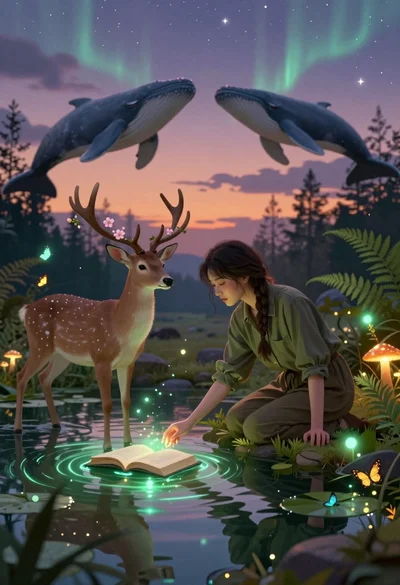
Young woman kneeling by mystical pond with deer and whales in forest
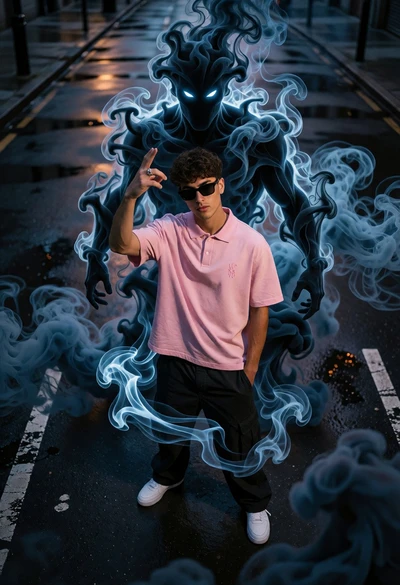
Young man on wet city street surrounded by blue spectral smoke entity

Hooded figure in misty forest interacting with floating holographic music cards
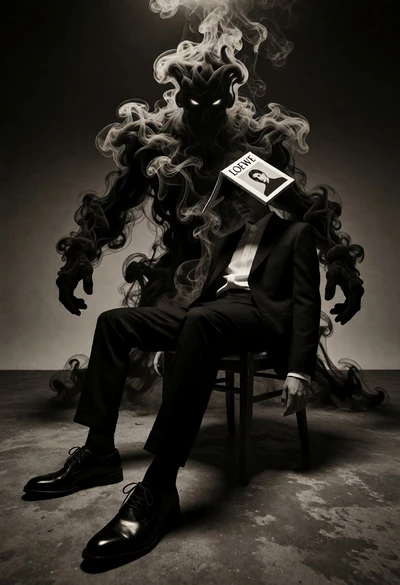
Surreal figure in suit seated on chair with smoke entity behind

Muscular man in combat stance on cliff edge with pixelated sword
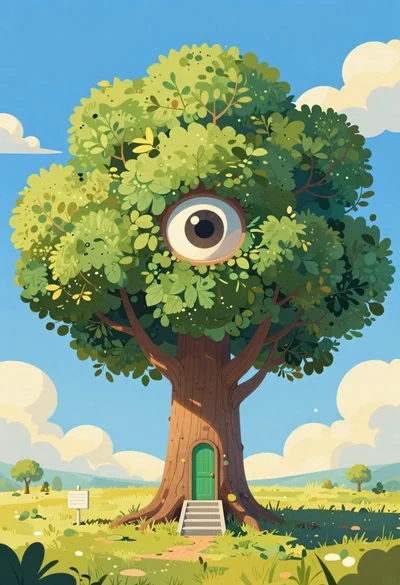
Cartoon surreal treehouse with giant eye and green door
Fairy woman in sunlit forest clearing with glowing wings

Man holding camera in vibrant minecraft landscape at golden hour
Solitary figure on undulating orange landscape under dramatic fiery sky