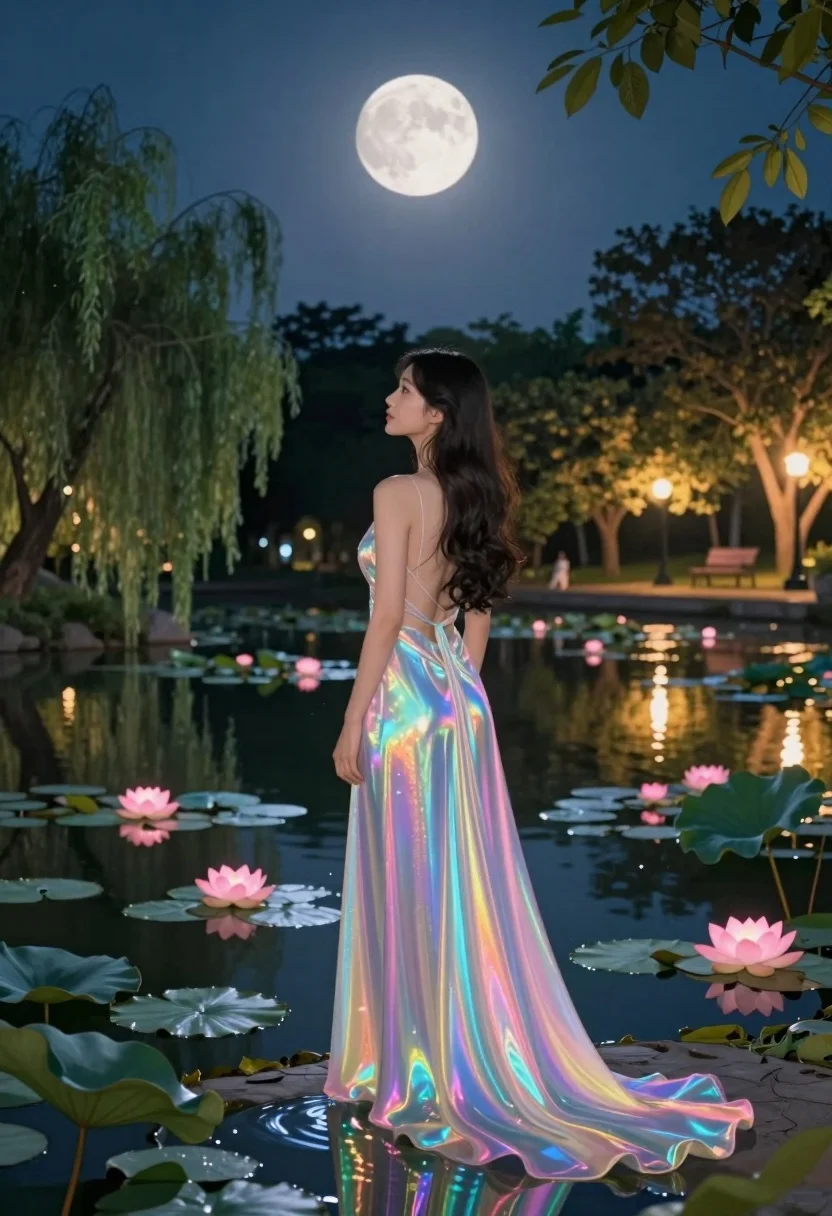
Woman in iridescent gown standing by pond under full moonlit sky
Prompt
A woman stands in a tranquil pond at night, gazing toward a large full moon.

Subject: A woman with long dark wavy hair standing from the waist up, viewed from behind and slightly to the side.

Clothing: She wears a flowing, iridescent gown that shimmers with rainbow colors like oil on water, featuring a backless design and a long train trailing into the water.

Action: She stands still in profile, looking away toward the moonlit sky with a serene expression.

Environment: A dark pond filled with lily pads and glowing pink lotus flowers, surrounded by lush trees including a large weeping willow on the left and distant park benches under warm streetlights.

Camera: Medium shot capturing the woman from the waist up, framed to include the moon in the upper background and the reflection of her dress in the water below.

Lighting: Soft ambient moonlight illuminates the scene from above, contrasting with warm artificial lights from streetlamps reflecting on the water’s surface.

Style Details: Dreamy digital painting style with vibrant color gradients, glowing effects on the fabric, and a magical atmosphere enhanced by subtle sparkles and reflections.
Description
This prompt is useful for creating surreal fantasy concept art, ethereal character portraits, and narrative scene illustrations for book covers. The combination of 'iridescent gown' with 'soft ambient moonlight' ensures the fabric catches light dynamically, preventing it from appearing flat against the dark pond while the inclusion of 'glowing pink lotus flowers' anchors the magical atmosphere to a specific foreground element.
Suggestions
- Change 'large full moon' to 'crescent moon' for a different celestial mood.
- Swap 'weeping willow' for 'bamboo grove' to alter the surrounding foliage texture.
- Adjust 'medium shot' to 'full body shot' to better capture the gown's train.
Category
Tags
Back ViewDigital ArtFemaleFull BodyMedium ShotOutdoorsRealistic
Date added
July 12, 2026
Added by
PromptDexter Team
Related Prompts
More prompts with similar categories and tags.
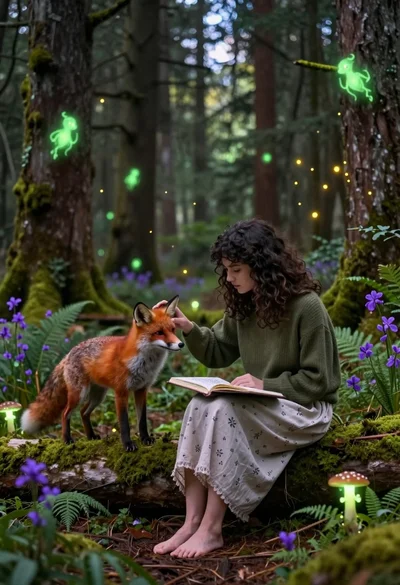
Young woman sketching red fox on mossy log in magical forest setting
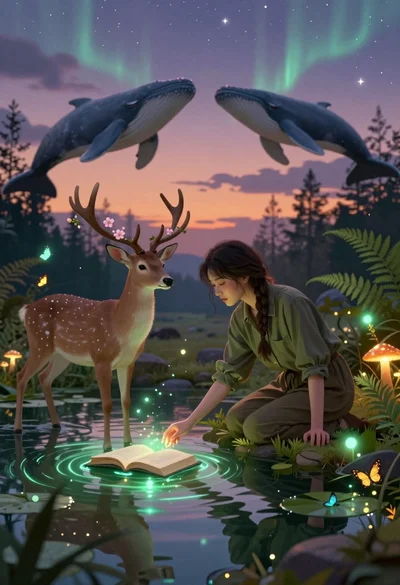
Young woman kneeling by mystical pond with deer and whales in forest
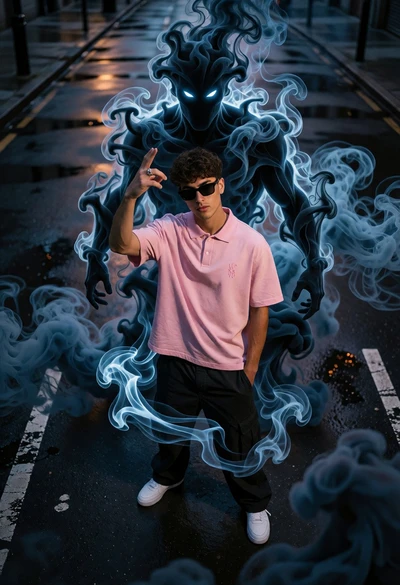
Young man on wet city street surrounded by blue spectral smoke entity

Hooded figure in misty forest interacting with floating holographic music cards
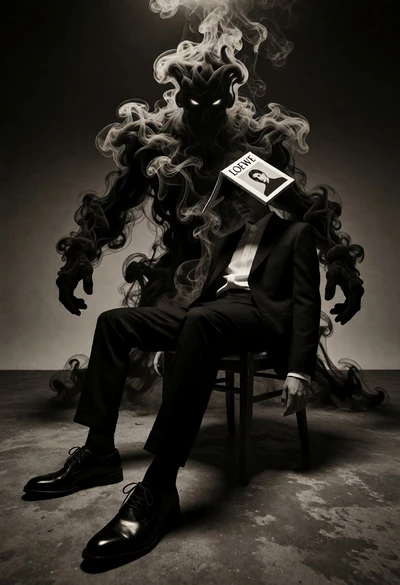
Surreal figure in suit seated on chair with smoke entity behind

Muscular man in combat stance on cliff edge with pixelated sword

Man holding camera in vibrant minecraft landscape at golden hour
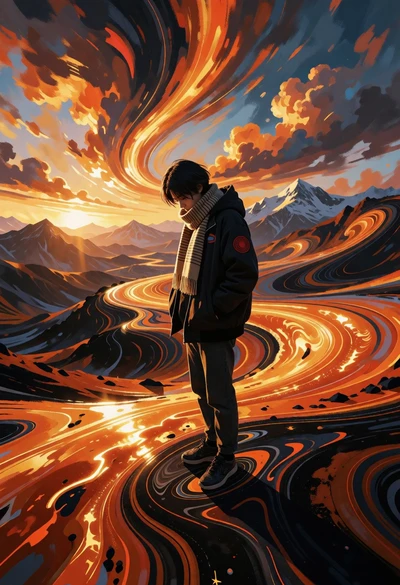
Solitary figure on undulating orange landscape under dramatic fiery sky
Solitary figure in pink hoodie against dark textured backdrop with glowing aura
Fierce female warrior in red robe holding golden fan against dark void