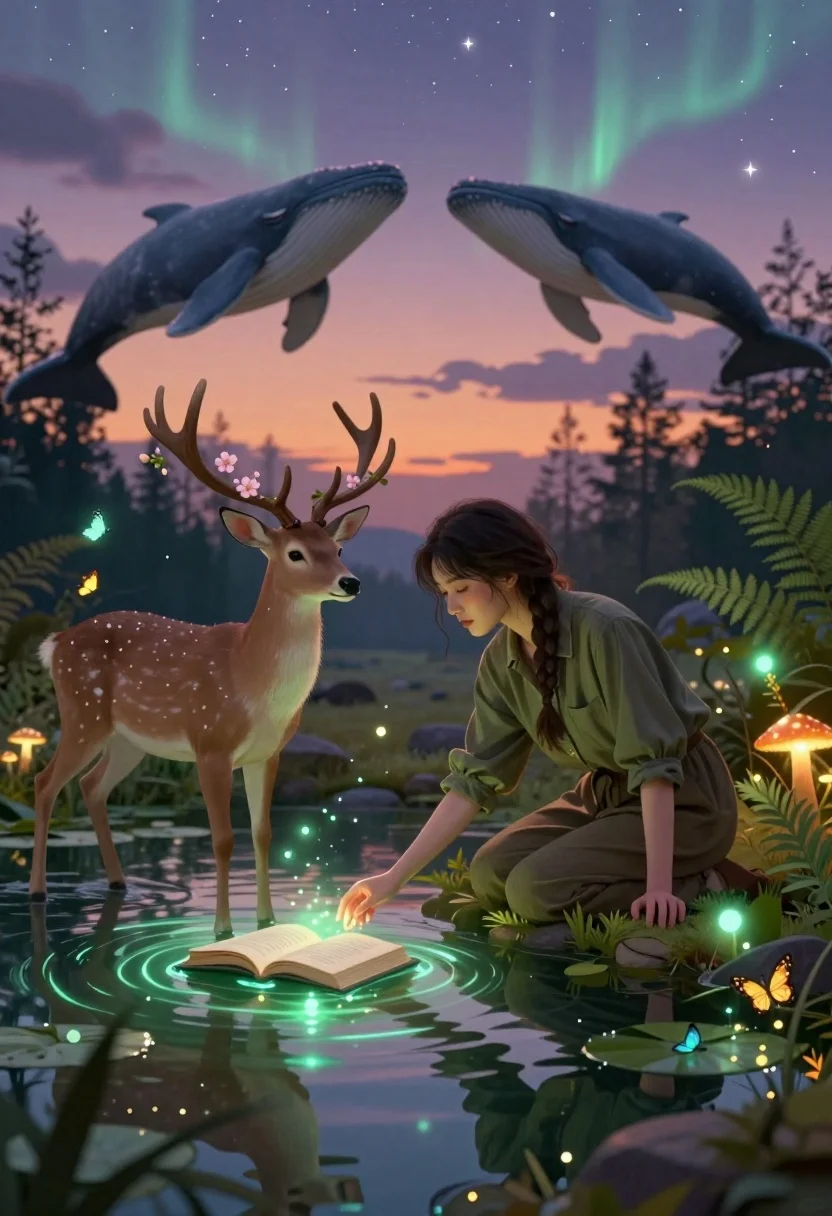
Young woman kneeling by mystical pond with deer and whales in forest
Prompt
A young woman kneels by a mystical pond where an open book floats on the water and glowing green auroras shimmer beneath the surface.

Subject: A young woman with dark hair in a braid kneeling beside a magical deer standing in shallow water, while two whales swim through the sky above them.

Clothing: The woman wears a loose olive-green button-up shirt and matching trousers, her hands resting gently near the water’s edge.

Action: She leans forward with a serene expression, reaching out to touch the water as if communing with nature, while the deer stands calmly nearby with blossoms growing from its antlers.

Environment: A dreamlike forest pond surrounded by ferns, glowing mushrooms, lily pads, and floating butterflies under a twilight sky filled with stars and aurora-like reflections.

Camera: Shot from a low angle to emphasize the magical elements in the water, with soft depth of field blurring distant trees and enhancing the ethereal atmosphere.

Lighting: Soft ambient light blends warm sunset hues with cool bioluminescent glows from the water and floating particles, creating a gentle contrast between earthy tones and celestial shimmer.

Style Details: Digital fantasy art with painterly textures, glowing particle effects, surreal composition, and a dreamy color palette blending purples, greens, and golds for an otherworldly mood.
Description
This prompt is useful for creating album art for ethereal music genres, concept illustrations for high fantasy novels, and dream sequence visualizers. The combination of 'low angle' perspective with the inclusion of elements like whales swimming through the sky and glowing auroras ensures that the composition feels overwhelmingly magical, while the 'soft depth of field' keeps the focus tightly on the woman and pond details against a blurred backdrop.
Suggestions
- Change 'olive-green button-up shirt' to 'cream silk blouse' for a lighter feel.
- Replace 'whales swim through the sky' with 'giant luminous jellyfish float in the air' for variety.
- Adjust 'purples, greens, and golds' to 'indigo, cyan, and silver' for a colder palette.
Category
Tags
AnimalBrown HairCasual WearDigital ArtFemaleForestFull BodyLow AngleNatureOutdoors
Date added
July 12, 2026
Added by
PromptDexter Team
Related Prompts
More prompts with similar categories and tags.
Young man on wet city street surrounded by blue spectral smoke entity

Muscular man in combat stance on cliff edge with pixelated sword
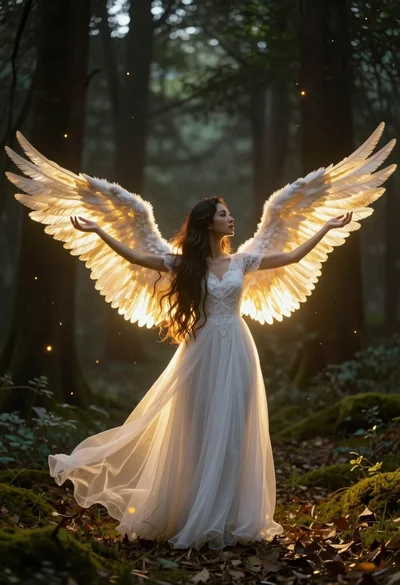
Angelic figure in white gown standing in mystical glowing forest clearing
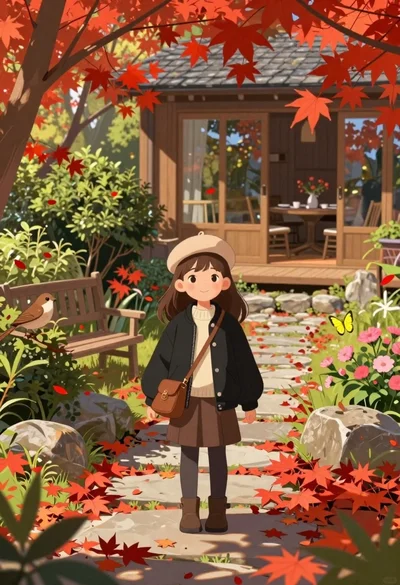
Young girl standing in autumn garden with falling red maple leaves
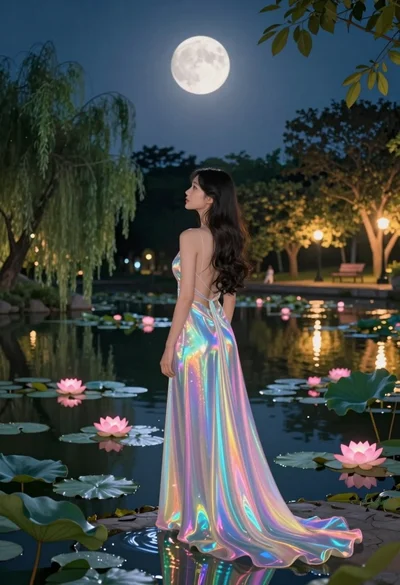
Woman in iridescent gown standing by pond under full moonlit sky

Hooded figure in misty forest interacting with floating holographic music cards
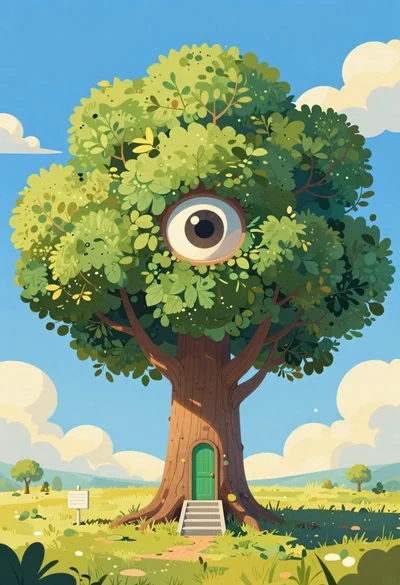
Cartoon surreal treehouse with giant eye and green door
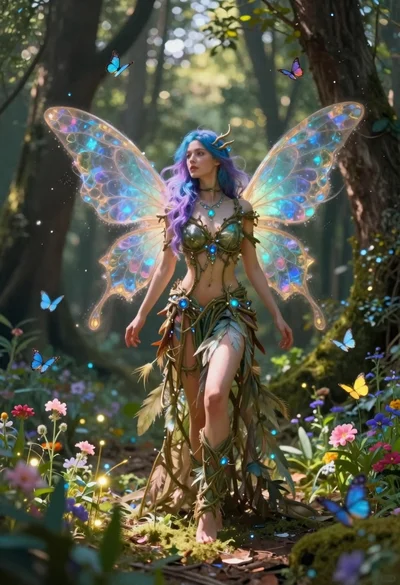
Fairy woman in sunlit forest clearing with glowing wings
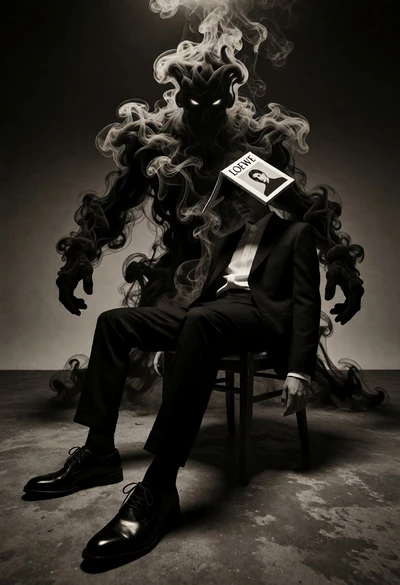
Surreal figure in suit seated on chair with smoke entity behind
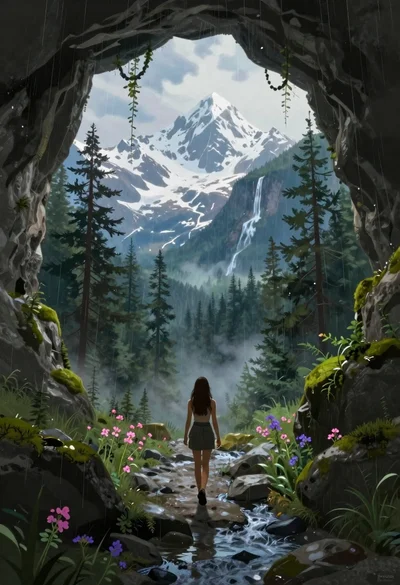
Woman walking from mossy cave to mountain landscape