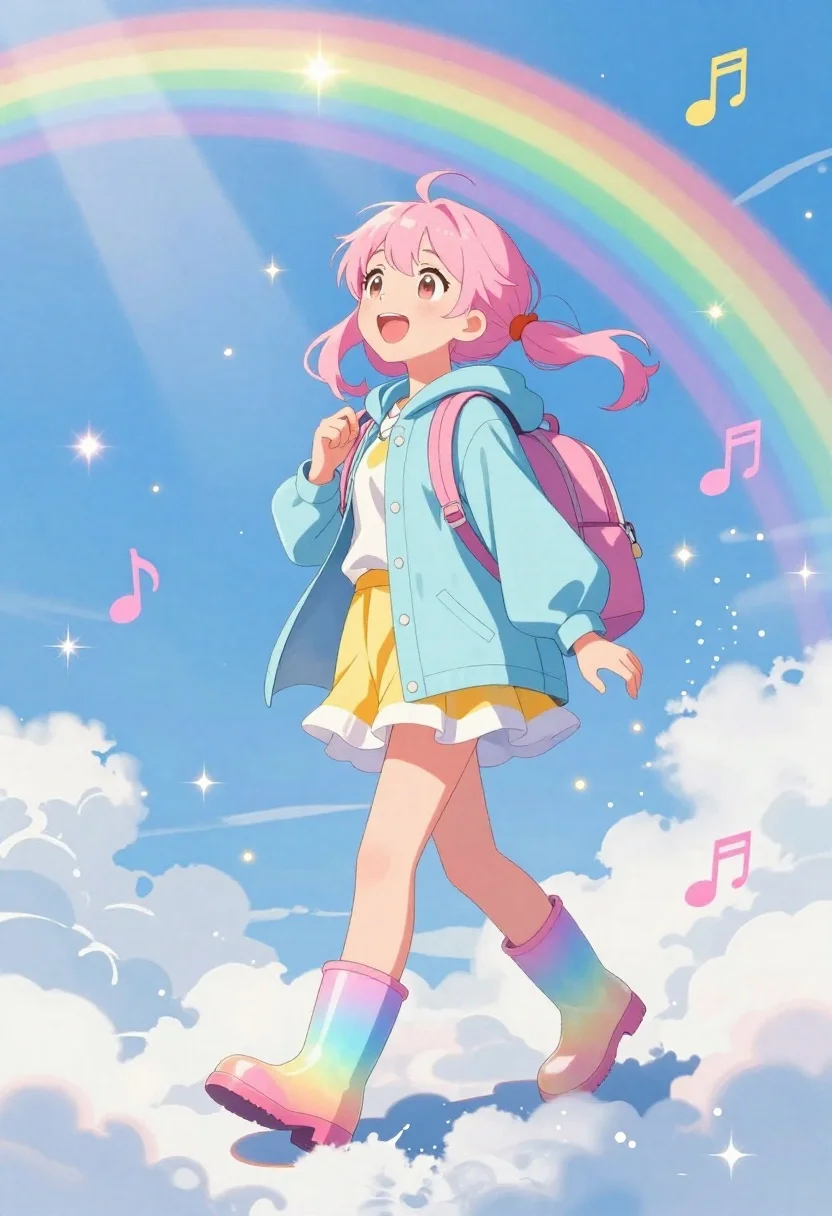
Anime girl walking on clouds under a rainbow sky
Prompt
A vibrant anime-style illustration of a cheerful girl walking on fluffy clouds under a bright blue sky with a large rainbow arching overhead; glowing sparkles and floating musical notes enhance the whimsical atmosphere; soft sunlight streams from above creating a dreamy, magical mood.

Subject: A young girl with light pink hair tied in twin tails, wide smiling eyes expressing joy and wonder as she looks upward.

Clothing: She wears an oversized pastel blue hooded raincoat over a frilly yellow-and-white layered skirt, paired with shiny gradient rainbow-colored rain boots that reflect the sky's hues; her backpack is soft pink with visible straps held gently in both hands.

Action: Walking confidently forward across cloud-tops, one foot slightly ahead of the other, conveying motion and lightness.

Environment: A bright blue sky filled with scattered white clouds beneath a vivid rainbow spanning diagonally from top-left to bottom-right; floating musical notes in pink and gold add playful energy around her figure.

Lighting: Bright sun rays shine down from upper left, casting soft highlights on her face and outfit while creating gentle shadows under the cloud layer below.

Style Details: Clean anime line art with saturated pastel colors, sparkling star effects for emphasis, and a high-key cheerful color palette typical of fantasy or musical-themed illustrations.
Description
This prompt is useful for creating whimsical character concept art, storybook illustrations, and vibrant digital background pieces. The combination of 'soft sunlight streams from above' with the 'high-key cheerful color palette' ensures that every element, like the 'shiny gradient rainbow-colored rain boots,' catches light dramatically, preventing the scene from looking flat despite the numerous floating elements.
Suggestions
- Change 'light pink hair tied in twin tails' to 'silver braided hair' for a different ethereal feel.
- Swap 'oversized pastel blue hooded raincoat' for 'iridescent sheer cloak' to alter the silhouette.
- Add 'bokeh effect' to the lighting description to enhance the dreamy quality.
Category
Tags
AnimeBlondeDigital ArtFemaleFull BodyLight SkinOutdoorsWide Shot
Date added
June 19, 2026
Added by
PromptDexter Team
Related Prompts
More prompts with similar categories and tags.
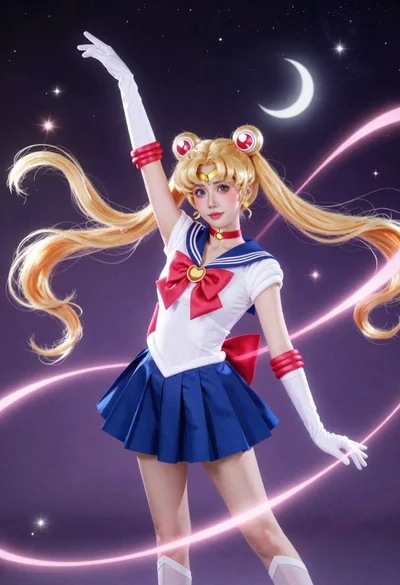
Anime cosplayer in sailor moon costume against outer space
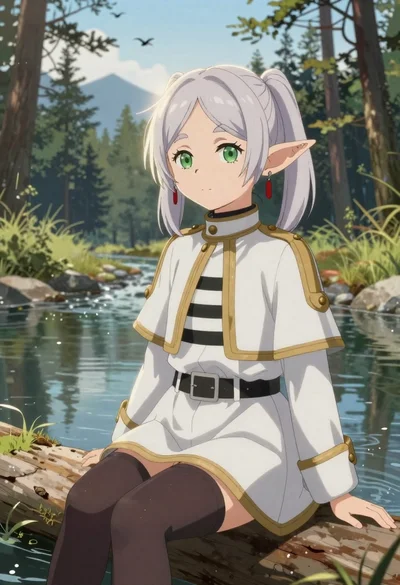
Elf girl by a stream in a serene forest setting
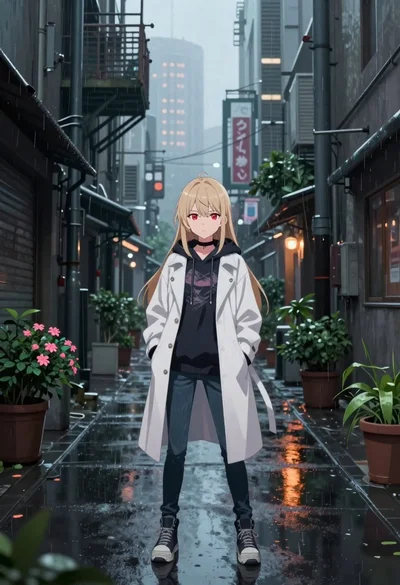
Anime girl in rain slicked industrial alleyway
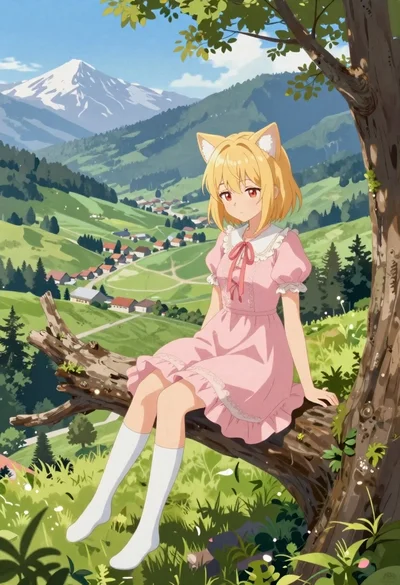
Anime girl on tree branch overlooking green mountain valley
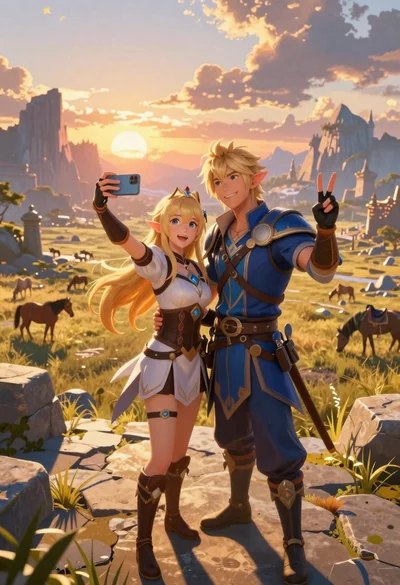
Anime couple taking selfie overlooking fantasy kingdom sunset
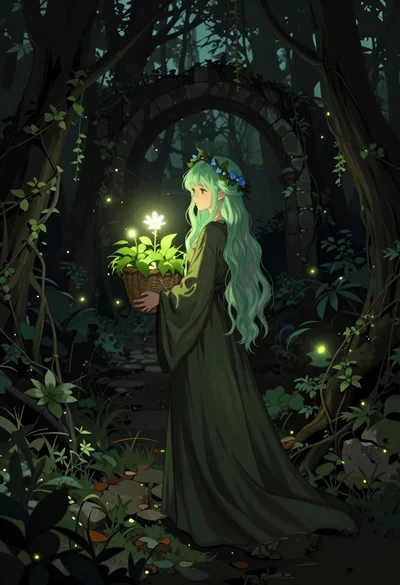
Young woman with green hair in glowing forest
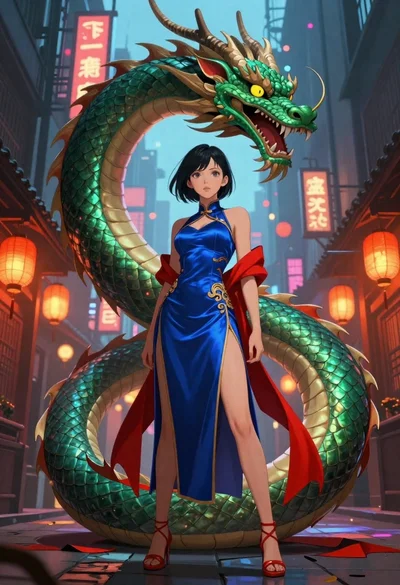
Anime woman with dragon in neon lit city alleyway
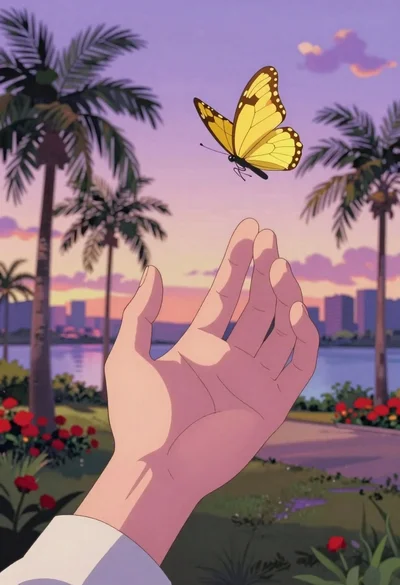
Anime hand reaching for yellow butterfly in tropical park