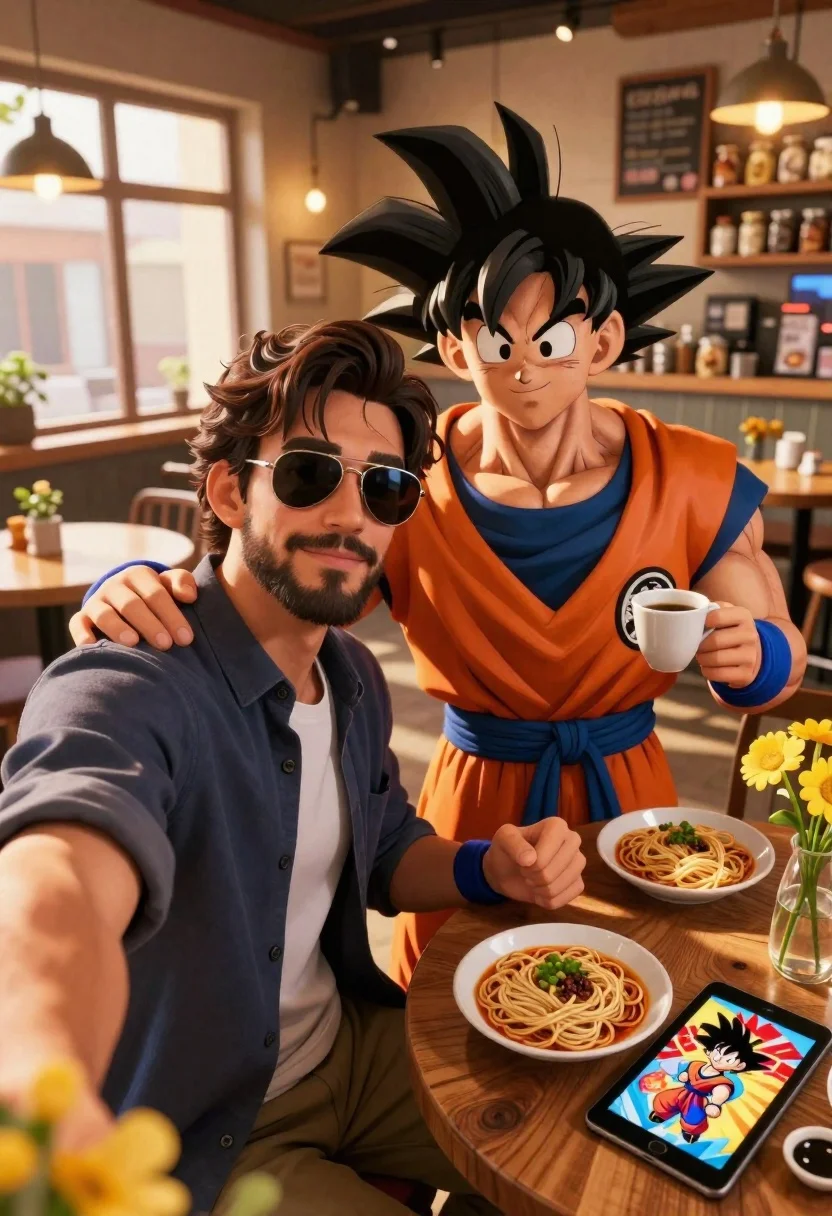
Handsome man taking a selfie with anime character goku in a cozy
Prompt
A selfie of a handsome man with sunglasses taking a photo with the anime character Goku in a cozy cafe.

Subject: A handsome man with dark hair and a beard wearing aviator sunglasses sits next to the muscular anime character Goku, who has spiky black hair and an intense expression.

Clothing: The man wears a dark blue button-down shirt over a white t-shirt, while Goku is dressed in his signature orange gi with a blue undershirt and wristbands.

Action: The man extends his arm to take a selfie, smiling slightly at the camera, while Goku holds a coffee cup in one hand and has his other arm around the man's shoulder.

Environment: They are seated at a wooden table inside a rustic cafe with large windows letting in warm light, shelves of jars in the background, and hanging pendant lamps.

Objects: Three plates of noodles sit on the table alongside a glass vase filled with yellow flowers and a tablet displaying images of Goku and food.

Lighting: Warm golden sunlight streams through the windows creating soft highlights and a cozy atmosphere.

Camera: Close-up selfie angle capturing both subjects clearly with a shallow depth of field blurring the background slightly.

Style Details: High-quality 3D render with realistic textures, vibrant colors, and cinematic lighting reminiscent of modern digital art.
Description
This prompt is useful for creating character interaction concept art, themed cafe promotional materials, or fun crossover fan merchandise mockups. The combination of 'warm golden sunlight' streaming through the windows and the 'shallow depth of field' ensures that the focus remains tightly on the subjects while using the background elements like the wooden table and jars to establish a believable, cozy setting for the selfie action.
Suggestions
- Change 'aviator sunglasses' to 'round vintage glasses' for a different style.
- Swap 'yellow flowers' for 'deep red roses' to contrast with Goku's gi.
- Adjust 'Close-up selfie angle' to 'over-the-shoulder shot' to change the perspective.
Category
Tags
3dAnimeCafeCasual WearClose UpFictional CharacterIndoorsMaleRealisticSelfie
Date added
June 23, 2026
Added by
PromptDexter Team
Related Prompts
More prompts with similar categories and tags.
Cheerful young man taking selfie while standing on giant smartphone screen
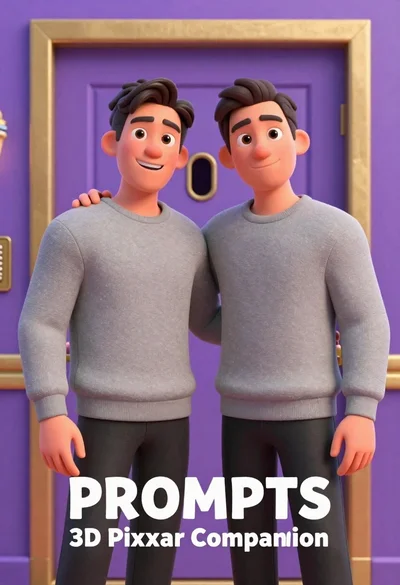
Two men standing side by side in front of a purple door
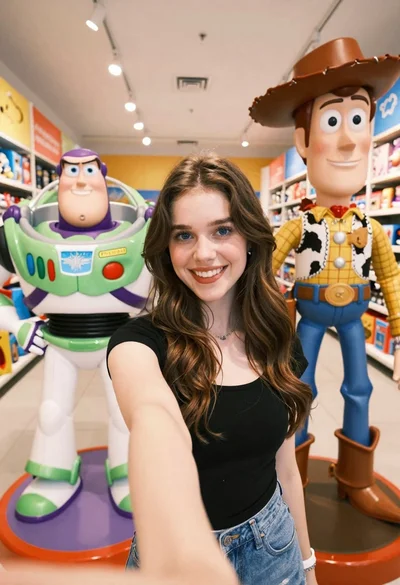
Young woman taking selfie between toy statues in brightly lit store aisle

Portrait of young woman with brown skin and floral dress in 3d

Young male hacker in black jacket typing on laptop in dark studio
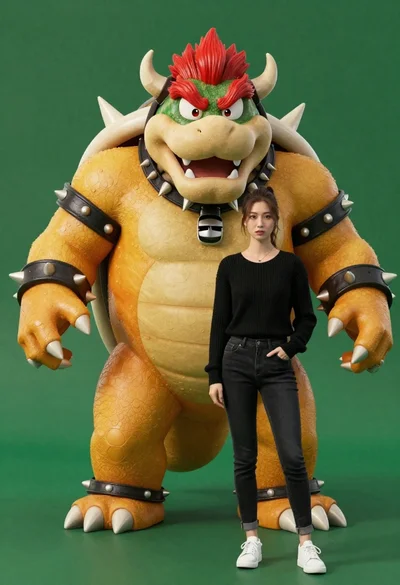
Muscular bowser character standing next to young woman in black sweater
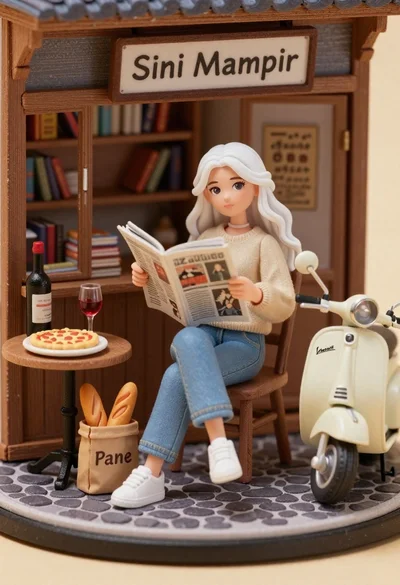
Miniature diorama of young woman reading newspaper in rustic storefront

Anime character monkey d luffy leaping forward in red jacket on white