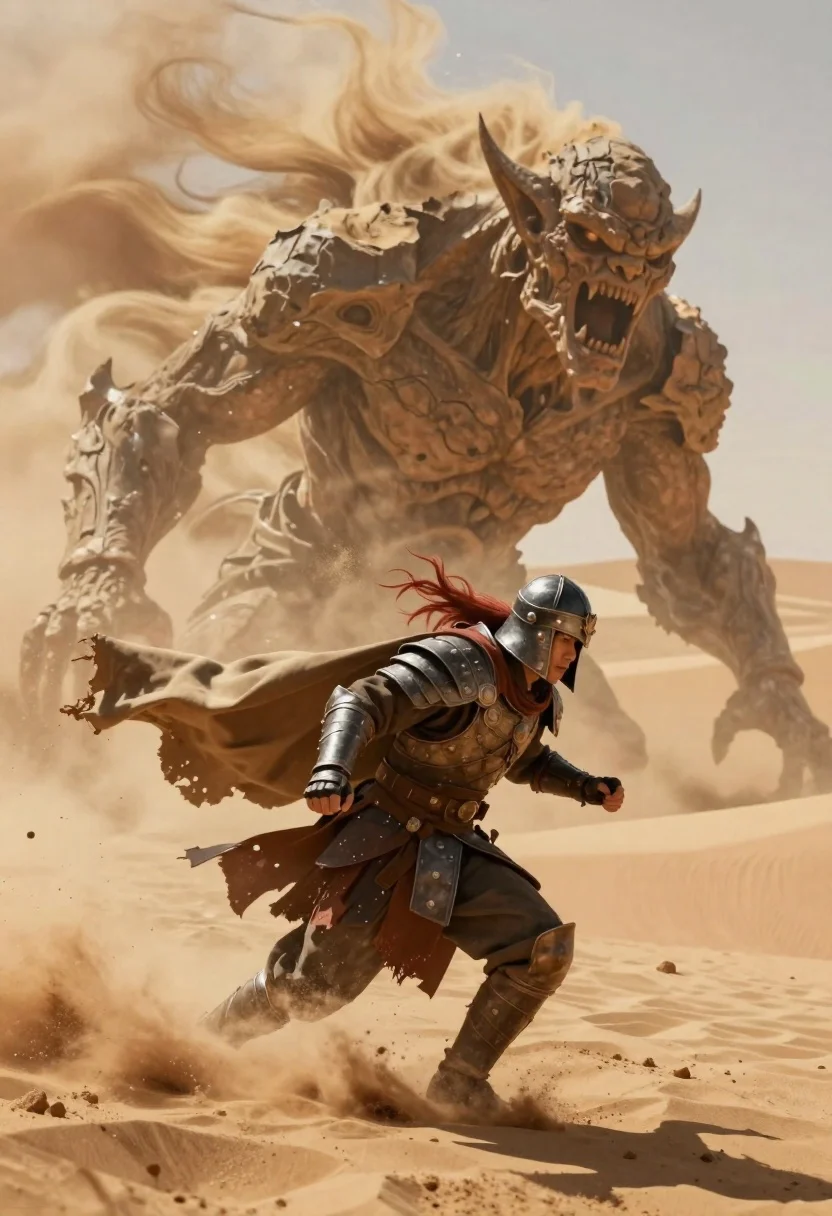
Armored warrior fleeing massive sand demon in desert
Prompt
Digital painting of a dramatic desert battle scene featuring an armored warrior fleeing from a massive sand demon

Subject: A lone armored figure in detailed leather and metal armor, crouched low to the ground, wearing a helmet with flowing red hair visible beneath it

Other Subjects: An enormous humanoid monster composed entirely of shifting dunes and swirling earth, its face carved into rock-like features with jagged teeth bared in a roar, eyes glowing faintly within deep sockets

Clothing: Weathered leather armor reinforced with metallic plates, tattered cloak fluttering behind the warrior as they run through loose sand

Action: The armored figure is sprinting forward with intense determination, arms pumping for balance while kicking up clouds of dust beneath their boots

Environment: A vast desert landscape dominated by towering dunes and a swirling storm of golden sand that surrounds both characters, creating an oppressive atmosphere of chaos and heat

Lighting: Bright sunlight filtering through the haze casts sharp highlights on armor plates and creates deep shadows within crevices of the demon's rocky form, enhancing texture contrast

Camera: Dynamic low-angle shot emphasizing the scale difference between the small human hero and the towering demonic entity, capturing motion blur in sand particles to suggest speed and impact.
Description
This prompt is useful for creating epic fantasy book covers, concept art for video games, and dramatic movie poster designs depicting high-stakes action. The combination of 'dynamic low-angle shot' and the 'massive sand demon' establishes an immediate sense of overwhelming scale, while the 'bright sunlight filtering through the haze' ensures that the detailed textures on both the 'weathered leather armor' and the creature remain visible despite the surrounding chaos.
Suggestions
- Change 'red hair' to 'silver braided hair' for a different character archetype.
- Swap 'metallic plates' for 'bronze plating' to adjust the color palette.
- Add 'volumetric dust motes' to enhance the atmosphere of the desert storm.
Category
Tags
ArmorDesertDigital ArtFemaleFull BodyLow AngleRed Hair
Date added
June 19, 2026
Added by
PromptDexter Team
Related Prompts
More prompts with similar categories and tags.

Warrior woman riding wolf through snowy mountains
Anime woman in black dress in a misty forest stream
Warrior woman in dark armor seated with ornate sword
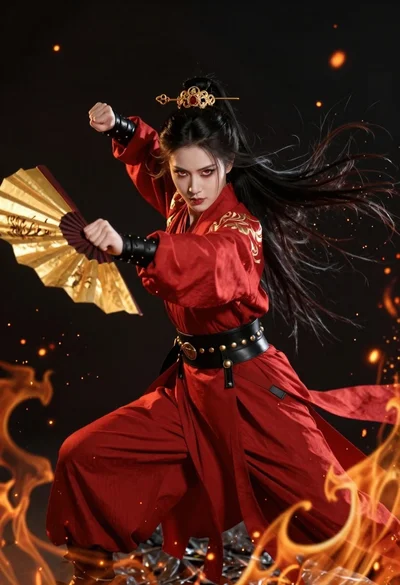
Fierce female warrior in red robe holding golden fan against dark void
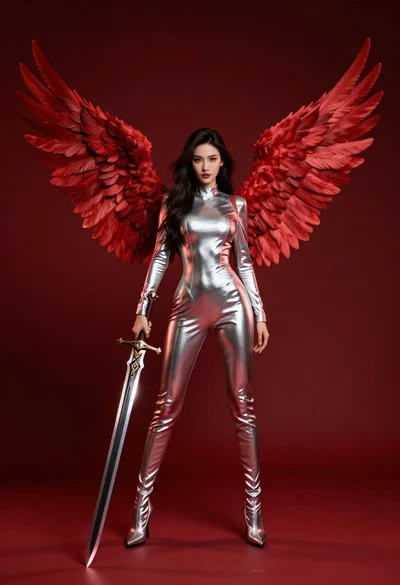
Female figure with red wings holding glowing sword against deep red background
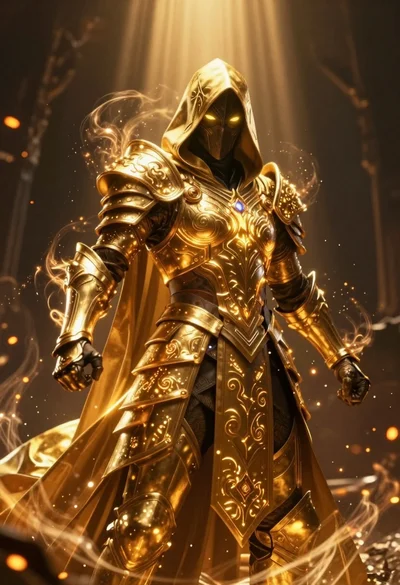
Mysterious armored warrior standing amidst swirling magical energy and embers
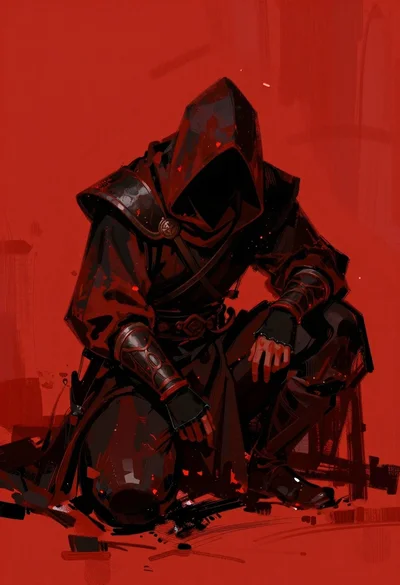
Hooded warrior crouching against abstract red background
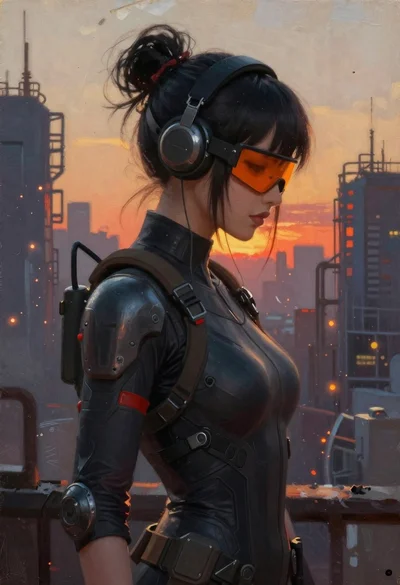
Oil painting portrait of cyberpunk woman in industrial city
