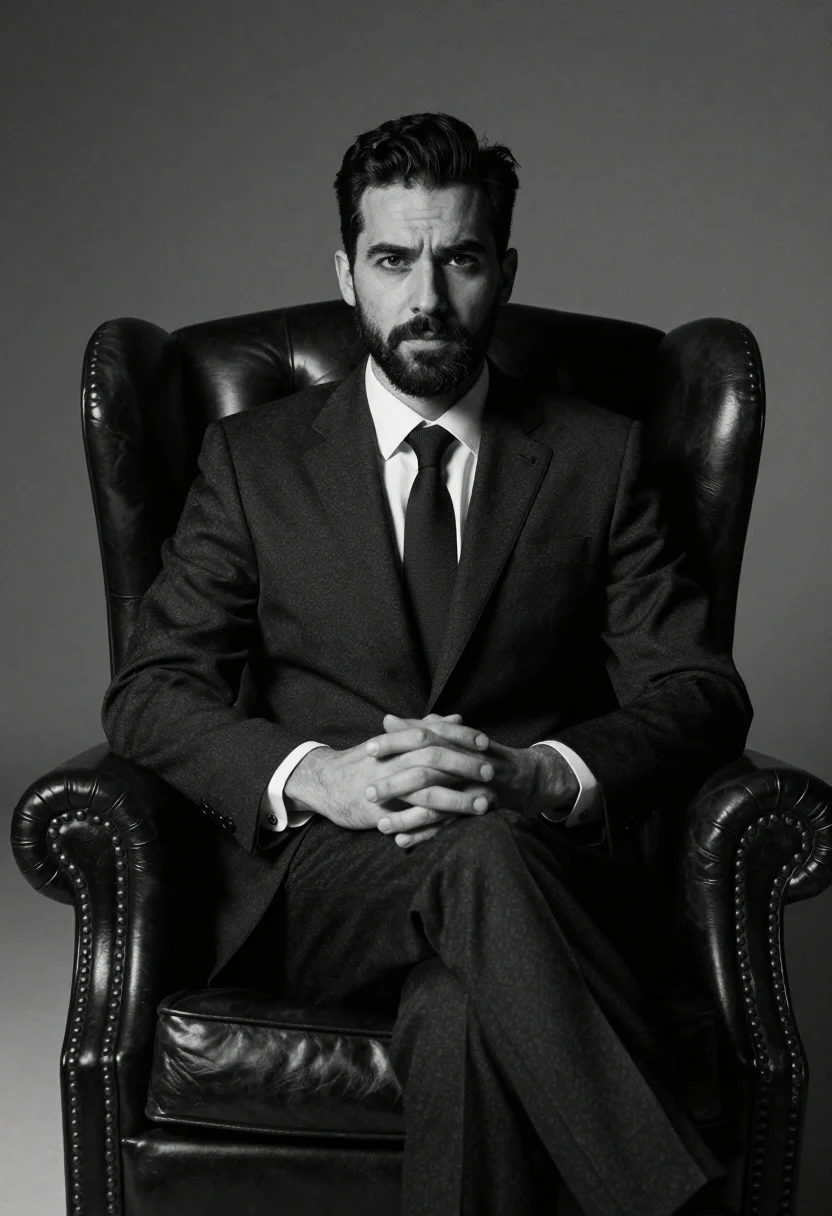
Medium shot of man in dark suit sitting in leather armchair studio
Prompt
A confident man with short dark hair and a beard sits in a large leather armchair against a neutral background.

Subject: A serious-looking man with short dark hair and a well-groomed beard, looking directly at the camera.

Clothing: He wears a formal dark suit jacket and trousers, a crisp white collared shirt, and a dark tie.

Action: His hands are clasped together in his lap, resting on his thighs, while he sits upright with a composed posture.

Environment: The setting is a studio with a plain, seamless gray backdrop that fades into darkness at the edges.

Camera: A medium shot captures the subject from the waist up, utilizing a shallow depth of field to keep the focus sharp on the man and slightly soften the background.

Lighting: Dramatic studio lighting creates high contrast, casting deep shadows in the corners and highlighting the contours of the face and suit fabric.

Objects: A large, dark leather wingback armchair with tufted details and nailhead trim serves as the primary prop.

Style Details: High-contrast black and white photography with a grainy texture, resembling a classic film noir or high-end editorial portrait.
Description
This prompt is useful for creating sophisticated corporate headshots, dramatic character portraits for literary magazines, and vintage advertising campaigns requiring gravitas. The combination of 'high contrast black and white photography' with 'deep shadows in the corners' sculpts the subject's face and suit fabric, preventing a flat appearance that would result from softer studio illumination while the 'large, dark leather wingback armchair' grounds the composition.
Suggestions
- Change 'plain, seamless gray backdrop' to 'dark charcoal backdrop' for more drama.
- Swap 'formal dark suit jacket' for 'tweed sport coat' to soften the formality.
- Add 'shot on Kodak Tri-X 400 film' to enhance the grainy texture.
Category
Tags
B&wFormal WearMaleMedium ShotPortrait ShotRealisticStudio
Date added
July 12, 2026
Added by
PromptDexter Team
Related Prompts
More prompts with similar categories and tags.
Black and white portrait of man in polo shirt
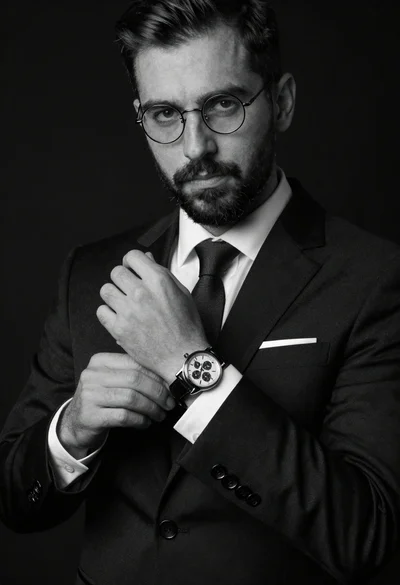
Monochrome portrait of man adjusting wristwatch on black background
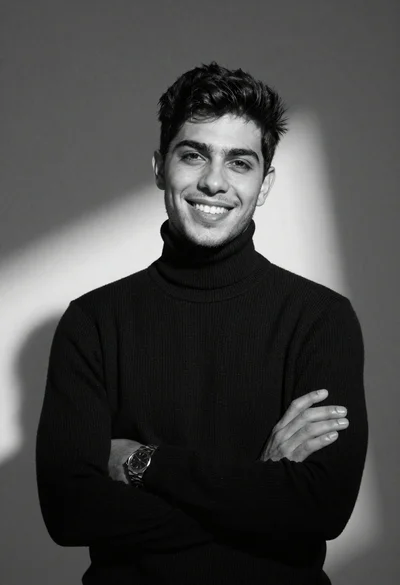
Black and white portrait of young man in turtleneck sweater
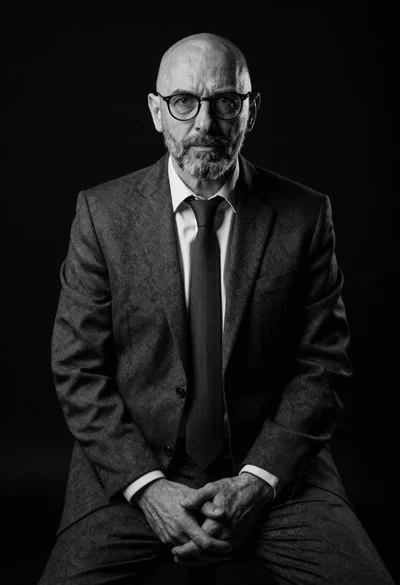
Black and white portrait of mature bald man in suit
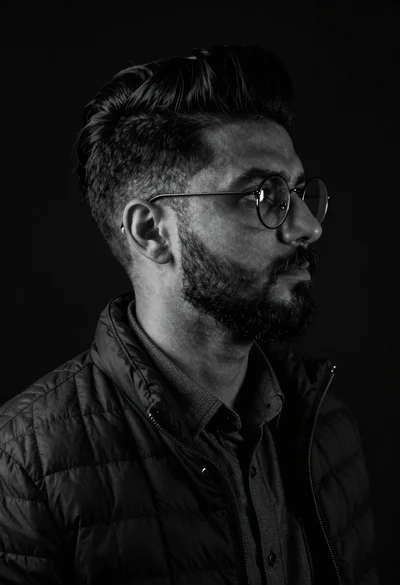
Black and white studio portrait of man with beard
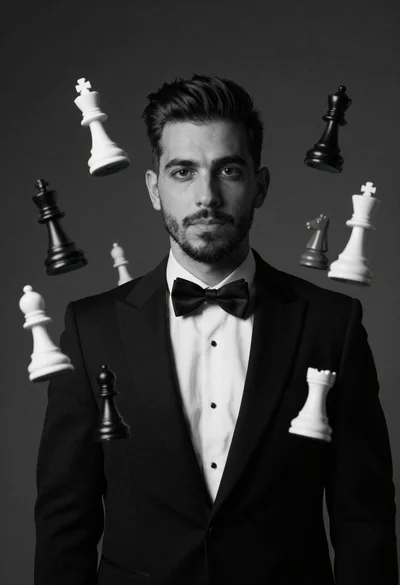
Monochrome portrait of man with floating chess pieces
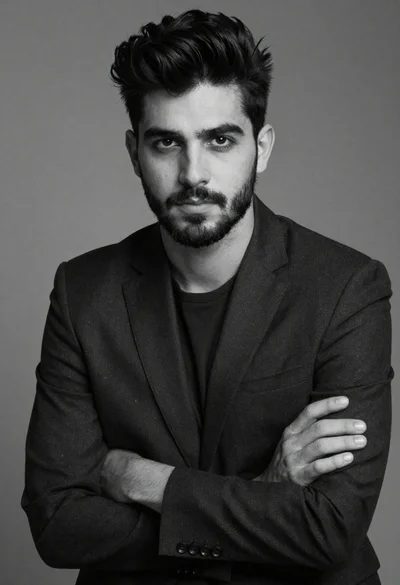
Black and white portrait of a young man in suit
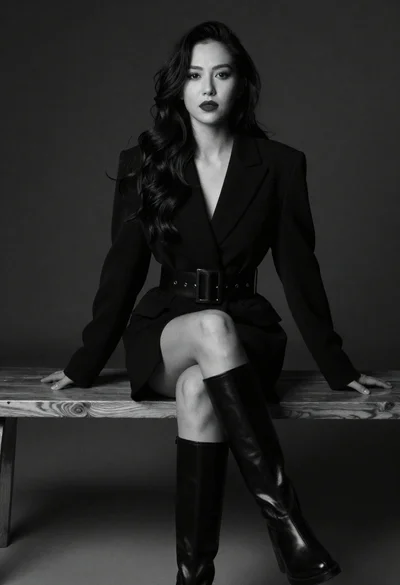
Portrait of woman in blazer dress sitting on bench in studio
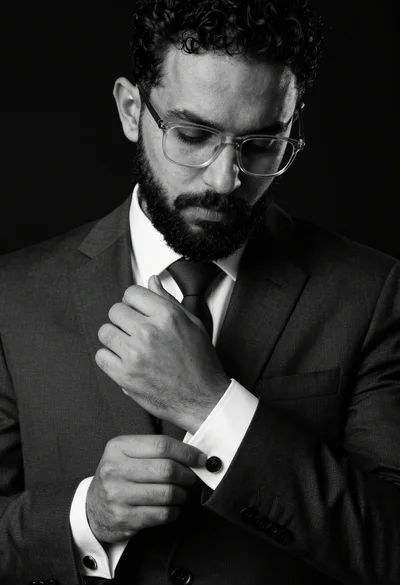
Black and white portrait of man adjusting dark cufflinks on formal suit
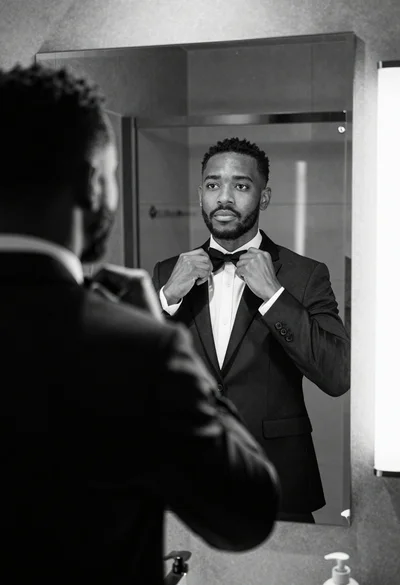
Black and white photograph of man adjusting bow tie in modern bathroom