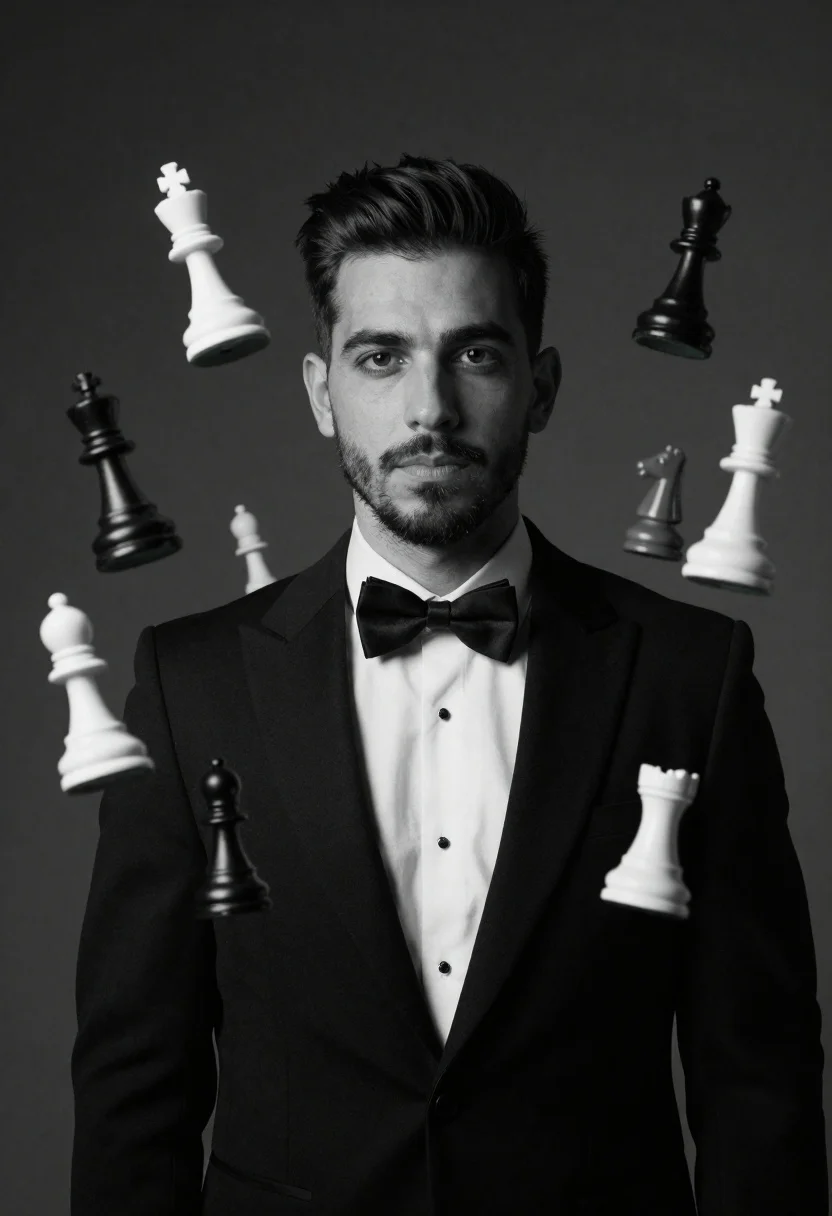
Monochrome portrait of man with floating chess pieces
Prompt
A monochrome studio portrait of a man in formal attire

Subject: A clean-shaven man with styled dark hair and neatly groomed facial stubble looking directly at the camera with a calm, neutral expression

Clothing: He is wearing a black tuxedo jacket over a crisp white dress shirt paired with a classic black bow tie

Objects: Multiple floating chess pieces of varying sizes kings, queens, rooks, knights, and pawns are suspended in mid-air around him in dynamic positions against the backdrop

Environment: A plain dark background that fades into shadow to emphasize depth and focus on the subject and floating objects.
Description
This prompt is useful for creating conceptual fine art prints, dramatic character studies, and high-end editorial spreads exploring themes of strategy or intellect. The combination of 'black tuxedo jacket' against a 'plain dark background that fades into shadow' isolates the subject while allowing the suspended 'floating chess pieces' to appear weightless, preventing them from looking merely placed rather than magically present.
Suggestions
- Change 'styled dark hair' to 'slicked back wet look' for more dramatic contrast.
- Add 'dramatic chiaroscuro lighting' to enhance the shadows on the tuxedo.
- Swap 'plain dark background' for 'deep velvet curtain' to add a subtle texture.
Category
Tags
B&wFormal WearMalePortrait ShotRealisticStudio
Date added
June 19, 2026
Added by
PromptDexter Team
Related Prompts
More prompts with similar categories and tags.
Black and white portrait of mature bald man in suit
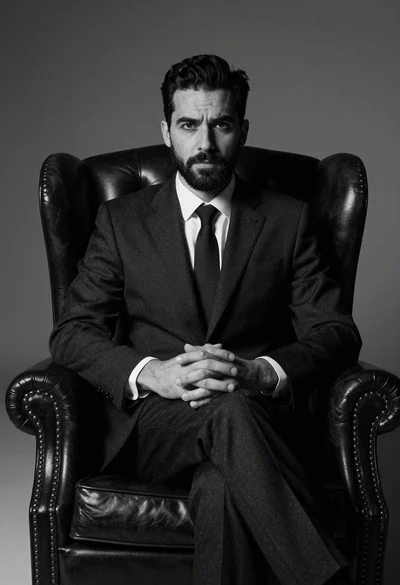
Medium shot of man in dark suit sitting in leather armchair studio
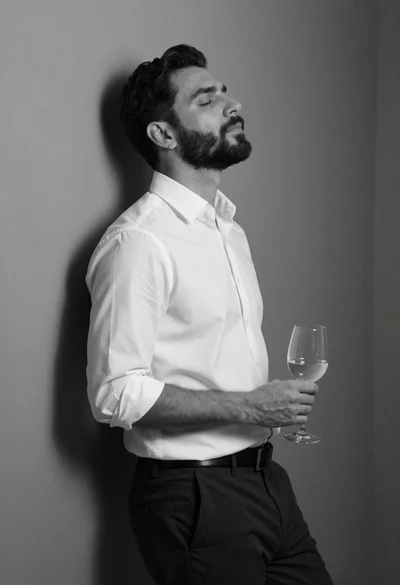
Black and white portrait of man leaning against corner wall

Black and white portrait of man with beard studio shot
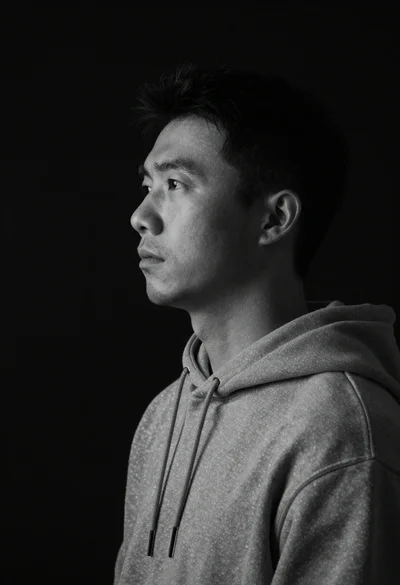
Monochrome portrait of asian man in profile
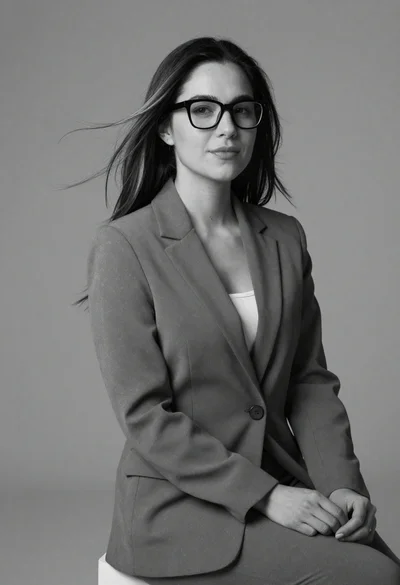
Black and white portrait of woman in business attire
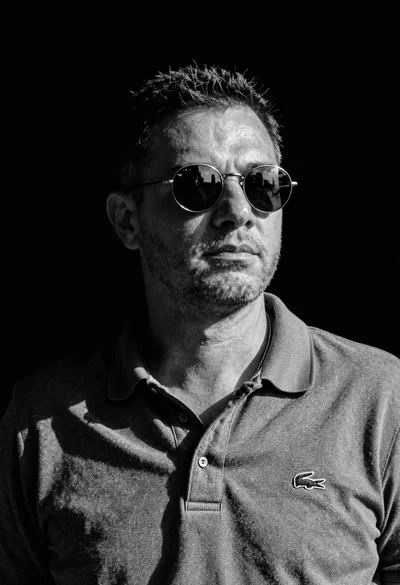
Black and white portrait of man in polo shirt

Man in suit sitting in car at night