
Blonde volleyball player in maroon uniform ready athletic stance indoors
Prompt
A focused female volleyball player in a ready athletic stance, hands gripping her knees, mouth slightly open as she watches the play unfold.

Subject: A young woman with blonde hair pulled back, fair skin, and an intense, focused expression looking upward and to the side.

Clothing: She wears a maroon long-sleeved jersey with white trim on the sleeves, a large white number 12 on the front, and a small logo above it; she also has dark blue compression sleeves on her arms, black athletic shorts, and white socks.

Action: The athlete is in a low athletic crouch, knees bent deeply, hands placed firmly on her thighs, body leaning forward in anticipation of movement.

Environment: An indoor sports arena with a blurred background showing indistinct spectators and seating areas under a maroon overhead structure.

Camera: A medium shot capturing the subject from the waist up, utilizing a shallow depth of field to keep the player sharp while blurring the background significantly.

Lighting: Bright, even indoor lighting that illuminates the subject clearly without harsh shadows, highlighting the texture of her jersey and skin.

Style Details: High-quality sports photography with realistic textures, natural color grading, and a professional aesthetic typical of collegiate athletics coverage.
Description
This prompt is useful for creating athletic action shots for sportswear catalogs, team promotional materials, and fitness blog features. The combination of 'low athletic crouch' and 'bright, even indoor lighting' ensures the subject remains clearly visible against the blurred background, while specifying the 'maroon long-sleeved jersey with white trim' grounds the image in a specific collegiate aesthetic.
Suggestions
- Change 'maroon long-sleeved jersey' to 'navy blue mesh top' for a different team color.
- Adjust 'low athletic crouch' to 'mid-jump pose' for more dynamic action.
- Replace 'shallow depth of field' with 'telephoto lens compression' to flatten the background further.
Category
Tags
BlondeFair SkinFemaleMedium ShotRealisticSportswear
Date added
June 19, 2026
Added by
PromptDexter Team
Related Prompts
More prompts with similar categories and tags.
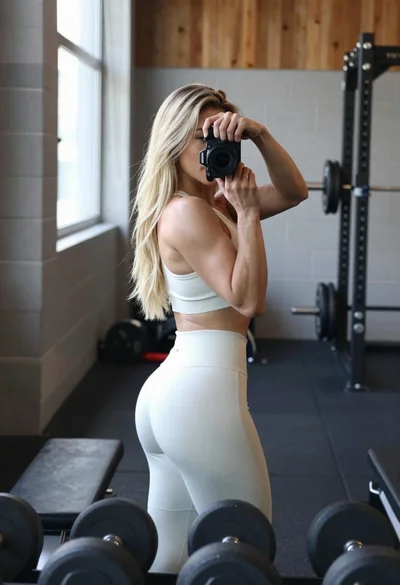
Fit blonde woman taking mirror selfie in bright gym setting
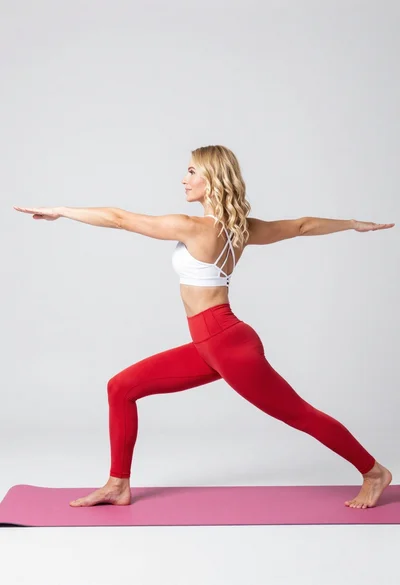
Fit blonde woman in white sports bra and red leggings doing yoga
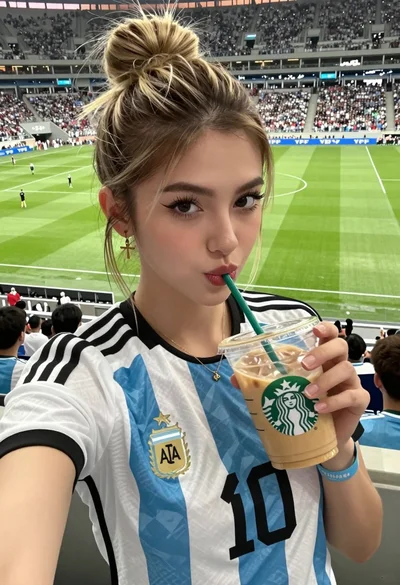
Close up selfie of young woman in argentina jersey at football stadium
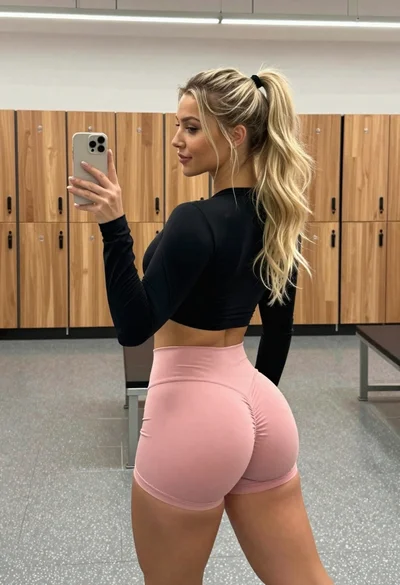
Woman taking mirror selfie in locker room with blonde hair
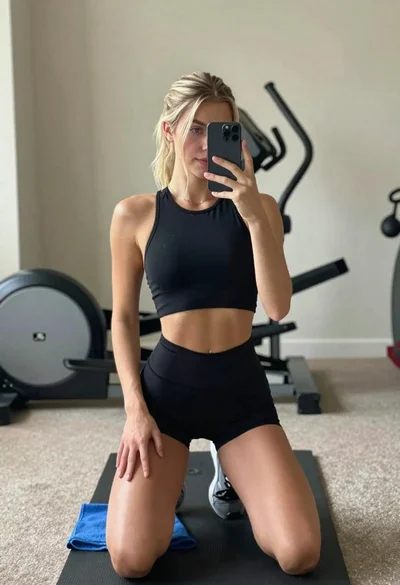
Young woman taking mirror selfie in athletic wear at home gym
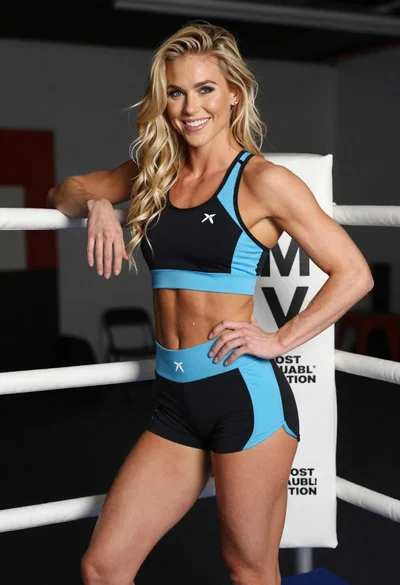
Smiling blonde woman posing confidently inside a boxing ring setting
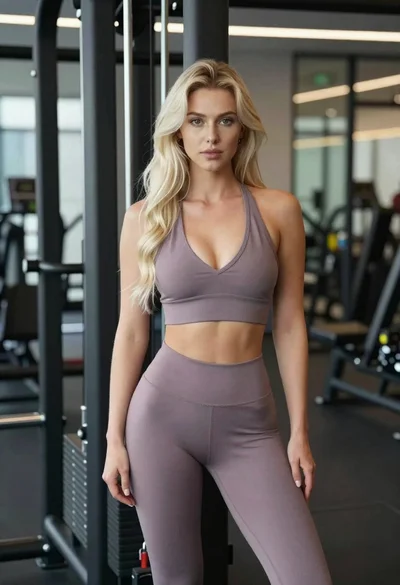
Fit blonde woman in athletic wear standing in modern gym setting
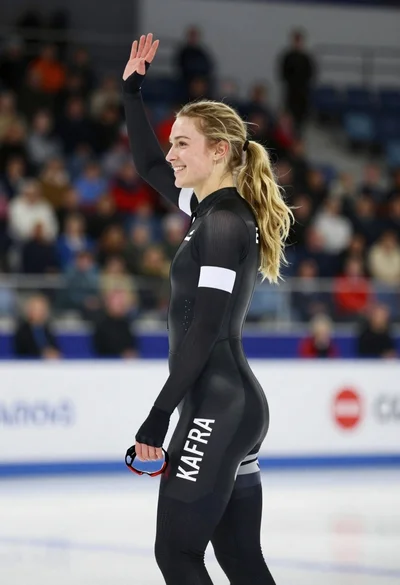
Blonde speed skater waving from an indoor ice rink profile view
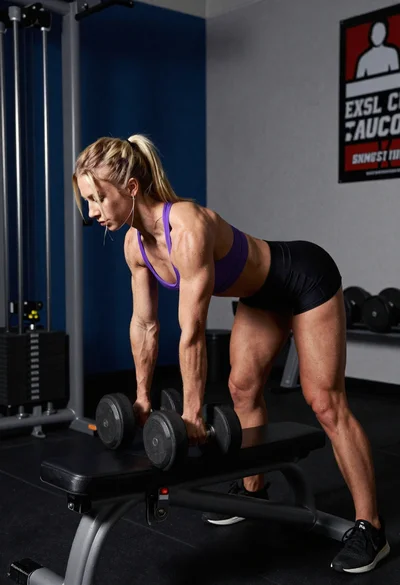
Blonde female athlete doing dumbbell rows in a gym corner
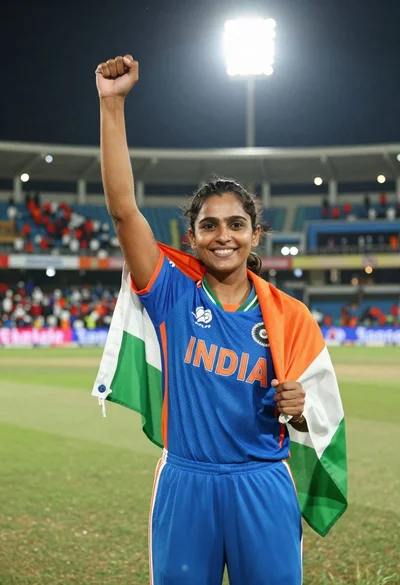
Female cricket player celebrating victory in stadium at night with flag