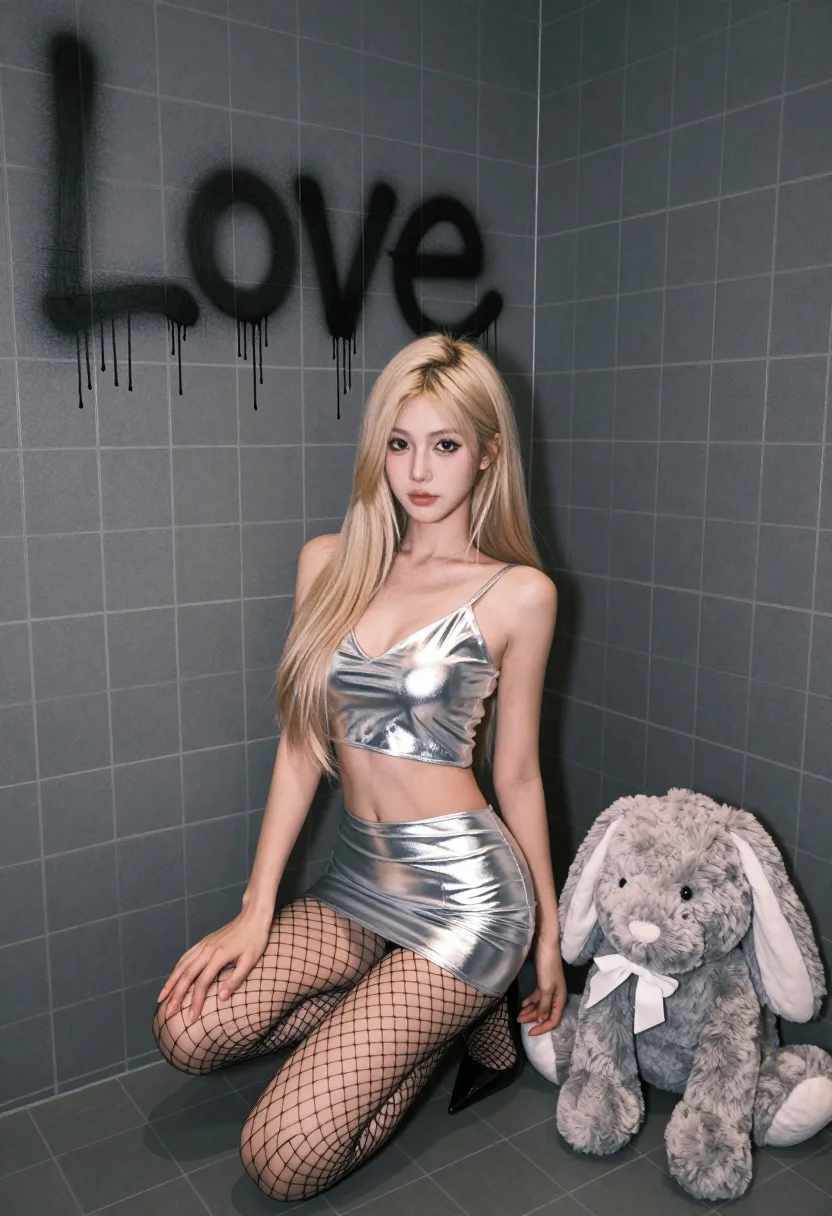
Blonde woman crouching in tiled room near stuffed bunny with silver outfit
Prompt
A young woman with long blonde hair crouches in the corner of a tiled room next to a large grey stuffed bunny.

Subject: A fair-skinned woman with long straight blonde hair and a neutral expression looking directly at the camera.

Clothing: She wears a shiny silver metallic two-piece outfit consisting of a deep V-neck crop top and a matching mini skirt, paired with black fishnet stockings on her legs.

Action: The subject is crouching low to the ground in a corner, resting one hand on her knee and leaning slightly against the wall.

Environment: The setting is a room with dark grey square tiles covering the walls and floor, creating a stark, industrial atmosphere.

Objects: A large, fluffy grey stuffed rabbit sits on the floor next to the woman's right side.

Text/Graphics: The word "Love" is written in black spray paint on the wall behind her head, with drips running down from the letters.

Lighting: The scene is lit with soft, diffused light that highlights the metallic sheen of her outfit and casts gentle shadows against the dark tiles.

Camera: The shot is taken from a slightly low angle looking up at the subject, emphasizing the corner composition and the height of the tiled walls.

Style Details: The image features a high-contrast aesthetic with a cool color palette dominated by greys and silvers, rendered in a realistic photographic style.
Description
This prompt is useful for creating avant-garde editorial spreads, conceptual portraiture for art zines, and fashion editorials exploring themes of artificiality or melancholy. The combination of 'shiny silver metallic' clothing against the 'dark grey square tiles' establishes a high-contrast, cool color palette that visually isolates the subject, while the 'low angle looking up at the subject' exaggerates her presence within the confined corner composition.
Suggestions
- Change 'stuffed bunny' to 'mannequin' for a more fashion-forward prop.
- Swap 'shiny silver metallic' for 'iridescent vinyl' to alter the reflectivity.
- Adjust 'soft, diffused light' to 'harsh overhead spotlight' for greater drama.
Category
Tags
BlondeFair SkinFemaleLow AngleRealistic
Date added
July 12, 2026
Added by
PromptDexter Team
Related Prompts
More prompts with similar categories and tags.

Smiling blonde woman in black dress at sports illustrated event backdrop
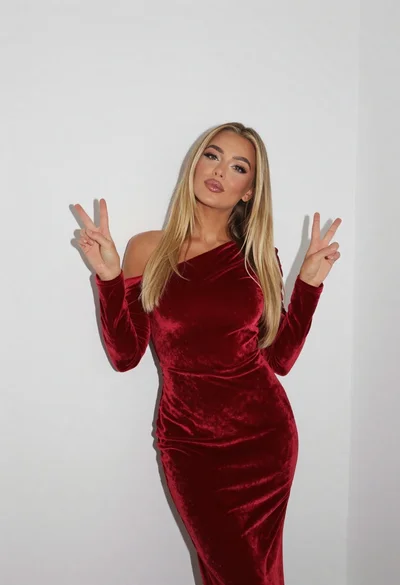
Fair blonde woman in deep red velvet dress posing against plain white
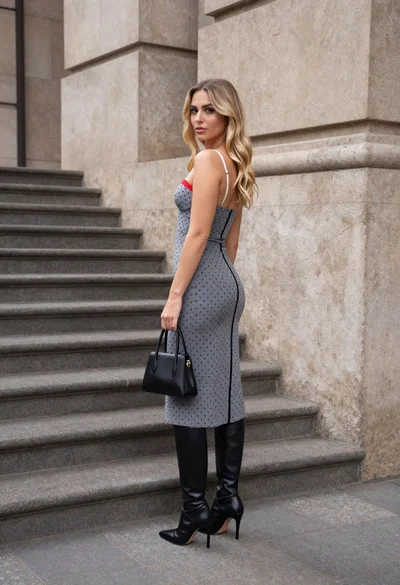
Young woman in grey patterned dress against beige stone architecture
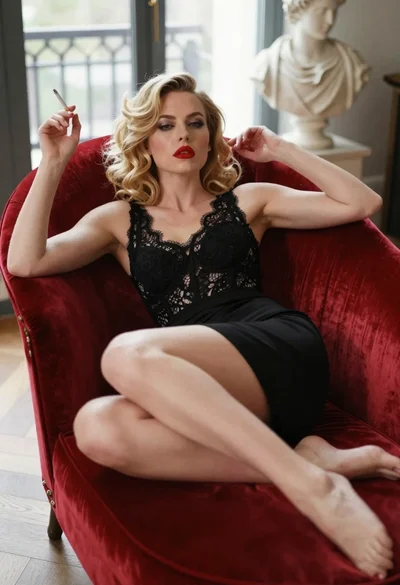
Blonde woman in black dress reclining on red velvet chaise lounge indoors
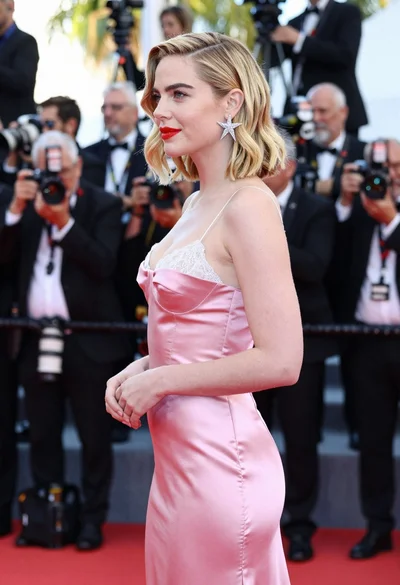
Glamorous blonde woman in pink satin slip dress at red carpet event

Blonde woman sitting on coffee table in modern living room setting

Blonde woman seated sideways in black mini dress by window

Blonde woman in black dress leaning on stone pillar in garden setting
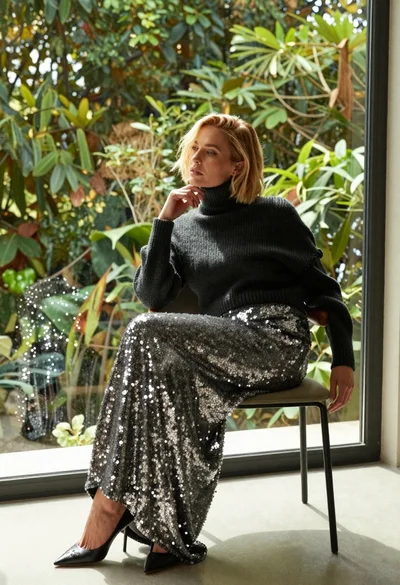
Blonde woman in sequined skirt seated indoors by large window

Blonde woman in white dress holding lawn mower in grassy field