

Blonde woman in sequined skirt seated indoors by large window
Prompt
A woman with short blonde hair sits elegantly in a chair against a large window overlooking lush green foliage.

Subject: A fair-skinned woman with a short, wavy blonde bob haircut and a contemplative expression.

Clothing: She wears a dark, chunky knit turtleneck sweater draped over her shoulders and a long, shimmering skirt covered in dense silver sequins that cascade onto the floor.

Action: She is seated sideways on a simple chair with one leg crossed over the other, her left hand resting gently near her chin while her right arm rests along the side of the seat.

Environment: The setting is indoors next to a large glass window that frames a vibrant background of dense green trees and bushes outside.

Camera: Shot from a low angle looking slightly up at the subject, utilizing a shallow depth of field to blur the foliage in the background while keeping the subject sharp.

Lighting: Natural sunlight streams through the window, creating a soft, dappled glow on the woman's skin and highlighting the sparkle of the sequins on her skirt.

Style Details: The image features a cinematic color palette with high contrast between the dark sweater and the bright green background, rendered with a polished, editorial fashion photography aesthetic.
Description
This prompt is useful for creating magazine editorials focusing on texture contrast, stylized portraiture for luxury brands, and mood-driven character studies. The combination of 'dark, chunky knit turtleneck' against the 'shimmering skirt covered in dense silver sequins' establishes a high visual tension that prevents the image from looking flat, while the 'low angle' shot emphasizes the subject's elegance against the natural backdrop.
Suggestions
- Change 'dense silver sequins' to 'iridescent blue sequins' for a cooler tone.
- Swap 'contemplative expression' for 'direct gaze' to increase engagement.
- Adjust 'natural sunlight' to 'overcast daylight' to soften the highlights.
Category
Tags
BlondeFair SkinFemaleIndoorsLow AngleMedium ShotNatureRealistic
Date added
June 19, 2026
Added by
PromptDexter Team
Related Prompts
More prompts with similar categories and tags.

Blonde woman seated sideways in black mini dress by window
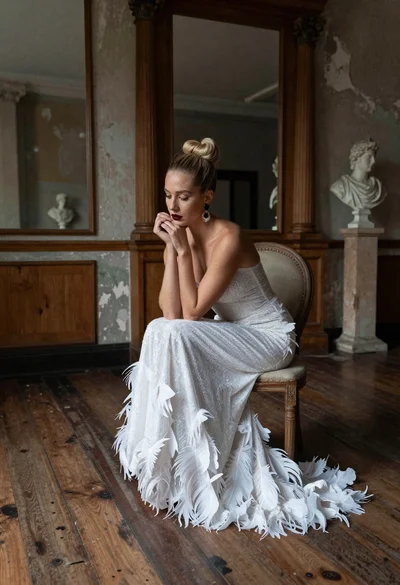
Blonde woman in white feather gown sitting in rustic high ceiling room
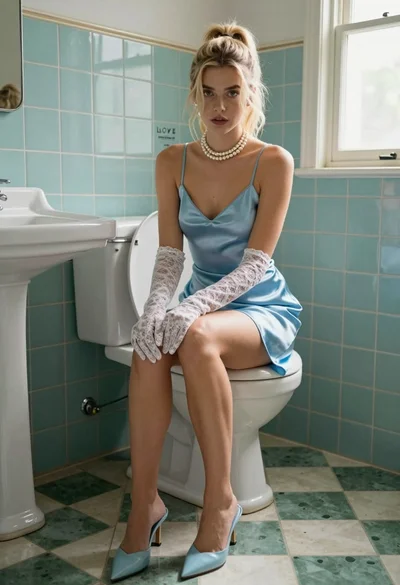
Blonde woman in blue satin slip sitting on vintage toilet with lace

Fair blonde woman in metallic corset mini dress against light blue studio
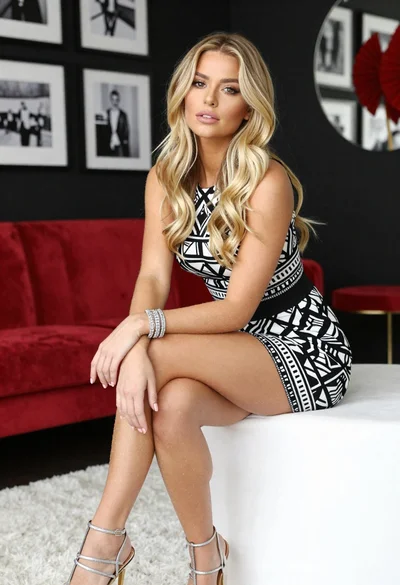
Blonde woman in geometric dress seated in modern stylish interior setting
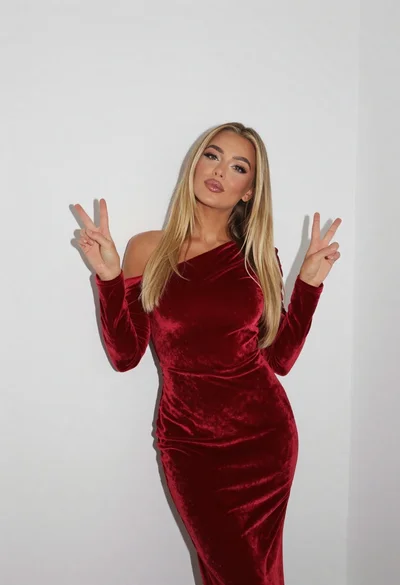
Fair blonde woman in deep red velvet dress posing against plain white
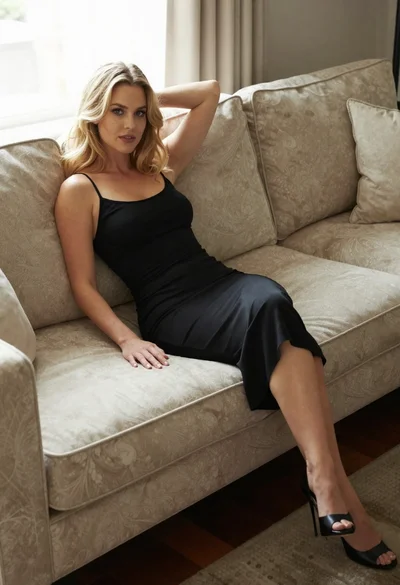
Blonde woman in black slip dress reclining on beige sofa indoors
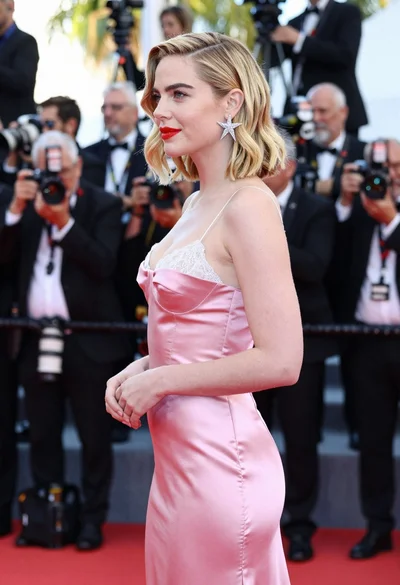
Glamorous blonde woman in pink satin slip dress at red carpet event
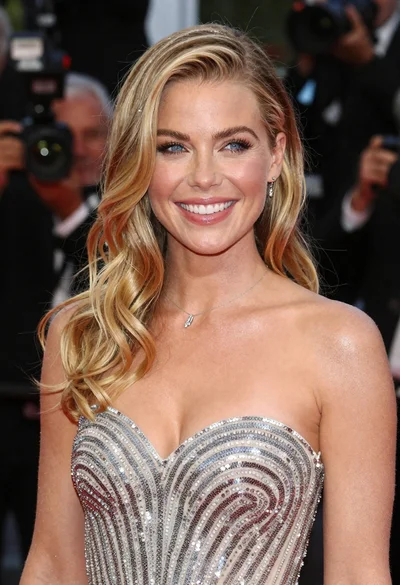
Close up portrait of smiling blonde woman in silver sequin gown

Smiling blonde woman in boutique wearing navy blouse and black skirt
