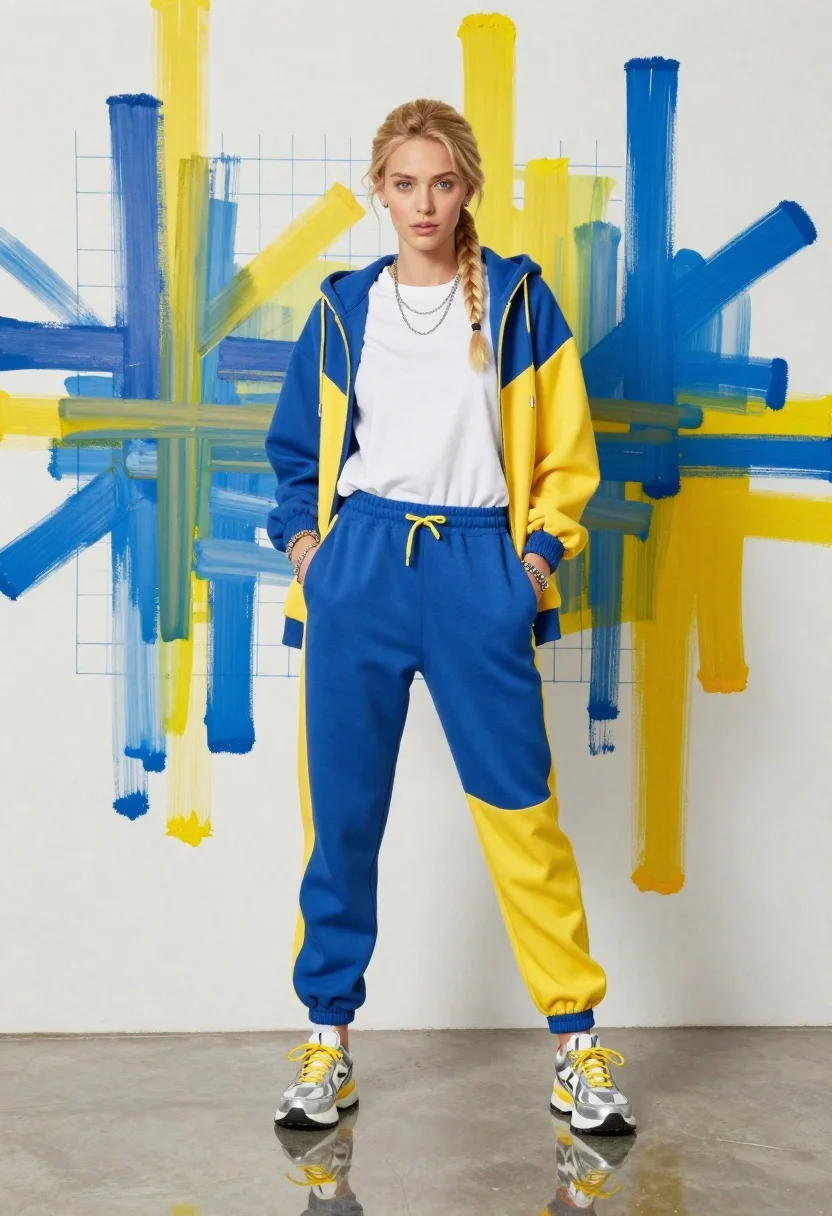
Young woman in color blocked tracksuit against abstract art wall
Prompt
A full-body shot of a young woman with blonde hair styled in a long side braid standing confidently against an abstract art wall.

Subject: A young woman with fair skin and light blue eyes, her blonde hair pulled back into a thick side braid that falls over her right shoulder. She has a neutral, direct gaze looking straight at the camera.

Clothing: She wears a color-blocked tracksuit featuring royal blue and bright yellow panels on the hooded jacket and jogger pants. Underneath the unzipped jacket is an oversized white t-shirt. She accessorizes with multiple silver necklaces, several bracelets on both wrists, and chunky silver sneakers with yellow laces and white socks.

Action: She stands facing forward with a relaxed posture, her hands tucked into the front pockets of her sweatpants. Her weight appears slightly shifted to one leg, giving a casual stance.

Environment: The background is a white wall covered in large, expressive abstract paint splatters in blue and yellow that match her outfit. Faint blue grid lines are visible on the wall behind the paint. The floor is highly reflective and glossy, mirroring her legs and shoes.

Lighting: The lighting is bright and even, typical of a studio fashion shoot, casting soft shadows and highlighting the textures of the fabric without harsh contrast.

Camera: A straight-on, eye-level medium-full shot that captures the subject from head to toe, utilizing a wide angle to include the full background context.

Style Details: High-fashion editorial aesthetic with vibrant, saturated colors and a clean, polished studio finish.
Description
This prompt is useful for creating high-energy streetwear lookbooks, modern advertising campaigns for athletic wear, and fashion editorials requiring bold color statements. The combination of 'color-blocked tracksuit' against an abstract background with 'vibrant, saturated colors' ensures the outfit remains the focal point while the 'highly reflective and glossy' floor adds a polished, commercial sheen that grounds the otherwise chaotic energy of the paint splatters.
Suggestions
- Change 'royal blue and bright yellow panels' to 'emerald green and tangerine panels' for an alternative color story.
- Swap 'abstract art wall' for 'concrete wall with graffiti accents' to shift the vibe.
- Adjust 'medium-full shot' to 'wide angle full body shot' to emphasize the environment more.
Category
Tags
BlondeCasual WearFair SkinFemaleFull BodyMedium ShotRealisticStreetwearStudioWide Shot
Date added
June 19, 2026
Added by
PromptDexter Team
Related Prompts
More prompts with similar categories and tags.
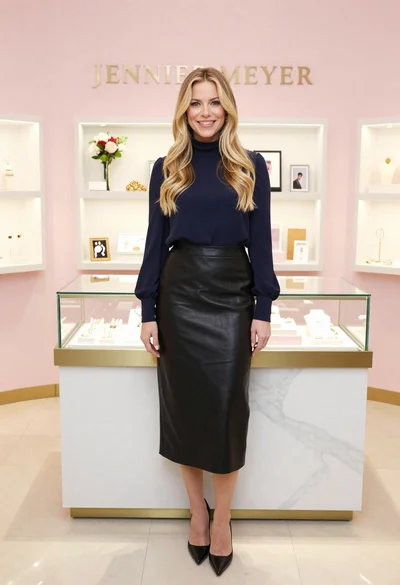
Smiling blonde woman in boutique wearing navy blouse and black skirt
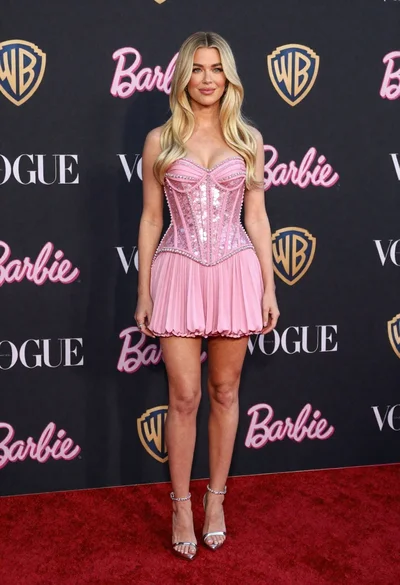
Full length portrait of blonde woman in sparkly pink mini dress on
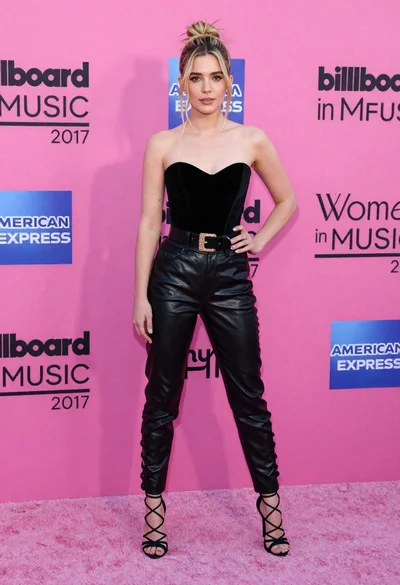
Blonde woman in black leather bodysuit on a bright pink red carpet
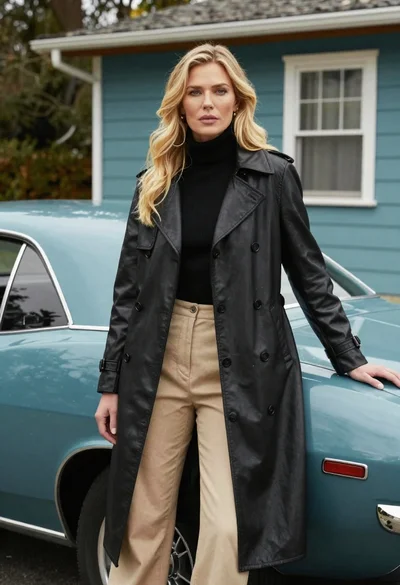
Blonde woman in black trench coat leaning on vintage teal muscle car
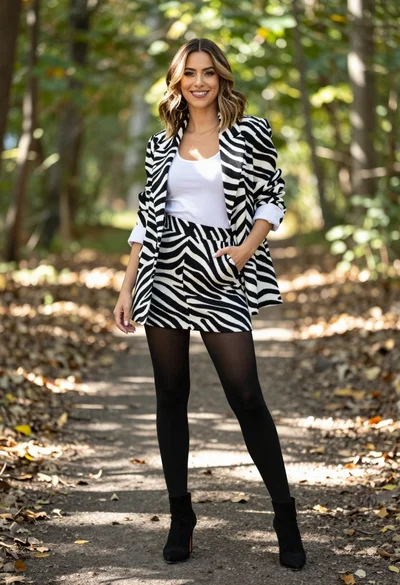
Stylish woman in zebra print suit standing on sun dappled forest path
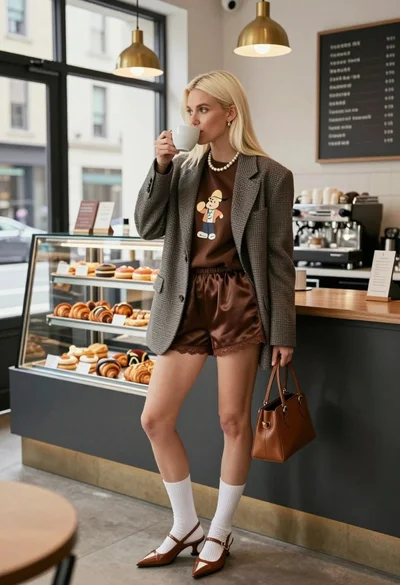
Blonde woman in houndstooth blazer at bright modern coffee shop interior
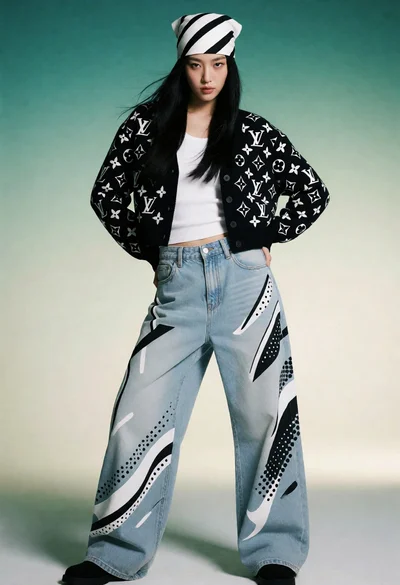
Full body studio portrait of woman in monogram jacket and denim jeans
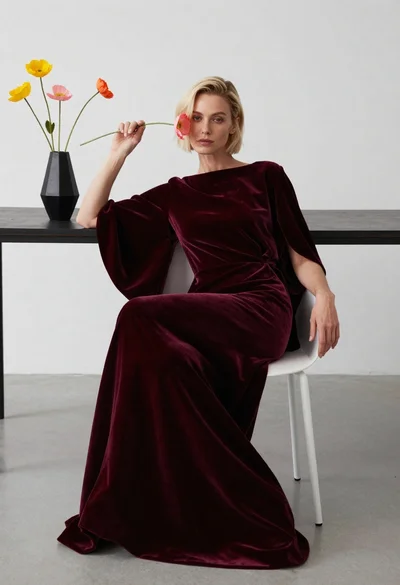
Blonde woman in burgundy velvet gown holding flower in white studio
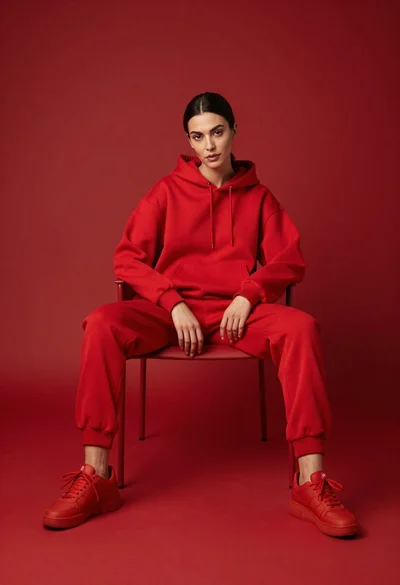
Woman in red hoodie sitting on chair against red background
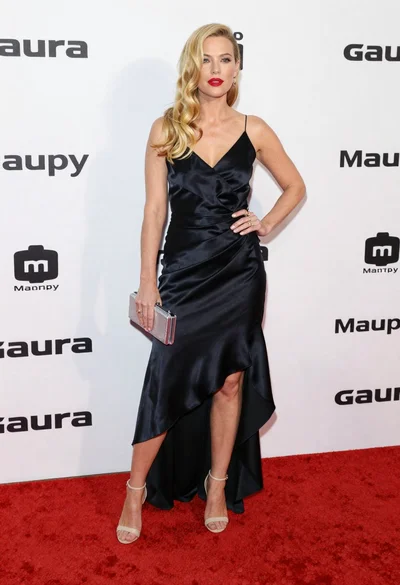
Blonde woman in black slip dress posing on red carpet at formal
