
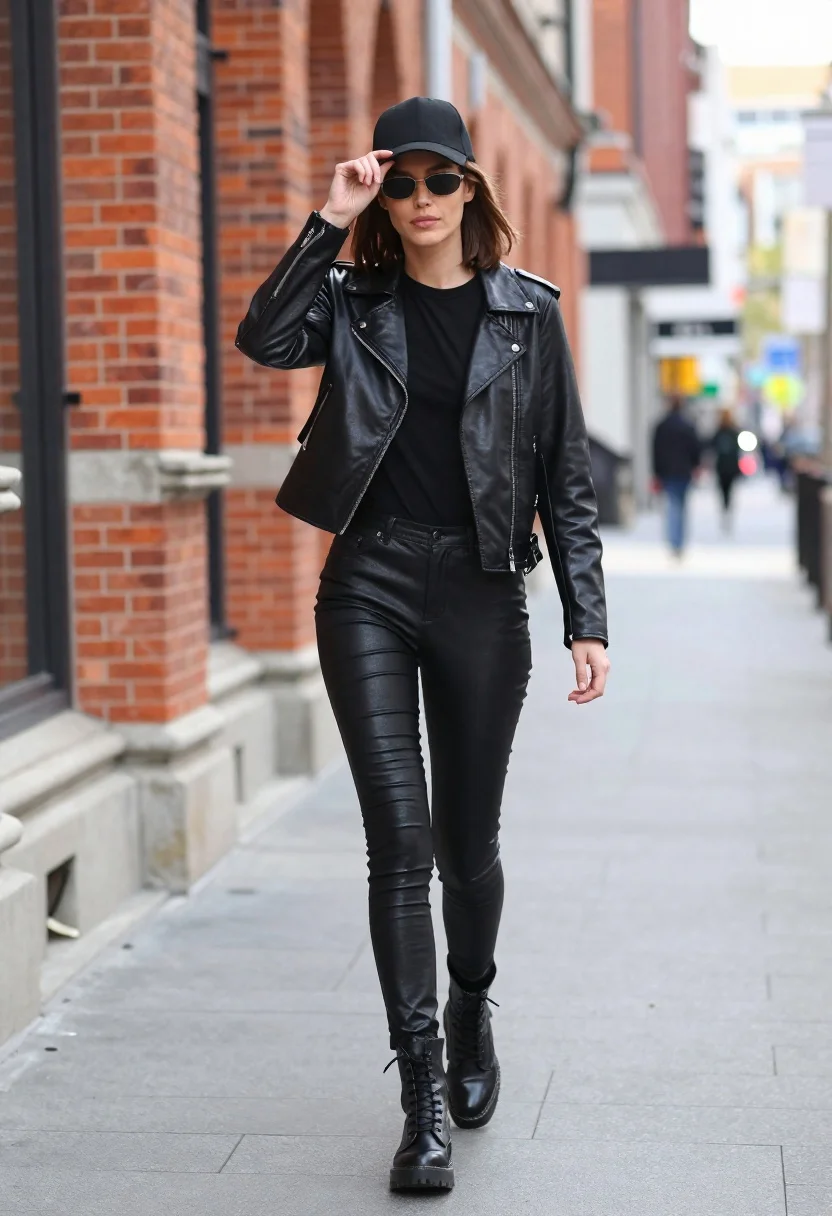
Stylish woman in black leather outfit walking on urban city sidewalk
Prompt
A stylish woman walking down a city sidewalk wearing an all-black leather outfit.

Subject: A young woman with shoulder-length brown hair, fair skin, and a confident expression as she walks forward. She is wearing dark sunglasses and holding the brim of her black baseball cap with her right hand.

Clothing: She wears a fitted black leather moto jacket over a plain black long-sleeved top. Her lower half consists of tight-fitting black faux-leather pants that match the jacket's texture. On her feet are chunky black lace-up combat boots.

Action: The woman is captured mid-stride, walking towards the camera with a relaxed posture. Her right hand is raised to adjust or hold her cap, while her left arm hangs naturally by her side.

Environment: An urban street scene featuring a red brick building on the left and a paved sidewalk extending into the background. The setting appears to be a city street with architectural details like window frames and stone bases visible.

Camera: A full-body shot taken from a slightly low angle, emphasizing the subject's height and outfit. The depth of field is shallow, keeping the woman in sharp focus while blurring the background buildings and distant figures.

Lighting: Natural daylight illuminates the scene evenly, creating soft highlights on the leather textures without harsh shadows. The lighting suggests an overcast day or indirect sunlight, providing a neutral tone to the image.

Style Details: High-fashion street style aesthetic with a monochromatic color palette dominated by black and red brick tones. The image has a clean, editorial quality typical of fashion photography.
Description
This prompt is useful for creating edgy editorial spreads, cinematic character portraits, and high-contrast fashion lookbooks. The combination of 'all-black leather outfit' against the contrasting 'red brick building' grounds the image in a specific urban setting while the 'low angle' shot exaggerates the subject's powerful stride, making the entire composition feel deliberate and dramatic.
Suggestions
- Change 'natural daylight' to 'harsh midday sun' for more contrast.
- Swap 'black leather moto jacket' for 'patent black vinyl trench coat' for a different sheen.
- Adjust 'low angle' to 'eye-level shot' if you want a less imposing feel.
Category
Tags
Brown HairFair SkinFemaleFull BodyLow AnglePortrait ShotRealisticStreetUrban
Date added
June 21, 2026
Added by
PromptDexter Team
Related Prompts
More prompts with similar categories and tags.
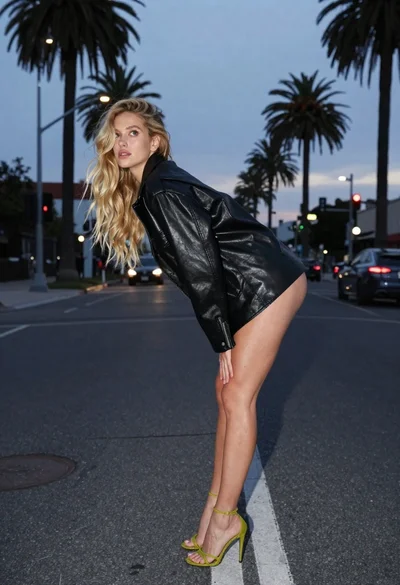
Blonde woman in black leather jacket on an urban street at dusk

Young woman in green jacket holding plush toy at festive carousel
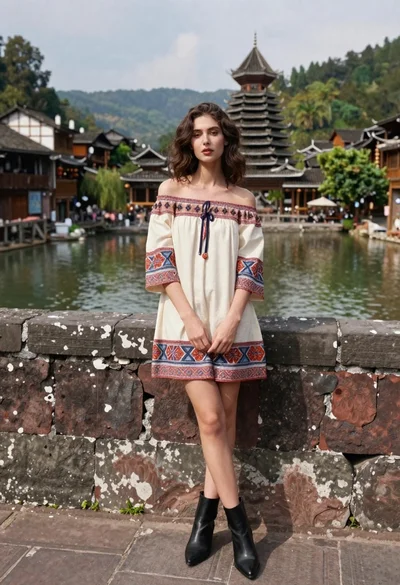
Young woman in patterned dress leaning against stone wall by river
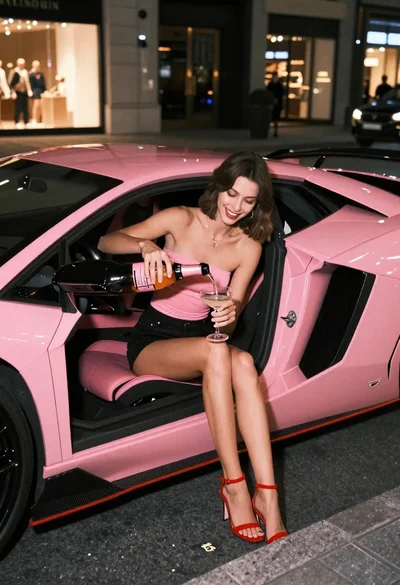
Young woman pouring champagne in pink lamborghini at night
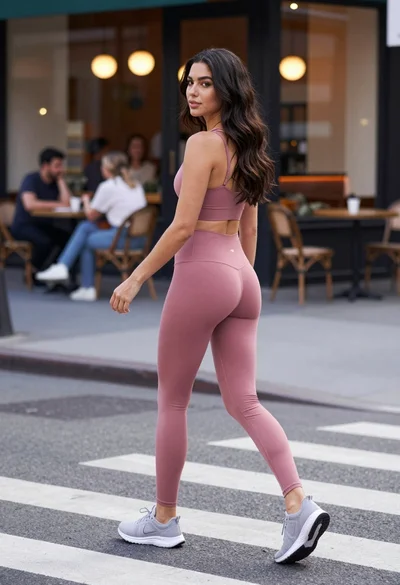
Fit woman in dusty pink athletic wear crossing city street looking back
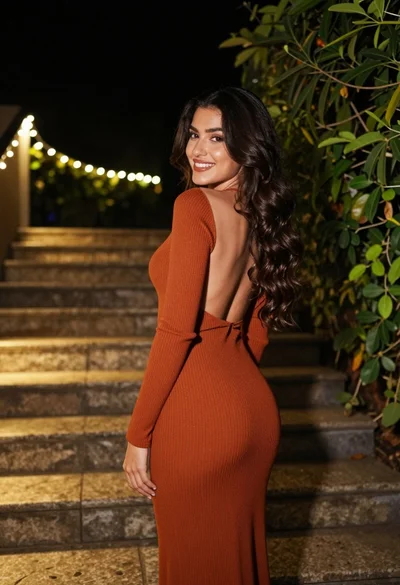
Woman in rust dress looking back over shoulder on stone staircase at
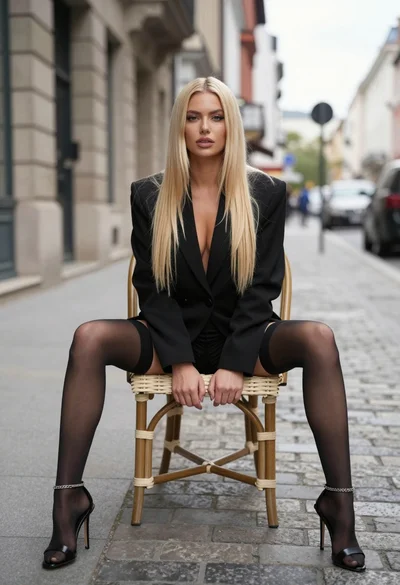
Blonde woman sitting on wicker chair in european cobblestone street setting
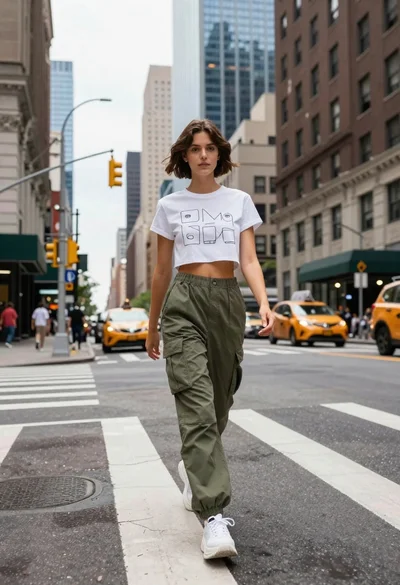
Young woman in white tshirt and cargo pants walking across city street
