
Smiling blonde woman in pink gown at an elegant outdoor evening event
Prompt
A smiling woman with blonde hair wearing a vibrant pink gown stands in profile against a blurred background.

Subject: A fair-skinned woman with shoulder-length wavy blonde hair and bright blue eyes looking off to the side with a wide, happy smile showing her teeth.

Clothing: She wears a striking hot pink evening gown featuring a deep V-neckline, thin spaghetti straps, and a bodice covered in shimmering sequins or textured fabric that transitions into a voluminous skirt made of layers of sheer pink tulle mesh.

Action: The woman is captured in a three-quarter pose facing left, with her head turned slightly toward the camera, exuding confidence and joy.

Environment: The background consists of soft, out-of-focus architectural columns on the left and dark green foliage on the right, suggesting an outdoor evening event or red carpet setting.

Lighting: Soft, flattering lighting illuminates her face and shoulders from the front-left, creating gentle highlights on her skin and emphasizing the sparkle of the dress while casting subtle shadows that define her features.

Camera: A medium close-up shot with a shallow depth of field blurs the background to isolate the subject, utilizing a lens that captures fine details in the fabric texture and facial expression.

Style Details: High-resolution photography with a polished, glamorous aesthetic typical of celebrity event coverage, featuring rich color saturation and a focus on elegance and sparkle.
Description
This prompt is useful for creating high-end red carpet features, bridal editorial spreads, and luxury brand campaign imagery. The combination of 'soft, flattering lighting' and the 'shallow depth of field' ensures that the subject remains the absolute focus by softening distracting background elements like the architectural columns, while the specified 'shimmering sequins' catch the light to achieve maximum visual sparkle.
Suggestions
- Change 'hot pink evening gown' to 'deep magenta velvet gown' for a richer tone.
- Swap 'blonde hair' for 'auburn waves' to vary the complexion contrast.
- Adjust 'medium close-up shot' to 'full body shot' to better showcase the voluminous skirt.
Category
Tags
BlondeFair SkinFemaleFormal WearFull BodyMedium ShotOutdoorsRealistic
Date added
June 19, 2026
Added by
PromptDexter Team
Related Prompts
More prompts with similar categories and tags.
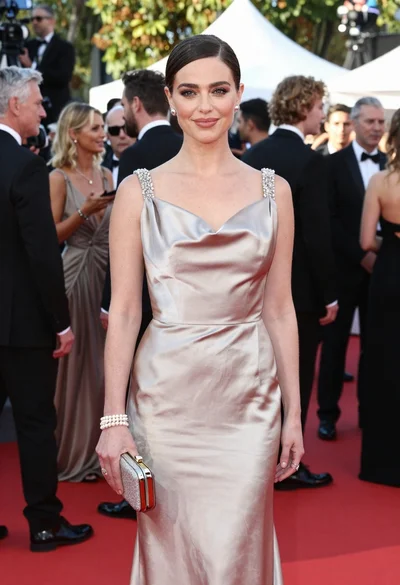
Glamorous woman in champagne gown posing at a bright outdoor event

Full length shot of woman in dusty pink lace gown at indoor

Blonde woman in seafoam gown looking over shoulder at camera
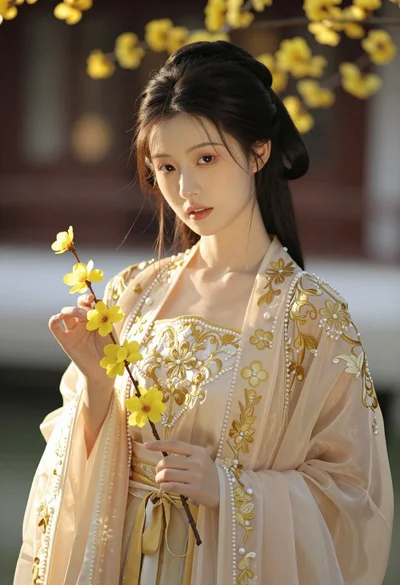
Portrait of young woman in embroidered chinese hanfu gown holding yellow flowers
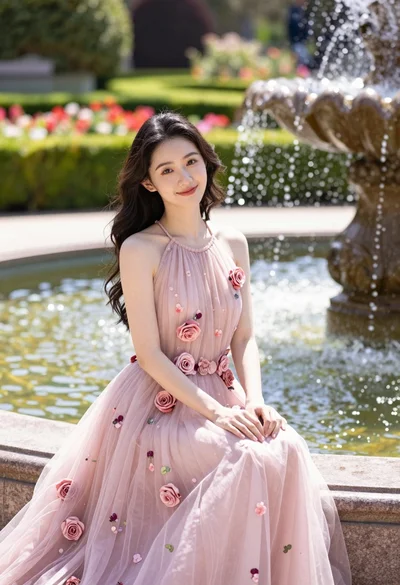
Fairskinned woman in pink floral gown seated by stone fountain in garden

Woman in rust gown posing on white step and repeat backdrop

Blonde woman reading at a cafe table with roses
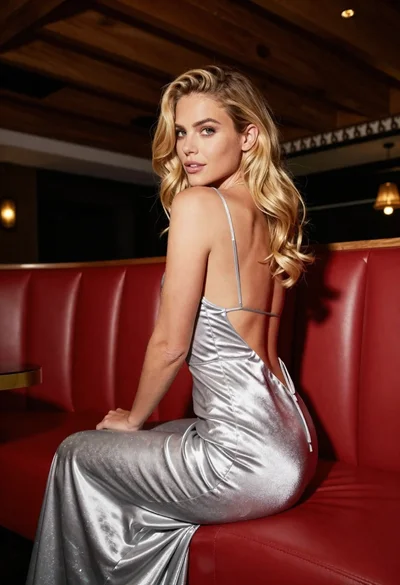
Blonde woman in silver gown seated on red booth looking back
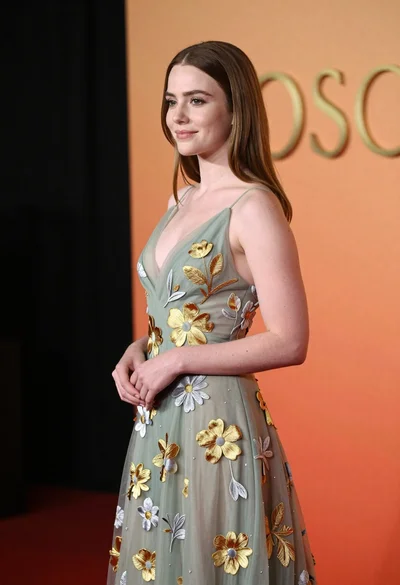
Young woman in sage green embroidered gown against orange backdrop

Fair blonde woman touching hair outdoors overlooking hazy cityscape