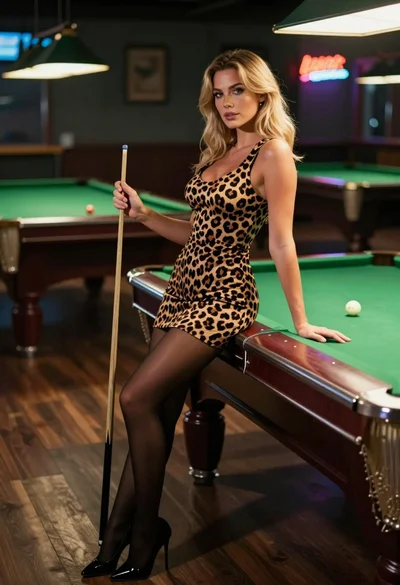
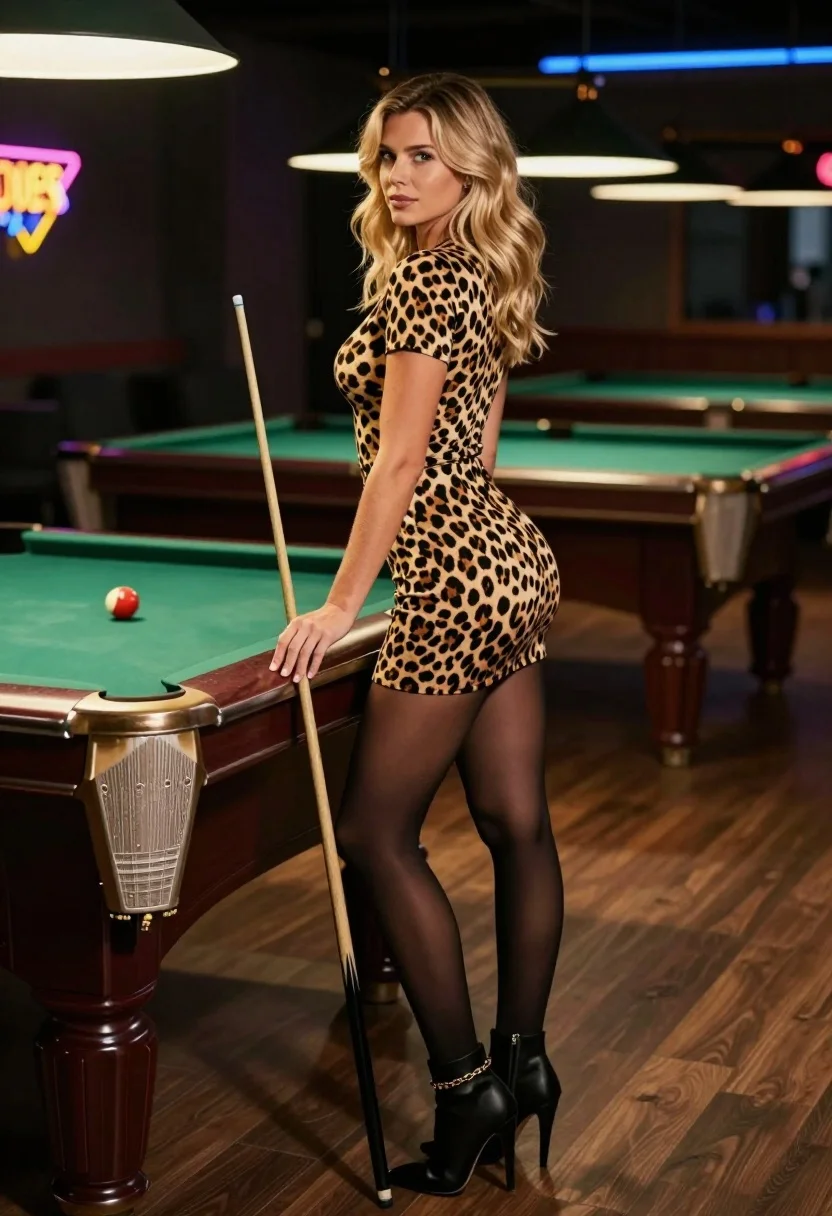
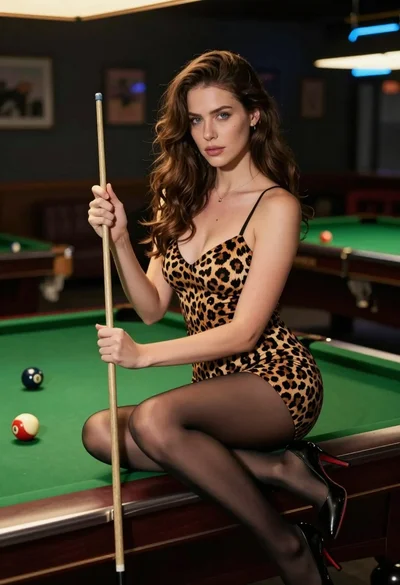
Blonde woman in leopard print dress leaning on pool table indoors
Prompt
A confident woman stands in a dimly lit pool hall holding a cue stick against a green felt table.

Subject: A blonde woman with wavy hair and a confident expression looking over her shoulder.

Clothing: She wears a tight leopard print mini dress, sheer black tights, and black high-heeled ankle boots with a gold chain detail on the left ankle.

Action: She leans casually against the edge of a pool table while holding a wooden cue stick vertically in her right hand.

Environment: The setting is an indoor billiards room with green felt pool tables, wooden floors, and neon signs glowing in the background.

Camera: A medium shot capturing the subject from the knees up, framed slightly from the side to show her profile and posture.

Lighting: Soft ambient lighting highlights the woman against a darker background with subtle shadows cast by the overhead fixtures.

Style Details: Photorealistic image with high detail on textures like fabric and skin, featuring a cinematic color palette typical of indoor nightlife photography.
Description
This prompt is useful for creating editorial fashion moodboards, character concept art for film noir settings, and stylized lifestyle advertising for accessories. The combination of 'leopard print mini dress' against the deep tones of the 'green felt pool tables' establishes a high-contrast visual tension that suits dramatic indoor scenes, while the 'soft ambient lighting' prevents harsh shadows from obscuring the intricate details of the 'gold chain detail'.
Suggestions
- Change 'dimly lit pool hall' to 'art deco billiard room' for more architectural interest.
- Swap 'leopard print mini dress' for 'velvet cocktail dress' to change the texture focus.
- Add 'rim lighting from neon signs' to enhance separation from the background.
Category
Tags
BlondeFemaleIndoorsMedium ShotRealisticSide ProfileStreetwear
Date added
July 3, 2026
Added by
PromptDexter Team
Related Prompts
More prompts with similar categories and tags.
Young east asian woman smiling in bowling alley holding pink ball
Woman in leopard print dress sitting on green pool table in dimly
Blonde wrestler in red satin dress posing confidently inside wrestling ring
Blonde woman sitting crosslegged with flags dress near stadium
Blonde woman in red athletic wear sitting on wooden bench against concrete

Blonde woman in racing uniform holding umbrella at sunny pit lane
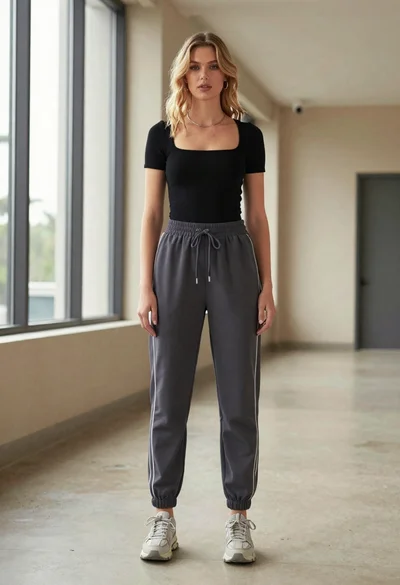
Blonde woman in jogger pants standing in modern hallway
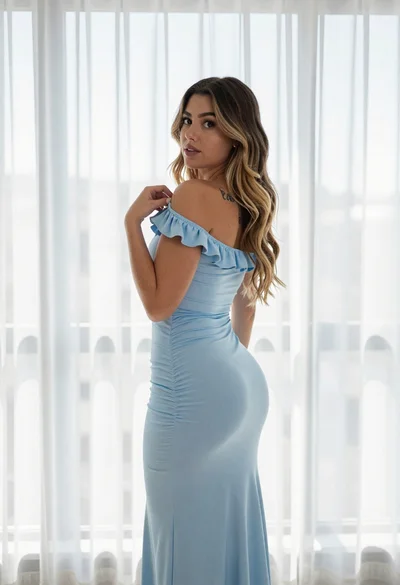
Young woman in blue maxi dress looking back over shoulder indoors
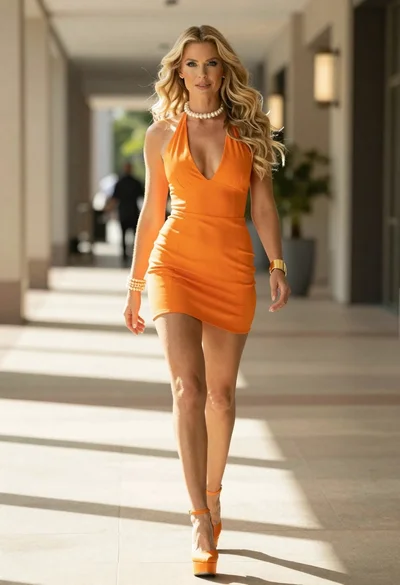
Woman in orange mini dress walking down sunlit corridor
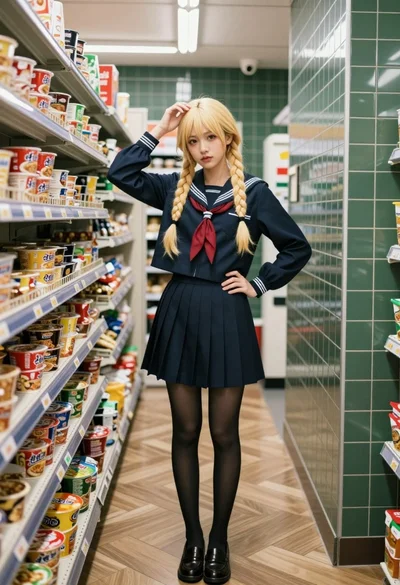
Young woman in sailor school uniform standing in convenience store aisle