
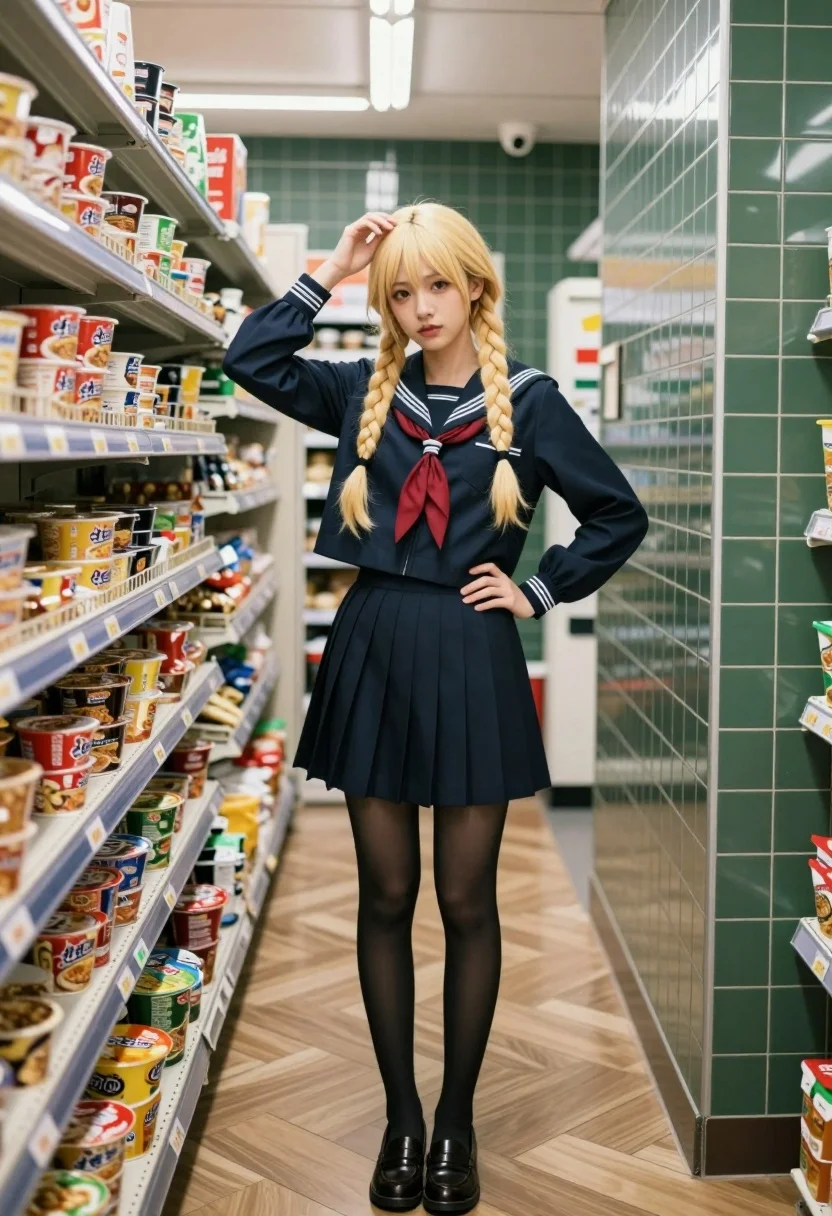
Young woman in sailor school uniform standing in convenience store aisle
Prompt
A young woman with long blonde hair styled in two braids stands confidently in a narrow aisle of a convenience store.

Subject: A young woman with fair skin and long blonde hair styled into two thick braids that fall over her shoulders, featuring soft bangs framing her face.

Clothing: She wears a dark navy blue sailor-style school uniform consisting of a cropped jacket with white stripes on the cuffs and collar, a matching pleated mini-skirt, black sheer tights, and brown leather loafers. A red neckerchief is tied around her neck.

Action: She stands with one hand resting on her hip and the other raised to touch her hair near her head, looking directly at the camera with a calm expression.

Environment: The setting is an indoor aisle of a store with green square tiles lining the walls and light brown wooden floorboards laid in a herringbone pattern. To the left are metal shelves stacked high with colorful instant noodle cups and other packaged goods.

Camera: A medium-full shot captures the subject from head to toe, utilizing a slightly wide angle that emphasizes the depth of the narrow aisle and the perspective lines of the floor and walls.

Lighting: The scene is illuminated by cool, artificial overhead fluorescent lights that cast soft reflections on the glossy floor tiles and create a slightly clinical atmosphere.

Style Details: The image features a realistic digital rendering style with high detail in textures like the fabric of the uniform and the wood grain of the floor, presented with a clean, polished aesthetic.
Description
This prompt is useful for creating character concept art for slice-of-life narratives, editorial streetwear features, or visual mood boards depicting mundane settings with high fashion elements. The combination of 'cool, artificial overhead fluorescent lights' and the highly detailed rendering style ensures that even a commonplace location like a convenience store aisle feels stylized, preventing the scene from looking flat by emphasizing reflections on the glossy floor tiles.
Suggestions
- Change 'dark navy blue sailor-style school uniform' to 'charcoal grey nautical uniform' for a more modern feel.
- Swap 'green square tiles' for 'terracotta subway tiles' to warm up the background palette.
- Adjust 'medium-full shot' to 'full body shot' to better capture the loafers and skirt length.
Category
Tags
BlondeCasual WearFair SkinFemaleIndoorsMedium ShotRealisticStreetwearUniform
Date added
July 12, 2026
Added by
PromptDexter Team
Related Prompts
More prompts with similar categories and tags.
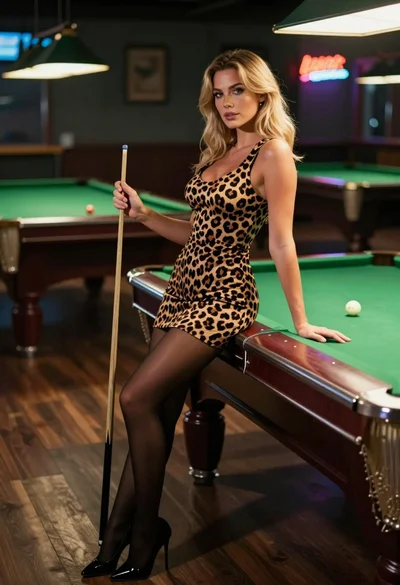
Blonde woman in leopard print dress leaning on green pool table inside

Blonde woman in police uniform seated elegantly on black leather sofa
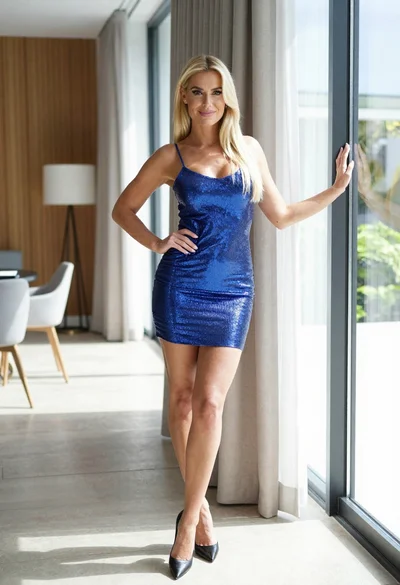
Blonde woman in blue mini dress standing indoors near glass windows
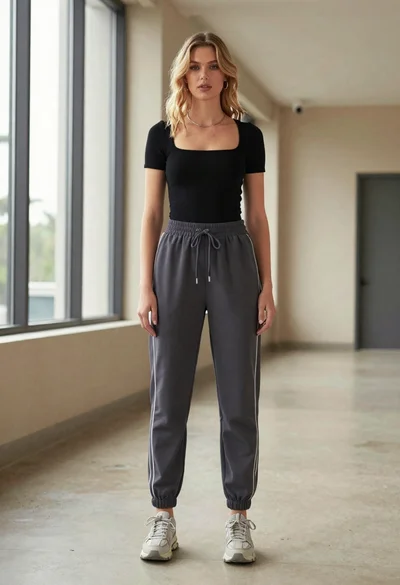
Blonde woman in jogger pants standing in modern hallway

Blonde woman in bikini shorts inside rustic wooden boat house setting

Blonde woman in striped swimsuit seated on sofa indoors studio shot

Young woman looking back over shoulder in champagne knit top indoors

Two women in red mini dresses posing indoors at an opulent setting

Blonde woman in shimmering gold gown standing in an elegant hallway

Blonde woman in black leather jacket standing in modern marble bathroom
