Blonde woman in lime green gown leaning on stone pillar indoors
Prompt
A glamorous woman with blonde wavy hair styled in a retro updo stands elegantly in a grand interior setting.

Subject: A fair-skinned woman with blonde hair swept back from her face and soft makeup featuring defined eyes and neutral lips.

Clothing: She wears a strapless, lime green gown made of a pleated, satin-like fabric that drapes softly over her torso.

Action: She leans casually against an ornate stone pillar with one arm resting on the surface while looking directly at the camera with a calm expression.

Environment: The setting is a luxurious interior featuring dark wooden stairs and intricate architectural details in the background.

Objects: An ornate white stone urn with gold accents stands prominently to her left, and she wears a diamond ring, matching earrings, and a necklace with a large blue gemstone.

Lighting: Soft, directional lighting highlights her face and shoulders while casting gentle shadows that add depth to the scene.

Camera: The shot is framed as a medium close-up with a shallow depth of field that keeps the subject sharp while blurring the background slightly.

Style Details: High-fashion editorial photography with rich textures, elegant composition, and a sophisticated color palette emphasizing green and gold tones.
Description
This prompt is useful for creating high-end magazine editorials, luxury brand lookbooks, and formal portraiture requiring dramatic architectural backdrops. The combination of 'soft, directional lighting' with the 'pleated, satin-like fabric' ensures that the gown catches highlights without appearing overly glossy, while the 'shallow depth of field' isolates the subject against the detailed background elements.
Suggestions
- Change 'lime green gown' to 'emerald velvet gown' for a deeper color saturation.
- Swap 'ornate white stone urn with gold accents' for 'minimalist black marble pedestal' to modernize the setting.
- Adjust 'medium close-up' to 'full body shot' to better showcase the drape of the fabric.
Category
Tags
BlondeFair SkinFemaleFormal WearIndoorsMedium ShotPortrait ShotRealistic
Date added
June 19, 2026
Added by
PromptDexter Team
Related Prompts
More prompts with similar categories and tags.

Blonde woman in black coat leaning against white wall by window

Blonde woman in seafoam gown looking over shoulder at camera
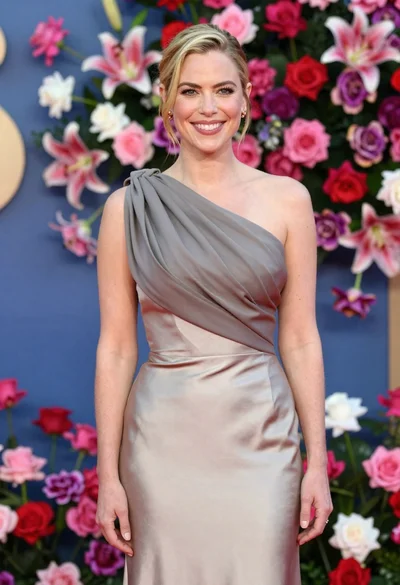
Smiling woman in one shoulder gown against vibrant floral wall backdrop
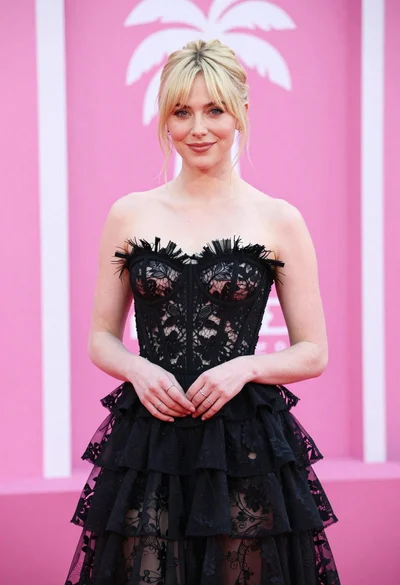
Blonde woman in black lace gown against a vibrant pink striped backdrop

Blonde woman in black slip dress winking at table in upscale restaurant
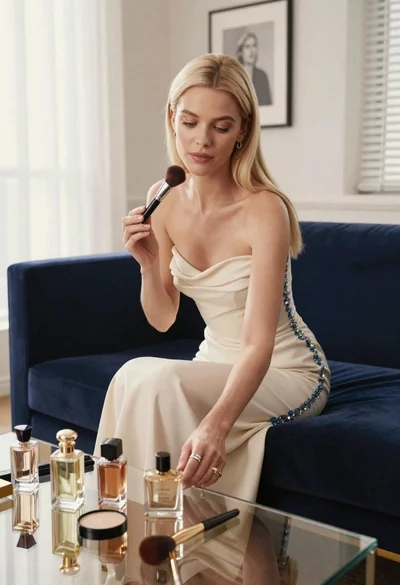
Blonde woman in cream gown arranging perfume bottles on glass table
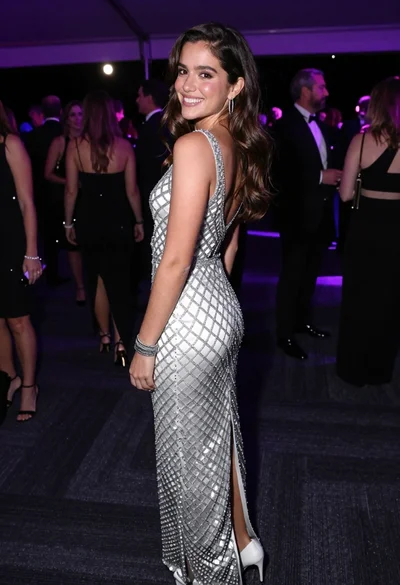
Smiling young woman in crystal gown looking over shoulder at indoor gala
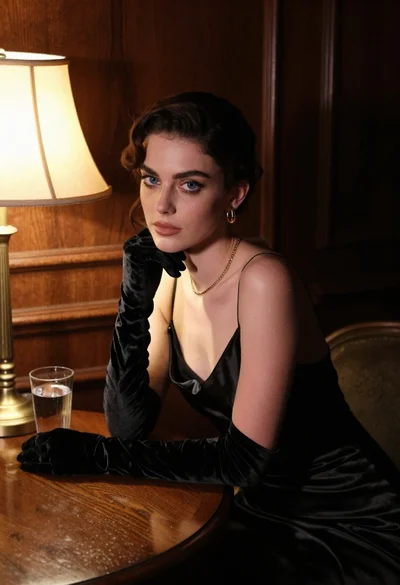
Woman in black satin dress and opera gloves at a wooden table
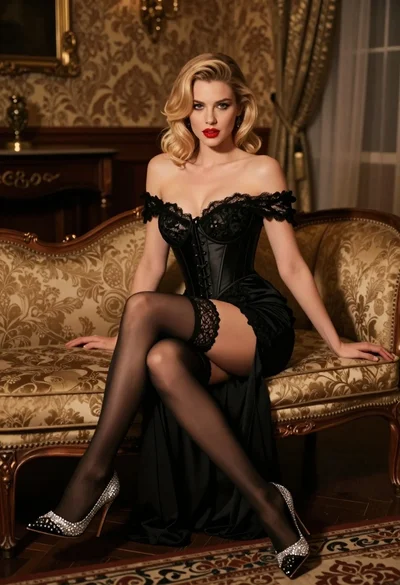
Glamorous blonde woman in black lace gown seated on vintage chaise lounge
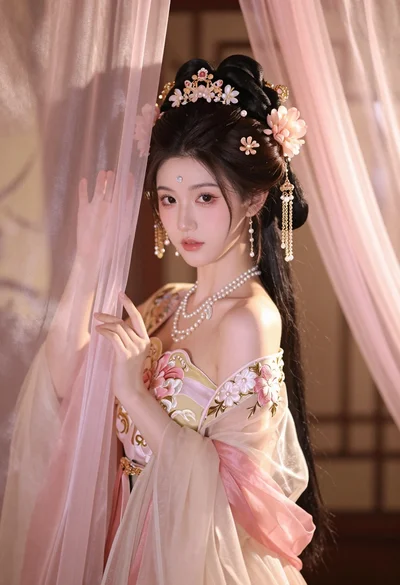
Young woman in pale pink gown holding sheer curtains indoors softly lit