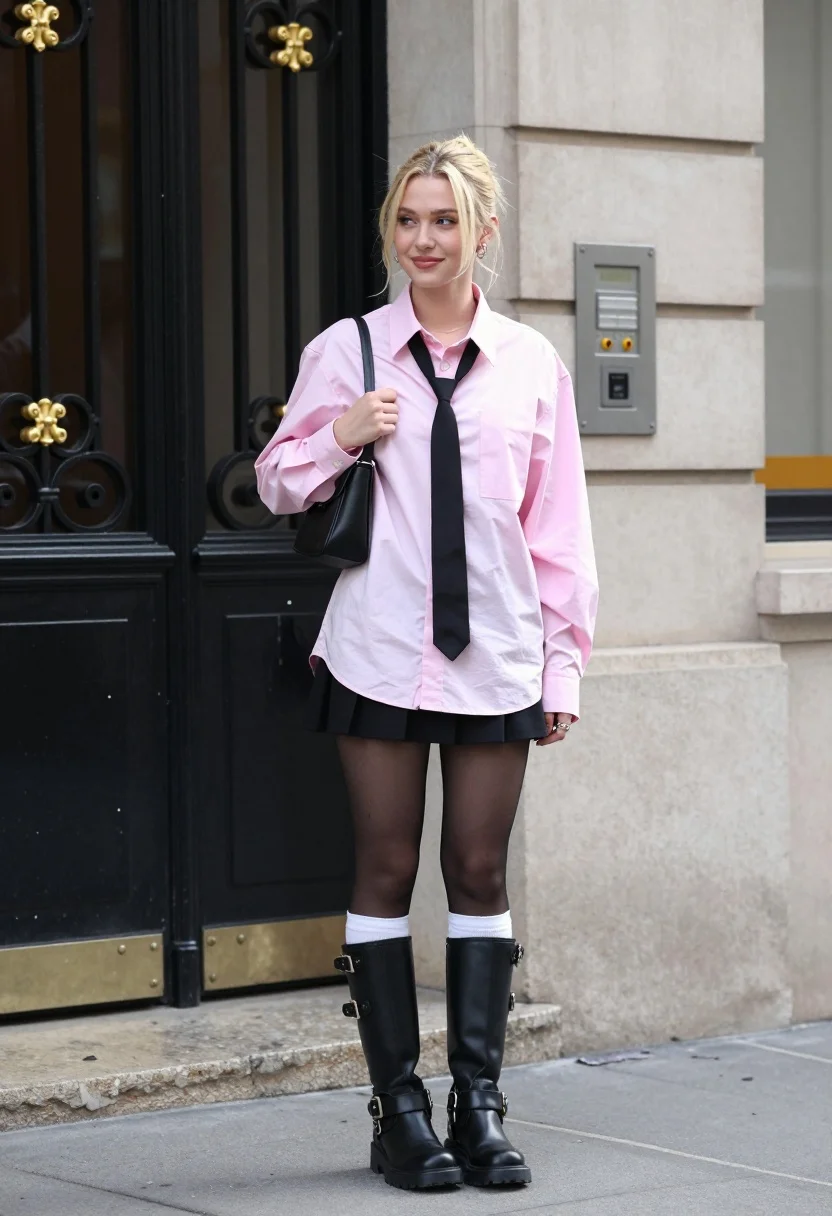
Blonde woman in pink shirt and black skirt on urban sidewalk
Prompt
A young woman with blonde hair styled in a messy bun stands on a city sidewalk in front of an ornate black door.

Subject: A fair-skinned young woman with blonde hair tied back in a casual updo, featuring loose strands framing her face and small hoop earrings.

Clothing: She wears an oversized light pink button-down shirt left unbuttoned to reveal the chest, paired with a long black necktie draped loosely around her neck. Her outfit includes a short black pleated mini-skirt, sheer black tights with white socks pulled up over the tops of tall black leather combat boots featuring metal buckles and straps.

Action: She stands in a relaxed pose, holding a small black shoulder bag by the strap with one hand while looking off to the side with a soft smile.

Environment: The setting is an urban street corner next to a building with a beige stone facade and a large black wrought-iron door featuring gold decorative scrollwork. A silver intercom panel is mounted on the wall beside her.

Camera: The shot is taken at eye level with a full-body framing that captures the subject from head to toe, utilizing a shallow depth of field to keep the focus sharp on the woman while slightly blurring the background elements.

Lighting: Natural daylight illuminates the scene evenly, casting soft shadows and highlighting the textures of her clothing without harsh contrast.

Style Details: The image has a candid fashion photography aesthetic with a modern street style vibe.
Description
This prompt is useful for creating editorial fashion moodboards, streetwear lookbooks, and character concept art for narrative projects. The combination of 'natural daylight' providing even illumination and the 'shallow depth of field' ensures that the intricate details of the 'black wrought-iron door featuring gold decorative scrollwork' remain visible enough to ground the subject without distracting from her outfit.
Suggestions
- Change 'oversized light pink button-down shirt' to 'cropped blush silk blouse' for a different silhouette.
- Swap 'black pleated mini-skirt' for 'distressed black denim skirt' to enhance the streetwear feel.
- Adjust 'natural daylight' to 'overcast daylight' for softer, more diffused shadows.
Category
Tags
BlondeCasual WearFair SkinFemaleFull BodyPortrait ShotRealisticStreetwearUrban
Date added
July 12, 2026
Added by
PromptDexter Team
Related Prompts
More prompts with similar categories and tags.
Young woman in grey patterned dress against beige stone architecture
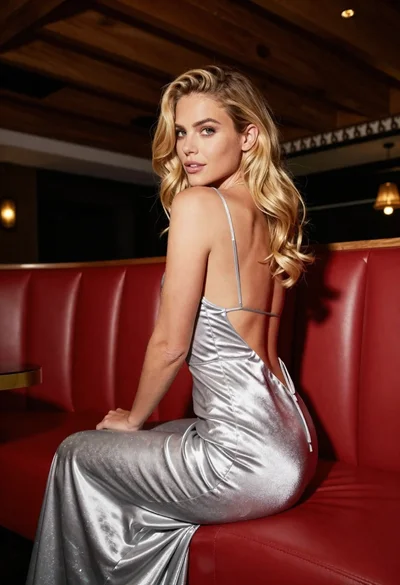
Blonde woman in silver gown seated on red booth looking back
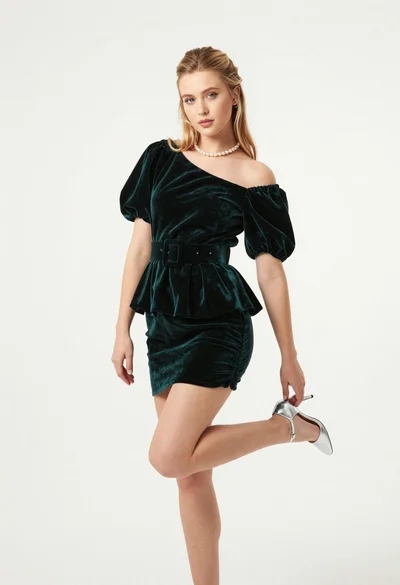
Full body studio portrait of blonde woman in dark green velvet mini

Fair blonde woman touching hair outdoors overlooking hazy cityscape
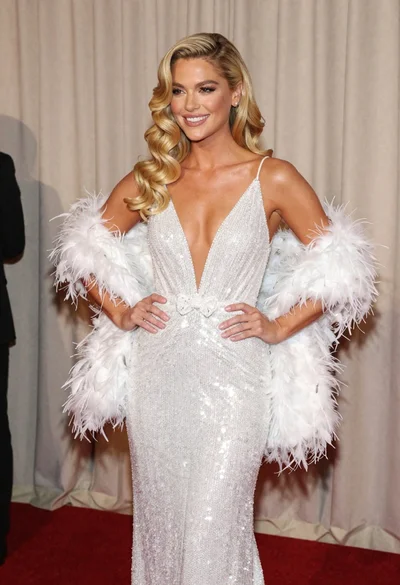
Glamorous blonde woman in white sequin gown holding feather boa indoors
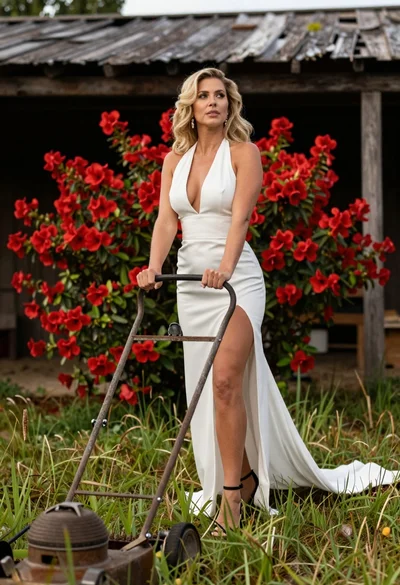
Blonde woman in white dress holding lawn mower in grassy field
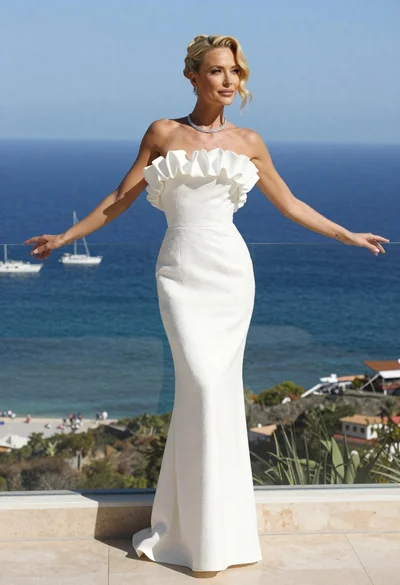
Blonde woman in white gown standing on terrace overlooking blue ocean
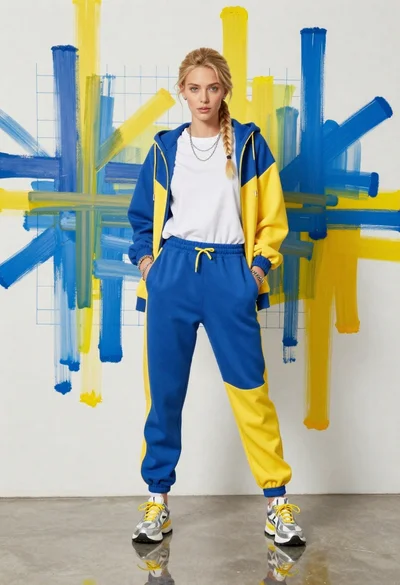
Young woman in color blocked tracksuit against abstract art wall
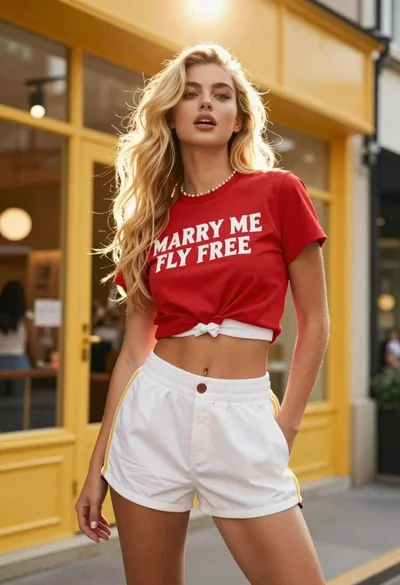
Young blonde woman in red tshirt and white shorts on urban street
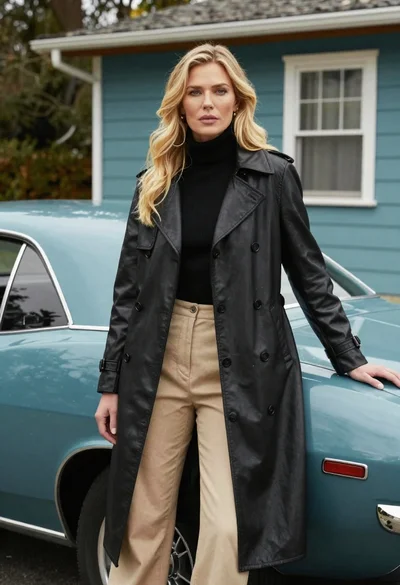
Blonde woman in black trench coat leaning on vintage teal muscle car