
Blonde woman sitting elegantly in red chair against purple blue background
Prompt
A woman sits elegantly in a high-backed red chair against a split background of purple and blue walls.

Subject: A blonde woman with fair skin and a calm, direct gaze looking slightly to the side.

Clothing: She wears a crisp white collared blouse made of sheer fabric and a dark, sheer skirt heavily embellished with three-dimensional white and light blue flowers and green leaves.

Action: Her legs are crossed at the knee in a relaxed pose, with her left leg extended forward; she wears black patent leather strappy high heels with ankle buckles.

Environment: The setting is a studio space featuring a bold two-tone wall painted in deep purple on the left and bright blue on the right, with a red upholstered chair.

Lighting: Soft, diffused lighting illuminates the scene evenly, highlighting the texture of the floral skirt and creating gentle shadows without harsh contrast.

Style Details: High-fashion editorial photography style with vibrant, saturated colors and a clean, polished aesthetic.
Description
This prompt is useful for creating high-concept fashion editorials, album art featuring strong color blocking, and stylized portraiture for magazine spreads. The combination of 'vibrant, saturated colors' against the 'split background of purple and blue walls' ensures that the texture of the floral skirt remains visible while the 'soft, diffused lighting' prevents harsh shadows from distracting from the subject's direct gaze.
Suggestions
- Change 'deep purple' to 'indigo' for a more jewel-toned backdrop.
- Swap 'crisp white collared blouse' for 'silk turtleneck' to simplify the upper half.
- Adjust 'black patent leather strappy high heels' to 'nude suede pumps' for a softer finish.
Category
Tags
BlondeCasual WearFair SkinFemaleFull BodyPortrait ShotRealisticStudio
Date added
June 19, 2026
Added by
PromptDexter Team
Related Prompts
More prompts with similar categories and tags.
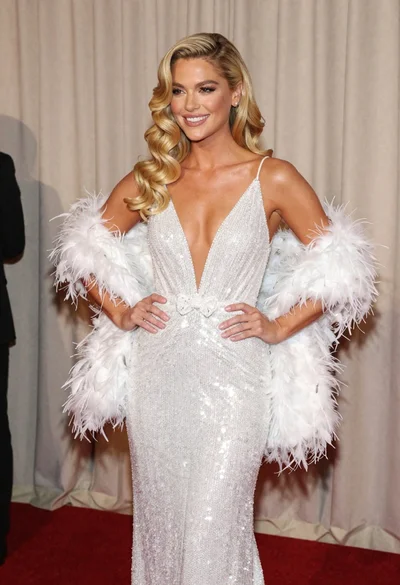
Glamorous blonde woman in white sequin gown holding feather boa indoors

Blonde woman in burgundy velvet gown holding flower in white studio

Fair blonde woman in slip dress seated in minimalist studio setting

Blonde woman looking back over shoulder against white wall
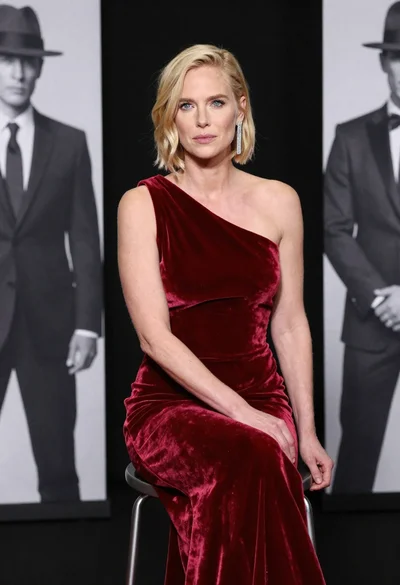
Blonde woman in deep red velvet gown sitting on stool studio portrait

Fair skinned woman in black velvet dress at white step and repeat
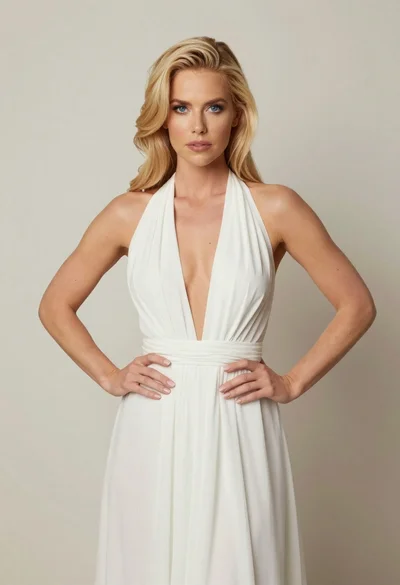
Blonde woman in white halter gown standing against a neutral studio wall

Blonde woman holding cocktail glass against a stark white studio background

Smiling blonde woman in boutique wearing navy blouse and black skirt

Smiling blonde woman in sheer black gown at a dark event backdrop
