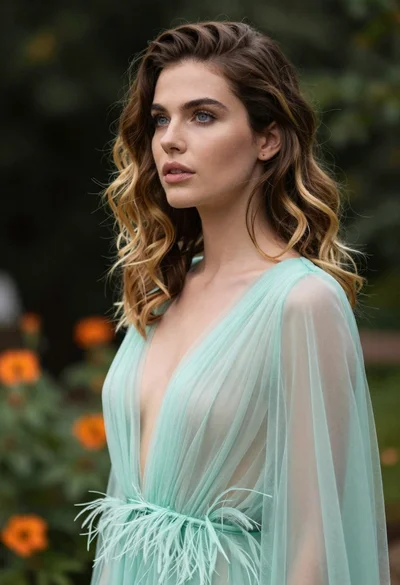
Blonde woman in red dress seated indoors with black handbag
Prompt
A woman with blonde hair sits in a chair wearing a red dress and holding a black handbag.

Subject: A blonde woman with blue eyes and fair skin is the central focus, seated with her legs crossed at the knee.

Clothing: She wears a bright red spaghetti-strap dress that fits closely to her body, revealing her shoulders and collarbones.

Action: She sits in a relaxed pose with one hand resting on a black leather handbag beside her and the other arm draped over the back of the chair.

Environment: The setting appears to be an indoor lounge or restaurant with wooden furniture and blurred figures in the background.

Camera: The shot is a medium close-up framed from a slightly low angle, utilizing a shallow depth of field that keeps the subject sharp while blurring the background.

Lighting: Soft, warm lighting illuminates her face and skin, creating gentle highlights on her shoulders and legs with a calm atmosphere.

Objects: A black leather handbag with gold hardware sits next to her, and she wears a pearl necklace and a beaded bracelet.
Description
This prompt is useful for creating editorial fashion editorials, luxury brand advertising campaigns, and sophisticated portrait galleries. The combination of 'soft, warm lighting' and the 'shallow depth of field' ensures that the subject remains sharply focused against an indistinct background, which directs all viewer attention to the texture of the 'bright red spaghetti-strap dress' and the details of the accessories.
Suggestions
- Change 'wooden furniture' to 'velvet upholstery' for a richer backdrop.
- Swap 'black leather handbag' for 'tortoiseshell clutch' to update the accessory feel.
- Adjust 'soft, warm lighting' to 'dramatic side lighting' for more contrast.
Category
Tags
BlondeFair SkinFemaleIndoorsLow AnglePortrait ShotRealistic
Date added
June 19, 2026
Added by
PromptDexter Team
Related Prompts
More prompts with similar categories and tags.
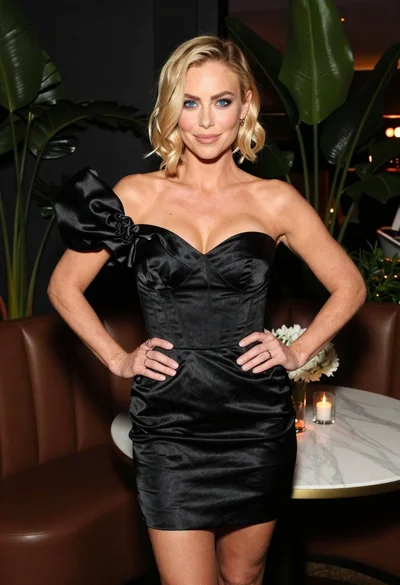
Blonde woman in black satin mini dress at upscale lounge setting

Full length shot of woman in dusty pink lace gown at indoor

Blonde woman in black coat leaning against white wall by window

Blonde woman in black slip dress winking at table in upscale restaurant
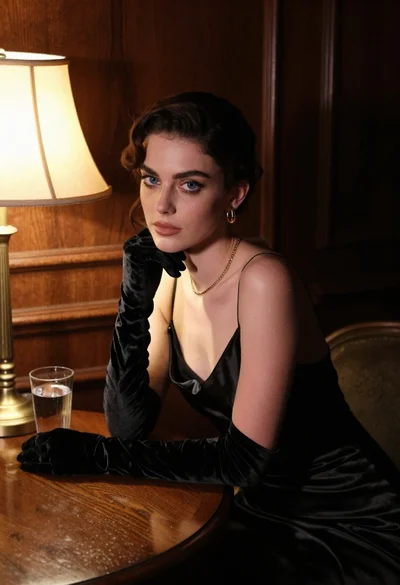
Woman in black satin dress and opera gloves at a wooden table

Close up portrait of blonde woman in champagne gown at gala

Fair blonde woman in metallic corset mini dress against light blue studio
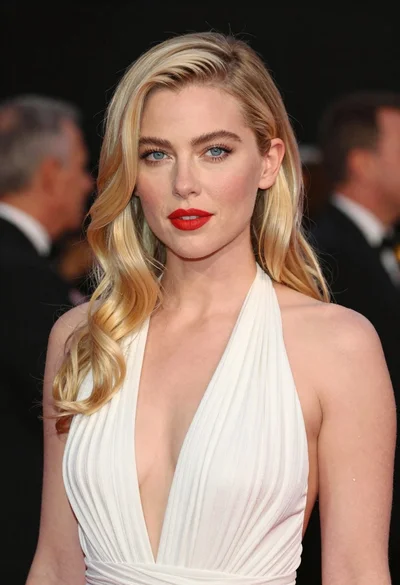
Close up portrait of fair woman with platinum blonde hair and blue

Blonde woman looking back over shoulder against white wall
Fair blonde woman in deep red velvet dress posing against plain white