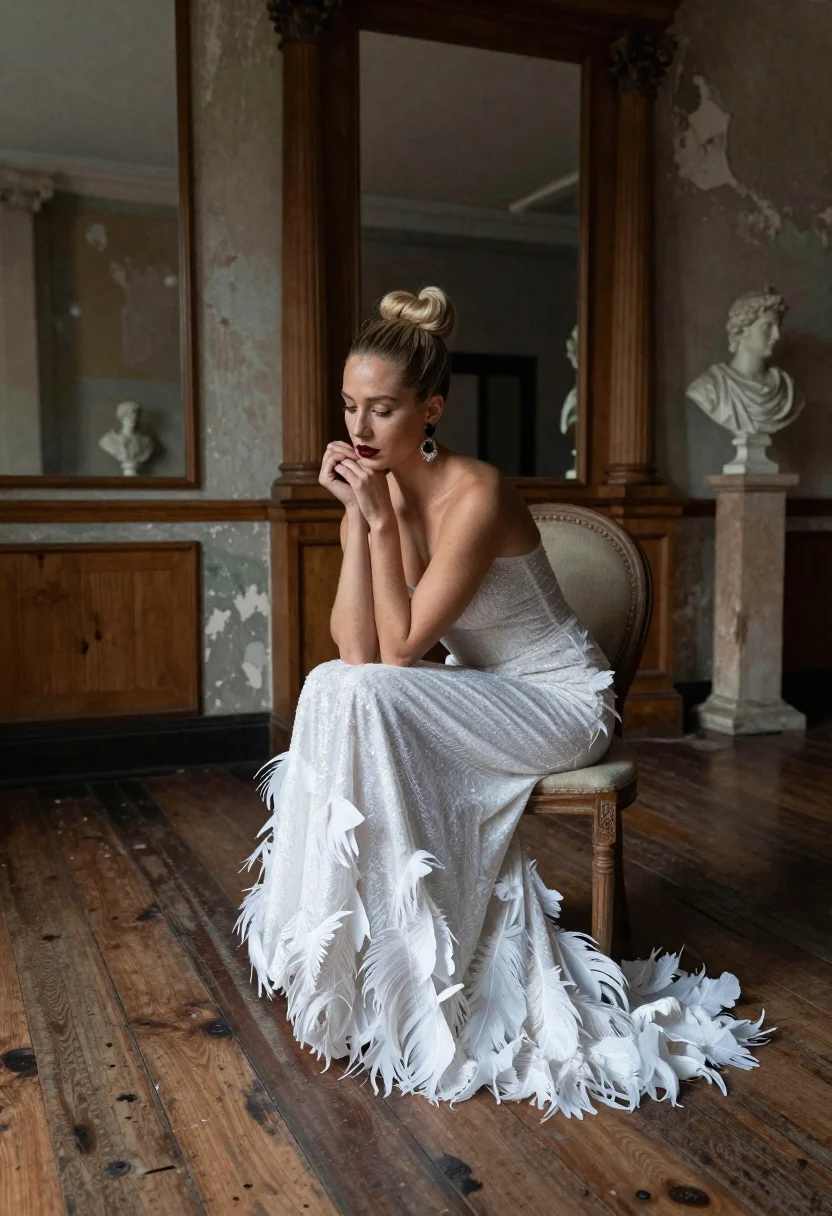
Blonde woman in white feather gown sitting in rustic high ceiling room
Prompt
A woman sits elegantly on a vintage chair in a rustic, high-ceilinged room with weathered wooden floors and peeling paint walls.

Subject: A fair-skinned woman with blonde hair styled in a tight top knot bun, featuring dark red lipstick and large dangling earrings.

Clothing: She wears a shimmering white strapless gown that is form-fitting through the torso and transitions into a voluminous skirt made of layered feathers at the hem.

Action: She sits with her knees drawn up, resting her chin on her clasped hands in a contemplative pose while gazing downward.

Environment: The setting is an aged interior space featuring tall wooden pillars, large mirrors reflecting the room, and classical white marble busts displayed on pedestals.

Camera: Shot from a slightly low angle with a medium-full frame that captures the subject's full silhouette against the textured background.

Lighting: Soft, natural light filters in from the side, creating gentle highlights on the feathers of her dress and casting deep shadows across the wooden floorboards.

Style Details: The image has a moody, cinematic aesthetic with a vintage color palette, emphasizing textures like wood grain and fabric shimmer.
Description
This prompt is useful for creating editorial fashion moodboards, historical costume concept art, and high-end magazine spreads focusing on dramatic portraiture. The combination of 'soft, natural light' highlighting the 'shimmering white strapless gown' against the deep shadows cast by the 'weathered wooden floors' establishes a moody cinematic aesthetic that grounds the ethereal quality of the feathers in tangible decay.
Suggestions
- Change 'tight top knot bun' to 'loose waves' for a softer look.
- Swap 'dark red lipstick' for 'nude lip color' to match the vintage palette.
- Adjust 'medium-full frame' to 'full body shot' to better capture the gown's volume.
Category
Tags
BlondeFair SkinFemaleFull BodyIndoorsLow AngleMedium ShotRealistic
Date added
June 19, 2026
Added by
PromptDexter Team
Related Prompts
More prompts with similar categories and tags.

Smiling blonde woman in boutique wearing navy blouse and black skirt

Full length shot of woman in dusty pink lace gown at indoor
Blonde woman sitting on coffee table in modern living room setting
Blonde woman in sequined skirt seated indoors by large window
Fair skinned woman in pink ballgown on stone terrace outdoors

Smiling blonde woman in cream slip dress sitting on vintage orange scooter
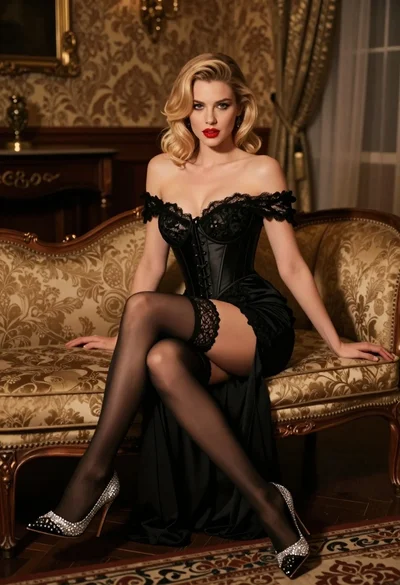
Glamorous blonde woman in black lace gown seated on vintage chaise lounge
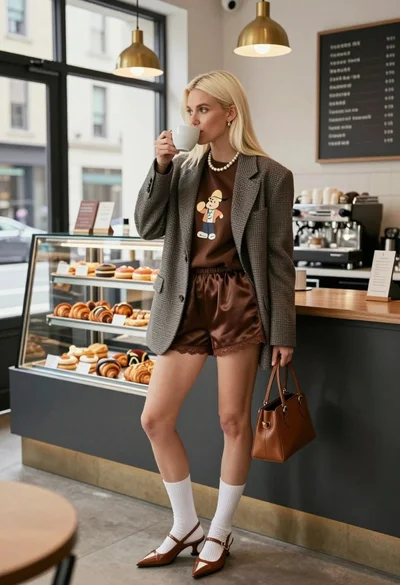
Blonde woman in houndstooth blazer at bright modern coffee shop interior
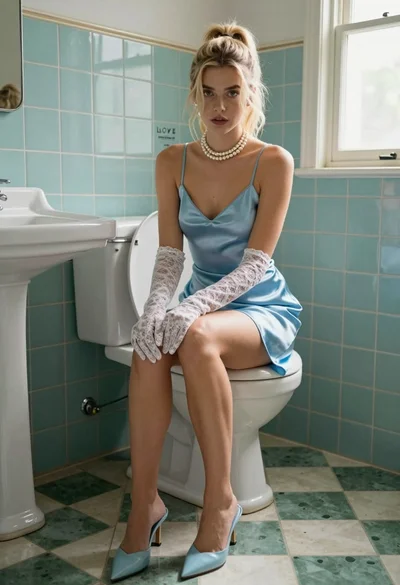
Blonde woman in blue satin slip sitting on vintage toilet with lace

Fair blonde woman in metallic corset mini dress against light blue studio