
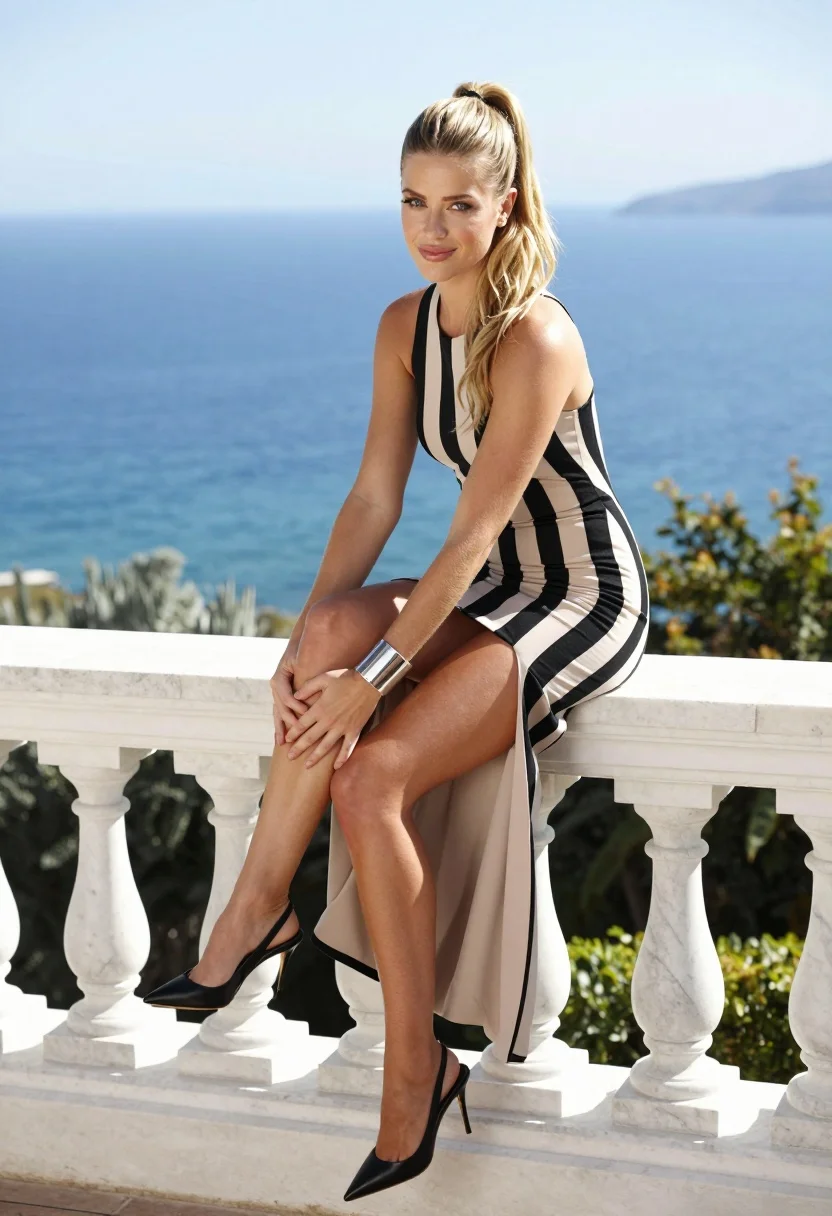
Blonde woman in striped dress seated on balustrade overlooking deep blue ocean
Prompt
A young woman with blonde hair tied in a high ponytail sits on a white marble balustrade overlooking the sea.

Subject: A fair-skinned woman with long blonde hair styled in a high ponytail, featuring blue eyes and a slight smile while looking directly at the camera.

Clothing: She wears a sleeveless black and beige vertical striped dress with a high slit revealing her legs, paired with black pointed-toe slingback heels and a large silver cuff bracelet on her left wrist.

Action: She is seated on the stone railing with her right leg crossed over her left knee, hands clasped around her ankle, in a relaxed yet posed posture.

Environment: The setting is an outdoor terrace or balcony with a view of a deep blue ocean and distant landmasses under a clear sky, with green foliage visible below the railing.

Camera: Shot from a medium distance at eye level with a shallow depth of field that keeps the subject sharp while softly blurring the background scenery.

Lighting: Bright natural sunlight illuminates the scene from above, casting soft shadows and highlighting the texture of the marble and fabric.

Style Details: High-resolution fashion photography with vibrant colors, smooth skin tones, and a clean, polished aesthetic typical of professional portrait work.
Description
This prompt is useful for creating editorial fashion spreads, luxury resort advertising, and high-end lifestyle magazine features. The combination of 'bright natural sunlight' casting soft shadows against the 'white marble balustrade' grounds the subject while the 'shallow depth of field' ensures that the viewer's focus remains sharply on the woman and her striped dress rather than being distracted by the deep blue ocean background.
Suggestions
- Change 'black and beige vertical striped dress' to 'navy and cream vertical striped dress' for a more nautical feel.
- Swap 'high ponytail' for 'loose waves' to soften the overall look.
- Adjust 'bright natural sunlight' to 'overcast diffused light' for less harsh shadows.
Category
Tags
Black HairBlondeFair SkinFemaleMedium ShotOutdoorsRealistic
Date added
August 5, 2026
Added by
PromptDexter Team
Related Prompts
More prompts with similar categories and tags.

Blonde woman looking back over shoulder against white wall
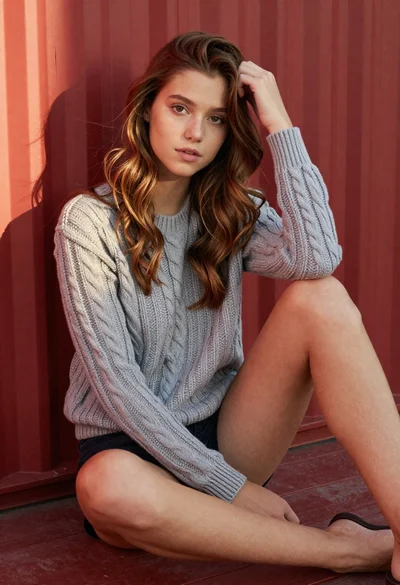
Young woman in grey knit sweater sitting against red corrugated metal wall

Fair skinned woman in black velvet dress at white step and repeat
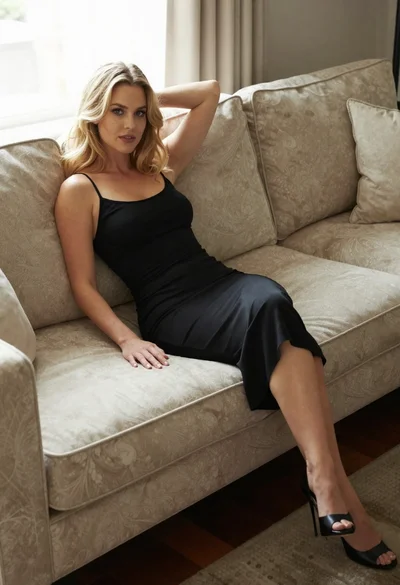
Blonde woman in black slip dress reclining on beige sofa indoors

Blonde woman holding cocktail glass against a stark white studio background

Blonde woman reading at a cafe table with roses

Smiling blonde woman in sheer black gown at a dark event backdrop

Medium close up portrait of blonde woman in black floral velvet dress
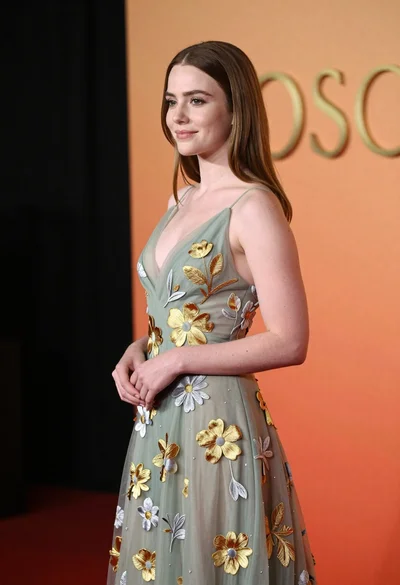
Young woman in sage green embroidered gown against orange backdrop

Blonde woman sitting on coffee table in modern living room setting
