

Blonde woman in striped dress sitting on white platform studio shot
Prompt
A blonde woman sits on a white platform with her legs crossed, looking directly at the camera.

Subject: A young woman with straight blonde hair and a serious expression.

Clothing: She wears a black dress with thin white horizontal stripes, featuring ruffled shoulders, long sleeves, and a V-neckline. She is also wearing silver strappy high-heeled sandals and a pearl necklace.

Action: The subject sits with her hands resting on the white surface beside her hips, one leg crossed over the other.

Environment: She is seated on a large white rectangular platform that appears to be part of a studio set or a moving dolly, indicated by visible wheels underneath. The background is a stark white wall with a glimpse of an urban cityscape through a window in the upper right corner.

Camera: A medium shot captures the subject from the knees up, utilizing a high angle looking down at her seated form.

Lighting: Soft, diffused lighting illuminates the scene evenly against the bright white background, creating a clean and minimalist aesthetic with minimal harsh shadows.

Style Details: The image has a high-fashion editorial quality with a grainy texture and muted color palette.
Description
This prompt is useful for creating high-fashion editorial moodboards, minimalist portrait studies, and catalog shots requiring clean subject isolation. The combination of 'soft, diffused lighting' against the 'stark white wall' ensures that the focus remains entirely on the subject's pose and the texture of the 'black dress with thin white horizontal stripes,' preventing distracting shadows or environmental clutter.
Suggestions
- Change 'high angle looking down at her seated form' to 'eye-level medium shot' for a more confrontational portrait.
- Swap 'pearl necklace' for 'geometric silver choker' to match the modern studio feel.
- Add 'Kodak Portra 400 film grain' to enhance the specified grainy texture.
Category
Tags
BlondeBrown HairCasual WearFemaleHigh AngleMedium ShotPortrait ShotRealisticStudio
Date added
June 19, 2026
Added by
PromptDexter Team
Related Prompts
More prompts with similar categories and tags.

Smiling blonde woman in black leather outfit at an indoor evening event

Blonde woman in sequined black dress looking back over shoulder
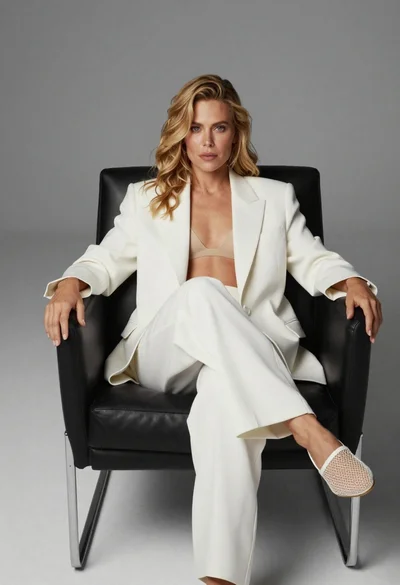
Blonde woman sitting in black leather chair against plain grey background

Smiling blonde woman in pink satin dress against dark branded backdrop

Blonde woman in burgundy velvet gown holding flower in white studio

Blonde woman looking back over shoulder against white wall
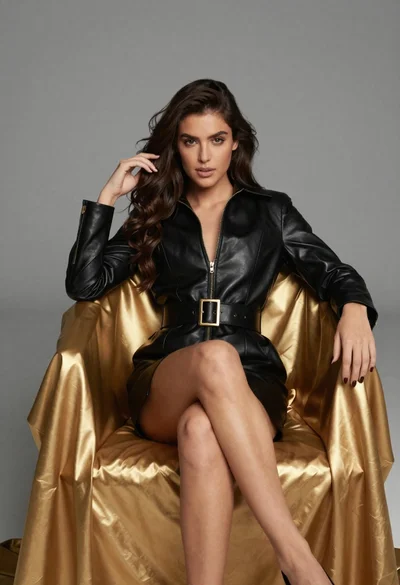
Confident woman in black leather dress sitting on golden chair studio portrait

Poised woman in black blazer sitting on stool against blue gradient background
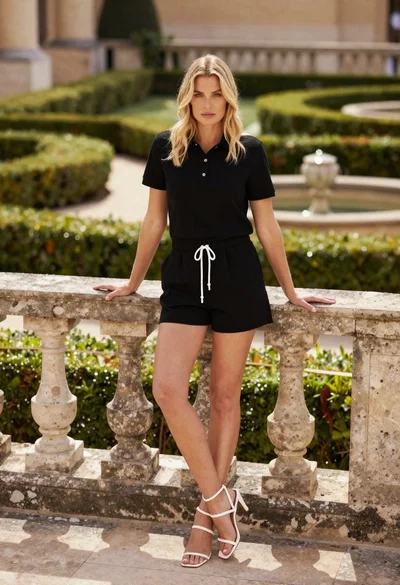
Blonde woman leaning on stone balustrade in manicured garden setting
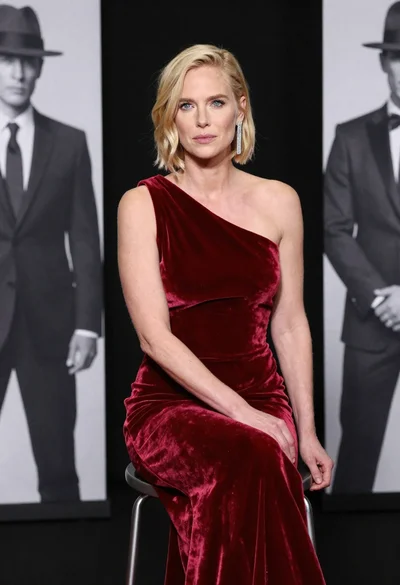
Blonde woman in deep red velvet gown sitting on stool studio portrait
