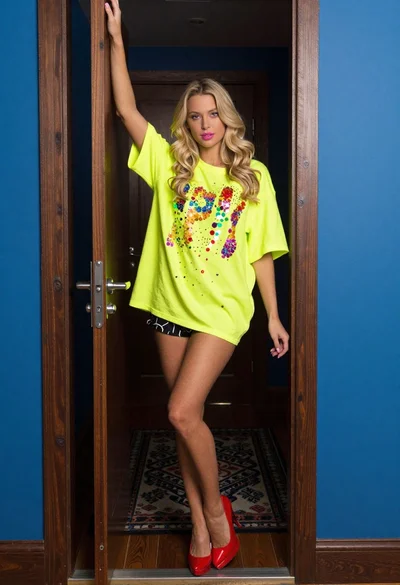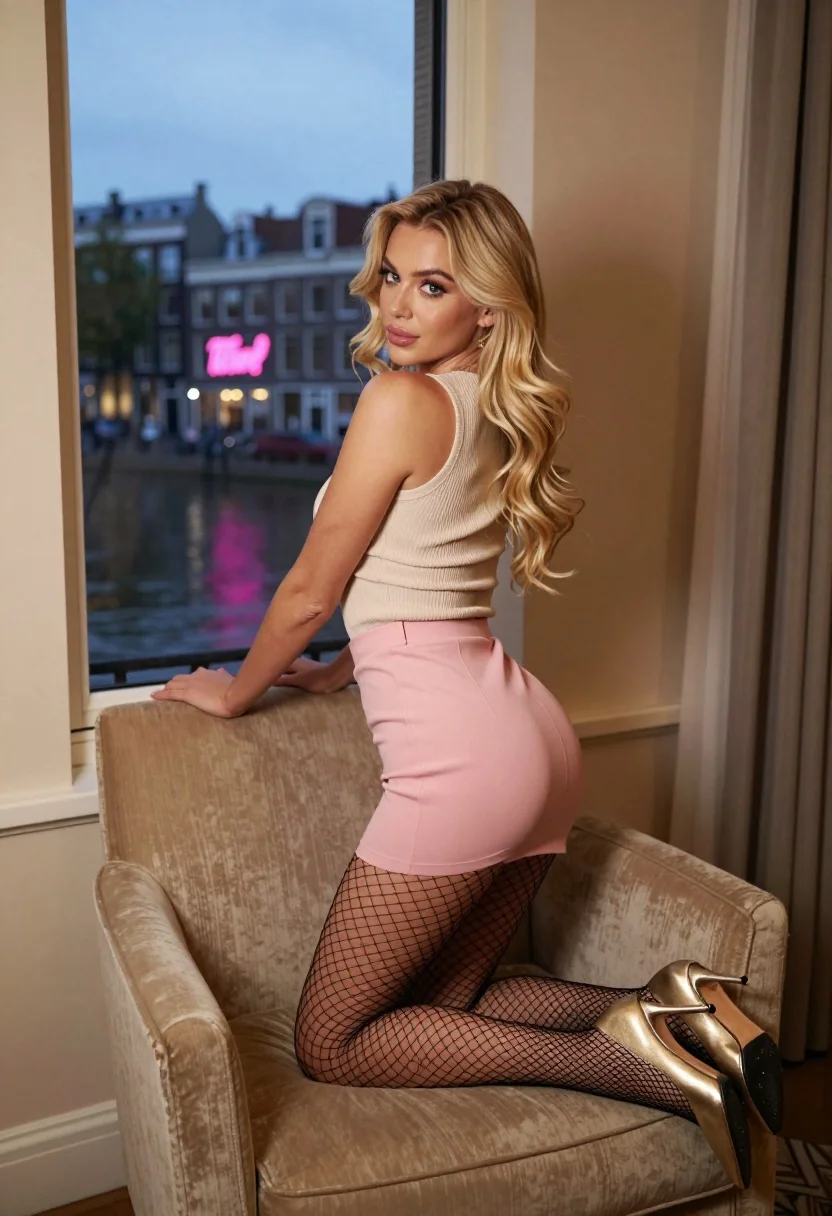
Blonde woman kneeling on beige armchair overlooking canal city at dusk
Prompt
A woman with long wavy blonde hair poses on a plush beige armchair inside a room with a large window overlooking a canal city at dusk.

Subject: A young woman with voluminous wavy blonde hair and fair skin, looking back over her shoulder with a soft expression.

Clothing: She wears a ribbed beige sleeveless top, a short light pink skirt, black fishnet stockings, and gold high-heeled shoes.

Action: She is kneeling on the armchair, leaning forward with her arms resting on the chair's backrest.

Environment: The interior features warm beige walls and curtains, while the window reveals a canal scene with historic buildings and a pink neon sign reflecting in the glass.

Lighting: Soft indoor lighting highlights the subject against the cool blue twilight visible through the window.

Camera: Medium shot capturing the full pose on the chair with a shallow depth of field that keeps the subject sharp and slightly blurs the background.

Style Details: High-resolution photography with a focus on texture, warm color tones, and elegant composition.
Description
This prompt is useful for creating editorial fashion moodboards, character concept art for romance narratives, and high-end lifestyle advertising featuring urban backdrops. The combination of 'soft indoor lighting' contrasting with the 'cool blue twilight' outside ensures the subject remains visually anchored while allowing the background canal scene to provide atmospheric depth without distracting from the detailed textures of the 'ribbed beige sleeveless top'.
Suggestions
- Change 'plush beige armchair' to 'velvet chaise lounge' for a richer material feel.
- Swap 'light pink skirt' for 'deep burgundy mini-skirt' to contrast with the blue twilight.
- Add 'anamorphic lens flare' to enhance the dusk atmosphere.
Category
Tags
BlondeFair SkinFemaleIndoorsMedium ShotOutdoorsRealistic
Date added
July 12, 2026
Added by
PromptDexter Team
Related Prompts
More prompts with similar categories and tags.
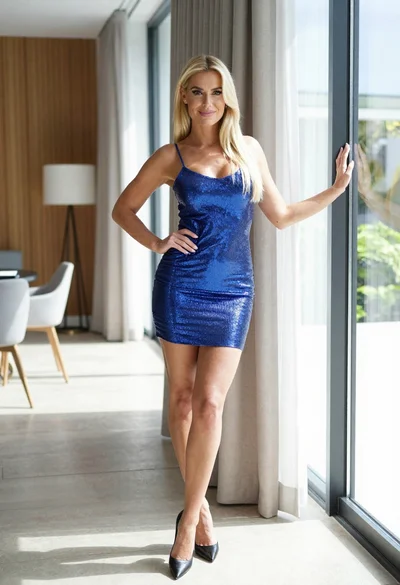
Blonde woman in blue mini dress standing indoors near glass windows

Blonde woman in black lace gown standing in opulent room setting

Blonde woman in bikini shorts inside rustic wooden boat house setting

Blonde woman in turtleneck and swim bottoms on a beach
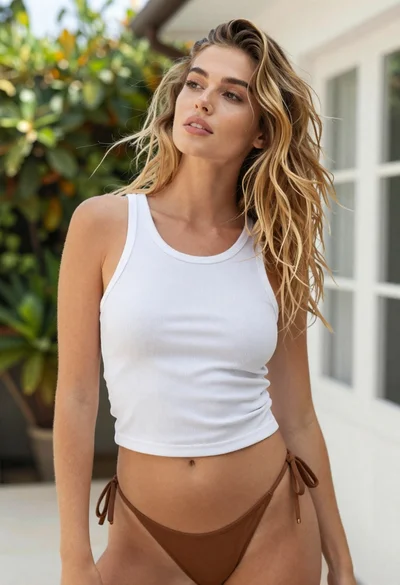
Young blonde woman looking up outdoors near green foliage and white wall

Blonde woman in striped swimsuit seated on sofa indoors studio shot

Blonde woman on black motorcycle on sunny dirt path in desert
Young woman looking back over shoulder in champagne knit top indoors

Two women in red mini dresses posing indoors at an opulent setting
Blonde woman in shimmering gold gown standing in an elegant hallway