

Young woman looking back over shoulder in champagne knit top indoors
Prompt
A young woman with blonde hair styled in a messy updo looks back over her shoulder with a playful smile.

Subject: A young woman with fair skin and wavy blonde hair pulled up into a loose, textured bun with tendrils framing her face. She has defined eyebrows, subtle eye makeup, and glossy lips.

Clothing: She wears a long-sleeved, ribbed knit top in a shimmering champagne or light gold color that catches the light. The neckline is rounded and sits high on the chest. She is wearing matching sparkly bottoms that appear to be a dusty rose or mauve tone.

Action: She is captured mid-turn, looking back at the camera with a slight smile, her body angled away from the viewer. Her posture is relaxed yet posed.

Environment: The setting appears to be an indoor hallway or room with cream-colored walls and white trim around a dark doorway in the background. A small plaque or sign is visible on the wall behind her.

Lighting: The lighting is soft and warm, creating a gentle glow on her skin and highlighting the texture of her clothing. Shadows are soft and diffused, contributing to an intimate atmosphere.

Camera: The shot is taken from a medium distance with a shallow depth of field that keeps the subject sharp while blurring the background slightly. The angle captures her profile and back as she turns.

Style Details: The image has a polished, high-fashion aesthetic with a focus on texture and sparkle. The color palette is warm and neutral with pops of shimmer.
Description
This prompt is useful for creating intimate lifestyle portraits, e-commerce fashion lookbooks featuring knitwear, and editorial mood boards emphasizing soft glamour. The combination of 'shimmering champagne or light gold color' on the ribbed knit top and the 'soft and warm' lighting ensures that the texture and sparkle are visible without harsh reflections, which is crucial for showcasing delicate fabrics in a polished manner.
Suggestions
- Change 'messy updo' to 'loose waves' for a more romantic feel.
- Swap 'champagne or light gold color' for 'ivory knit' to brighten the overall palette.
- Adjust 'medium distance' to 'close-up portrait' to emphasize the facial expression.
Category
Tags
BlondeCasual WearFair SkinFemaleIndoorsMedium ShotPortrait ShotRealistic
Date added
June 19, 2026
Added by
PromptDexter Team
Related Prompts
More prompts with similar categories and tags.

Two women in red mini dresses posing indoors at an opulent setting
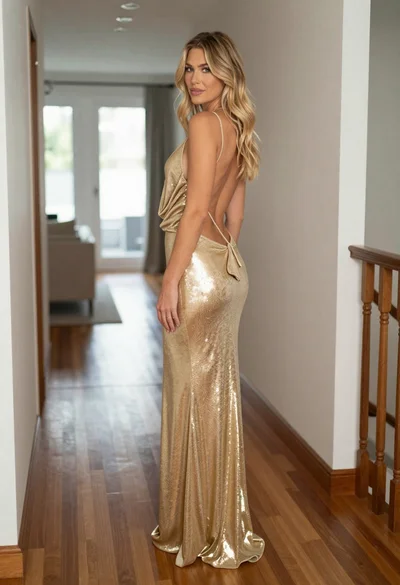
Blonde woman in shimmering gold gown standing in an elegant hallway

Blonde woman in cream sweater sitting on beige couch

Blonde woman in suede jacket lingerie against warm beige wall

Young woman in cream blouse leaning against rustic wood
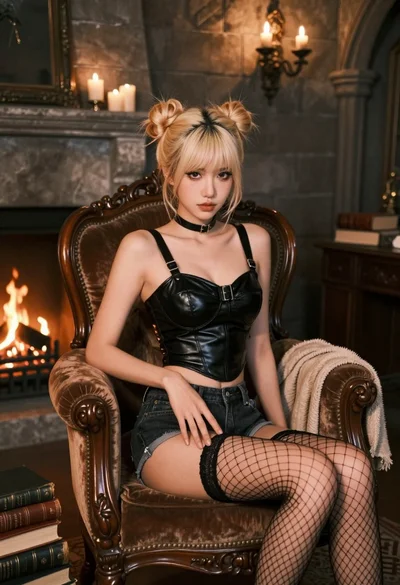
Fairskinned woman with blonde hair on velvet chair in dimly lit stone
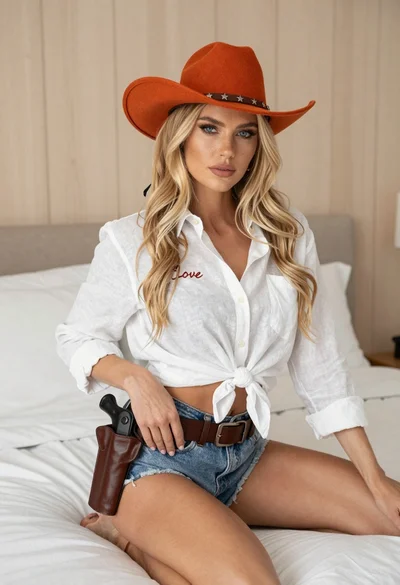
Blonde woman in cowboy hat sitting on white bed with denim shorts
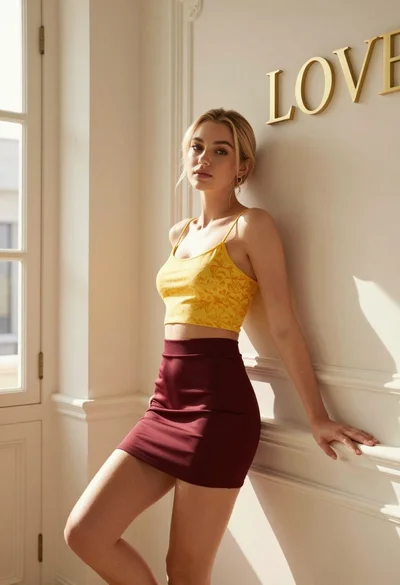
Blonde woman leaning against ornate wall in sunlit elegant interior space
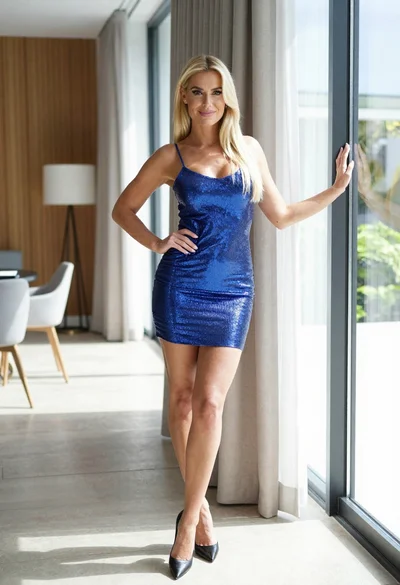
Blonde woman in blue mini dress standing indoors near glass windows

Blonde woman in black lace gown standing in opulent room setting
