
Blonde woman leaning on wooden cart in industrial studio setting
Prompt
A confident blonde woman leaning against a dark wooden cart with wheels.

Subject: A fit woman with shoulder-length blonde hair and a warm complexion looking directly at the camera with a subtle smile.

Clothing: She wears a black strapless bodysuit featuring sheer mesh panels over the torso, solid velvet-like fabric on the bust and hips, and long sheer sleeves with solid cuffs.

Action: She leans back casually against the cart with her arms resting on the top edge, legs crossed at the ankles, wearing black T-strap high heels.

Environment: The setting is an industrial-style space featuring a concrete wall in the background and a dark wooden cart with metal rails and caster wheels.

Camera: A full-body shot taken from a slightly low angle that emphasizes the subject's height and posture.

Lighting: Studio lighting creates soft highlights on her skin and hair while casting gentle shadows against the dark background.

Style Details: High-resolution fashion photography with a polished, glossy finish and sharp focus on the model.
Description
This prompt is useful for creating editorial streetwear lookbooks, commercial product placements within styled environments, and high-end magazine features. The combination of 'studio lighting' casting soft highlights against the dark background ensures that the texture contrast between the 'velvet-like fabric' and the concrete wall remains visible, preventing the entire scene from becoming a flat wash of black tones.
Suggestions
- Change 'black strapless bodysuit' to 'charcoal knit bodysuit' for a softer tonal shift.
- Add 'rim lighting on hair' to enhance separation from the background.
- Swap 'concrete wall' for 'exposed brick wall' to add more visual grit.
Category
Tags
BlondeBrown SkinFemaleFull BodyLow AngleRealisticStreetwearStudio
Date added
June 19, 2026
Added by
PromptDexter Team
Related Prompts
More prompts with similar categories and tags.
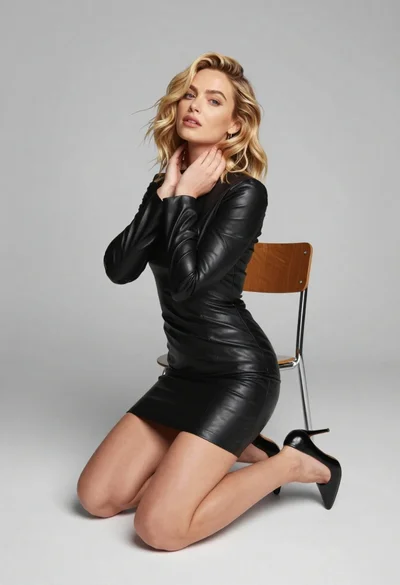
Blonde woman kneeling in black leather dress studio portrait
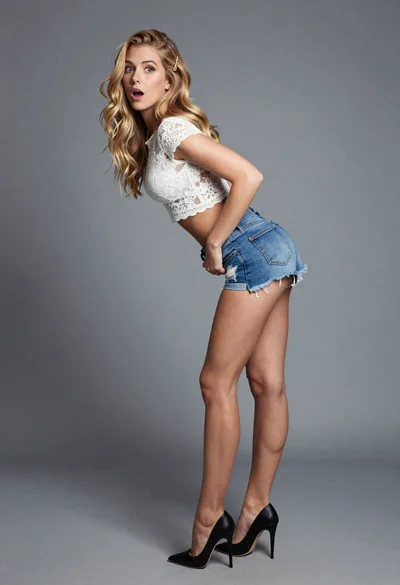
Blonde woman leaning forward looking back over shoulder in studio

Fair blonde woman in black latex outfit posed indoors against white wall
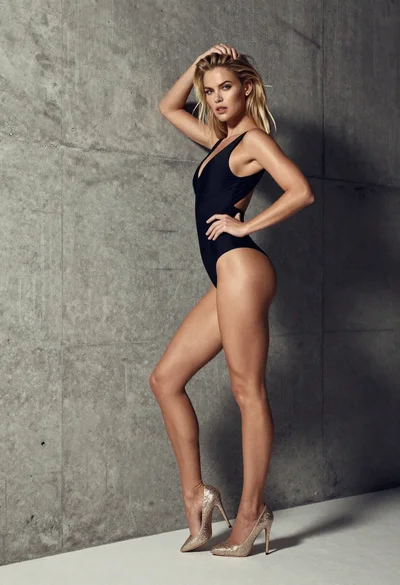
Blonde woman in black swimsuit posing against textured concrete wall

Woman in orange mini dress walking down sunlit corridor

Model walking down rainy city street at night

Blonde woman in black striped dress reclines in luxury car cabin

Woman in blue ballgown with platinum hair taking a selfie
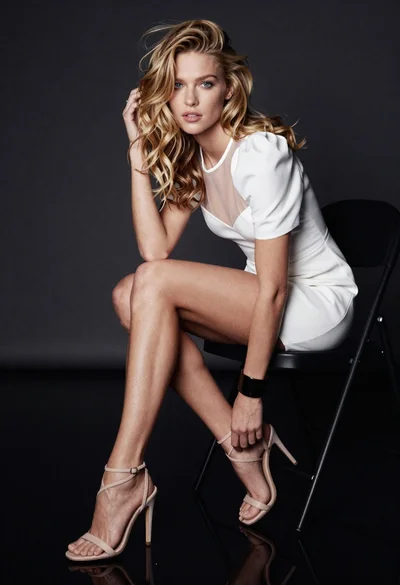
Glamorous blonde woman seated on black chair in dark studio setting

Blonde woman in black lace lingerie posing with vintage telephone