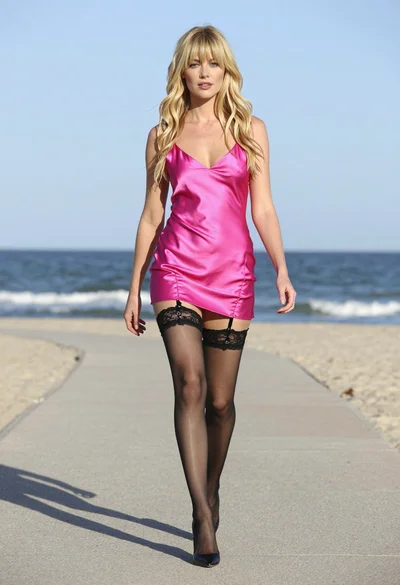
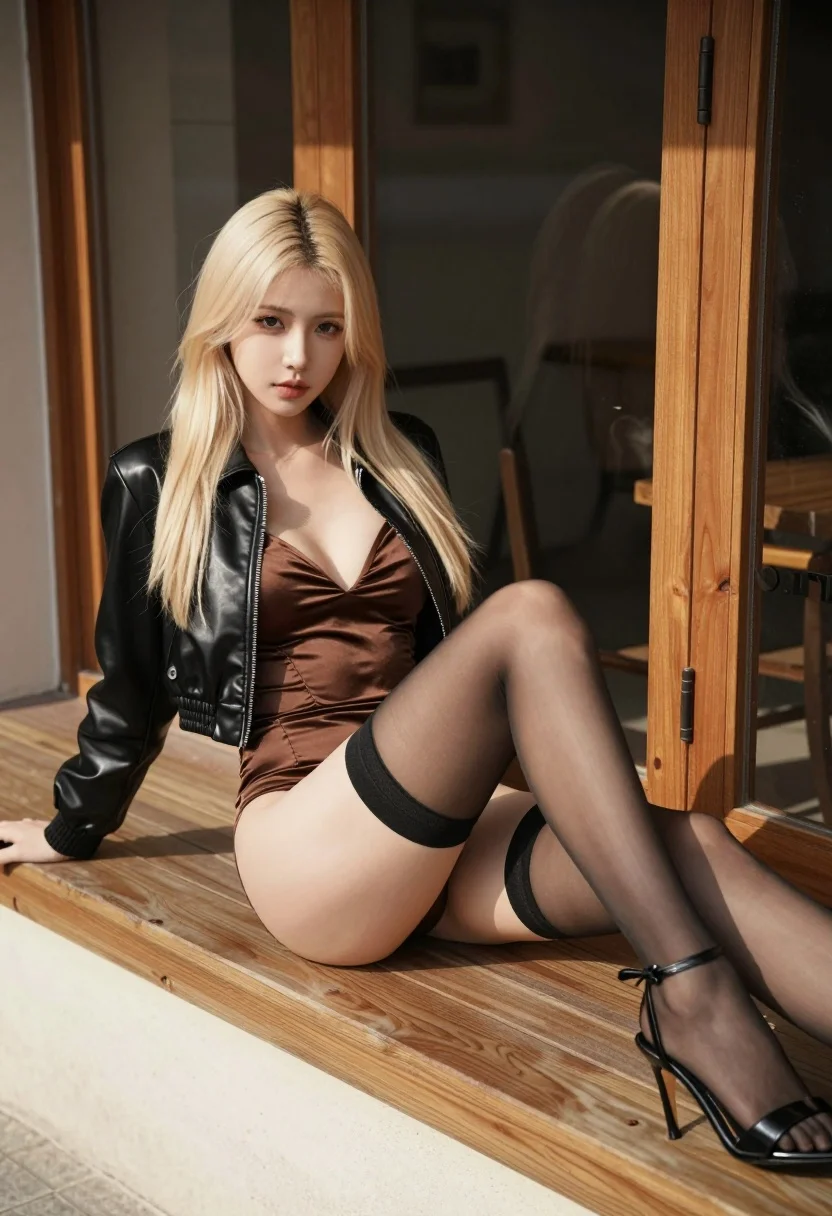
Blonde woman reclining on wooden bench outdoors near glass door
Prompt
A blonde woman reclining confidently on a wooden bench in an outdoor setting.

Subject: A young woman with long straight platinum blonde hair and fair skin looking directly at the camera with a neutral expression.

Clothing: She wears a shiny black cropped leather bomber jacket over a deep V-neck brown satin bodysuit, paired with sheer black thigh-high stockings held up by black garters with bows and black strappy high-heeled sandals.

Action: She is leaning back on her right arm with her legs extended and crossed at the ankles, resting on a wooden surface.

Environment: The scene takes place outdoors next to a building with a large wooden-framed glass door or window behind her, revealing a dark interior space.

Camera: Shot from a low angle looking up at the subject, utilizing a shallow depth of field that keeps the woman in sharp focus while blurring the background slightly.

Lighting: Bright natural sunlight illuminates the scene from the left side, casting distinct shadows and highlighting the textures of her hair and clothing.

Style Details: High-resolution photorealistic rendering with cinematic color grading and smooth skin texture.
Description
This prompt is useful for creating edgy editorial fashion spreads, character concept art for film stills, and high-end lingerie/costume lookbooks. The combination of 'shiny black cropped leather bomber jacket' against the 'bright natural sunlight' emphasizes texture contrast, ensuring the leather catches sharp highlights while the 'shallow depth of field' isolates the subject from the background elements like the glass door.
Suggestions
- Change 'platinum blonde hair' to 'wet-look dark brown hair' for a different mood.
- Swap 'wooden bench' for 'marble chaise lounge' to change the material feel.
- Adjust 'low angle looking up' to 'eye-level medium shot' for a more confrontational pose.
Category
Tags
Black HairBlondeBrown HairCasual WearFair SkinFemaleFull BodyLow AngleOutdoorsRealistic
Date added
August 5, 2026
Added by
PromptDexter Team
Related Prompts
More prompts with similar categories and tags.
Young blonde woman on wooden porch looking back at sunset

Young woman leaning against white wall with beige handbag under bright sunlight

Blonde woman in racing uniform holding umbrella at sunny pit lane

Blonde woman in black leather bodysuit on concrete ledge against blue sky

Smiling blonde woman in sports bra sitting on outdoor lounge chair

Blonde woman in white embroidered mini dress on rooftop overlooking city
Woman in trench coat standing in tall green grass

Fair blonde woman in black swimsuit standing on tropical beach

Woman on black tire in abandoned industrial setting low angle shot
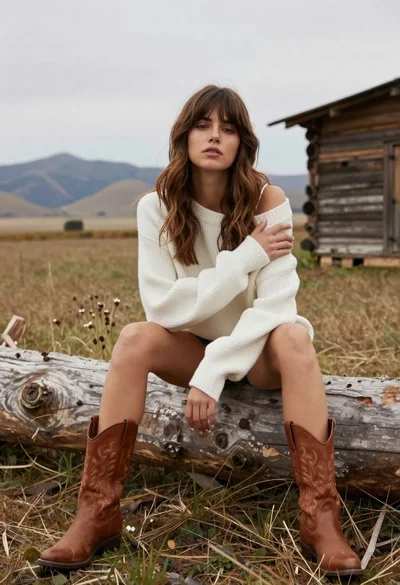
Young woman in white sweater sitting on log in grassy field