Blonde woman with side braid drinking from soda can indoors
Prompt
A young woman with blonde hair styled in a side braid sits casually while drinking from a soda can through a red straw.

Subject: A fair-skinned woman with long blonde hair featuring bangs and a thick side braid, looking down at the drink she is holding.

Clothing: She wears a loose white button-down shirt tied at the waist and black shorts or skirt.

Action: She holds a soda can in her left hand and brings a red straw to her lips while her right hand rests near some papers on the floor.

Environment: A simple indoor setting with a textured light blue wall background.

Camera: Medium shot capturing the subject from the thighs up, framed closely against the plain background.

Lighting: Soft, diffused lighting that creates gentle shadows and highlights the texture of her hair and clothing.

Objects: A silver soda can with red and black branding held in her hand.

Style Details: High-resolution photography with a clean, bright aesthetic and a focus on fashion and lifestyle.
Description
This prompt is useful for creating casual lifestyle blog content, product placement mockups featuring beverages, and intimate portrait studies of daily routines. The combination of 'soft, diffused lighting' and the 'simple indoor setting with a textured light blue wall background' ensures that the focus remains tightly on the subject and the branded object without distracting environmental clutter, which is ideal for commercial visibility.
Suggestions
- Change 'soda can' to 'glass bottle' for a different material reflection.
- Swap 'loose white button-down shirt' for 'oversized graphic tee' to update the casual wear feel.
- Adjust 'textured light blue wall background' to 'pale concrete wall' for an industrial edge.
Category
Tags
Black HairBlondeBrown HairCasual WearFair SkinFemaleIndoorsMedium ShotPortrait ShotRealistic
Date added
June 19, 2026
Added by
PromptDexter Team
Related Prompts
More prompts with similar categories and tags.

Close up portrait of blonde woman in black top inside luxury car

Woman in black dress seated in dimly lit diner booth

Close up portrait of young woman with brown braid indoors

Blonde woman at a bar counter in dimly lit pub
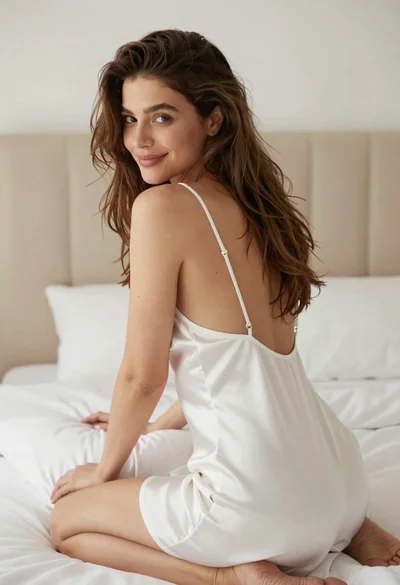
Woman in white satin slip dress seated on bed looking back over

Young woman with dark hair at wooden table in open air setting
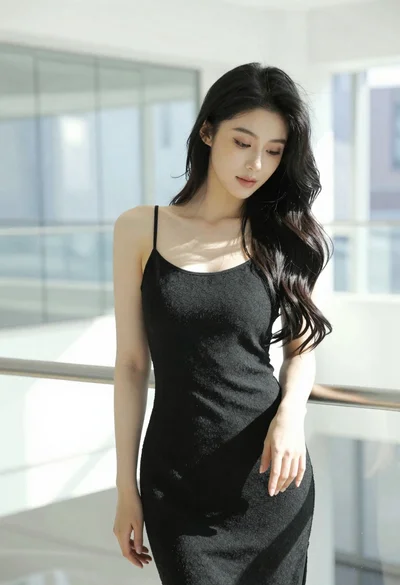
Woman with black hair leaning indoors by glass railing in bright modern

Blonde woman smiling with green lollipop in brightly lit candy store
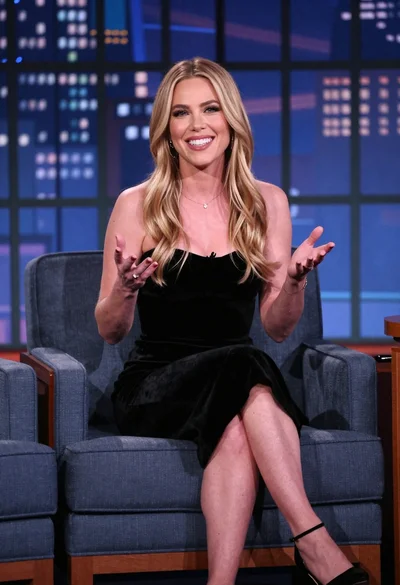
Smiling blonde woman in black dress seated on blue armchair at talk
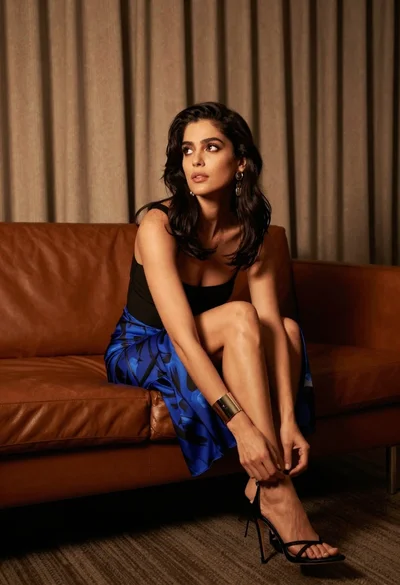
Woman in blue skirt adjusting sandal on leather sofa indoors