
Bride in white gown holding lilies on outdoor balcony overlooking blue water
Prompt
A beautiful bride stands in profile against a soft-focus backdrop of green trees and distant blue water.

Subject: A woman with dark hair styled in a sleek low bun adorned with pearl pins, featuring smooth skin and a serene expression.

Clothing: She wears an elegant white off-the-shoulder wedding gown with long sheer lace sleeves and intricate floral embroidery covering the bodice and skirt.

Action: The bride holds a large bouquet of white lilies against her waist while gazing thoughtfully to the side.

Environment: The setting is an outdoor balcony or terrace featuring a cream-colored stone railing, with lush green foliage and a hazy blue horizon in the background.

Camera: The shot is a medium view capturing the subject from the thighs up, utilizing a shallow depth of field to blur the background and emphasize the bride.

Lighting: Soft natural daylight illuminates the scene evenly, creating gentle highlights on the lace fabric without harsh shadows.

Style Details: High-resolution fashion photography with a clean, bright aesthetic and smooth color grading.
Description
This prompt is useful for creating bridal editorial spreads, destination wedding album covers, and high-end catalog imagery focusing on natural beauty. The combination of 'soft natural daylight' and the 'shallow depth of field' ensures that the intricate details of the 'white off-the-shoulder wedding gown' remain visible while the background elements—like the blue water—are softened enough to keep focus squarely on the bride.
Suggestions
- Change 'lilies' to 'peonies' for a more romantic bouquet.
- Swap 'cream-colored stone railing' for 'wrought iron railing' for a different architectural feel.
- Adjust 'medium view' to 'full body shot' to capture the entire gown.
Category
Tags
Brown SkinFemaleFull BodyMedium ShotNaturePortrait ShotRealistic
Date added
June 19, 2026
Added by
PromptDexter Team
Related Prompts
More prompts with similar categories and tags.
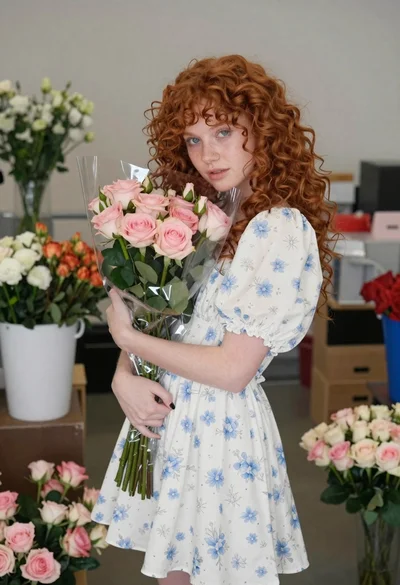
Young woman with red hair holding flowers indoors
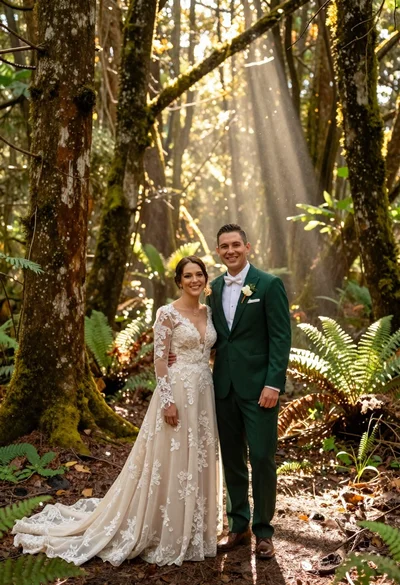
Happy wedding couple in forest with sunlight beams
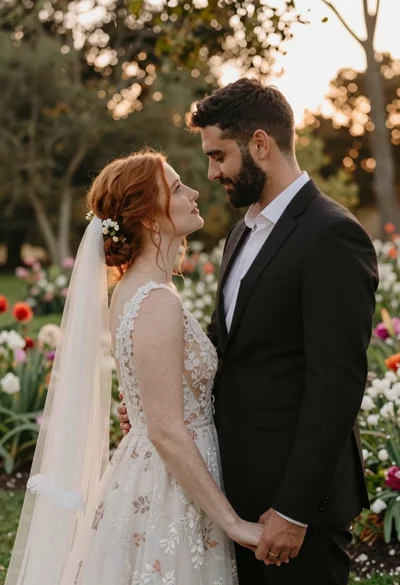
Redhaired bride and groom embracing in garden at golden hour
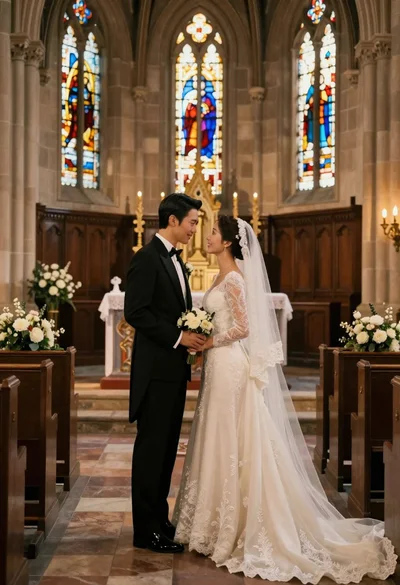
Bride and groom exchanging loving glances at a grand historic church altar
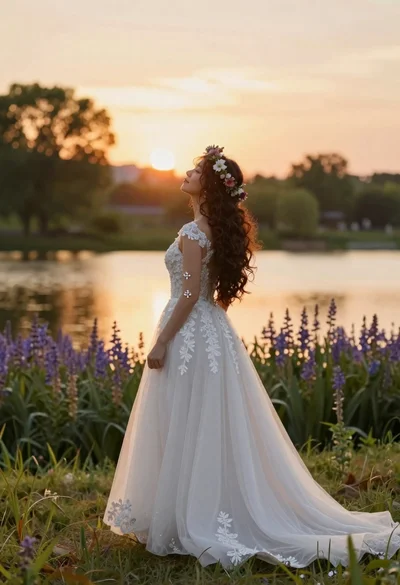
Woman in white wedding gown profile against golden hour sunset over water
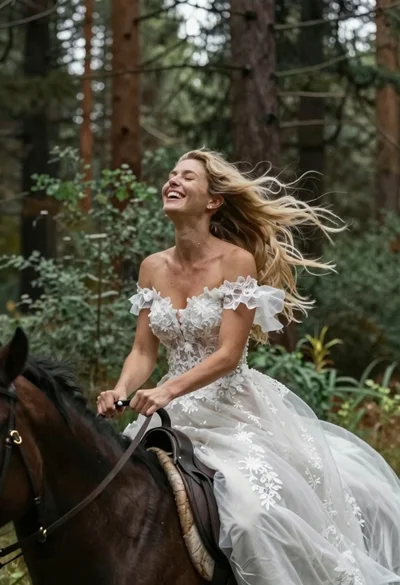
Joyful bride riding horse through a lush forest
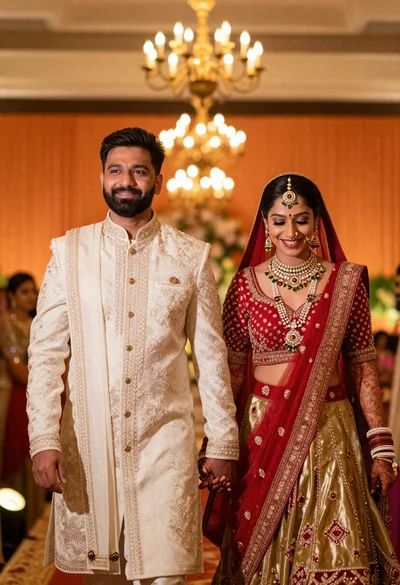
Joyful indian wedding couple walking in warmly lit ceremonial hall
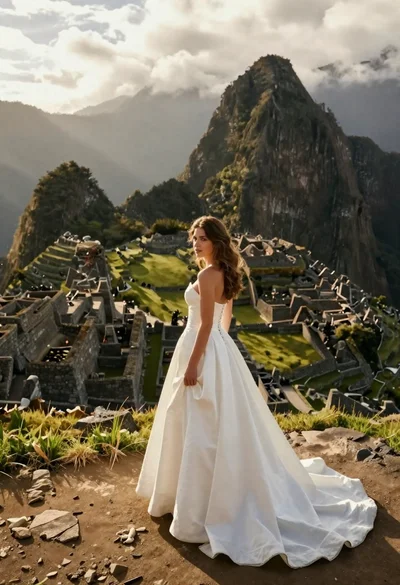
Woman in white gown standing among ancient ruins at mountain peak

Smiling bride and groom sitting back to back on white block
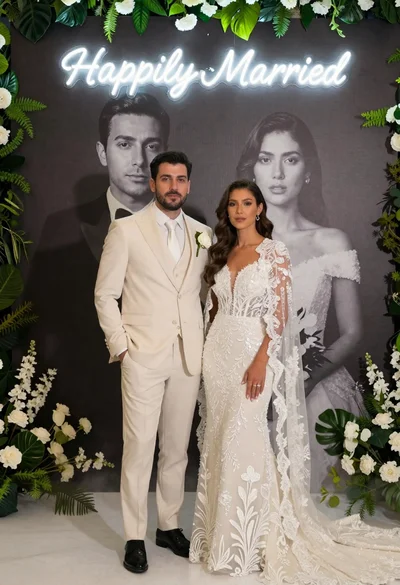
Bride and groom in wedding attire standing before large portrait wall