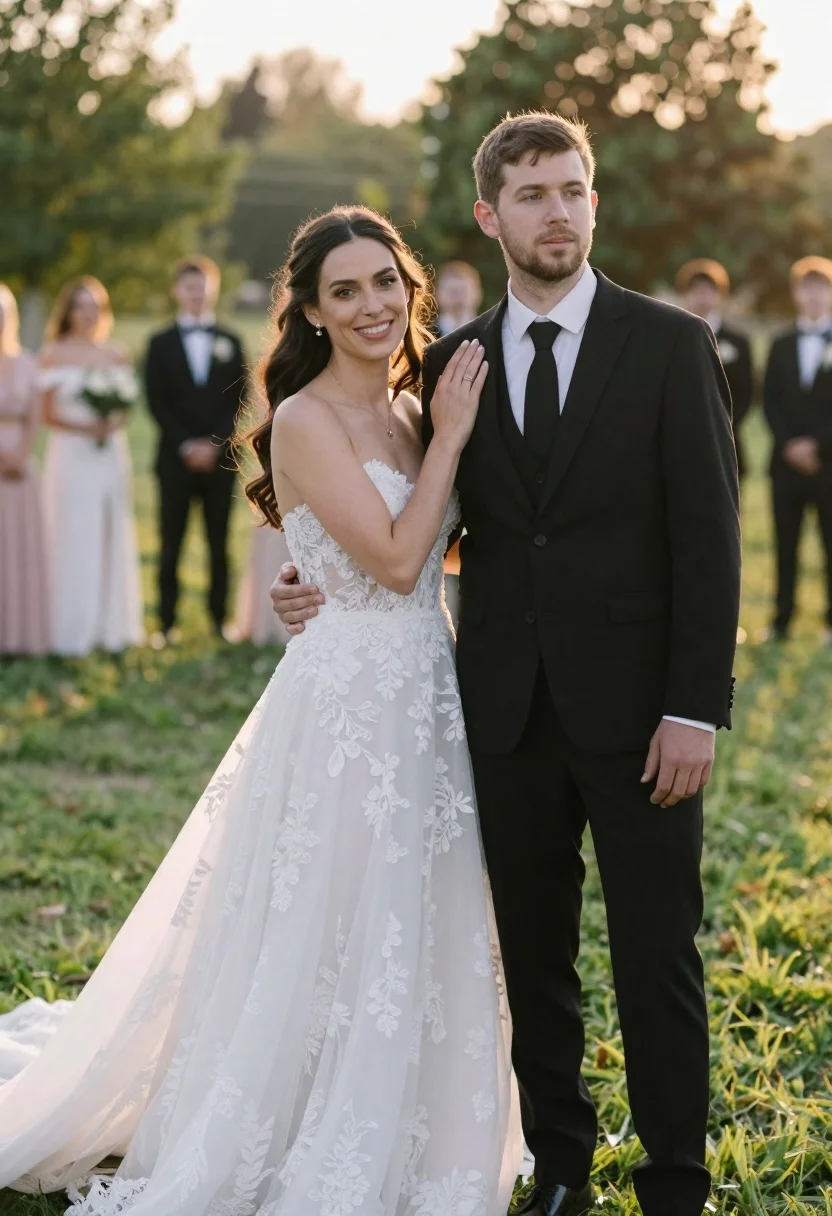
Romantic outdoor wedding portrait of bride and groom in grassy field
Prompt
A romantic outdoor wedding portrait of a bride and groom standing close together in a grassy field with blurred guests in the background.

Subject: A woman with long dark wavy hair wearing an elegant white lace wedding gown stands beside a man with short brown hair and light facial stubble dressed in a formal black three-piece suit with a white shirt and black tie.

Clothing: The bride wears a strapless white dress featuring intricate floral lace detailing on the bodice and flowing skirt, while the groom is attired in a sharp black suit jacket, matching vest, trousers, crisp white dress shirt, and solid black necktie.

Action: The woman smiles warmly at the camera with her left hand gently resting on the man's shoulder, while he looks off to the side with a calm expression and his arms hanging loosely by his sides.

Environment: The setting is a lush green lawn during the golden hour, surrounded by soft-focus trees and foliage, with indistinct figures of wedding guests standing in the background under warm sunlight.

Camera: Shot with a shallow depth of field that keeps the couple in sharp focus while blurring the background into a creamy bokeh, utilizing a medium shot to capture their upper bodies and immediate surroundings.

Lighting: Soft, natural golden hour sunlight illuminates the scene from the side, creating a warm glow on the subjects' faces and casting gentle shadows that enhance the romantic atmosphere.

Style Details: The image features a cinematic color palette with high contrast between the dark suit and bright white dress, rendered in a photorealistic style with smooth skin textures and natural lighting effects.
Description
This prompt is useful for creating sentimental wedding album covers, romantic engagement announcements, and editorial bridal features. The combination of 'soft, natural golden hour sunlight' casting gentle shadows and the 'shallow depth of field' ensures the couple remains the sharp focal point against a creamy bokeh background, perfectly framing their connection while emphasizing the contrast between the white dress and black suit.
Suggestions
- Change 'long dark wavy hair' to 'braided updo' for a more formal look.
- Swap 'lush green lawn' for 'wildflower meadow' to add color variation.
- Adjust 'soft, natural golden hour sunlight' to 'rim lighting from the back' for more dramatic separation.
Category
Tags
Brown HairCasual WearFair SkinFemaleFormal WearLight SkinMaleMedium ShotNatureOutdoorsPortrait ShotRealistic
Date added
June 23, 2026
Added by
PromptDexter Team
Related Prompts
More prompts with similar categories and tags.
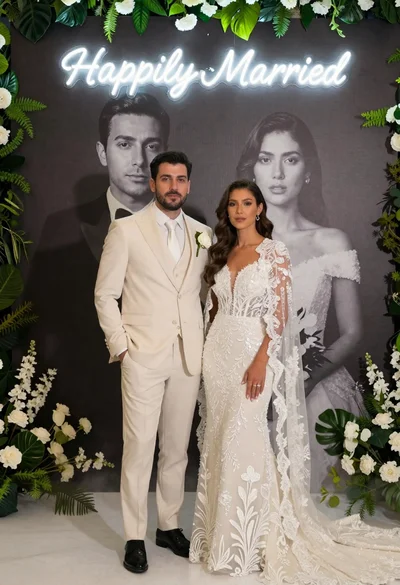
Bride and groom in wedding attire standing before large portrait wall
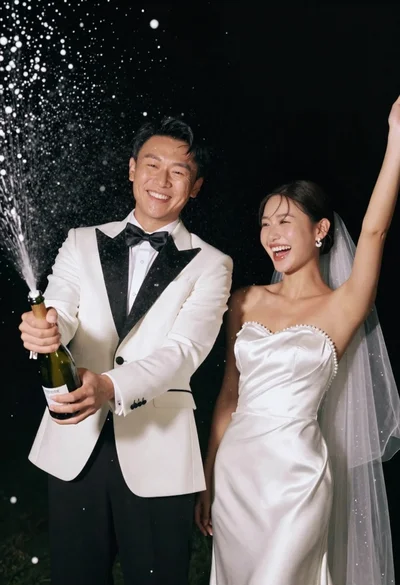
Joyful wedding couple celebrating with spraying champagne in studio
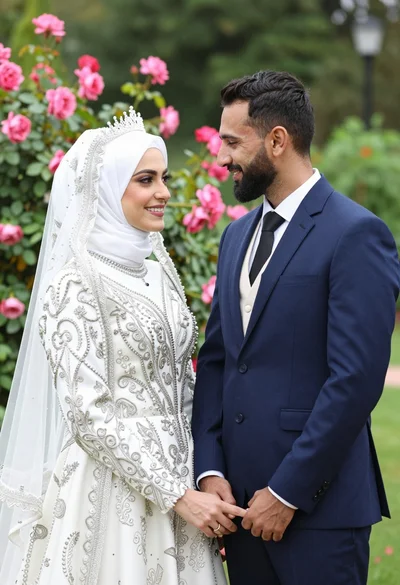
Smiling bride in white hijab and groom in navy suit holding hands
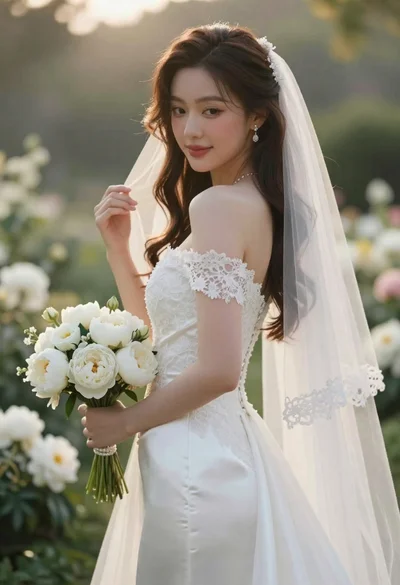
Close up portrait of shy bride in white gown on garden terrace
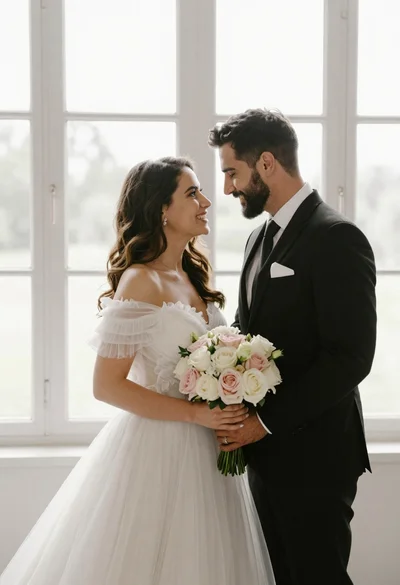
Bride and groom holding rose bouquet together in front of large window
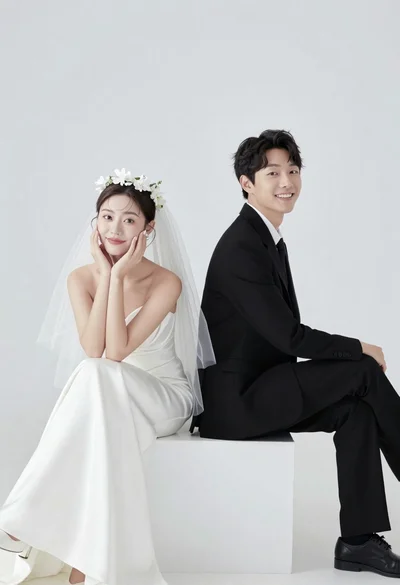
Smiling bride and groom sitting back to back on white block
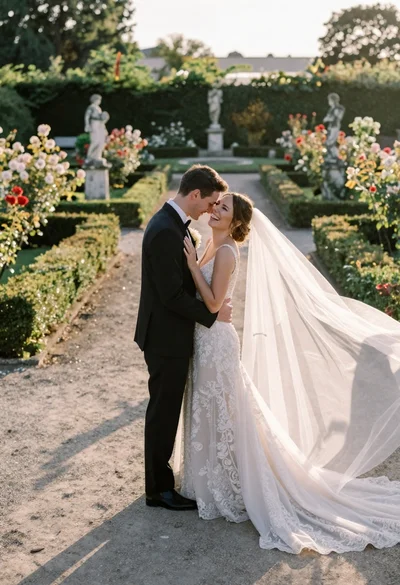
Wedding couple embracing in formal garden at golden hour
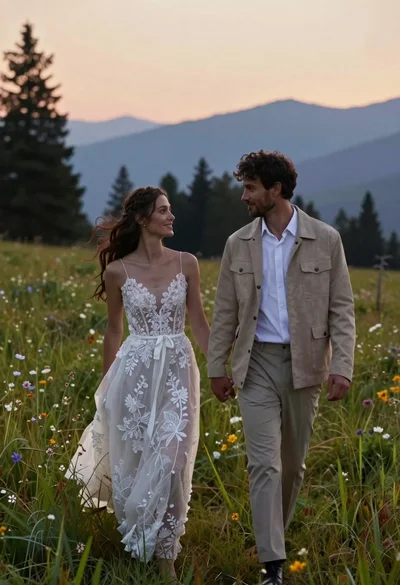
Romantic couple in wedding dress and suede jacket walking through grassy meadow