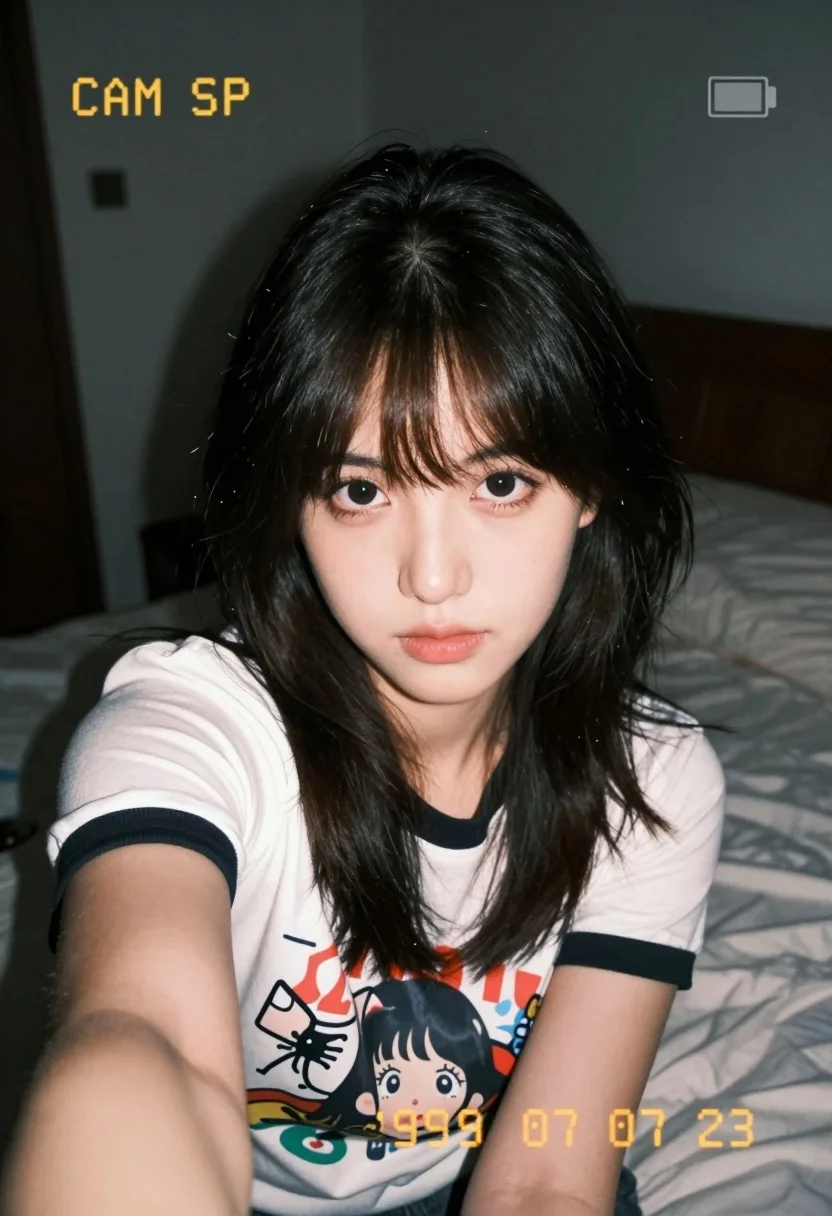
Close up selfie of young woman with dark hair in white graphic
Prompt
A close-up selfie of a young woman with dark hair and bangs looking directly at the camera.

Subject: A young woman with fair skin, large expressive eyes, and dark wavy hair styled with straight bangs covering her forehead. Her lips are slightly parted with a soft pink color.

Clothing: She wears a white short-sleeved t-shirt featuring black trim around the collar and sleeves. The shirt has a colorful graphic print on the chest depicting an anime-style character face.

Action: She is holding the camera in a selfie pose, leaning forward slightly towards the lens with a calm, neutral expression.

Environment: The background is a dimly lit indoor room, likely a bedroom, featuring a bed with rumpled white sheets and a dark headboard behind her.

Lighting: The lighting is low-key and moody, creating a high-contrast look typical of film photography, with the subject's face illuminated while the background remains in deep shadow.

Camera: Shot from a close-up perspective with a shallow depth of field that blurs the background slightly, mimicking the aesthetic of an instant camera or vintage film stock.

Text/Graphics: Yellow digital overlay text reading "CAM SP" appears in the upper left corner, and a date stamp reading "1999 07 23" is visible in yellow at the bottom center. A small battery icon graphic is present in the top right corner.

Style Details: The image has a distinct retro analog aesthetic with grainy texture, muted color saturation, and a vignette effect around the edges, resembling a disposable camera snapshot from the late 1990s.
Description
This prompt is useful for creating nostalgic personal portraits, character concept art mimicking found photography, and mood boards evoking Y2K aesthetics. The combination of 'low-key and moody' lighting with a 'grainy texture' and 'yellow digital overlay text' immediately grounds the image in a specific retro analog aesthetic, preventing the model from generating overly polished or modern studio shots.
Suggestions
- Change 'white short-sleeved t-shirt' to 'oversized graphic tee' for a more casual feel.
- Swap 'anime-style character face' for 'abstract geometric pattern' if you want less specific subject matter.
- Adjust 'yellow digital overlay text' to use a different color like cyan or magenta.
Category
Tags
BedroomBlack HairCasual WearClose UpFair SkinFemaleIndoorsPortrait ShotRealisticSelfie
Date added
July 12, 2026
Added by
PromptDexter Team
Related Prompts
More prompts with similar categories and tags.

Blonde woman in black lingerie taking a mirror selfie

Selfie portrait of woman in cozy living room
Young woman selfie in dimly lit messy bedroom

Young woman taking a selfie seated in a car interior during daylight
Close up of young woman lying down in dimly lit bedroom

Young woman taking a selfie on bed with white floral sheets

Young woman taking a mirror selfie in a modern bedroom setting
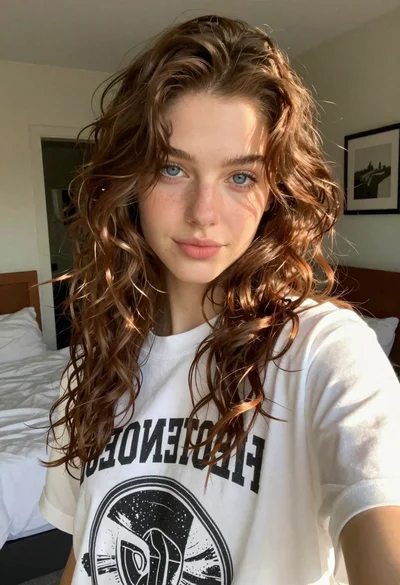
Young woman taking a selfie in a bedroom with white linens
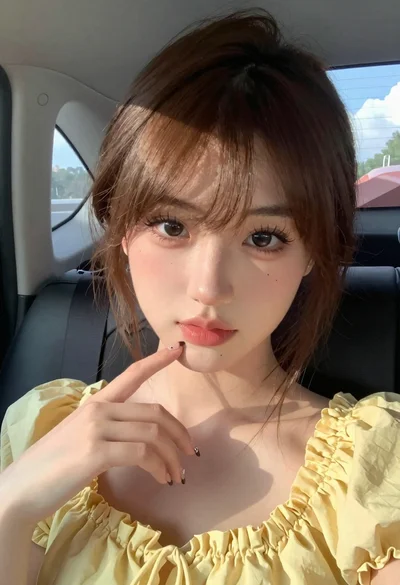
Close up portrait of young woman in car with brown hair

Selfie of young woman in airplane cabin with strawberry blonde hair
