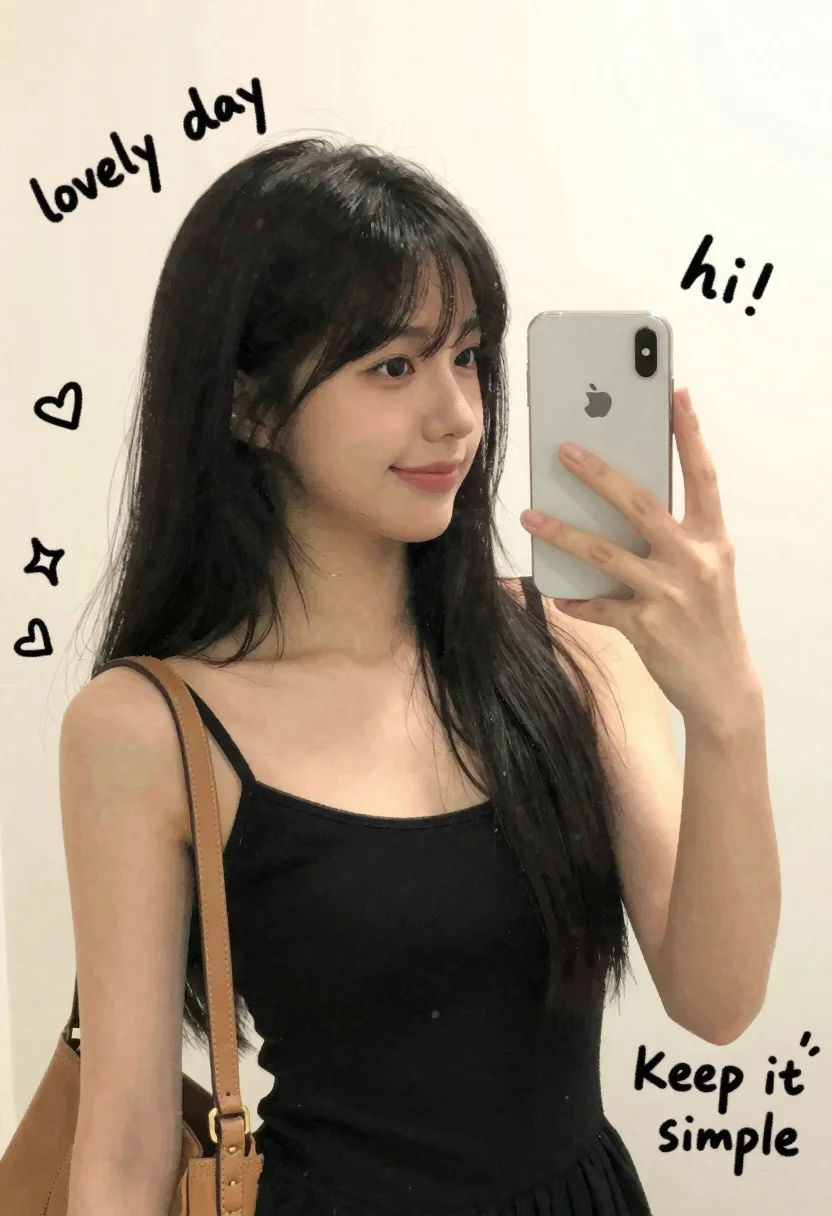
Young woman taking mirror selfie with smartphone in sketchy illustration style
Prompt
A young woman with long black hair taking a mirror selfie while holding a smartphone in her right hand.

Subject: A young woman with long, straight black hair and bangs framing her face. She has a soft, pleasant expression with a slight smile and is looking into the mirror reflection. Her skin tone is fair and smooth.

Clothing: She wears a simple black sleeveless top or dress with thin straps. A tan leather shoulder bag hangs from her left shoulder.

Action: The woman holds a white smartphone up to take a selfie, her fingers wrapped around the device. Her body is angled slightly towards the mirror.

Environment: The background is a plain, light-colored wall, likely white or off-white, serving as a neutral backdrop for the illustration.

Camera: Medium close-up shot framed from a slight angle, capturing the subject and the phone screen reflection.

Lighting: Soft, diffused lighting illuminates the scene evenly, creating gentle shadows that define her features without harsh contrast.

Style Details: The image is rendered in a sketchy, hand-drawn illustration style with visible ink lines and watercolor-like washes. It features doodle-style text elements such as "lovely day," "hi!," "Keep it simple," and "Good vibes" scattered around the frame, along with small drawings of hearts, stars, and a crown.
Description
This prompt is useful for creating aesthetic mood boards, personal journaling graphics, or stylized social media content that mimics scrapbooking. The combination of 'sketchy, hand-drawn illustration style' with visible ink lines and watercolor washes ensures the final piece feels intimate and ephemeral, preventing the clean look of a photograph while allowing the 'doodle-style text elements' to feel organically placed rather than digitally added.
Suggestions
- Change 'black sleeveless top or dress' to 'oversized graphic tee' for a more casual vibe.
- Replace 'watercolor-like washes' with 'pastel ink wash' for a softer color palette.
- Add 'polaroid frame border' to unify the scattered elements.
Category
Tags
Black HairCasual WearFair SkinFemaleIndoorsMedium ShotRealisticSelfie
Date added
June 26, 2026
Added by
PromptDexter Team
Related Prompts
More prompts with similar categories and tags.
Young woman taking a mirror selfie in a modern bedroom setting
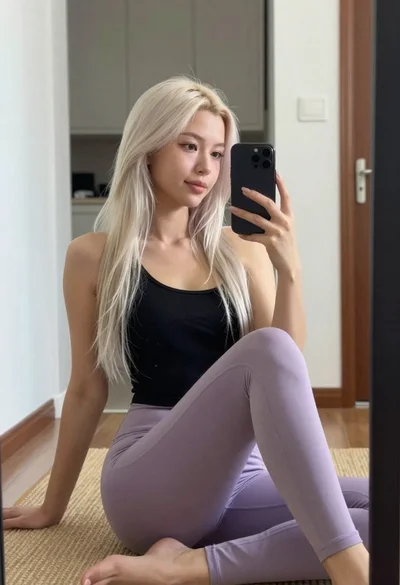
Young woman taking mirror selfie in black tank top and lavender leggings
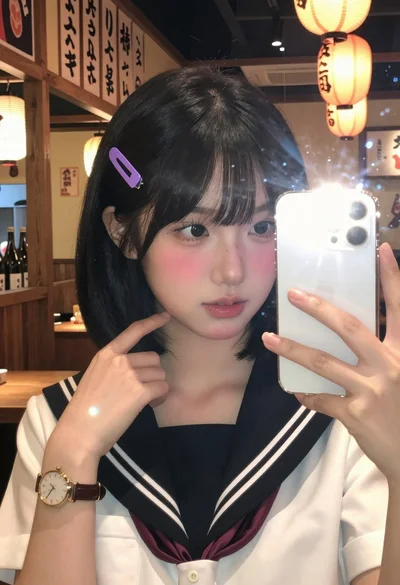
Close up mirror selfie of young woman in sailor collar at dimly

Close up portrait of young woman with brown braid indoors
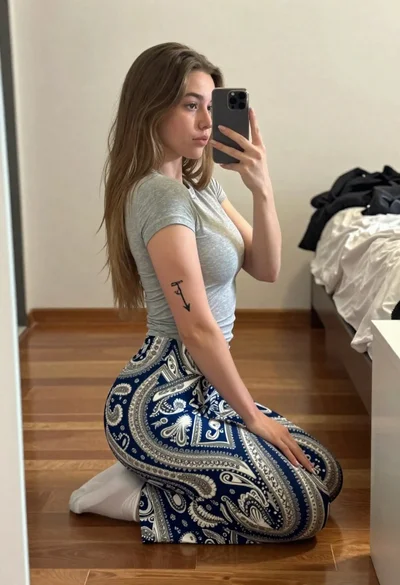
Young woman taking a mirror selfie kneeling on wooden bedroom floor
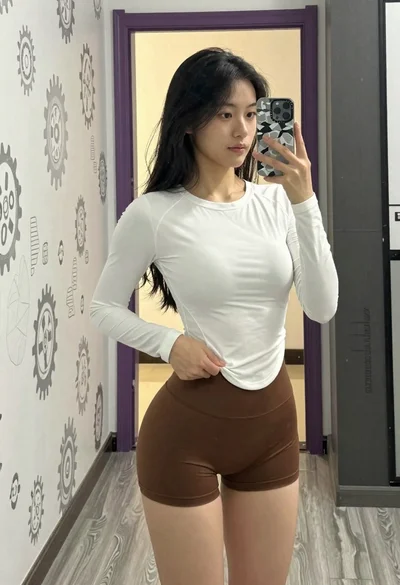
Young woman taking a mirror selfie in an indoor hallway setting
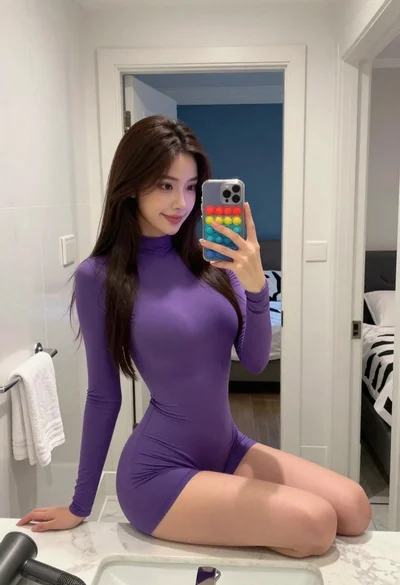
Young woman taking mirror selfie while seated on white bathroom counter

Blonde woman taking mirror selfie on beige carpet near anime display