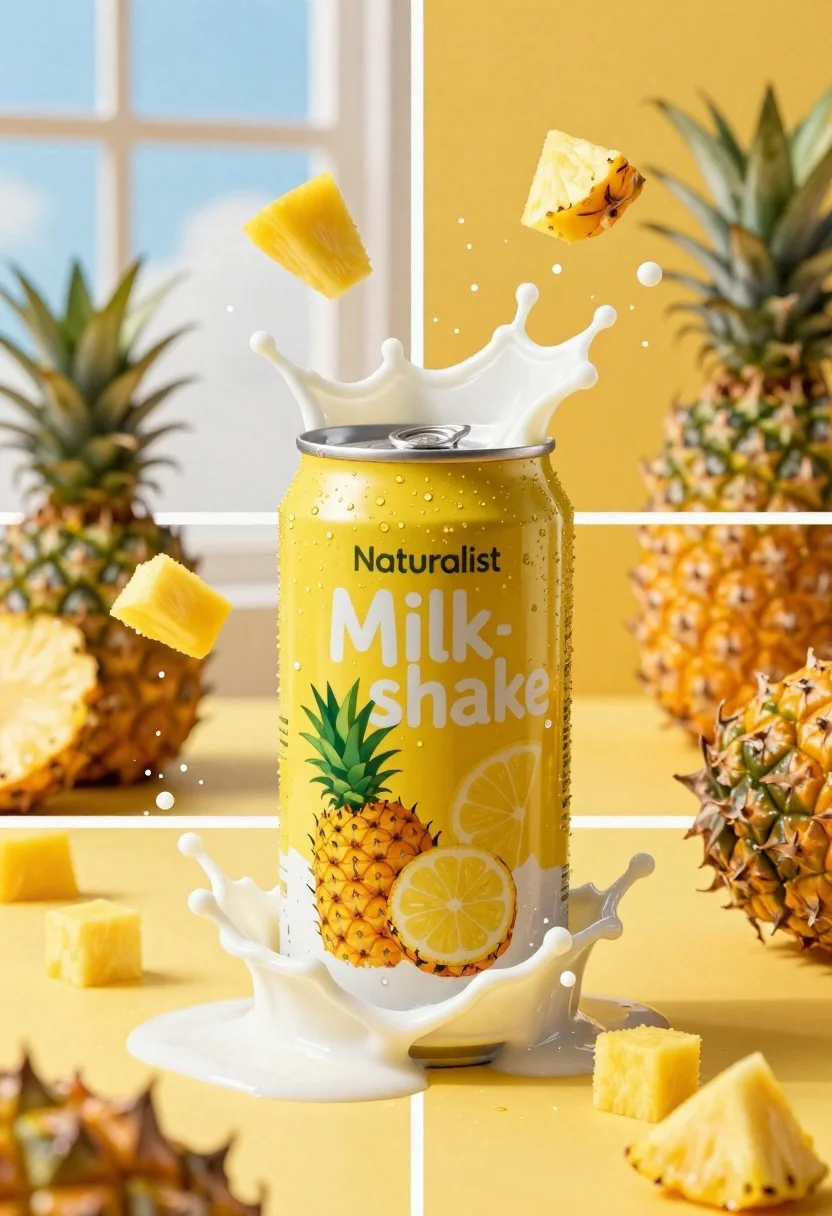
Close up of yellow beverage can exploding with milk and fruit chunks
Prompt
A dynamic four-panel composition featuring a yellow beverage can exploding with milk and fruit chunks against vibrant backgrounds.

Subject: A yellow aluminum beverage can labeled "Naturalist Milkshake" featuring illustrations of pineapples and lemon slices on the front label.

Clothing: The can features printed graphics of tropical fruits including whole pineapples, pineapple halves, and a slice of lemon.

Action: A dramatic splash of white milk erupts from the top of the can while chunks of yellow fruit float in mid-air around it.

Environment: The background varies between panels, showing either a bright window with natural light or a solid saturated yellow backdrop, with whole pineapples placed on the surface behind the can.

Camera: Close-up product photography shot with high shutter speed to freeze the liquid splash and floating fruit pieces in sharp detail.

Lighting: Bright, high-contrast lighting that emphasizes the texture of the milk foam and creates vivid highlights on the wet surfaces and metallic can.

Objects: Scattered chunks of yellow fruit cubes and whole pineapples are arranged around the base and background of the central can.

Text/Graphics: The label displays the brand name "Naturalist" in a small font above the large white text "Milkshake".

Style Details: Commercial product photography style with hyper-realistic rendering, vibrant saturated colors, and a clean aesthetic focused on refreshment.
Description
This prompt is useful for creating dynamic advertising campaigns, beverage packaging mockups, and high-impact food editorial spreads. The combination of 'high shutter speed' to freeze the liquid splash and 'bright, high-contrast lighting' ensures that the texture of the milk foam and wet surfaces are emphasized, which is crucial for conveying immediate refreshment in commercial product photography.
Suggestions
- Change 'yellow aluminum beverage can' to 'matte black beverage can' for a more premium feel.
- Swap 'vibrant backgrounds' for 'minimalist concrete background' to reduce visual clutter.
- Adjust the label text from 'Naturalist Milkshake' to a specific brand name.
Category
Tags
FoodMacro ShotRealistic
Date added
June 19, 2026
Added by
PromptDexter Team
Related Prompts
More prompts with similar categories and tags.

Black makeup tube next to open red pomegranate on beige background
Close up product shot of peach lip balm on pink salt and
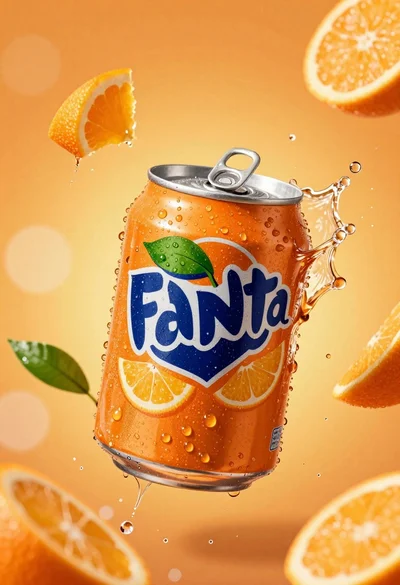
Hyperrealistic close up of orange soda splashing from a floating can
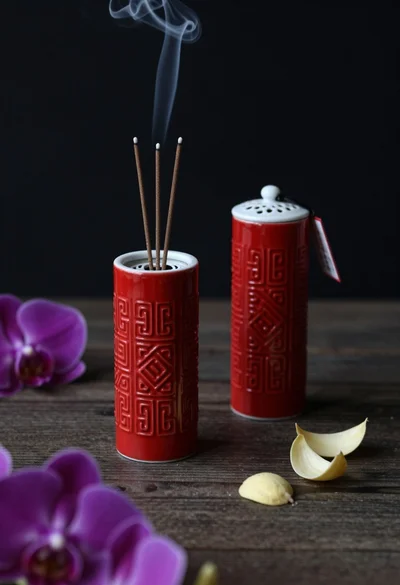
Still life composition of red incense holders with smoke on dark wood
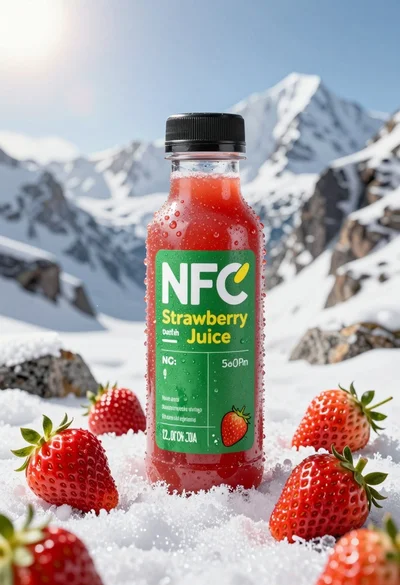
Close up product shot of strawberry juice bottle on snowy mountain rock

Macro shot of pink soda can with peaches and ice cubes studio
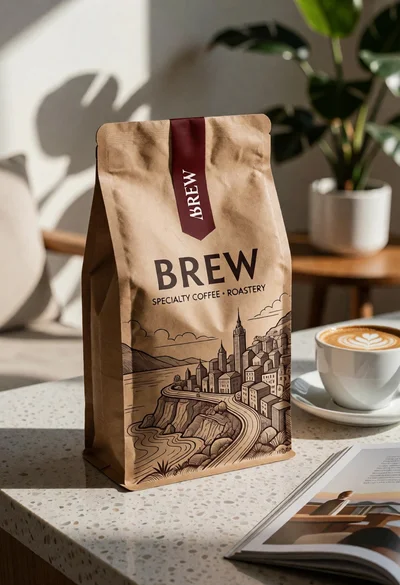
Brown kraft coffee bag next to latte cup on speckled countertop surface
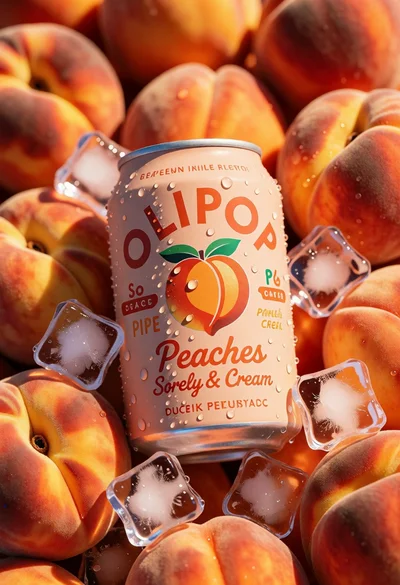
Close up product shot of olipop peach soda among fresh ripe peaches
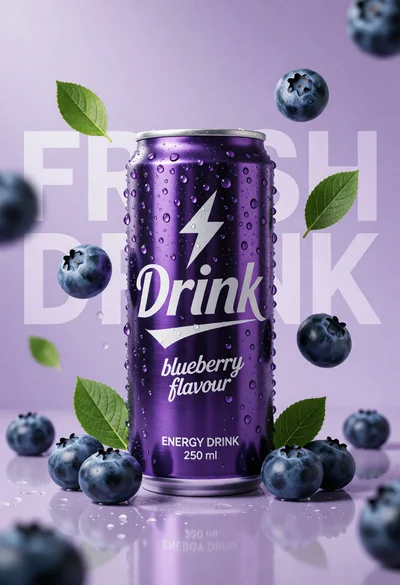
Hyperrealistic purple energy drink can surrounded by floating blueberries and green leaves
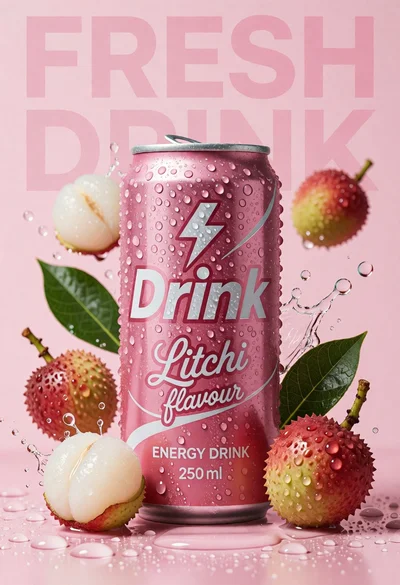
Pink energy drink can surrounded by litchis and green leaves on wet