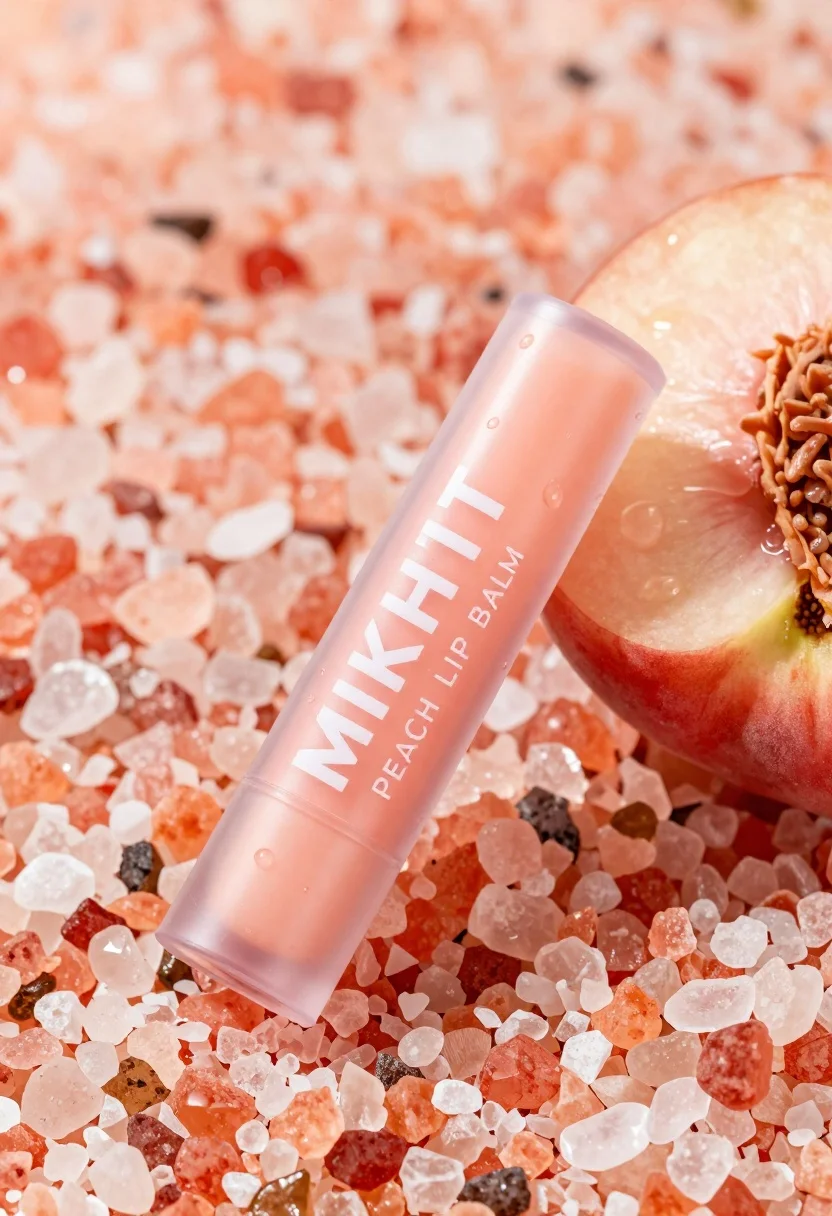
Close up product shot of peach lip balm on pink salt and
Prompt
A close-up product shot of a peach-colored lip balm tube resting on a bed of coarse pink salt crystals next to a sliced fresh peach.

Subject: A translucent plastic tube containing peach-colored lip balm with the brand name MIKHIT printed in bold white letters and PEACH LIP BALM written below it.

Clothing: The packaging is a clear, squeezable tube with a ribbed cap and a crimped nozzle tip.

Action: The product is lying diagonally across the frame with condensation droplets beading on its surface.

Environment: A bed of coarse, crystalline pink Himalayan salt crystals fills the background and surrounds the product.

Objects: A half-sliced fresh peach sits to the right of the tube, displaying its juicy red-orange flesh and pit.

Text/Graphics: The text MIKHIT is printed in large white capital letters on the front of the tube with smaller text reading PEACH LIP BALM underneath.

Lighting: Bright, high-key lighting creates a clean commercial look with soft shadows and highlights reflecting off the wet salt crystals and the glossy tube surface.

Style Details: High-resolution commercial product photography with a shallow depth of field that blurs the background slightly to emphasize the sharp details of the lip balm and fruit textures.
Description
This prompt is useful for creating e-commerce beauty listings, cosmetic advertising campaigns, and artisanal packaging mockups. The combination of 'bright, high-key lighting' with a 'shallow depth of field' ensures that the focus remains sharply on the product details—like the condensation droplets and the texture of the salt—while preventing the background from becoming distracting.
Suggestions
- Change 'coarse pink salt crystals' to 'fine rose quartz dust' for a softer base.
- Swap 'peach-colored lip balm' for 'coral lip balm' to increase color contrast.
- Adjust 'soft shadows' to 'hard directional shadows' for more dramatic product sculpting.
Category
Tags
FoodMacro ShotRealistic
Date added
June 19, 2026
Added by
PromptDexter Team
Related Prompts
More prompts with similar categories and tags.

Black makeup tube next to open red pomegranate on beige background
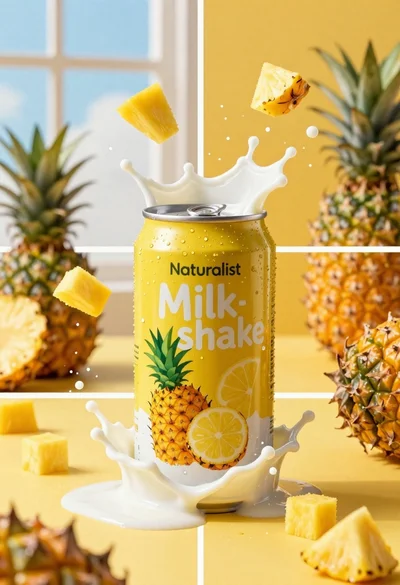
Close up of yellow beverage can exploding with milk and fruit chunks

Hyperrealistic close up of orange soda splashing from a floating can
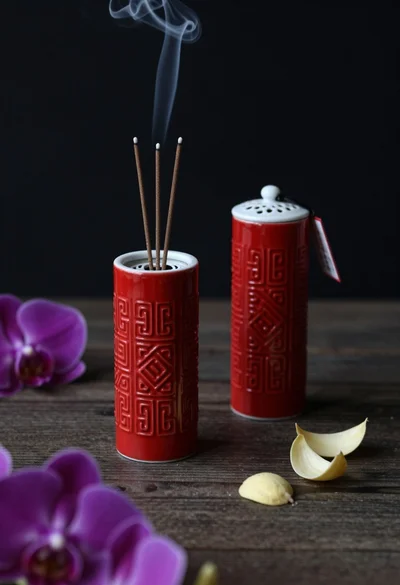
Still life composition of red incense holders with smoke on dark wood
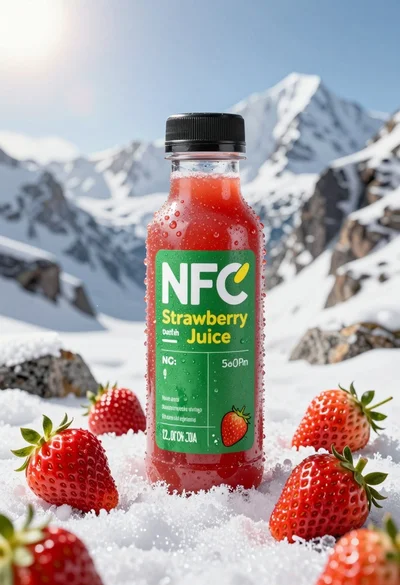
Close up product shot of strawberry juice bottle on snowy mountain rock

Macro shot of pink soda can with peaches and ice cubes studio
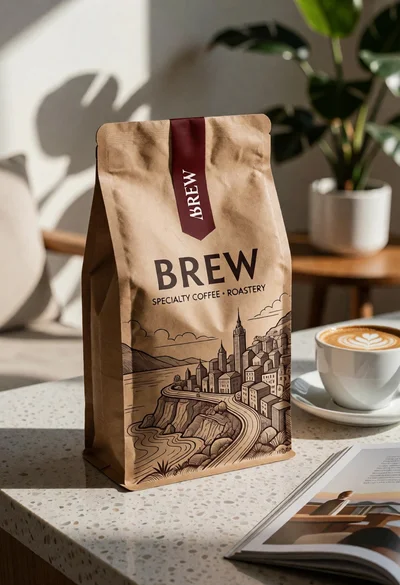
Brown kraft coffee bag next to latte cup on speckled countertop surface
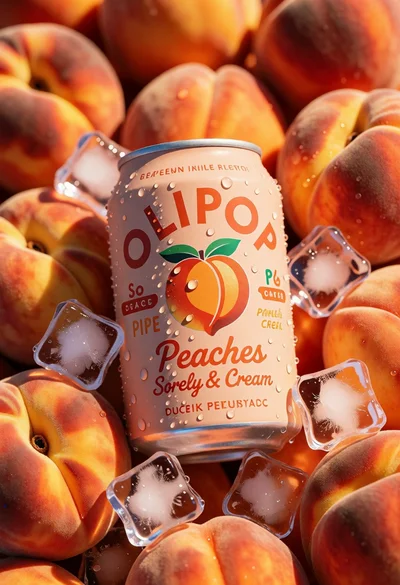
Close up product shot of olipop peach soda among fresh ripe peaches
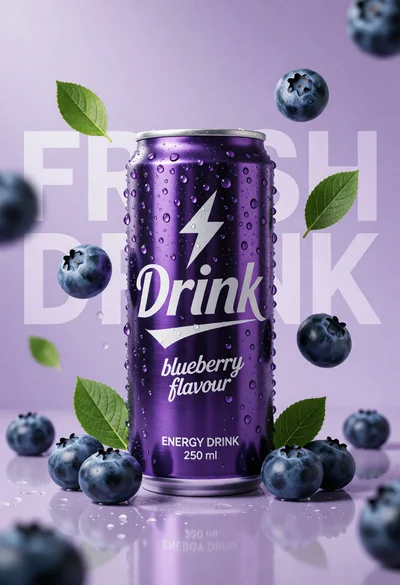
Hyperrealistic purple energy drink can surrounded by floating blueberries and green leaves
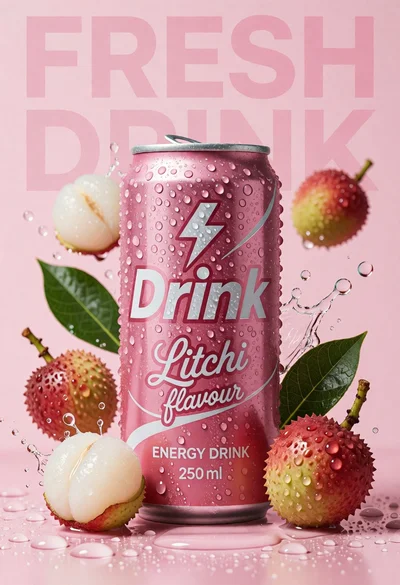
Pink energy drink can surrounded by litchis and green leaves on wet