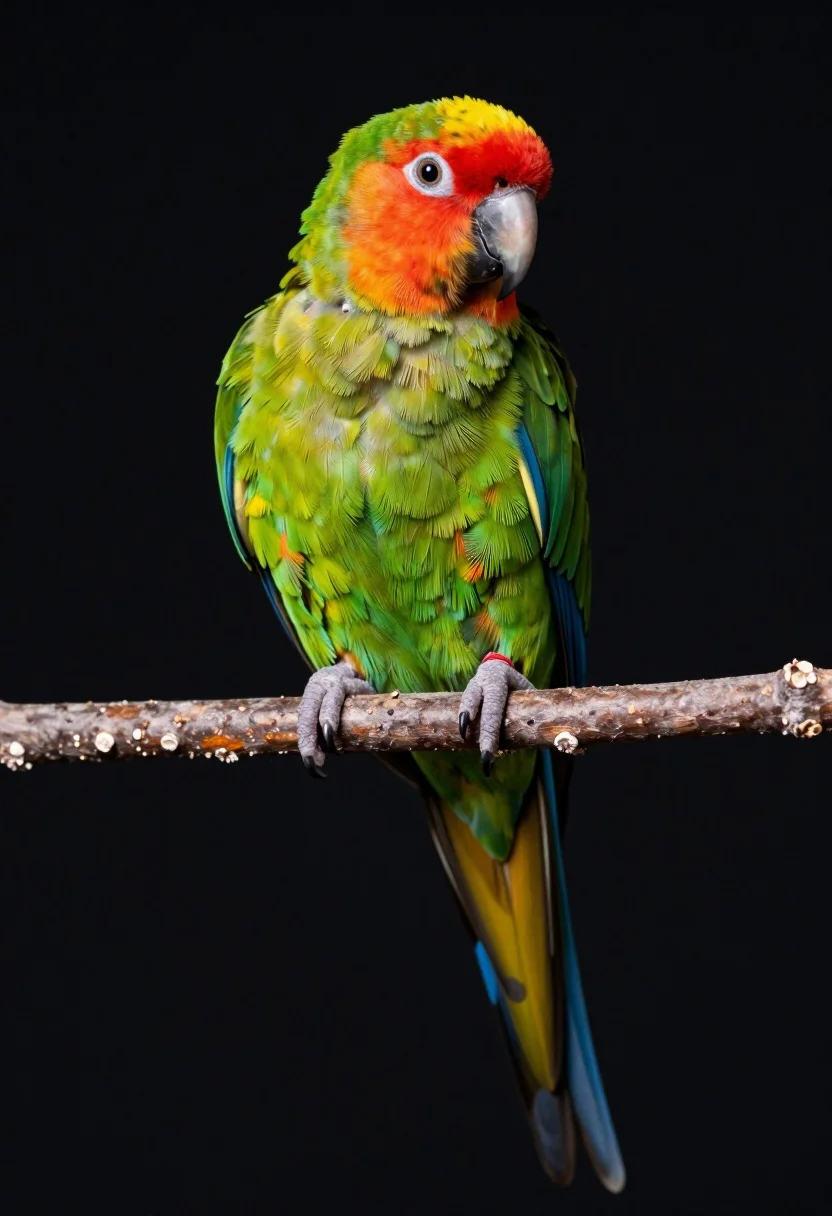
Close up photograph of a colorful parrot on a thin branch against
Prompt
A vibrant parrot perched on a thin branch against a solid black background.

Subject: A colorful parrot with bright green feathers covering its body and wings, featuring a vivid orange-red head and a long tail that transitions from yellow to deep blue at the tips.

Action: The bird is stationary, gripping the branch with its feet while looking slightly to the side.

Environment: The setting is isolated against a pure black background, with only a single thin brown branch extending horizontally across the frame for the parrot to perch on.

Camera: A close-up shot that captures fine feather details, utilizing a shallow depth of field to keep the bird in sharp focus while maintaining clarity throughout its form.

Lighting: Studio-style lighting illuminates the subject from the front and side, highlighting the texture of the feathers and creating soft shadows that define the bird's shape against the dark backdrop.

Style Details: High-resolution photography with vibrant color saturation and a clean, professional aesthetic.
Description
This prompt is useful for creating educational wildlife guides, high-end exotic pet advertisements, and artistic nature studies requiring intense focus on plumage detail. The combination of 'studio-style lighting' from the front and side ensures that every feather texture is visible, while the 'solid black background' eliminates distracting environmental context, forcing the viewer's eye directly onto the parrot's vibrant colors.
Suggestions
- Change 'vivid orange-red head' to 'electric blue head' for a more dramatic contrast.
- Add 'macro lens perspective' to emphasize feather detail further.
- Swap 'thin brown branch' for 'moss-covered driftwood' to add environmental interest.
Category
Tags
AnimalClose UpNatureRealisticStudio
Date added
July 12, 2026
Added by
PromptDexter Team
Related Prompts
More prompts with similar categories and tags.
Close up portrait of a duck floating on calm water showing clear
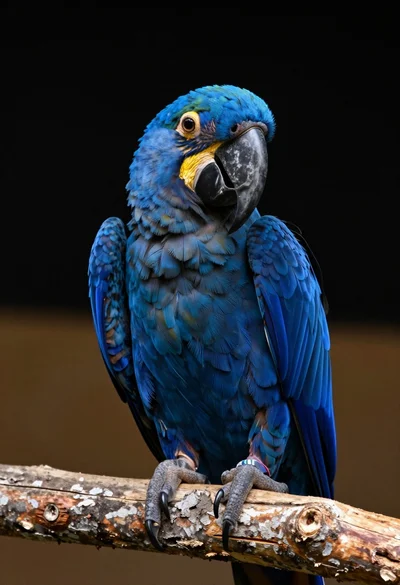
Close up portrait of a blue macaw on a branch against black
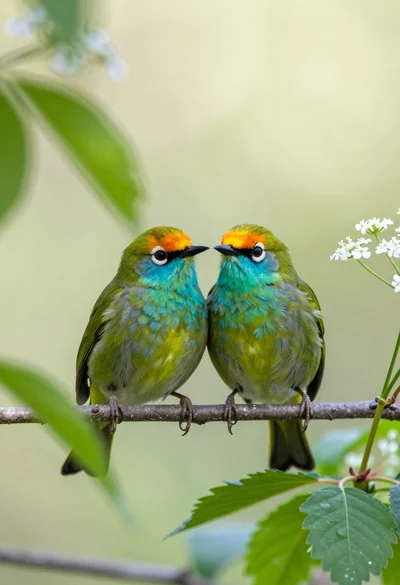
Two vibrant green birds perched closely on a twig amidst soft foliage
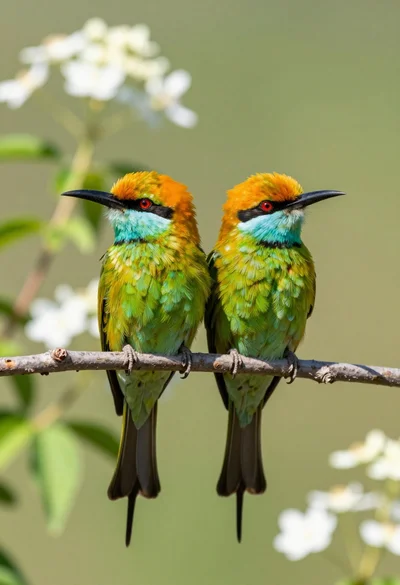
Two vibrant green birds with orange heads perched on a thin branch
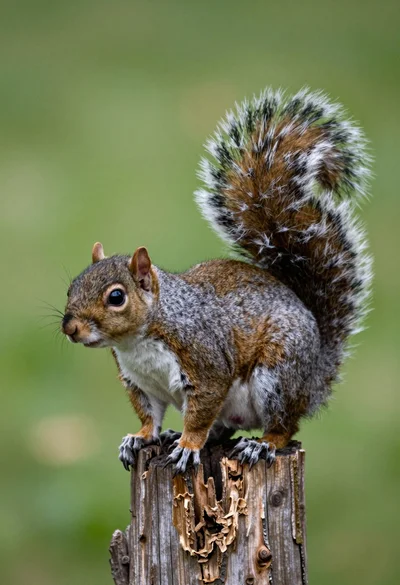
Close up photograph of a grey squirrel on a wooden stump against
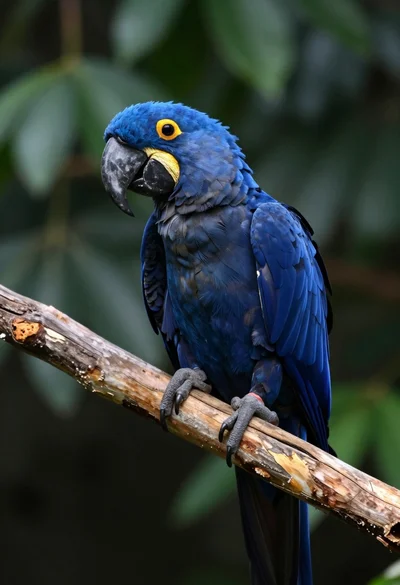
Close up of majestic blue macaw perched on wooden branch in lush
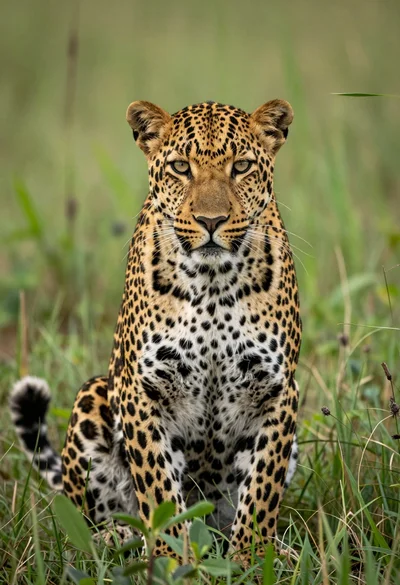
Majestic leopard sitting alert in lush green savanna grassland close up
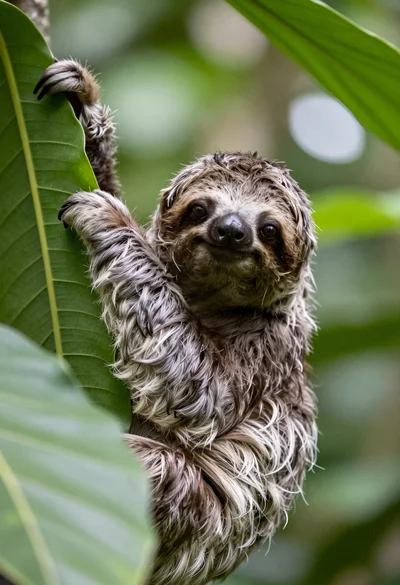
Close up portrait of baby sloth on large green leaf in lush
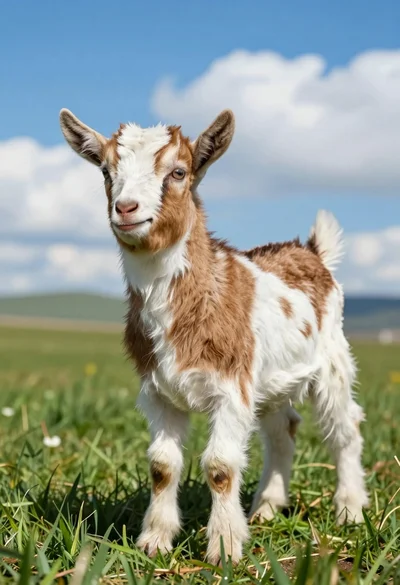
Close up of baby goat standing in lush green field under bright
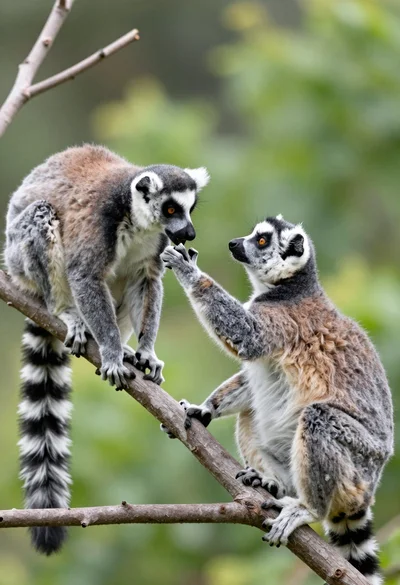
Two ringtailed lemurs interacting on a tree branch in soft green foliage