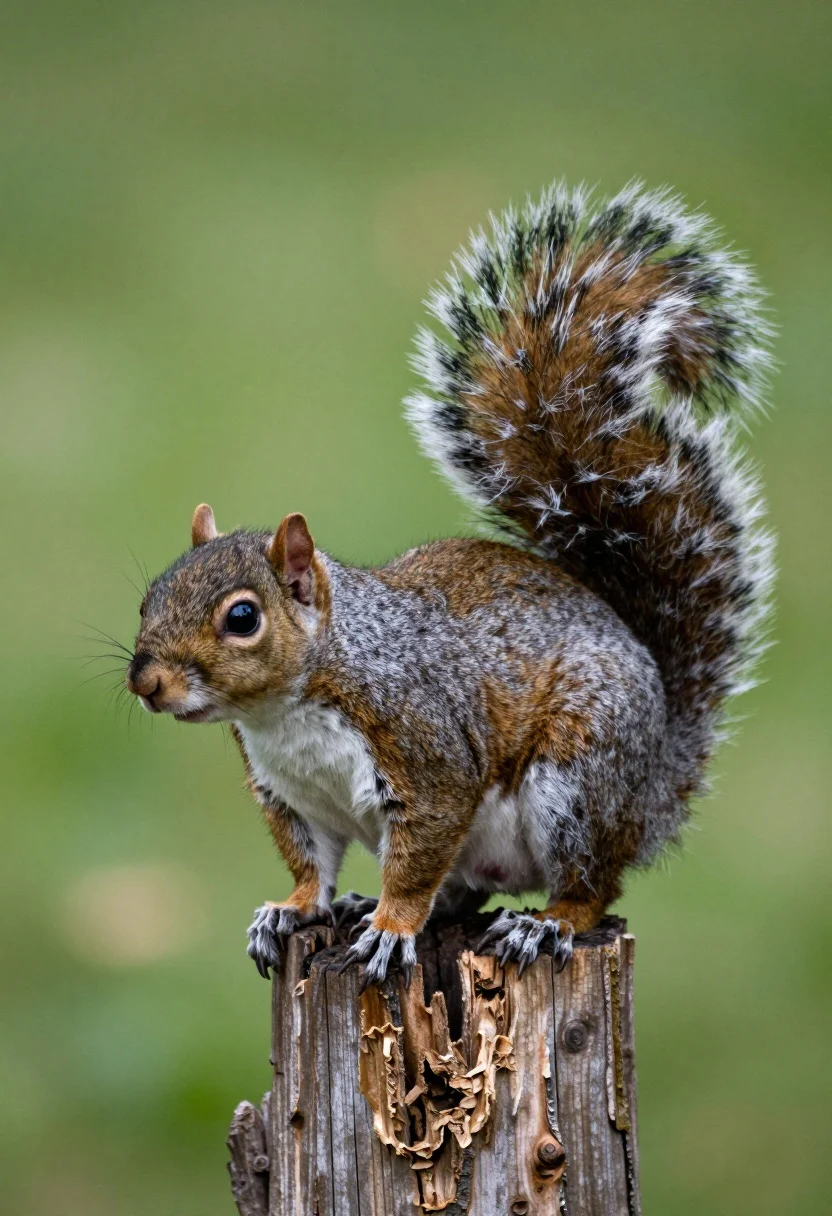
Close up photograph of a grey squirrel on a wooden stump against
Prompt
A grey squirrel perched alertly on a weathered wooden stump with its bushy tail fanned high behind it.

Subject: A grey squirrel with dense brown and grey fur, prominent black eyes, small rounded ears, and a large fluffy tail that arches upward in a fan shape.

Action: The squirrel stands still on all fours atop the stump, looking attentively to the left side of the frame.

Environment: The animal is balanced on a broken wooden post or tree stump with rough bark texture, set against a smooth out-of-focus green background suggesting foliage.

Camera: A tight close-up shot with a shallow depth of field that blurs the background completely while keeping the squirrel in sharp focus.

Lighting: Soft natural daylight illuminates the scene evenly from the front, highlighting the fine details of the fur without creating harsh shadows.

Style Details: High-resolution wildlife photography with realistic textures and vibrant color saturation.
Description
This prompt is useful for creating detailed nature guides, educational wildlife posters, and high-end pet/animal portraiture. The combination of 'shallow depth of field' and 'soft natural daylight' ensures the squirrel remains the undisputed focal point by completely blurring the background foliage, while specifying 'rough bark texture' grounds the subject in a believable, tactile environment.
Suggestions
- Change 'dense brown and grey fur' to 'wet black fur' for a different mood.
- Swap 'smooth out-of-focus green background' for 'dark mossy forest floor' to change the setting.
- Adjust 'Soft natural daylight' to 'dappled sunlight' to introduce more contrast.
Category
Tags
AnimalBrown HairClose UpNatureOutdoorsRealistic
Date added
July 12, 2026
Added by
PromptDexter Team
Related Prompts
More prompts with similar categories and tags.
Close up of baby goat standing in lush green field under bright
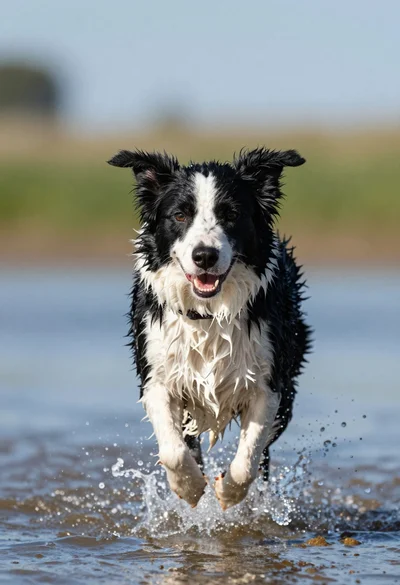
Wet black and white border collie running through splashing water close up

Young woman with brown hair and golden retriever under pine tree
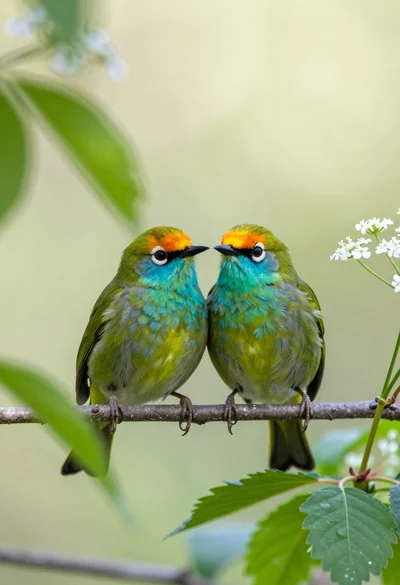
Two vibrant green birds perched closely on a twig amidst soft foliage
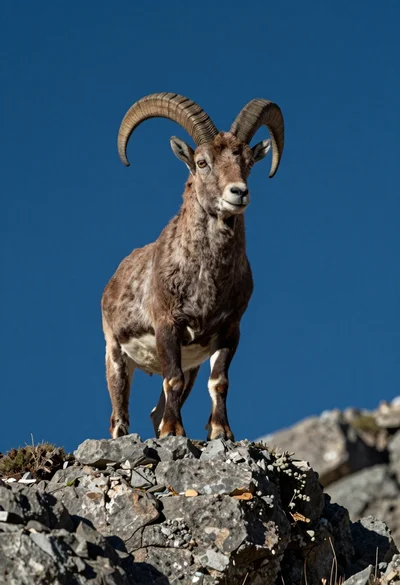
Majestic mountain goat standing on rugged rock formation against deep blue background
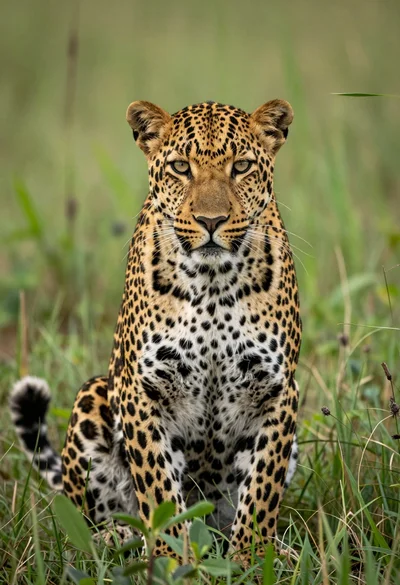
Majestic leopard sitting alert in lush green savanna grassland close up
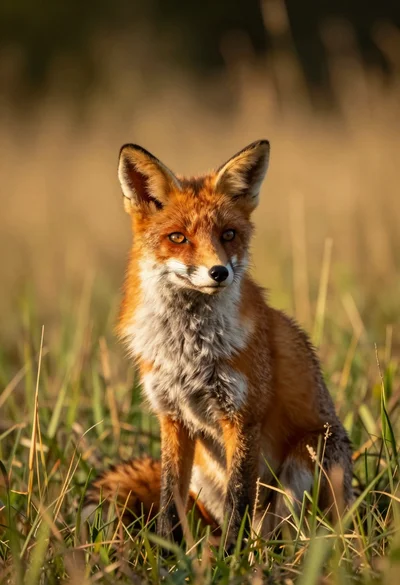
Close up portrait of a red fox sitting in tall golden grass
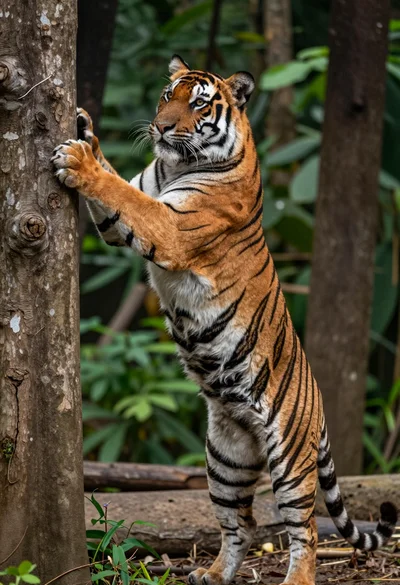
Majestic bengal tiger standing upright gripping tree trunk in dense forest
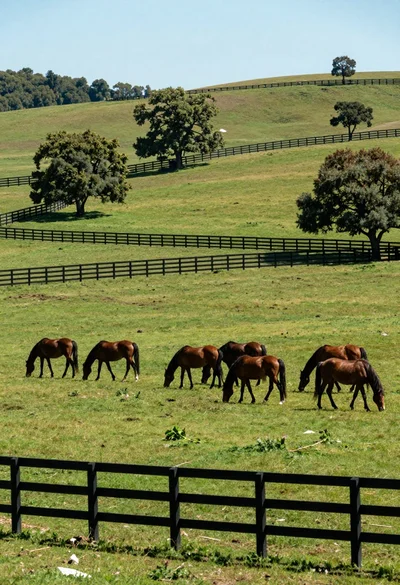
Herd of brown horses grazing across a lush green meadow with wooden

Man and golden retriever dog sitting on log by ocean at sunset